Free trial
The homepage offers a free start with no card required, and a separate option to try all models for free. Paid tiers and usage limits are not stated.
Learn moreAI research agents that check every citation before you use it

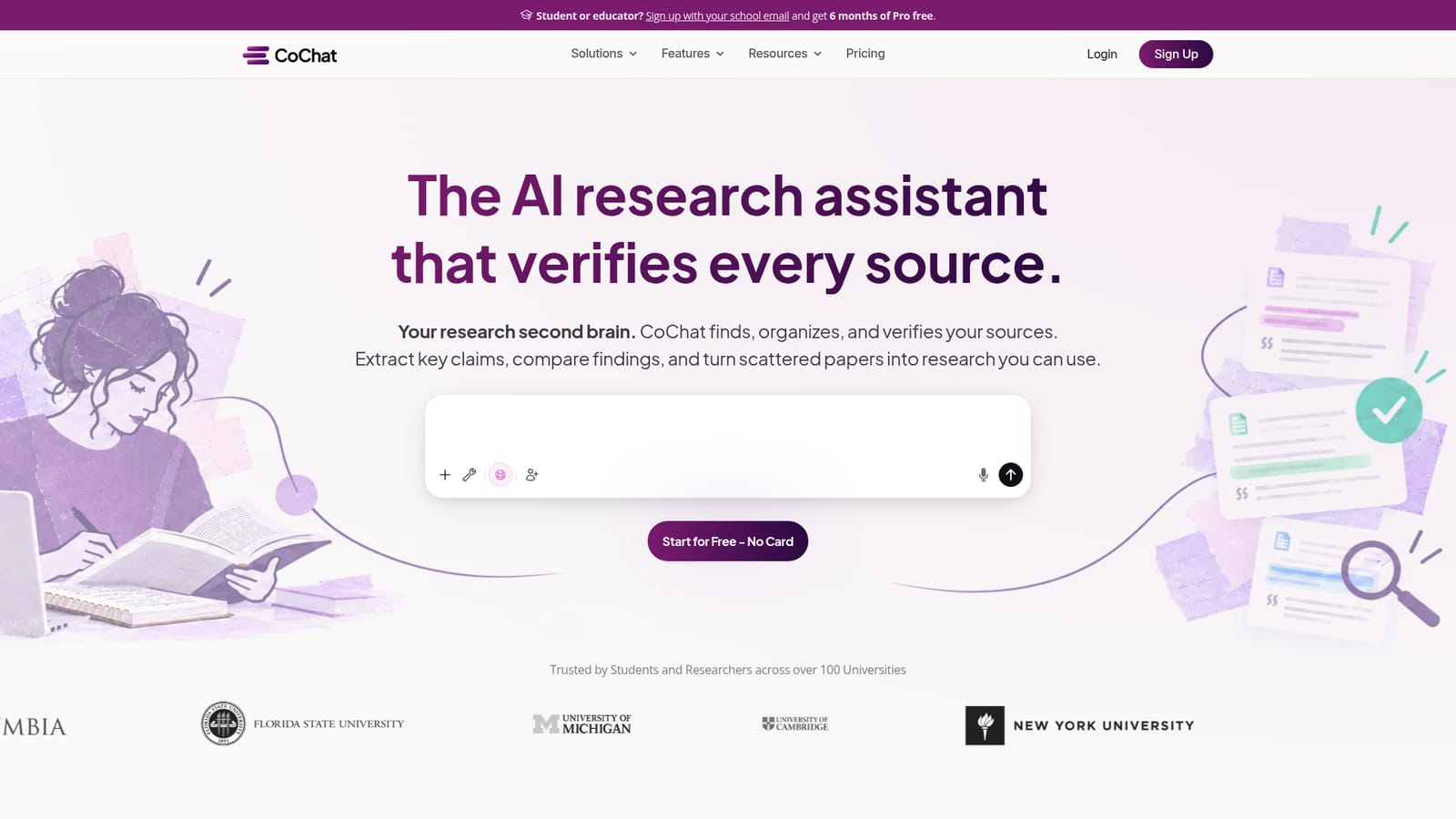
CoChat is an academic research tool. A chat-based research workspace that searches academic literature, organizes sources, verifies citations against CrossRef and Semantic Scholar, and turns evidence into reviews, tables, flashcards, and slides. It also runs the same prompt across Claude, GPT, and Gemini for cross-checking.
CoChat is a research workspace built around a chat interface, but its defining feature is citation checking. You bring a question, upload files, attach notes, or search the web, and the assistant works across a library of sources instead of a single prompt. It searches a corpus of more than 200 million academic papers, saves what is relevant, and extracts the claims and findings that answer your question. The part that separates it from general chatbots is verification: every source and citation is tracked, cross-checked against platforms such as CrossRef and Semantic Scholar, and anything that cannot be matched is visibly flagged. The homepage cites a meta-analysis of 28 studies finding that 1 in 4 citations in published research misrepresents its source, which is the problem the product is positioned against. In practice the workflow runs from discovery to deliverable inside one conversation. You build a source library, import papers from Zotero, and pull evidence into cards. From there the material can become literature reviews, comparison tables, summaries, flashcards, diagrams, dashboards, slides, or exportable data. Because the source record follows the claim, an unverified blog post and a peer reviewed paper sit side by side but are marked differently. A shared conversation model lets an advisor, co-author, or study group join the same thread, pin decisions, and review drafts together. It also treats model choice as a verification step. The same question can be run through Claude, GPT, and Gemini at once, and the answers cross-referenced, which is useful when one model invents a citation detail and another gets it right. Scheduled agents add background monitoring: weekly digests, new-publication alerts, and citation updates on a schedule you set. The tool is aimed at graduate students, academics, and research teams who need defensible sources rather than fast prose. That makes it heavier than a summarizer and more focused than a general assistant. Discovery tools help you find papers, summarizers help you orient, and CoChat is built for the stage where accuracy cannot be traded away.
The homepage offers a free start with no card required, and a separate option to try all models for free. Paid tiers and usage limits are not stated.
Learn moreThe site advertises 200+ integrations, naming arXiv, PubMed, Semantic Scholar, CrossRef, Zotero, Google Drive, Gmail, Notion, GitHub, Canva, WordPress, Atlassian, Supabase, and Context7 among the connected tools.
Search across 200M+ academic papers, build a source library with Zotero import, extract claims and findings, and verify citations against CrossRef and Semantic Scholar with unmatched sources flagged. Outputs include literature reviews, comparison tables, summaries, flashcards, documents, diagrams, dashboards, and slides. Multi-model comparison runs one prompt through Claude, GPT, and Gemini, and scheduled agents handle monitoring and digests.
 AI Angels400+ customizable AI girlfriends for NSFW chat, voice calls, and roleplay
 Candy AIExperience the future of companionship with AI friends who chat, role-play, and connect with you on a human level.
 ourdream.aiA vast AI roleplay platform with millions of characters for chat, images, video and voiceAI Angels400+ customizable AI girlfriends for NSFW chat, voice calls, and roleplayCandy AIExperience the future of companionship with AI friends who chat, role-play, and connect with you on a human level.ourdream.aiA vast AI roleplay platform with millions of characters for chat, images, video and voice


