Free trial
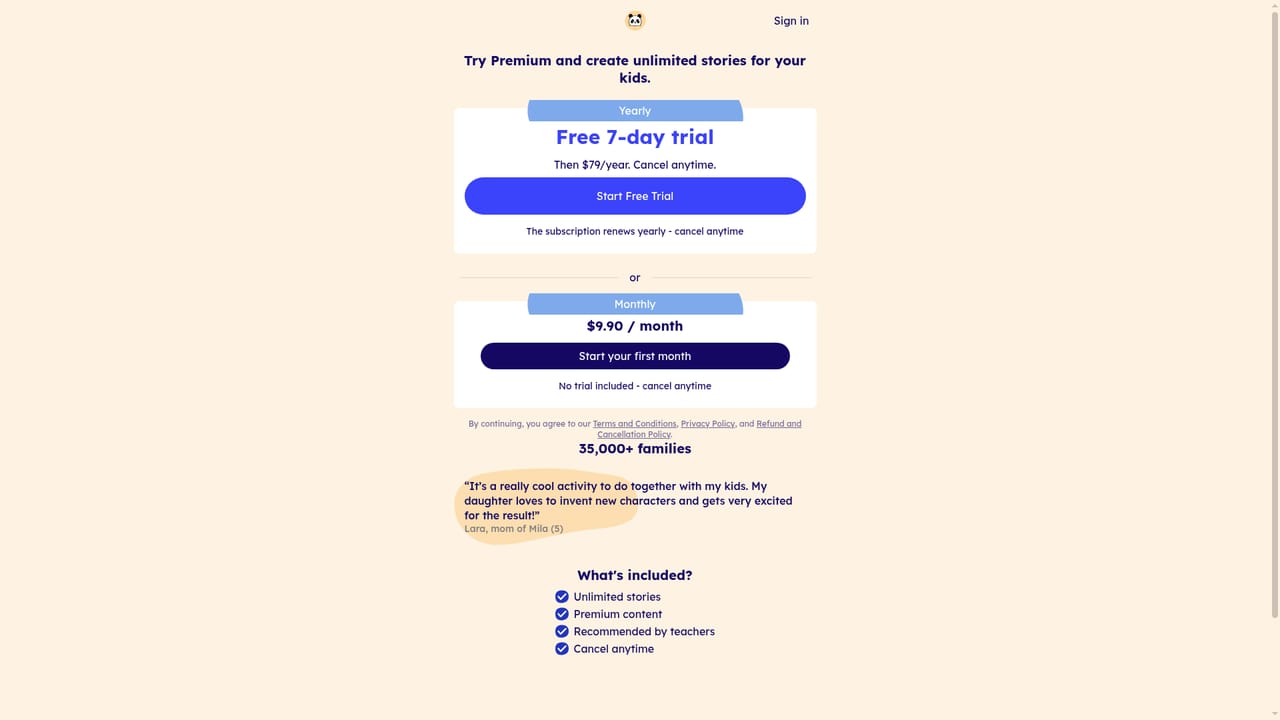
Three free stories are offered without a credit card. Unlimited access and the extended formats sit behind the paid subscription.
Learn moreHyperpersonalized AI bedtime stories built around your child in 30 seconds
Own Scarlettpanda? Verify ownership to get a dofollow link

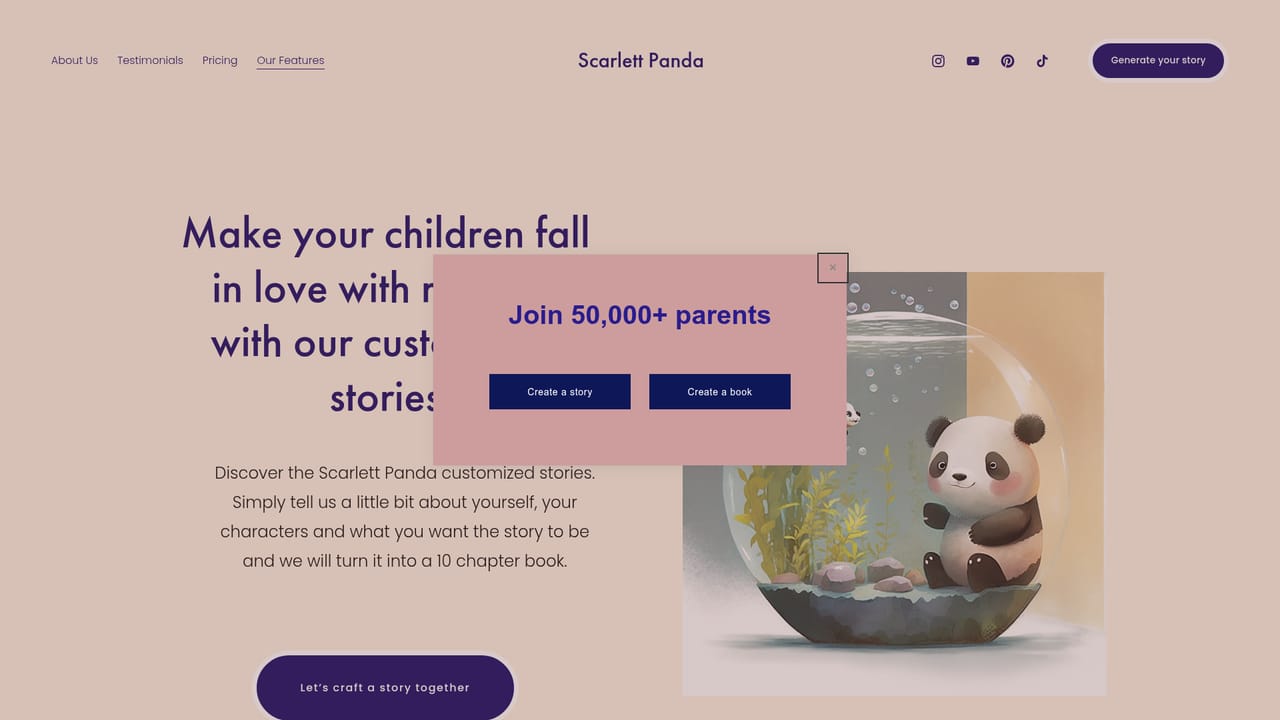
Scarlettpanda is a Children's stories tool. A web app that turns a child's name, appearance and preferred setting into an illustrated story in about 30 seconds, with longer ten chapter storybooks, audiobooks and 74 language support available on paid plans.
Scarlett Panda is a web app that generates personalized children's stories from a short set of inputs. A parent supplies character names, decides how the child should appear (as themselves, a toy, an animal or a magical creature), picks a universe and a moral, sets an age range, and chooses an illustration style. The platform turns those choices into an illustrated tale in roughly 30 seconds, so the story can be produced in the moment rather than planned in advance. The product goes well beyond a single short tale. A storybook format extends a story to ten chapters with higher quality images, offered as a digital download or as an audiobook. Alongside stories, the app provides customized meditations for emotional regulation, sleep and resilience, learning adventures in which Scarlett the Panda guides a child through a topic of interest, customizable lullabies, and meditation content aimed at parents. Stories support up to four characters, personalized notes and 74 languages, which makes the tool usable in bilingual households or for language exposure. In practice, the tool is aimed at parents, grandparents and caregivers of young children who want reading material that reflects their own family, toys and interests. The pitch is that a child seeing their own name and preferences on the page is more engaged with reading, and the site frames story building as a shared activity that expands vocabulary. The first three stories are free without a credit card, and a paid subscription removes that limit and unlocks the wider content library. Competitively, Scarlett Panda sits in the personalized children's book space, where printed custom books have long existed, but it leans on speed and volume rather than artisanal production. Finished stories can be read in the app or read aloud by a parent, which positions it between a story generator and a bedtime routine tool. The site lists coverage from FOX40, MarketWatch and Superhuman as social proof.
Three free stories are offered without a credit card. Unlimited access and the extended formats sit behind the paid subscription.
Learn moreThe first three stories are free with no credit card required. Unlimited stories and the wider content set (long format storybooks, audiobooks, meditations, learning adventures and lullabies) require a paid subscription, but the homepage does not publish plan prices or billing periods.
Learn moreInstant personalized stories in about 30 seconds, ten chapter storybooks with higher quality images, audiobook versions, customized meditations for children, learning adventures guided by Scarlett the Panda, customizable lullabies, parenting meditations and support for up to four characters with 74 languages.
Learn more AI Angels400+ customizable AI girlfriends for NSFW chat, voice calls, and roleplay
 Candy AIExperience the future of companionship with AI friends who chat, role-play, and connect with you on a human level.
 ourdream.aiA vast AI roleplay platform with millions of characters for chat, images, video and voiceAI Angels400+ customizable AI girlfriends for NSFW chat, voice calls, and roleplayCandy AIExperience the future of companionship with AI friends who chat, role-play, and connect with you on a human level.ourdream.aiA vast AI roleplay platform with millions of characters for chat, images, video and voice


