Free trial
No trial is needed because the product is advertised as free to use right now. Registration happens through a standard sign up form.
Learn moreAI study platform that turns your own notes into quizzes, flashcards and podcasts

SchoolHack is an AP history grader tool. An AI study platform that converts uploaded notes, PDFs, slides and videos into interactive notes, flashcards, adaptive quizzes and audio podcasts, with a document-grounded assistant called Andy and a live collaborative study mode.
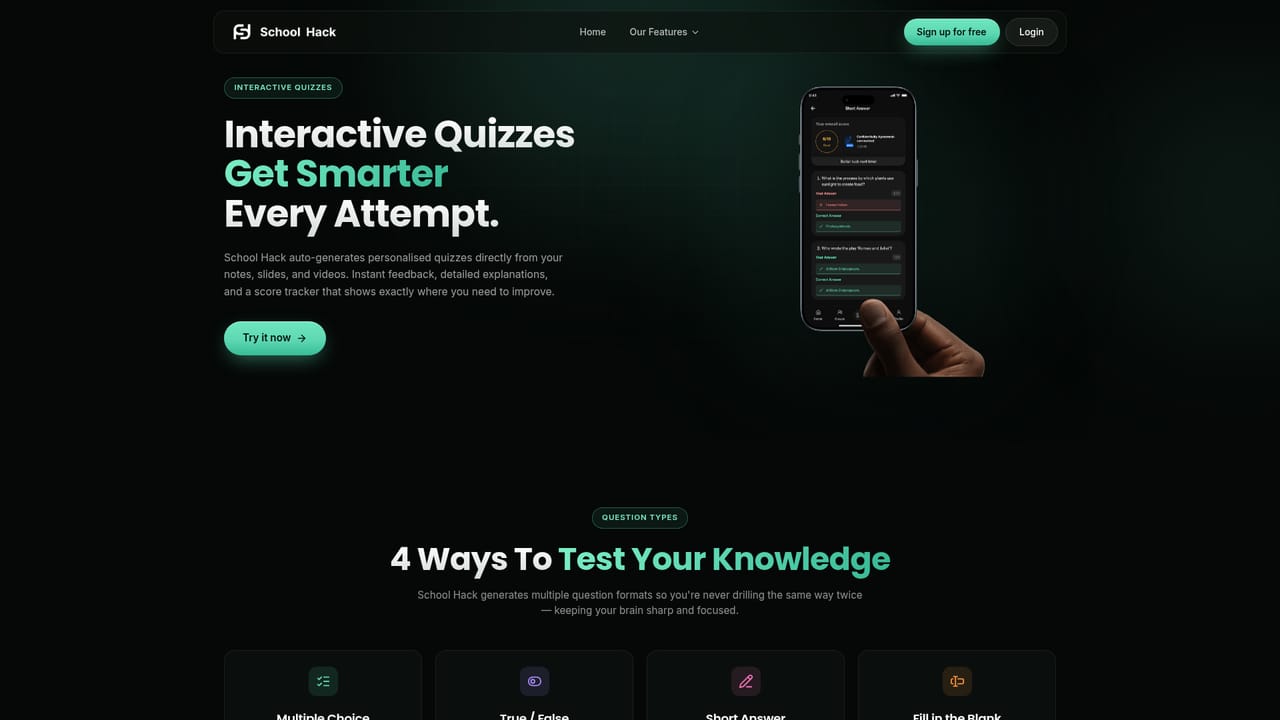
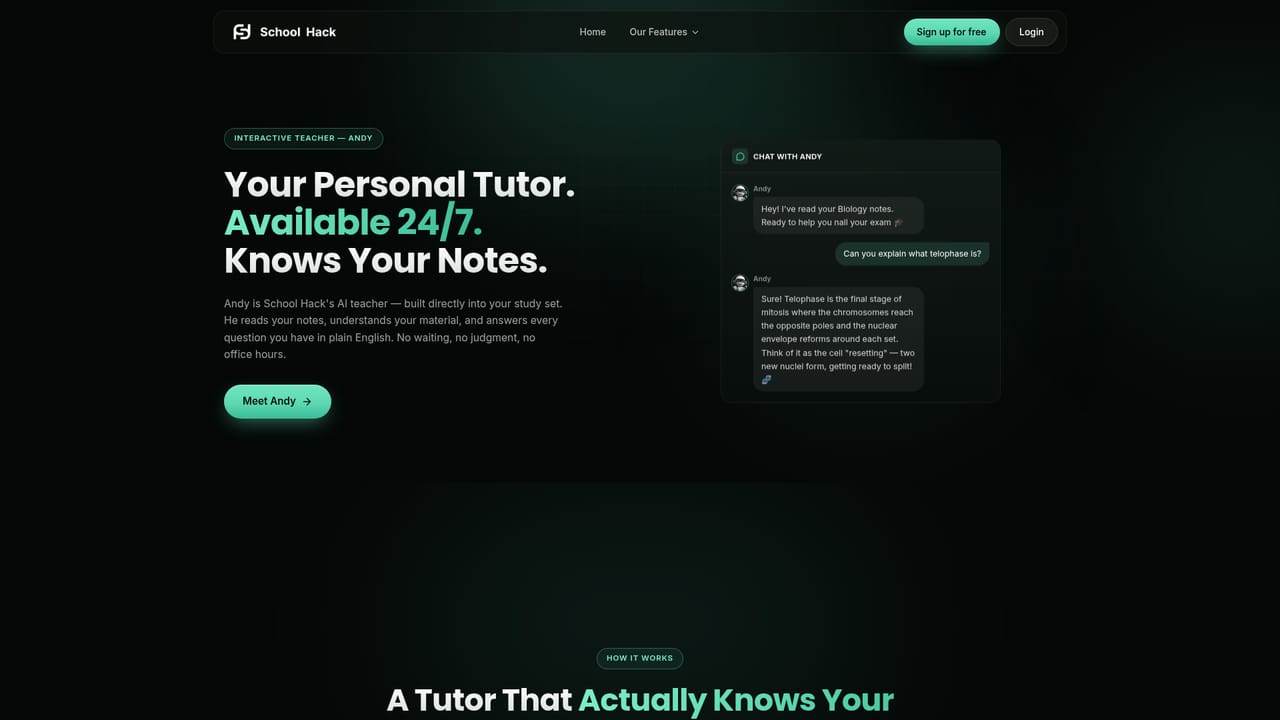
School Hack is an AI study platform built around a simple loop: bring your course material in, let the system convert it into revision assets, then drill those assets until the topic sticks. The site positions it as a social educational platform, and the numbers it advertises are large, with 3.5 million students claimed worldwide and a logos strip naming institutions such as Harvard, MIT, Oxford and NYU. The feature set is narrower than that framing suggests and is better understood as a personal exam-prep workbench. The core workflow starts with an upload. Notes, PDFs, lecture slides and videos are accepted, and the platform parses them into a study set. From there you get interactive notes with key terms highlighted, auto-generated flashcards pulled from the source material, and adaptive quizzes that explain answers as you go. A chat assistant called Andy sits across all of it, answering questions grounded in your uploaded documents rather than the open web. A Draw canvas lets you sketch and annotate concepts inside the notes, and a podcast generator converts a chapter or lecture into spoken audio for listening on the move. Collaborative Mode is the social layer: shared study sets, live sessions with friends studying the same deck, and visible progress for accountability. That places School Hack closer to a study group tool than to a writing assistant. Students who want an essay drafted for them will find little here; students who want to convert a semester of lecture slides into a testable deck in an evening are the intended audience. Compared with general chatbots, the value is the structure (quizzes, cards, progress) rather than raw model quality, and compared with dedicated flashcard apps, the value is automatic card creation from messy source files. Everything on the homepage is presented as free at the time of writing, with a free sign-up path and no credit card language attached to it. Whether that holds as the product matures is the open question. The platform runs in the browser through the app subdomain, and the marketing pages show phone and tablet layouts, so mobile use is clearly part of the plan even though app store listings are not stated on the homepage.
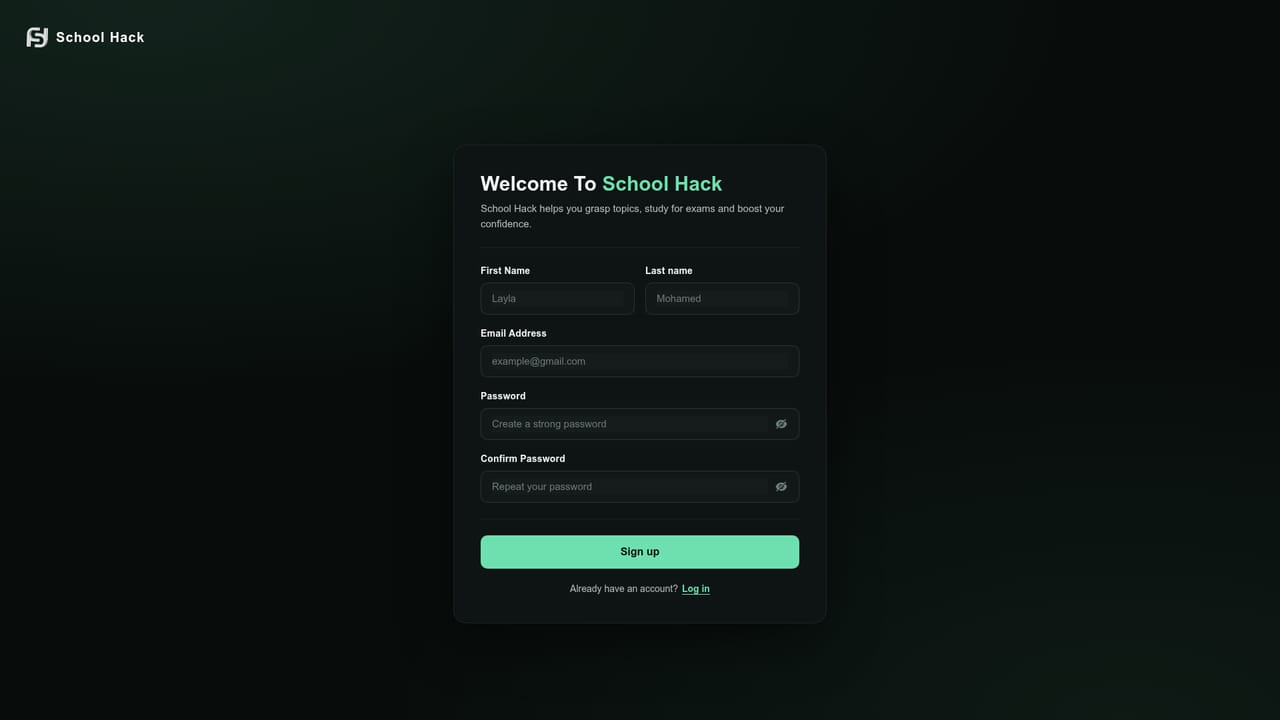
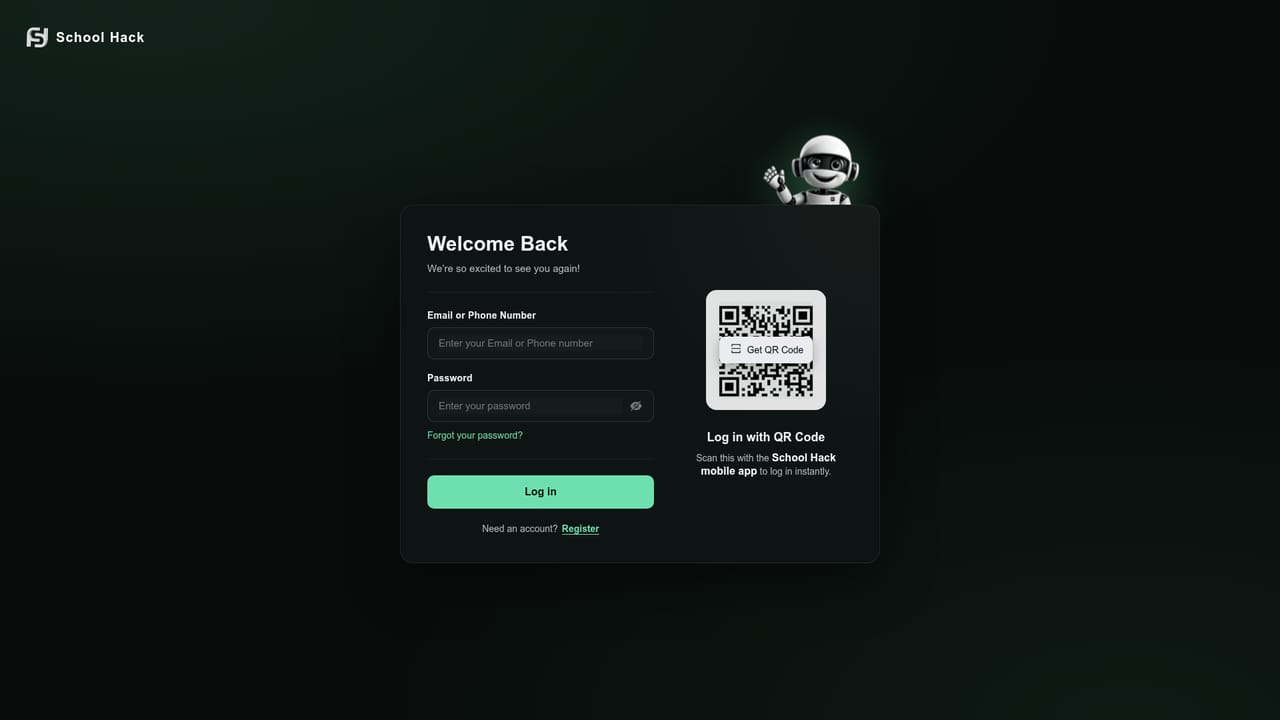
No trial is needed because the product is advertised as free to use right now. Registration happens through a standard sign up form.
Learn moreThe homepage states that the platform is currently free and leads with a sign up for free button. No tiers, prices or future paid plans are listed, so the free position should be treated as a current state rather than a permanent commitment.
Learn moreNo help centre, documentation or contact channel is linked from the homepage, so support options are unclear before signing up.
Five linked tools: interactive notes with key term highlighting, auto-generated flashcards, adaptive quizzes with instant explanations, a document-grounded assistant named Andy, and Collaborative Mode for live group study. A Draw canvas for sketching inside notes and a podcast generator for audio revision round out the set.
Learn more AI Angels400+ customizable AI girlfriends for NSFW chat, voice calls, and roleplay
 Candy AIExperience the future of companionship with AI friends who chat, role-play, and connect with you on a human level.
 ourdream.aiA vast AI roleplay platform with millions of characters for chat, images, video and voiceAI Angels400+ customizable AI girlfriends for NSFW chat, voice calls, and roleplayCandy AIExperience the future of companionship with AI friends who chat, role-play, and connect with you on a human level.ourdream.aiA vast AI roleplay platform with millions of characters for chat, images, video and voice