Free trial
No trial is required because the core audit is free to run without an account. Paid delivery features are sold as subscriptions rather than time-limited trials.
Learn moreFree 100+ check SEO audit with AI search visibility scoring

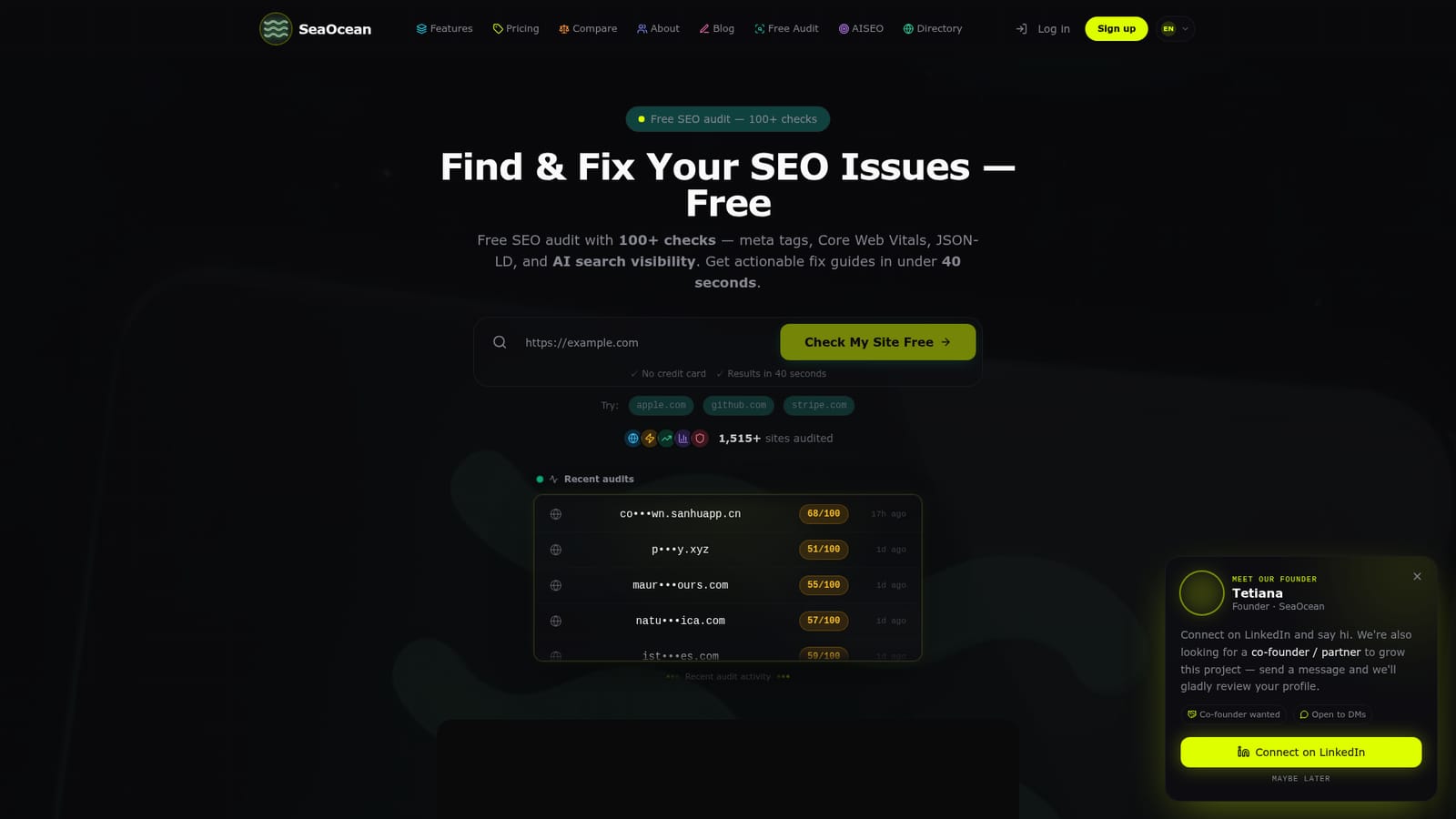
SeaOcean is a website audit tool. SeaOcean runs a free 100+ check SEO audit on any URL in about 40 seconds, covering meta tags, structured data, Core Web Vitals and AI search visibility across ChatGPT, Claude and Perplexity. Paid plans add branded PDF reports and weekly monitoring.
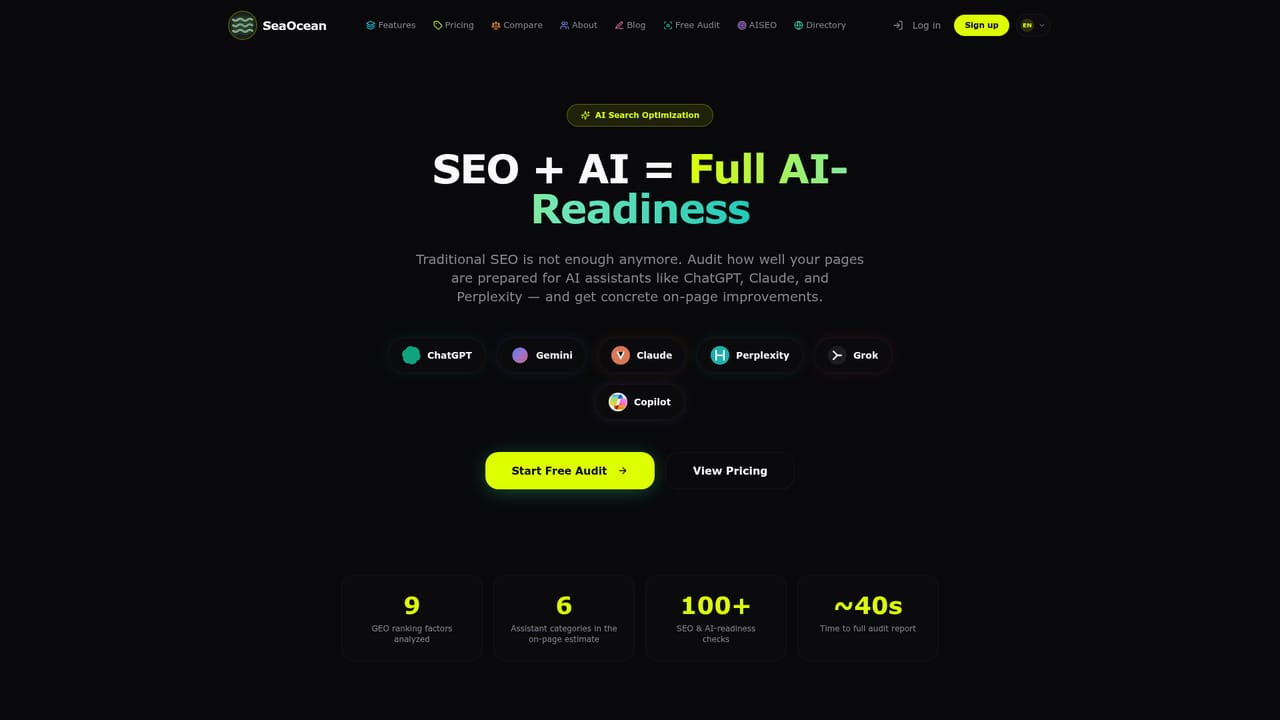
SeaOcean is a free website auditing tool that runs more than 100 checks against any URL and returns a scored report in roughly 40 seconds. The checks span 15 categories: meta tags and titles, Open Graph and Twitter Card markup, JSON-LD and Schema.org structured data, Core Web Vitals, compression and caching, sitemap and robots.txt configuration, HTTPS and mixed content, plus heading hierarchy, alt attributes, content length and internal linking. No account or credit card is needed to run the first audit. What separates SeaOcean from a conventional crawler is its attention to generative engine optimization. The platform scores your pages against nine GEO factors drawn from Princeton research on AI answer visibility, then produces readiness scores for assistants such as ChatGPT, Claude, Perplexity, Gemini, Grok and Copilot. It can also generate an llms.txt file describing your site for AI systems, which you review before publishing. For traditional search, the AI Fix Guide converts each flagged issue into a concrete recommendation with copy-paste code examples, and issues are ordered by severity so the work has a clear sequence. The paid layer is aimed at people who audit sites for a living. Free audits stay free; subscriptions add branded PDF exports you can hand to a client, weekly automated re-checks with an email alert when the score drops by more than three points, and multi-site tracking. Freelancers and small agencies are the obvious audience, though solo founders checking a site before launch fit too. The interface is localized in 11 languages. Compared with Ahrefs or SEMrush, SeaOcean is narrower: it covers on-page, technical and AI-readiness diagnostics rather than backlink indexes, keyword research or rank tracking. Treat it as a fast pre-flight check and client reporting layer, not a full search marketing suite. The site also runs a product directory where submissions earn a dofollow backlink and an automated SEO and GEO score.
No trial is required because the core audit is free to run without an account. Paid delivery features are sold as subscriptions rather than time-limited trials.
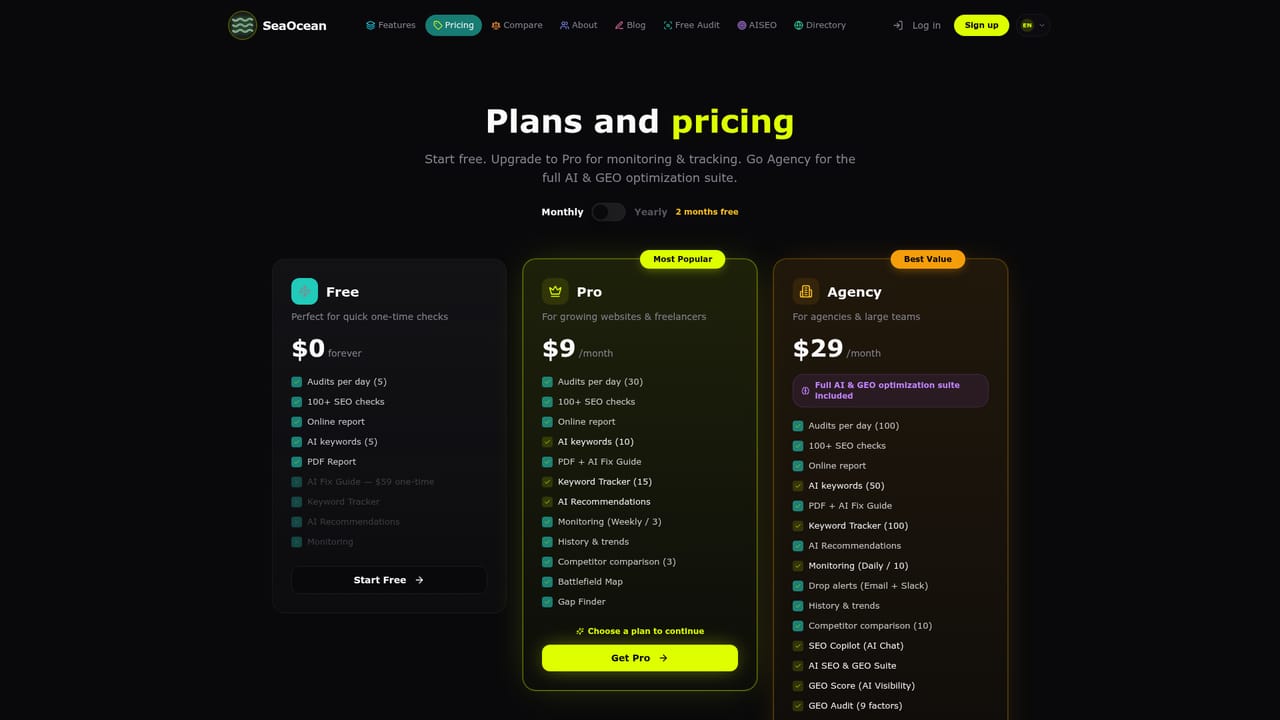
Learn moreThe audit itself is free and does not require a signup or a card. Paid plans add the delivery layer: branded PDF reports, weekly monitoring with score-drop alerts, and tracking across multiple sites. Exact plan prices are listed on the pricing page.
Learn moreA FAQ on the homepage answers common questions about the SEO score, monitoring, GEO and llms.txt. No dedicated help centre, chat or contact channel is described.
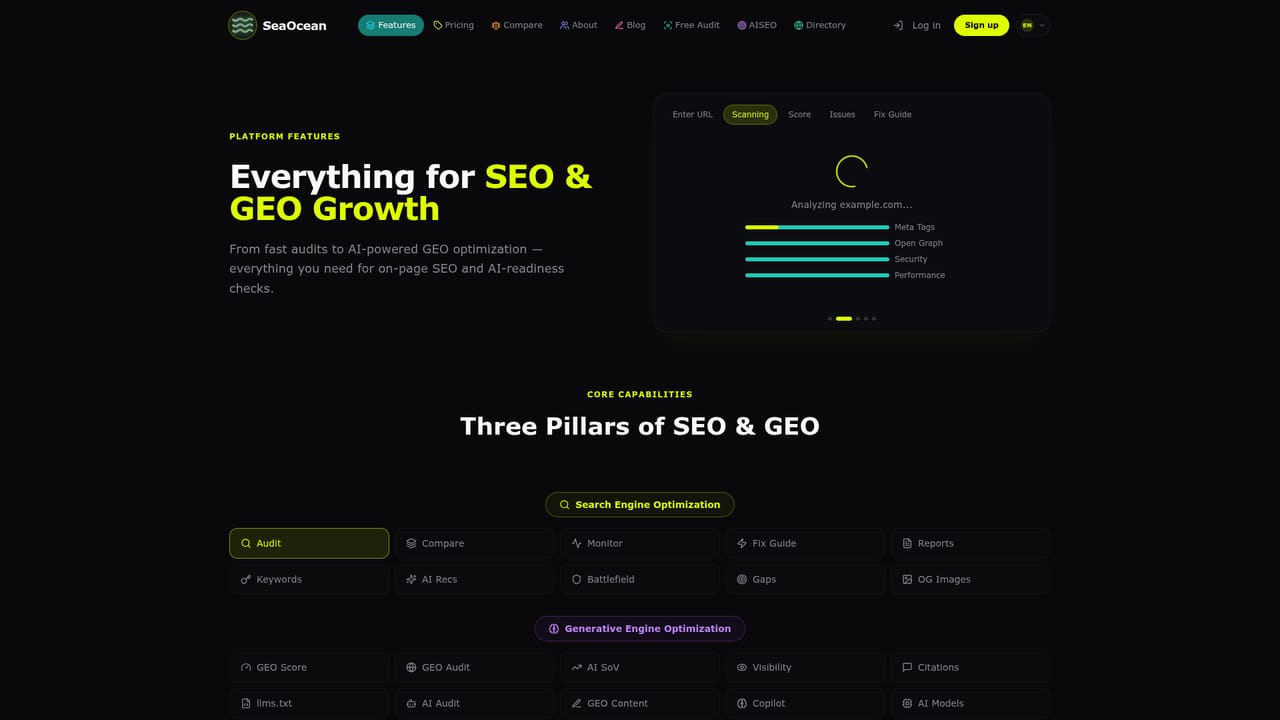
The audit covers 15 categories and over 100 checks: meta tags and canonical URLs, Open Graph and Twitter Cards, JSON-LD and Schema.org, Core Web Vitals, compression and caching, sitemap and robots.txt, HTTPS and mixed content, plus headings, alt text and internal linking. On top sit AI fix guides with code snippets, GEO scoring across nine factors, an llms.txt generator and branded PDF exports.
Learn more AI Angels400+ customizable AI girlfriends for NSFW chat, voice calls, and roleplay
 Candy AIExperience the future of companionship with AI friends who chat, role-play, and connect with you on a human level.
 ourdream.aiA vast AI roleplay platform with millions of characters for chat, images, video and voiceAI Angels400+ customizable AI girlfriends for NSFW chat, voice calls, and roleplayCandy AIExperience the future of companionship with AI friends who chat, role-play, and connect with you on a human level.ourdream.aiA vast AI roleplay platform with millions of characters for chat, images, video and voice


