Free trial
No time limited trial is described; new users instead get a free plan with 10 signup credits for testing prompts, producing roughly 8 second previews.
Learn moreTurn scene prompts into dialogue, music, ambience and effects in one track.

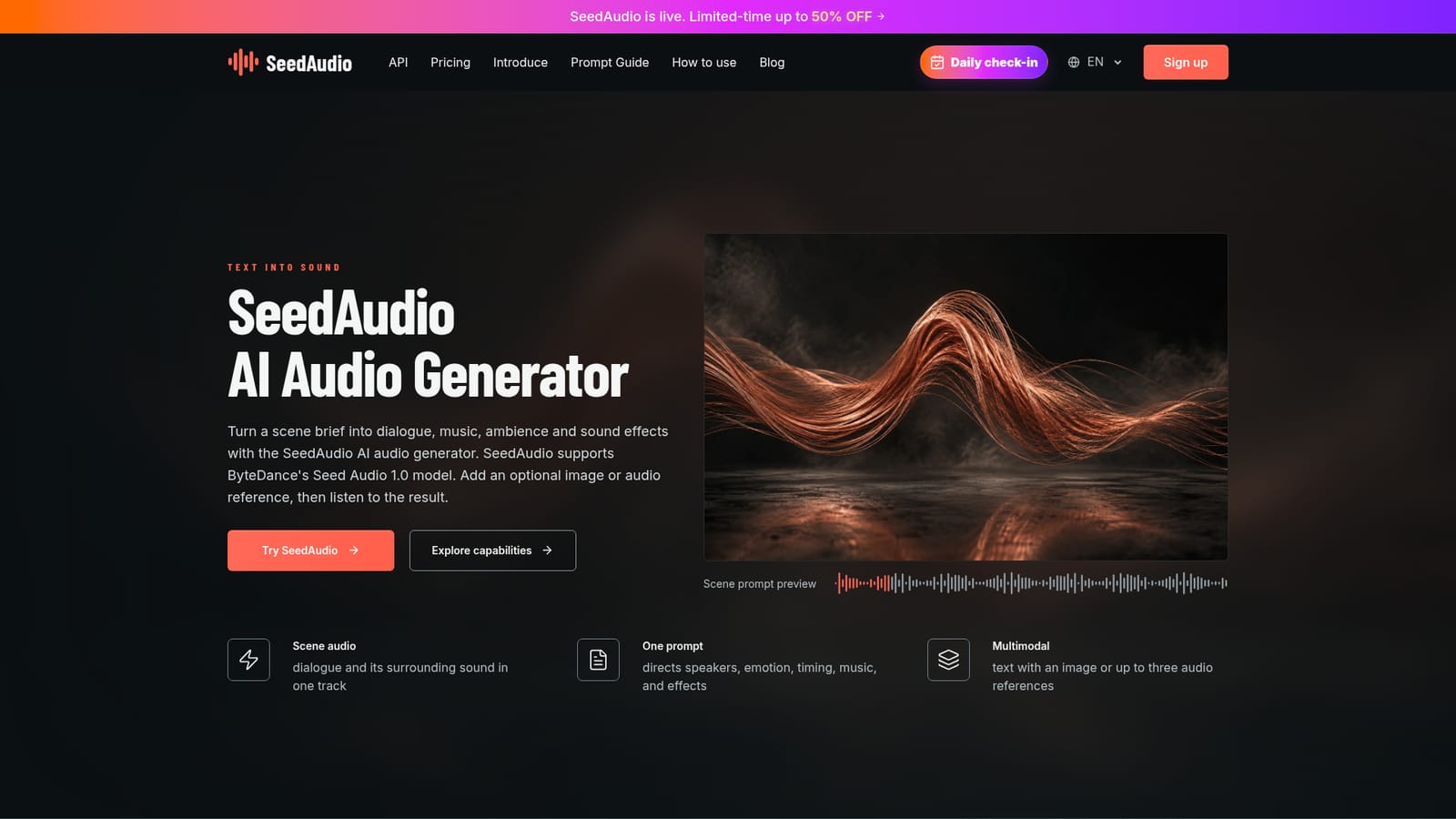
SeedAudio is an audio tool that turns scene prompts into dialogue, music, ambience and effects in one track. SeedAudio generates complete scene audio, mixing dialogue, music, ambience and sound effects from a single text prompt, with optional image or audio references and ByteDance's Seed Audio 1.0 model.
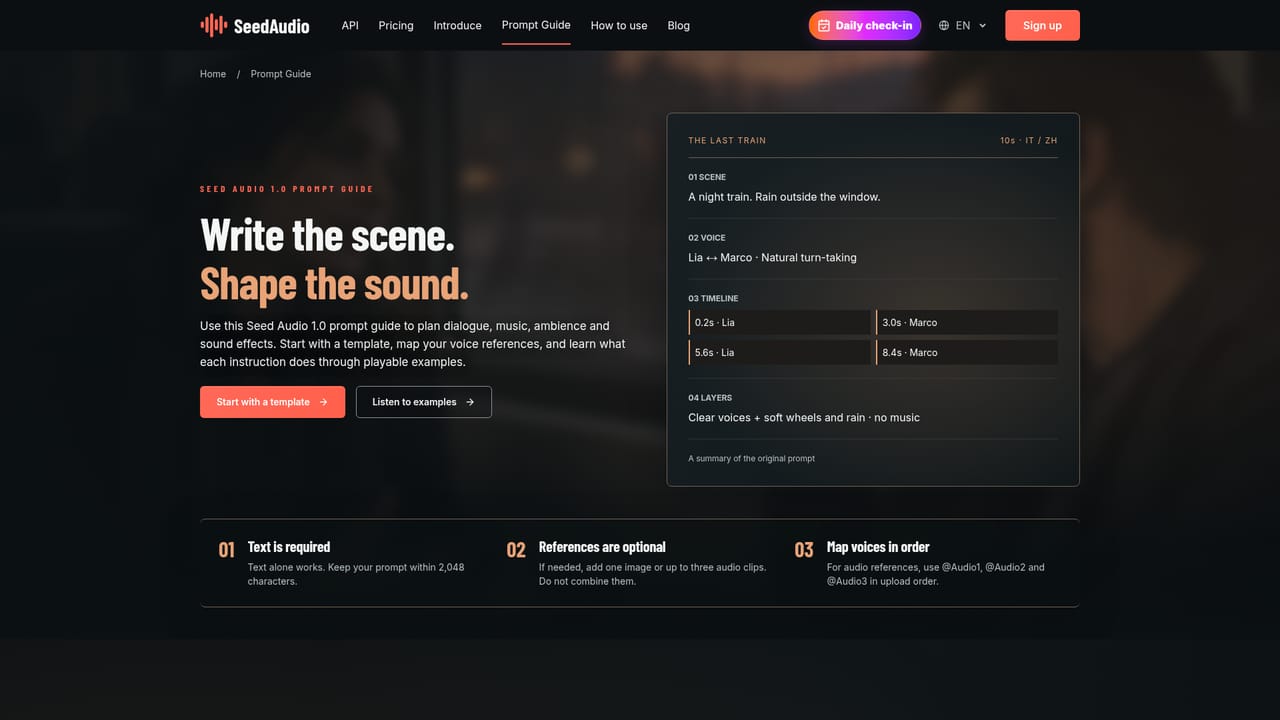
SeedAudio is a web based audio generator built around ByteDance's Seed Audio 1.0 model. It turns a written scene brief into a single mixed track that can include dialogue, music, ambience and sound effects together, rather than producing speech alone. Users can add an optional image to set a visual mood or up to three audio clips to guide voice character, then generate and play back the result directly in the browser. The tool is aimed at people who need a quick audio sketch rather than a finished mix: short film and game sound designers testing a scene before formal production, marketers drafting localized ad concepts, podcast creators blocking out an opening, and educators turning a lesson into a situational dialogue. It is built for fast iteration rather than deep post production, so it fits earlier in a workflow, before dedicated editing or voice tools take over. In practice, a SeedAudio session starts with a prompt that follows a stated formula: scene, speaker, emotion, language, ambience, background music, sound effects and timing. From there, users choose a preset or cloned voice, set output format, sample rate, speed, volume and pitch, then review the mix for clarity and balance before downloading. Because audio and image references cannot be combined, and timing is treated as a direction rather than an exact cue, each take is best treated as a draft to compare against alternatives rather than a final asset. Against basic text to speech tools, which mainly handle spoken lines and leave music or effects to separate software, SeedAudio's value is in generating a full scene in one request. It does not replace a layered editing suite, since it delivers one mixed file rather than isolated stems, but it shortens the early exploration stage for anyone sketching sound before committing to a full production pipeline.
No time limited trial is described; new users instead get a free plan with 10 signup credits for testing prompts, producing roughly 8 second previews.
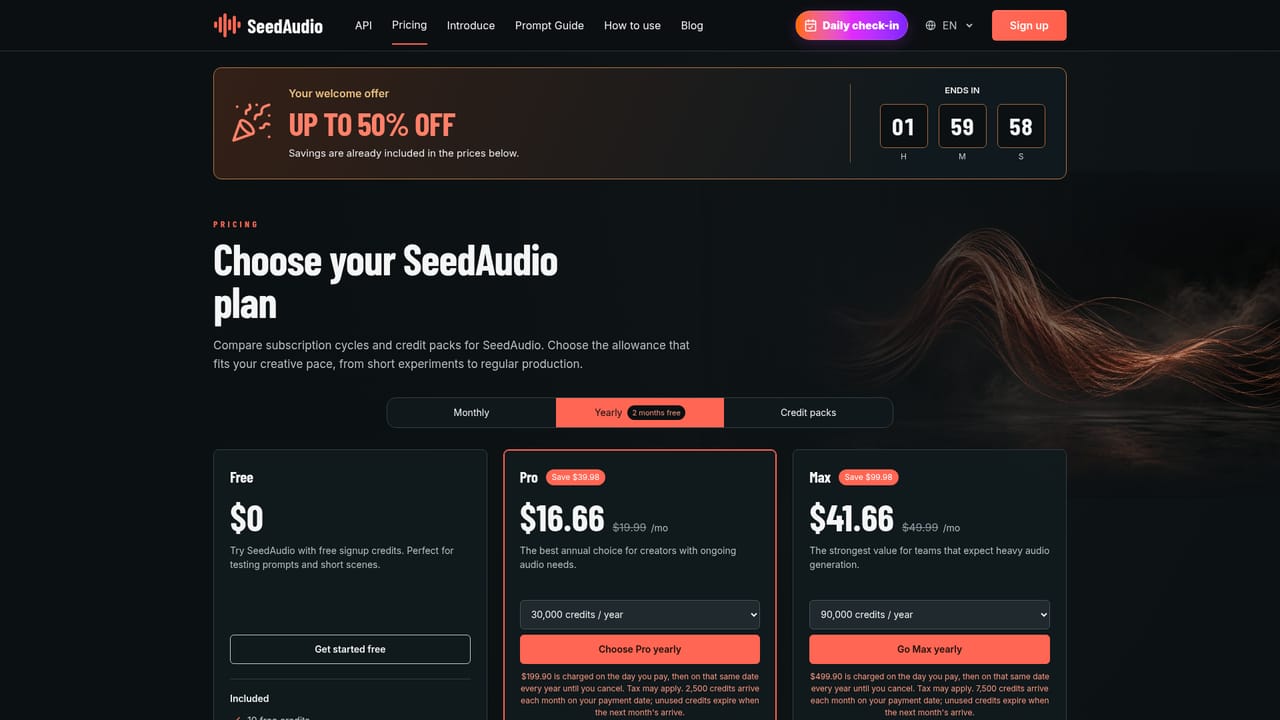
Learn moreFree plan offers $0 access with 10 signup credits. Pro costs $19.99 per month, or $16.66 per month billed yearly at $199.90, with 30,000 yearly credits. Max costs $49.99 per month, or $41.66 billed yearly at $499.90, with 90,000 yearly credits. Credit packs are also available.
Learn moreSupport is available by email at support@seedaudio.now, with priority support included on Pro and Max plans.
Pro and Max subscriptions include SeedAudio API access with shared credits, documented through the OpenAPI and API docs pages; no third-party app integrations are listed.
Learn moreGenerates scene audio combining dialogue, music, ambience and sound effects from a text prompt, with optional image or up to three audio references, preset or cloned voices, and adjustable output format, sample rate, speed, volume and pitch.
Learn more


