Integrations
The homepage states that Sidekic connects to your favorite apps for search, but no specific apps or services are named.
Your second brain on the web: save, search, and share everything.

Sidekic AI is a personal search engine and smart bookmark hub. Save pages with a Chrome extension, search across connected apps at once, and share curated collections.
Sidekic AI is a personal search engine and knowledge hub that brings saved material from across the web into one place. Rather than leaving links scattered across browser tabs and bookmarks, it lets you capture items with smart bookmarks or a Chrome extension, then query that collection with an AI-powered search that works across the apps you already use. The product is built for people who research and collect constantly: students, analysts, writers, and anyone who saves more than they can remember. The Chrome extension lets you save from any page, and the bookmarks are described as smart because they become searchable material inside the hub rather than a folder list. The search layer is framed as a universal and personal search engine, connecting to your favorite apps so you can search all of them at once and find what you need without hopping between tools. In practice, Sidekic sits between a read-later app and a research database. You save a page or a piece of content, it lands in a shared hub, and later you ask for it in natural language. Sharing is handled through smart collections the company calls AI-powered Starter Pacs, so a curated set of saved material can be passed to other people rather than sent as a raw list of links. The homepage makes broad claims about connecting to apps but does not publish an integration list, nor does it state pricing beyond a Pricing link in the footer. Anyone evaluating it against bookmark managers, note tools, or other AI search products should confirm the supported apps and plan details directly before committing. Where it fits best is with users who want search first and organization second, and who value a single query over many separate app searches.
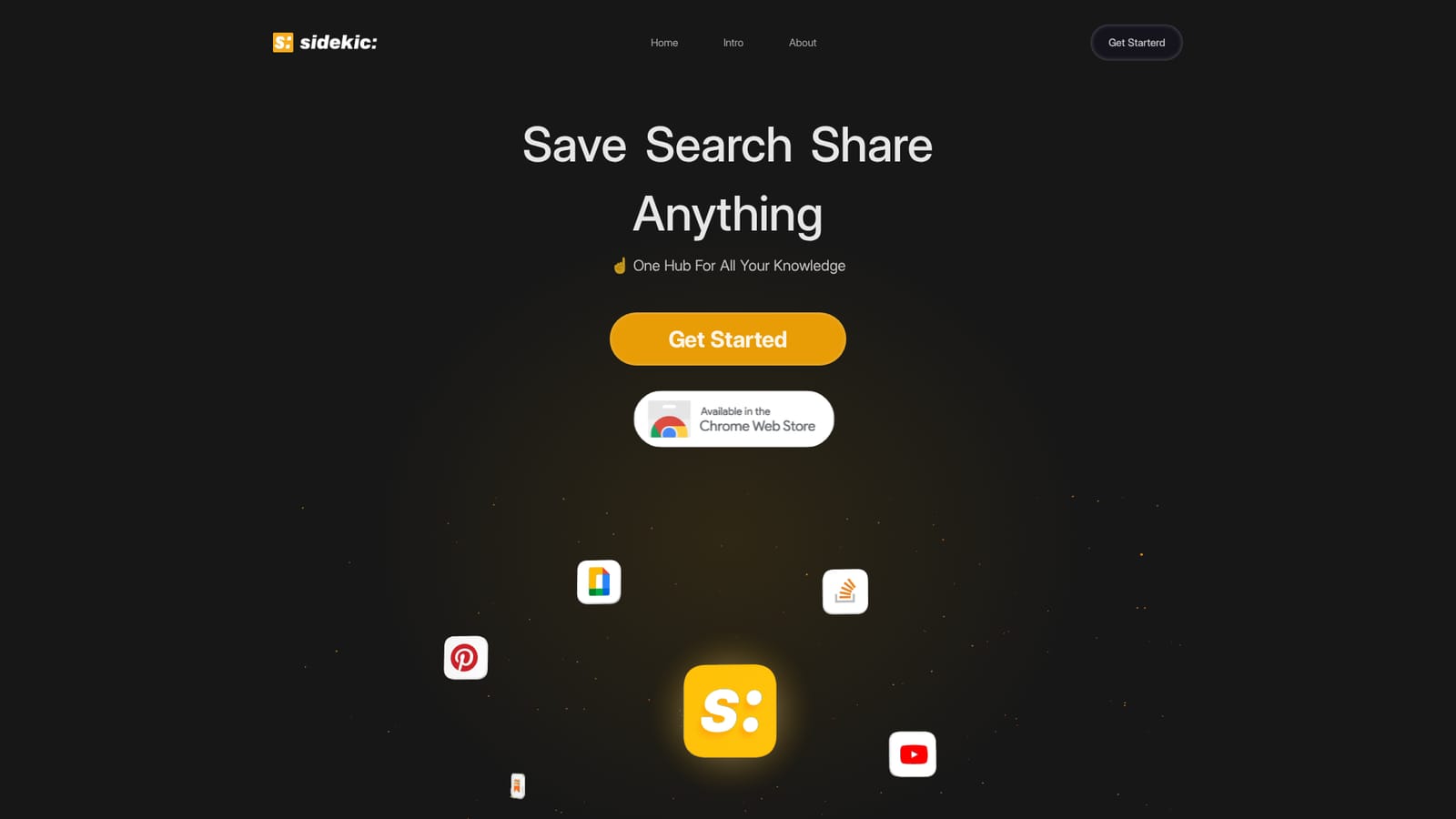
The homepage states that Sidekic connects to your favorite apps for search, but no specific apps or services are named.
Smart bookmarks that turn saved pages into searchable material, a Chrome extension for saving from any page, a personal search engine that queries multiple connected apps at once, and shareable AI-powered collections called Starter Pacs.
 AI Angels400+ customizable AI girlfriends for NSFW chat, voice calls, and roleplay
 Candy AIExperience the future of companionship with AI friends who chat, role-play, and connect with you on a human level.
 ourdream.aiA vast AI roleplay platform with millions of characters for chat, images, video and voiceAI Angels400+ customizable AI girlfriends for NSFW chat, voice calls, and roleplayCandy AIExperience the future of companionship with AI friends who chat, role-play, and connect with you on a human level.ourdream.aiA vast AI roleplay platform with millions of characters for chat, images, video and voice


