Free trial
A free start path exists through the onboarding flow. The homepage does not state whether this is a time limited trial or a permanent free tier.
Learn moreAI visibility platform and strategist for agencies and SaaS teams.

SiteSignal tracks brand visibility across ChatGPT, Gemini, Perplexity and Google AI Overviews, detects AI hallucinations against verified brand facts and turns gaps into a prioritized weekly task list. White label reporting and a clickable demo make it practical for agencies and SaaS teams.
SiteSignal is an AI visibility platform built for agencies and SaaS teams that need to know how their brand appears inside ChatGPT, Gemini, Perplexity and Google AI Overviews. Rather than only counting mentions, it audits the technical and content factors that influence whether AI engines recommend a site, then turns the gaps into a prioritized weekly task list. The dashboard tracks visibility rate, mention rate, recommendation rate and citation rate, alongside brand sentiment and the specific prompts where a domain is or is not surfaced. A central feature is hallucination detection. SiteSignal compares what AI engines say about a business (identity, founders, headquarters, policies, target audience) against a verified set of brand facts, flagging answers that are accurate, partially matching or plainly wrong. Each prompt can be opened for diagnosis, showing which sources the model cited, how visible the brand was on a given date and what the model actually wrote. A query fan-out view helps connect the prompts buyers type to the pages and third-party sites that feed the answers. In practice, an agency onboards a client domain, reviews the prioritized action list and works through developer, content and quick-win items, progressing through a visible completion percentage. Reports are white labeled with the agency logo and colors, so findings can go straight to clients. A public interactive demo lets a prospect click through a real dashboard without a login. SiteSignal sits alongside AI visibility trackers such as Profound and Otterly.ai, but its emphasis is on diagnosis and a repeatable weekly plan rather than share-of-voice monitoring alone.
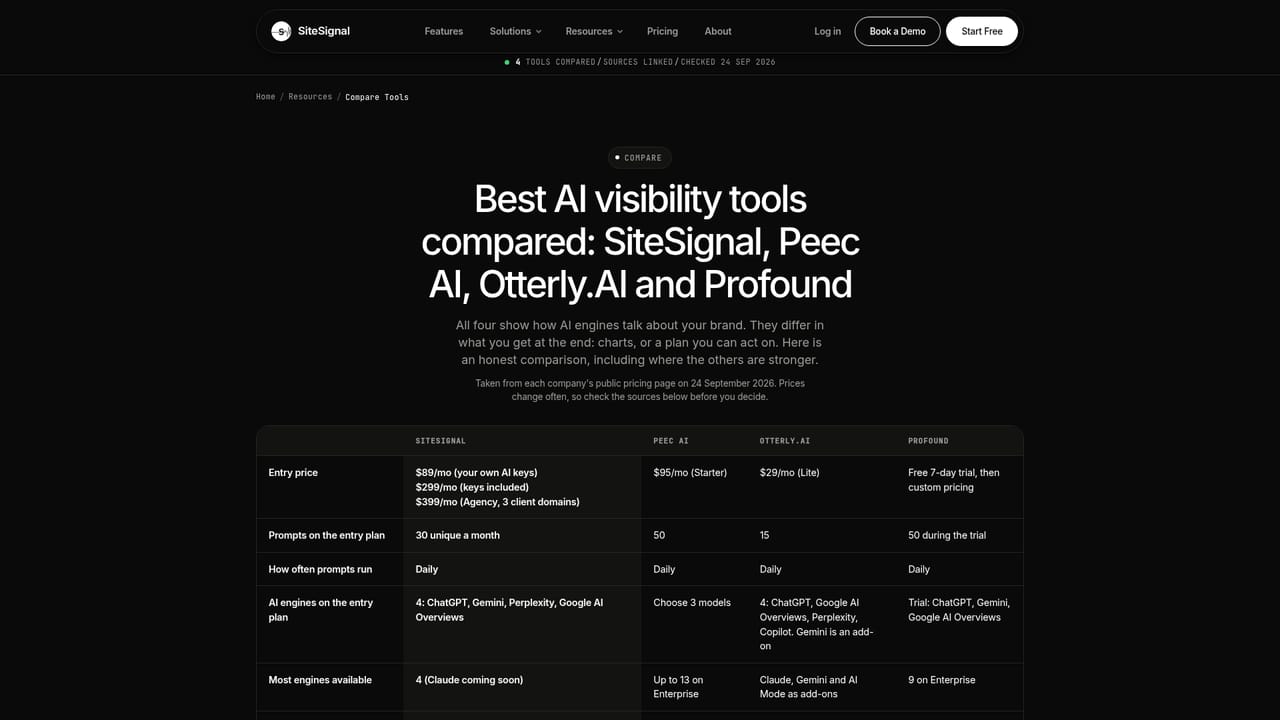
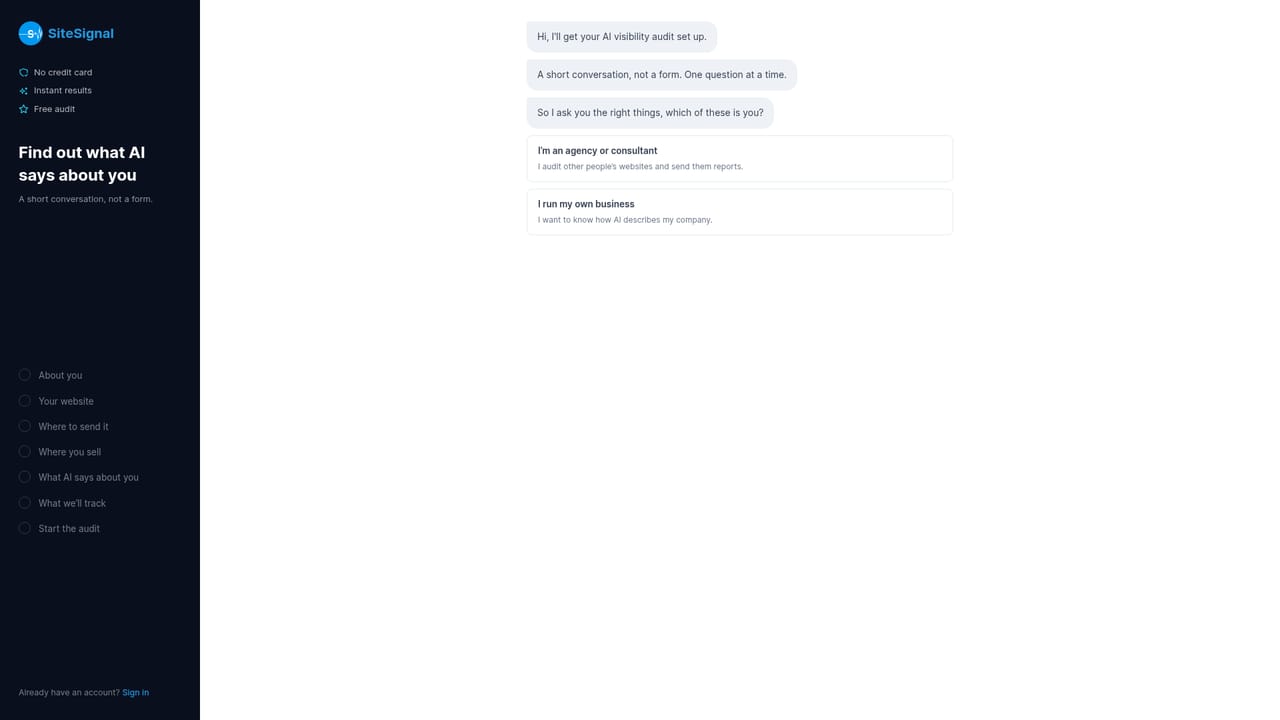
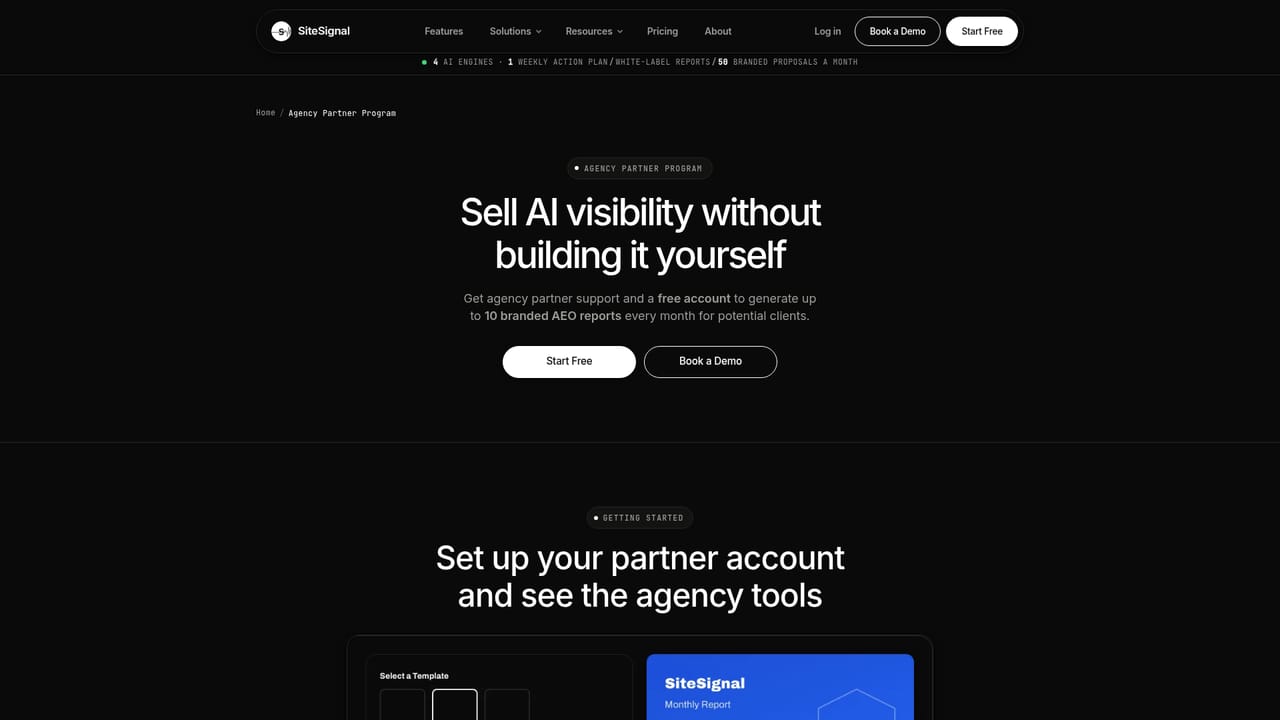
A free start path exists through the onboarding flow. The homepage does not state whether this is a time limited trial or a permanent free tier.
Learn moreThe homepage promotes a free start option and claims 7x ROI with $500 or more saved per project each month. It does not publish plan tiers or prices on the homepage; the pricing page carries the detail.
Learn moreThe site lists a support email, hi@sitesignal.app, and live chat availability Monday to Friday, 9am to 6pm PT. A 15 minute call can be booked from the demo.
Tracks visibility, mentions, recommendations and citations across ChatGPT, Gemini, Perplexity and Google AI Overviews. Includes hallucination detection against verified brand facts, prompt diagnosis with cited sources, competitor rankings and share of voice, a prioritized weekly task list and white label client reports.
Learn more AI Angels400+ customizable AI girlfriends for NSFW chat, voice calls, and roleplay
 Candy AIExperience the future of companionship with AI friends who chat, role-play, and connect with you on a human level.
 ourdream.aiA vast AI roleplay platform with millions of characters for chat, images, video and voiceAI Angels400+ customizable AI girlfriends for NSFW chat, voice calls, and roleplayCandy AIExperience the future of companionship with AI friends who chat, role-play, and connect with you on a human level.ourdream.aiA vast AI roleplay platform with millions of characters for chat, images, video and voice


