Free trial
No signup is needed to start generating. Providing an email unlocks the output and adds 10 free credits, and no credit card is required to begin.
Learn moreOne sentence, every format, always on-brand.
Own Sketch Studio? Verify ownership to get a dofollow link

Sketch Studio turns a single prompt into on-brand social posts, carousels, videos, emails, landing pages and more, after extracting brand assets from a pasted URL. Credit-based generation, a REST API and an MCP plugin for Claude and ChatGPT make it a fit for small marketing teams and developers building content pipelines.
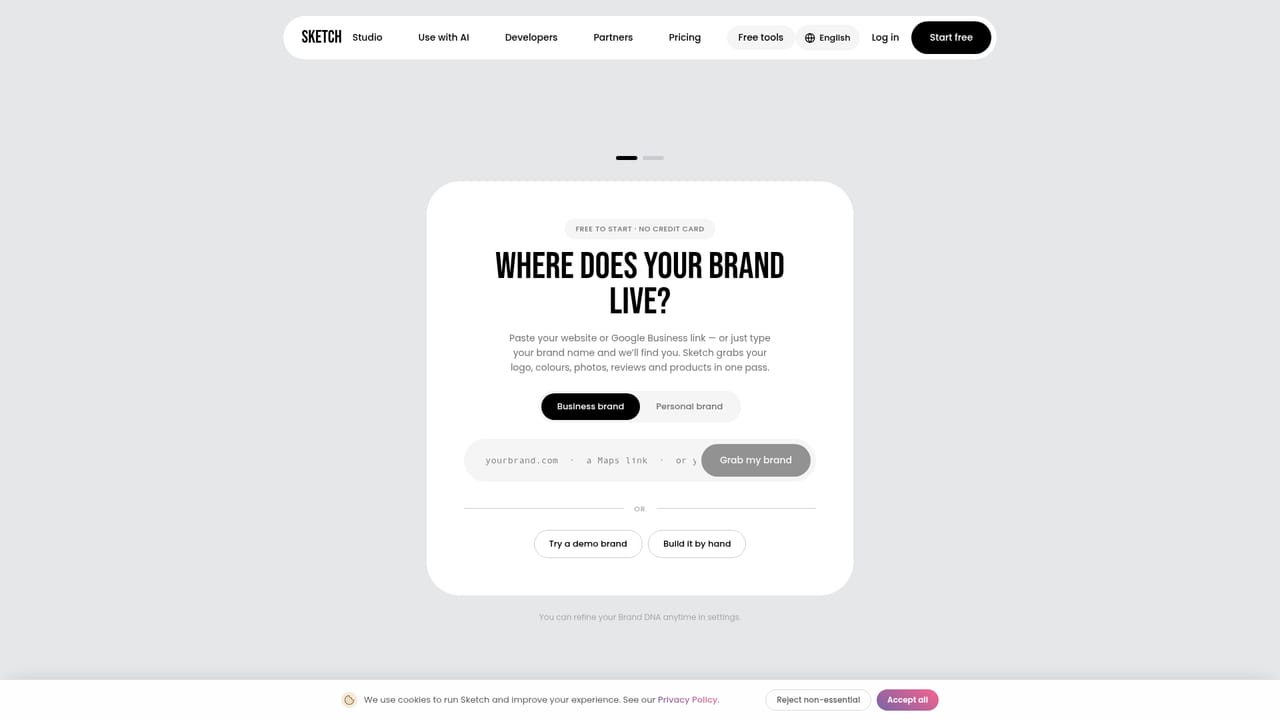
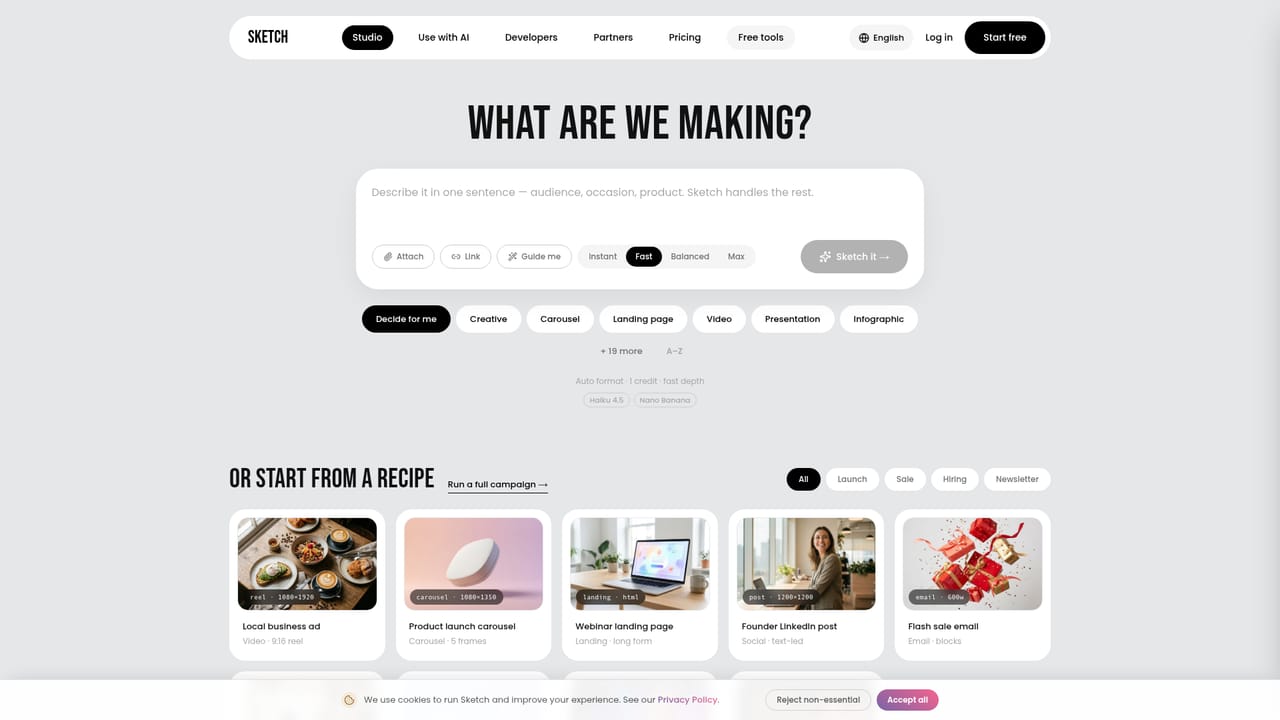
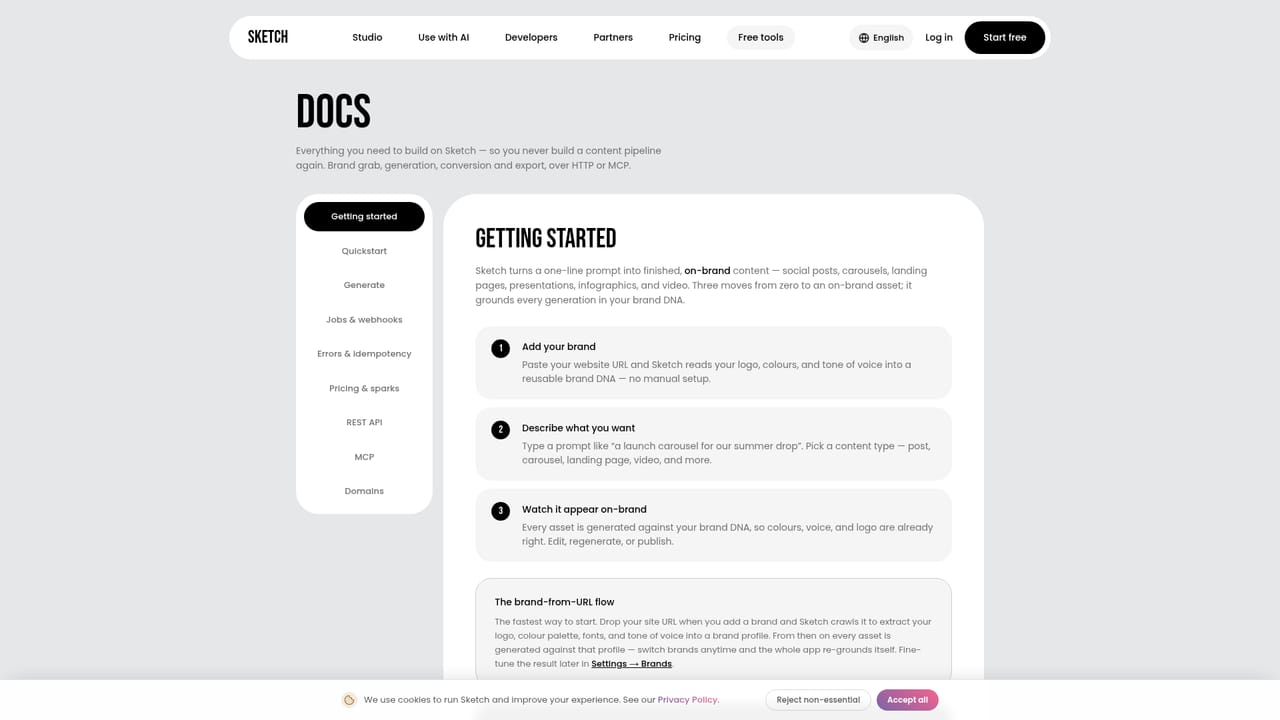
Sketch Studio is a content generation studio built around a single idea: the brand comes first, and the asset follows. A user pastes their site URL and the tool extracts the logo, colors, fonts, voice and even product details in one pass. From there, one sentence in plain language becomes a finished asset, whether that is an Instagram post, a five-slide carousel, a short video with word-synced captions, a podcast episode, an email, a landing page, a display ad, a presentation, an infographic, an avatar video, a press release or an eBook. Every output starts already styled to the extracted brand rather than a generic template. The product is aimed at founders, solo marketers and small creative teams who need volume without a design queue. The workflow is prompt-led: describe the asset or the launch, and Sketch handles layout, copy and brand application. Campaign mode goes further, planning a calendar and generating every asset for a launch across channels such as TikTok, Instagram, Meta Ads, email and WhatsApp. A product-page link lets the tool read the real product name, photo and price from the page, which keeps ads tied to actual inventory rather than lookalike stock imagery. Rendering is fast, with first pixels in under two seconds and finished assets in under ten, according to the site. For developers, Sketch exposes a REST API and an MCP endpoint that plugs into Claude, ChatGPT and other MCP clients, so the same brand-aware generation can run inside an assistant or a product pipeline. A set of free tools (voice finder, channel fit, SEO and site audit, LinkedIn analyzer, content calendar, strategy and trends explorer) provides lightweight value before signup. Sketch sits between a template editor such as Canva and a pure text generator. It competes on brand consistency and format breadth rather than fine-grained manual control. Teams that want pixel-level editing of every element may find the prompt-first model limiting, while those producing a steady stream of multi-format marketing work will see the time savings most clearly. Pricing is credit-based per asset, and the site offers free credits to start without a card.
No signup is needed to start generating. Providing an email unlocks the output and adds 10 free credits, and no credit card is required to begin.
Learn moreSketch uses a credit model where each format has a set cost: 1 credit for a social post or display ad, 2 for a carousel, email, infographic or press release, 3 for a landing page or presentation, 4 for a podcast or eBook, and 6 for a short video or avatar video. The homepage does not list paid plan prices or credit bundles; a pricing page exists for details.
Learn moreA Sketch assistant chat widget answers questions about content types, campaigns and pricing. No dedicated help centre or support email is described on the homepage.
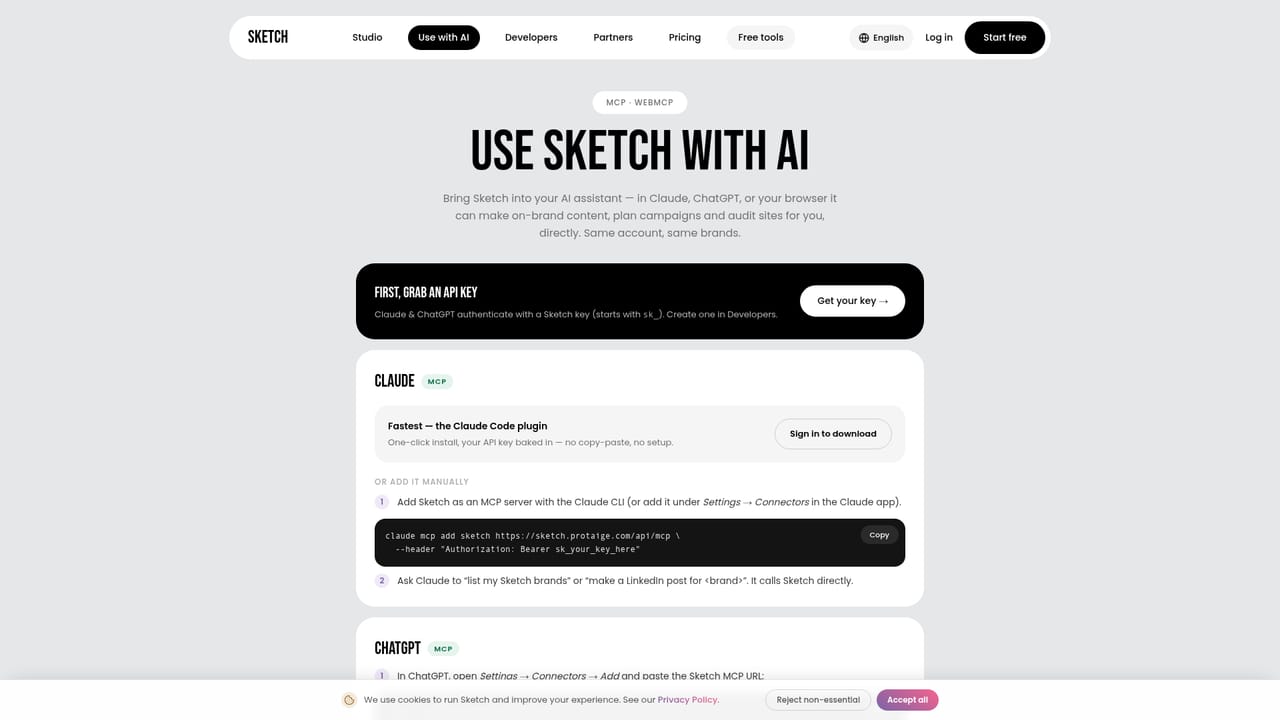
Sketch offers an MCP plugin for Claude, ChatGPT and other MCP clients, and a REST API for developers. The site also mentions WhatsApp among campaign channels, but no other named integrations are listed.
Learn moreBrand DNA extraction from a URL, twelve content formats (social posts, carousels, short video, podcasts, email, landing pages, display ads, presentations, infographics, avatar video, press releases, eBooks), campaign planning across channels, captioned video styles, product-page reading for eCommerce ads, a REST API and an MCP plugin for Claude and ChatGPT, plus a set of free standalone marketing tools.
Learn more AI Angels400+ customizable AI girlfriends for NSFW chat, voice calls, and roleplay
 Candy AIExperience the future of companionship with AI friends who chat, role-play, and connect with you on a human level.
 ourdream.aiA vast AI roleplay platform with millions of characters for chat, images, video and voiceAI Angels400+ customizable AI girlfriends for NSFW chat, voice calls, and roleplayCandy AIExperience the future of companionship with AI friends who chat, role-play, and connect with you on a human level.ourdream.aiA vast AI roleplay platform with millions of characters for chat, images, video and voice