Free trial
The free plan includes one skin analysis as a lifetime free trial and one routine per month, and Routine Review offers a free preview before the paid report. No card is required to start.
Learn moreAI skincare routines with real, buyable products.

SkinGenie generates personalised morning and evening skincare routines from a short skin profile, pairs every step with a real purchasable product, and adds selfie-based skin analysis, product swaps, saved routines and a skin journal. A separate Routine Review checks two product labels for overlap.
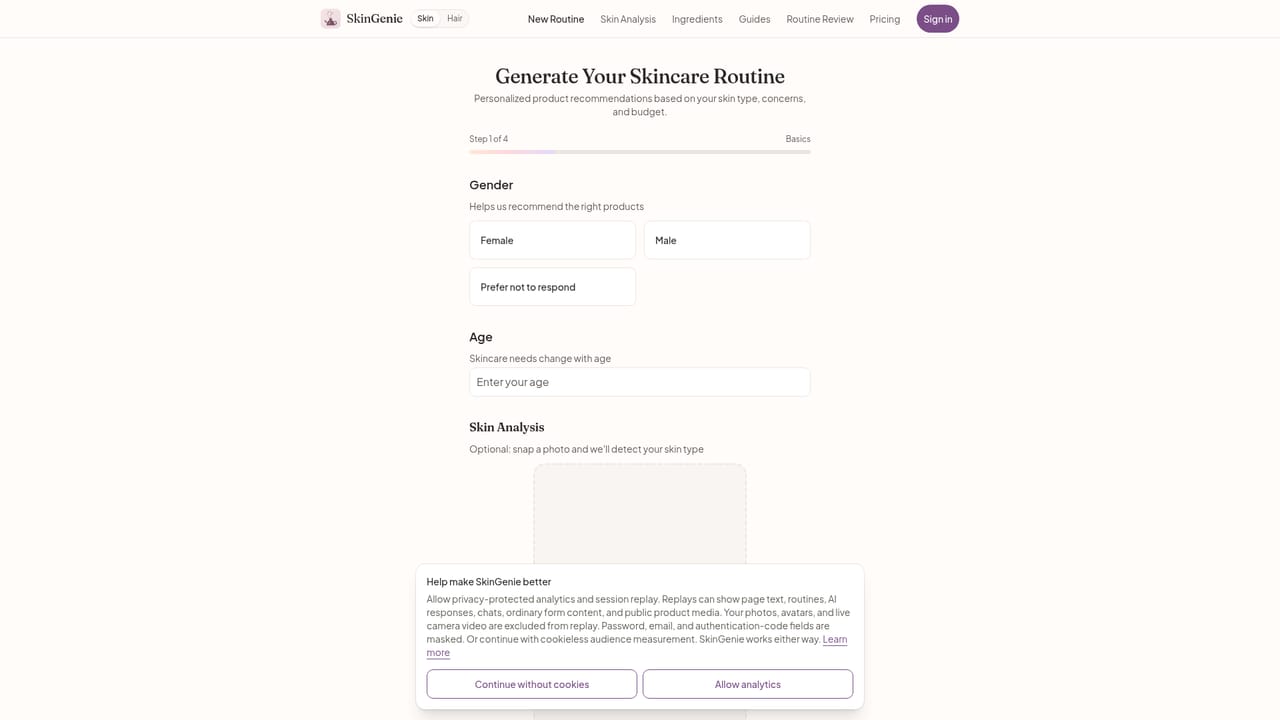
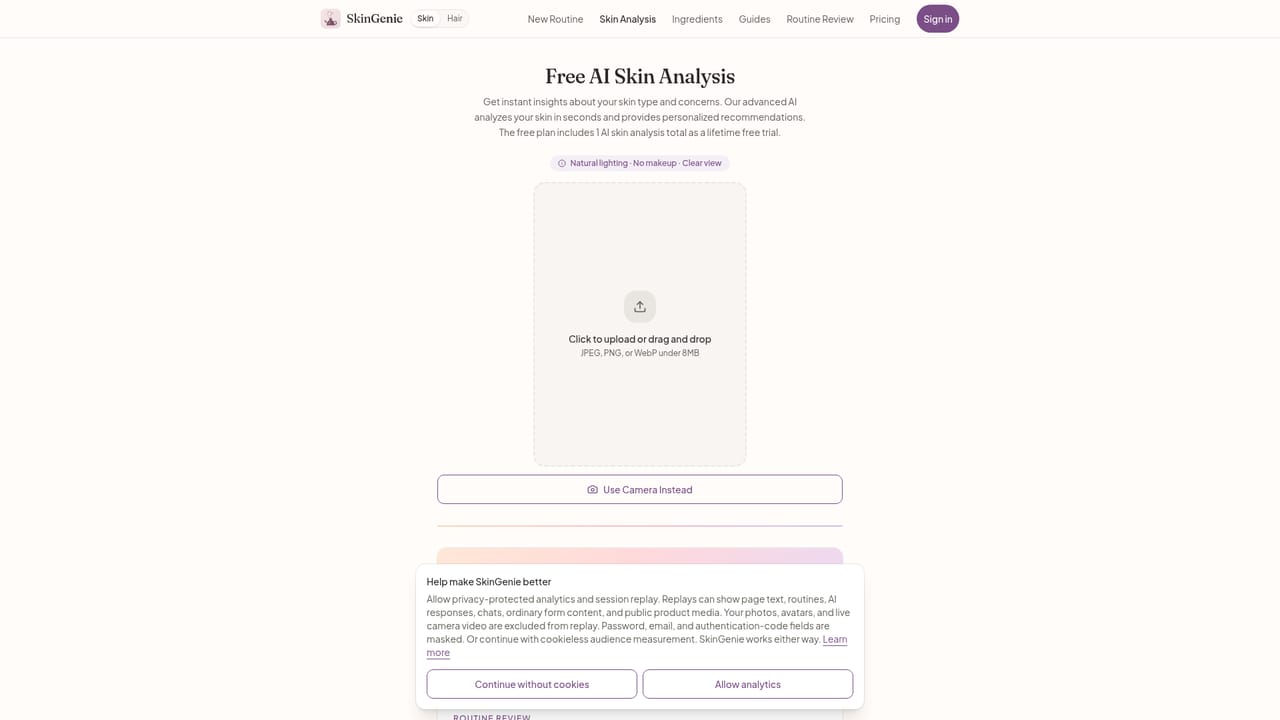
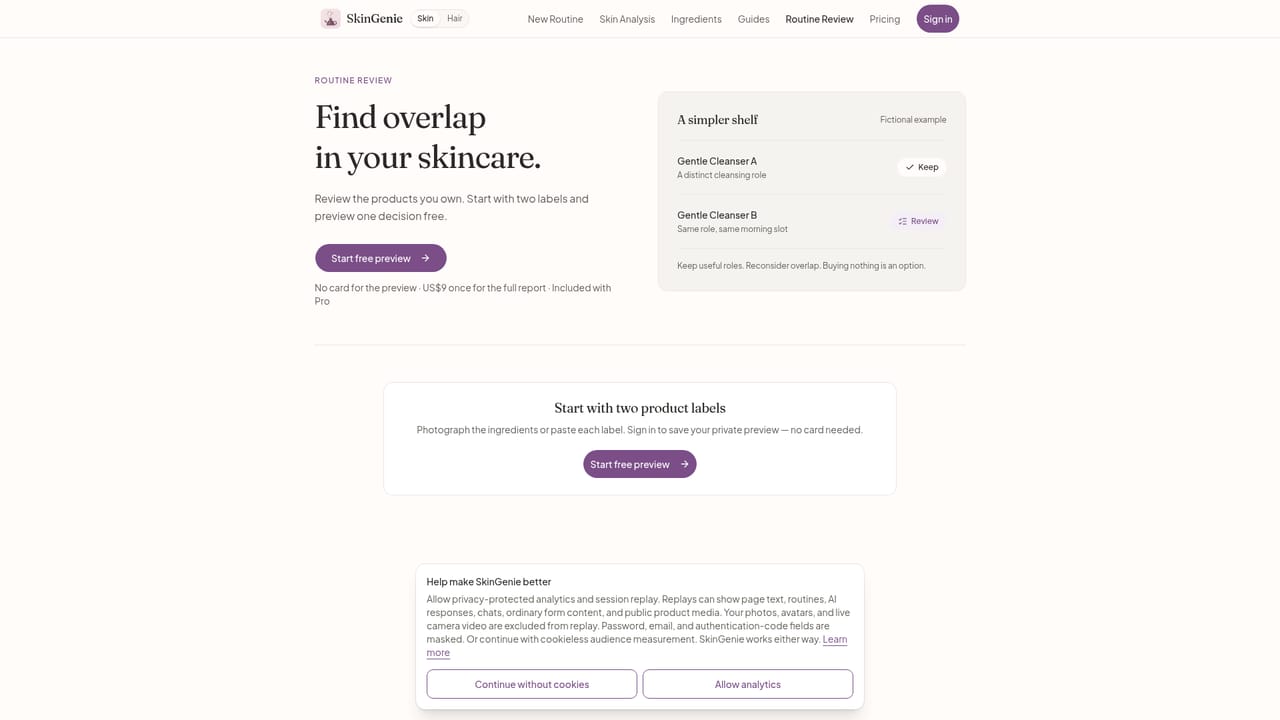
SkinGenie is an AI skincare assistant that builds a personalised morning and evening routine from a short questionnaire about your skin type, concerns, lifestyle and budget. The process takes under two minutes, and every step in the resulting routine is tied to a real product that links directly to a store where it can be purchased. There are no placeholder or illustrative recommendations: the site states that 100 percent of its product suggestions are real and buyable, and it reports more than 8,000 routines generated to date. For users who prefer to start from evidence rather than a quiz, the platform includes a selfie-based skin analysis. An uploaded photo is processed to identify skin type, visible concerns and sensitivity, producing a profile in seconds without an appointment or an app download. That profile can feed straight into the routine generator, and the site describes the photo handling as private and secure. Once a routine exists, users can chat with the assistant to understand why a given product or step is included, swap individual products for alternatives that match budget and preferences, or ignore the generator entirely and assemble a routine step by step in the custom builder. Beyond routine creation, SkinGenie acts as a lightweight tracking tool. Saved routines live in a personal library, one can be marked active, and a skin journal logs changes over time so the routine can be adjusted as skin responds. A separate Routine Review feature works from product labels rather than from the skin profile: a user submits two product labels and receives a report on what to keep and where the products overlap, which is aimed at people who already own a shelf of products and want to rationalise it. The site also publishes guide clusters on skin types, concerns, ingredients and ingredient safety for readers who want background before using the generator. SkinGenie sits between free skincare content and a dermatologist consultation. It is built for consumers who want a structured, product-linked routine without booking an appointment, and who value being able to change individual products rather than accept a fixed kit. It is not a diagnostic service, and nothing on the site indicates that it replaces professional medical advice.
The free plan includes one skin analysis as a lifetime free trial and one routine per month, and Routine Review offers a free preview before the paid report. No card is required to start.
Learn moreFree plan: one routine per month, one lifetime skin analysis and three saved routines, no card required. Routine Review is US$9 once for a single report. Pro is $9.99 per month or $79.99 per year (33 percent saving), unlocking unlimited routines, analyses, saved routines, product swaps, ingredient and routine fit checks, product matchups, AI routine chat and full Skin Progress access when enabled.
Learn moreSupport is handled by email at support@skingenie.beauty, listed on the homepage for unanswered questions. No live chat, phone or help centre is mentioned.
AI routine generation for morning and evening, selfie-based skin analysis, a custom routine builder, product swaps, a saved routine library with an active routine, a skin journal for tracking progress, an AI chat for explaining products and steps, and a Routine Review that compares two product labels for overlap. Guides cover skin types, concerns, ingredients and ingredient safety.
 AI Angels400+ customizable AI girlfriends for NSFW chat, voice calls, and roleplay
 Candy AIExperience the future of companionship with AI friends who chat, role-play, and connect with you on a human level.
 ourdream.aiA vast AI roleplay platform with millions of characters for chat, images, video and voiceAI Angels400+ customizable AI girlfriends for NSFW chat, voice calls, and roleplayCandy AIExperience the future of companionship with AI friends who chat, role-play, and connect with you on a human level.ourdream.aiA vast AI roleplay platform with millions of characters for chat, images, video and voice