Free trial
A free starting path is advertised (Get Started Free) but no trial length or plan limits are stated on the homepage.
Learn moreAI browser agents that run real workflows on any website

Skyvern uses AI agents to operate a real browser, automating logins, 2FA, CAPTCHA handling, form fills, document downloads and data extraction across sites that offer no API. It ships with a chat copilot, an SOP uploader, a visual builder, Python and TypeScript SDKs, self hosting, and connectors to Zapier, Make and n8n.
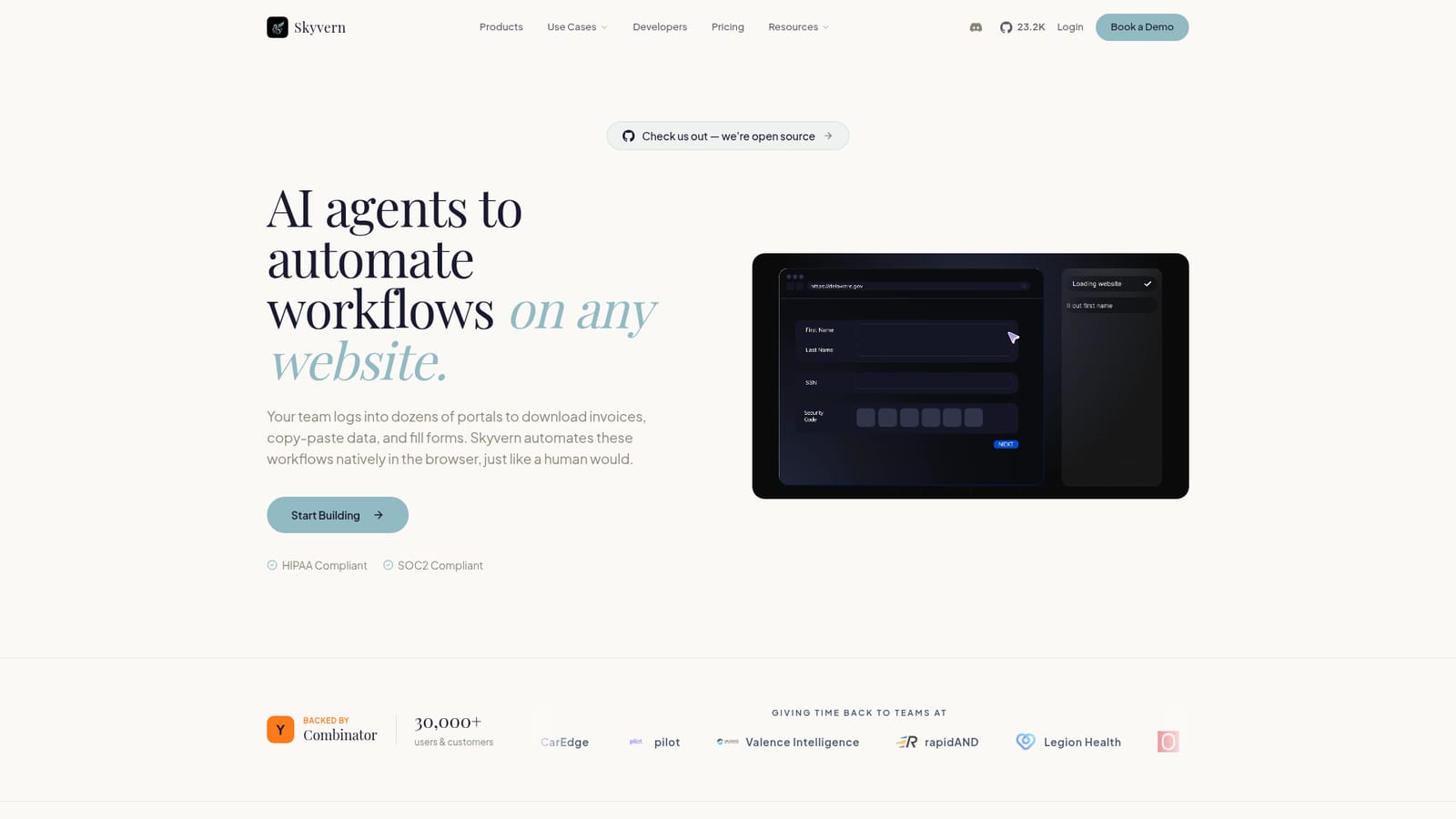
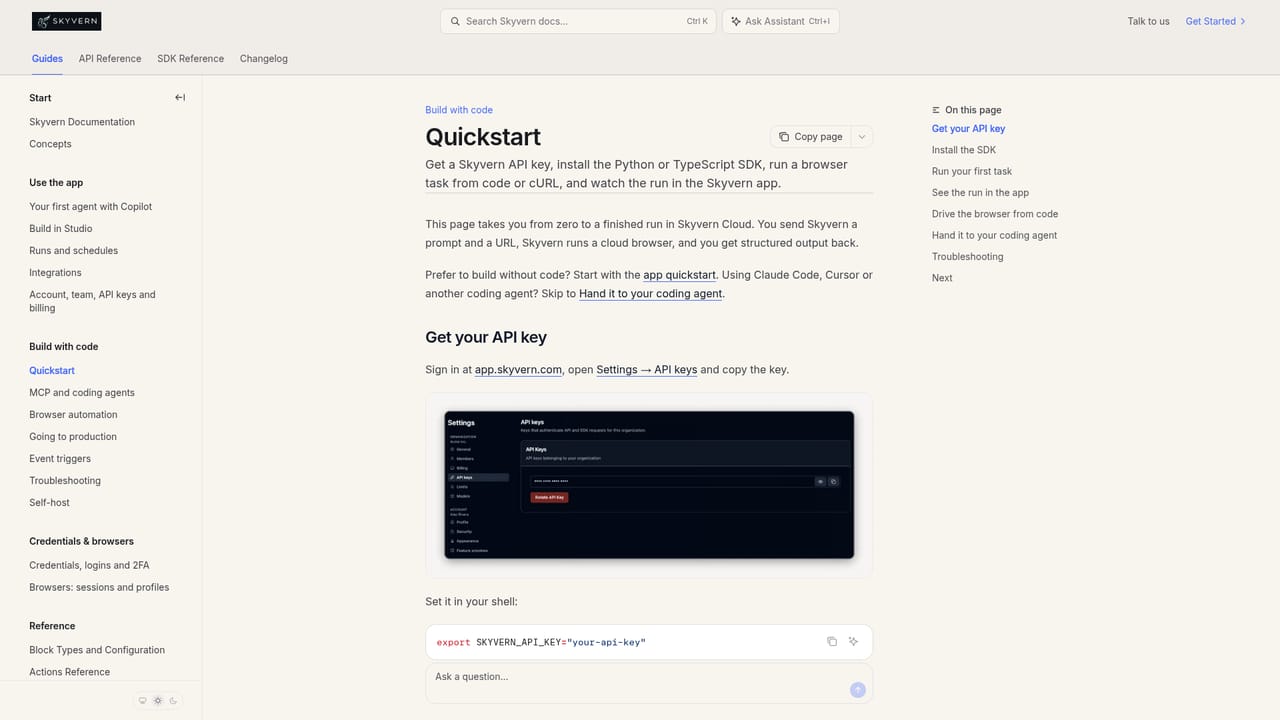
Skyvern is a browser automation platform driven by AI agents rather than hand written selectors. Instead of scripting every click against a DOM path, a team describes the job it needs done (log into a vendor portal, pull the last 30 days of invoices, save them as PDFs) and Skyvern carries it out inside a real browser session, behaving much like a person at a keyboard. The company positions it as a replacement for both selector based frameworks and traditional RPA, with the argument that vision plus LLM reasoning survives interface changes that would break a Playwright or Selenium suite. The practical scope is broad because it is defined by the browser rather than by an API. Teams use it to download and classify documents from portals that sit behind logins, two factor codes and CAPTCHAs, to push structured data out of sites as JSON or CSV, to submit forms and applications at volume, to enrich leads across directories, and to run QA checks that do not collapse when a button moves. Authentication is handled natively, including TOTP flows, and proxy targeting can be narrowed by country, state or zip code. Each run produces an inspectable summary of what the agent did and why, which matters for anyone who has to audit an automated process later. There are several ways in, which suits mixed teams. Non technical users can type instructions into a Copilot chat, upload an SOP document, or demonstrate a task once; developers can drop down to a visual builder or the Python and TypeScript SDKs, and the whole thing can be self hosted with Docker. Workflows also connect to Zapier, Make, n8n, Clay and Workato, and the product is MCP ready with webhooks and event streaming. Skyvern fits organisations with repetitive portal work spread across many logins: finance teams chasing vendor invoices, ops teams filing compliance forms, growth teams working directories. It is heavier than a simple scraping tool and lighter than an enterprise RPA suite, and the open source core gives technical buyers a way to evaluate it before committing. Compliance claims include SOC2 Type II and HIPAA.
A free starting path is advertised (Get Started Free) but no trial length or plan limits are stated on the homepage.
Learn moreConnectors listed for Zapier, Make, Clay, n8n and Workato, plus Python and TypeScript SDKs, webhooks, event streaming and MCP readiness for custom stacks.
Native CAPTCHA solving, 2FA and TOTP logins, country and zip level proxy targeting, and per run explainability summaries. Extraction returns JSON or CSV in any schema. Workflow authoring spans Copilot chat, SOP upload, task demonstration, a visual builder and Python or TypeScript SDKs, with Docker self hosting, MCP readiness and webhooks.
 AI Angels400+ customizable AI girlfriends for NSFW chat, voice calls, and roleplay
 Candy AIExperience the future of companionship with AI friends who chat, role-play, and connect with you on a human level.
 ourdream.aiA vast AI roleplay platform with millions of characters for chat, images, video and voiceAI Angels400+ customizable AI girlfriends for NSFW chat, voice calls, and roleplayCandy AIExperience the future of companionship with AI friends who chat, role-play, and connect with you on a human level.ourdream.aiA vast AI roleplay platform with millions of characters for chat, images, video and voice


