Free trial
The homepage invites visitors to try Slicer for free and mentions a 14-day money-back guarantee on paid plans, but no trial length or plan tiers are published on the page.
Learn moreCopy any website component as a ready-to-paste AI prompt

slicer.dev is a code modifier tool. Slicer is a Chrome extension that captures any component from a live website, keeping styles, animations, and interactions, and exports it as an AI-ready prompt or React code for tools like Cursor, Claude Code, Lovable, Bolt, or v0.
Slicer is a browser extension that turns components from live websites into structured prompts or React code you can paste into an AI coding tool. Instead of screenshotting a hero section, describing it in text, and then fixing the CSS that the model guessed wrong, you open Slicer on the page, hover the element you want, and click to capture it. Styles, animations, hover states, and interactions come along with the capture rather than being flattened into an image or a pile of messy HTML. The tool pulls a clean, component-shaped output. You can take it as an AI-ready prompt and drop it into Claude Code, Cursor, Lovable, Bolt, or v0, or take it as a React component. A second surface called Canvas lets you combine several slices, apply your own brand style, debrand a captured component, generate variants, and rearrange things visually before exporting. Slicer also produces UX audits, which distinguishes it from pure copy-paste tooling. The realistic audience is frontend engineers and product designers who regularly trawl competitor sites for patterns, plus agencies building several client sites a month and founders assembling an MVP. The pitch is handoff speed: the vendor claims the usual screenshot-and-iterate loop takes about 47 minutes and a Slicer capture takes roughly 30 seconds, a comparison that should be read as marketing rather than a measured benchmark. Against alternatives, Slicer sits between a visual reference tool and a code generator. It is not a website builder, and it does not write your app for you; it produces the input that your coding agent consumes. The extension is installed through the Chrome Web Store, where the listing shows a 5.0 rating and over 2,000 slices extracted. A free starting point and a 14-day money-back guarantee are mentioned on the site, but no subscription price is published on the homepage, so cost has to be confirmed at checkout.
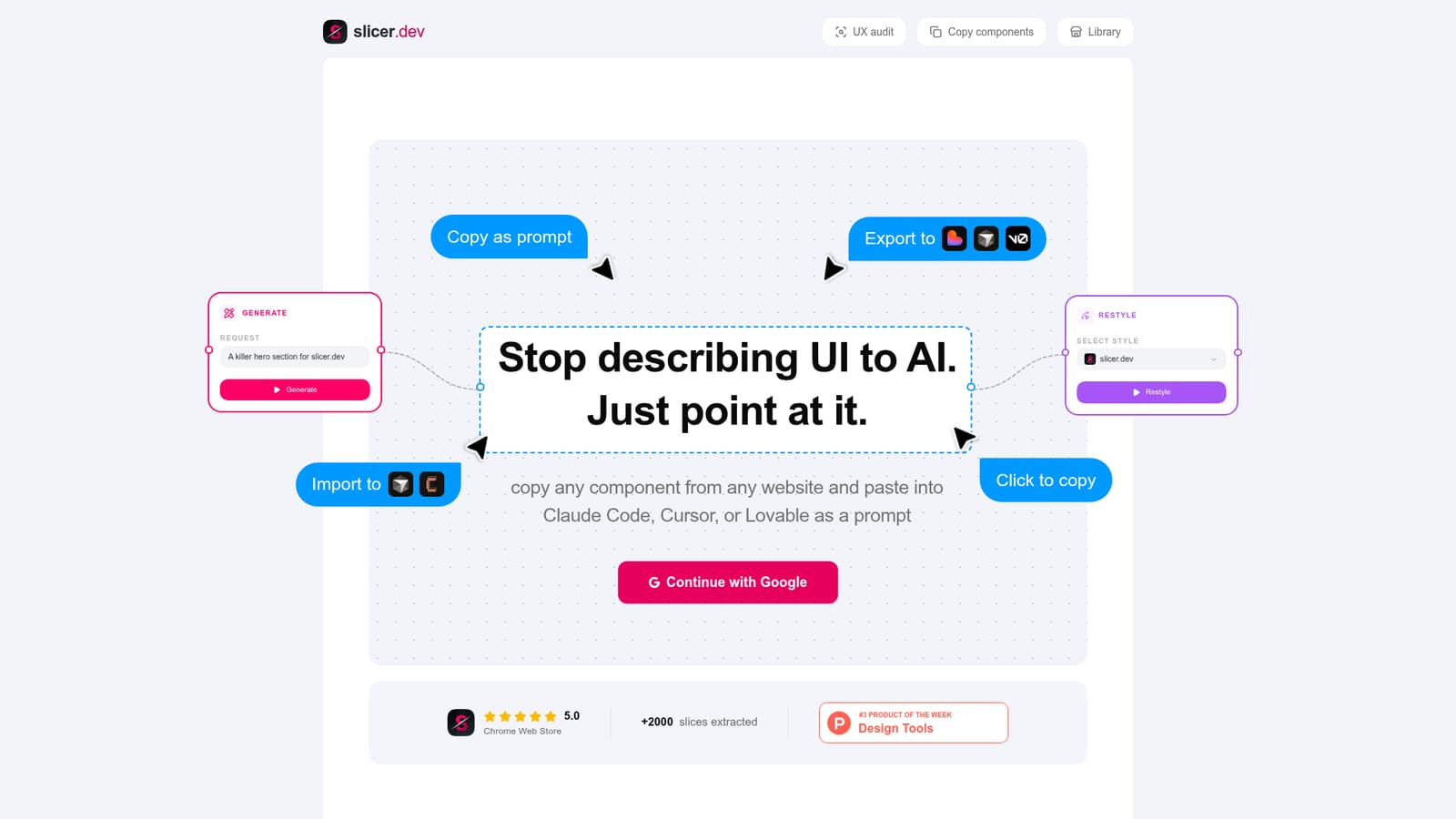
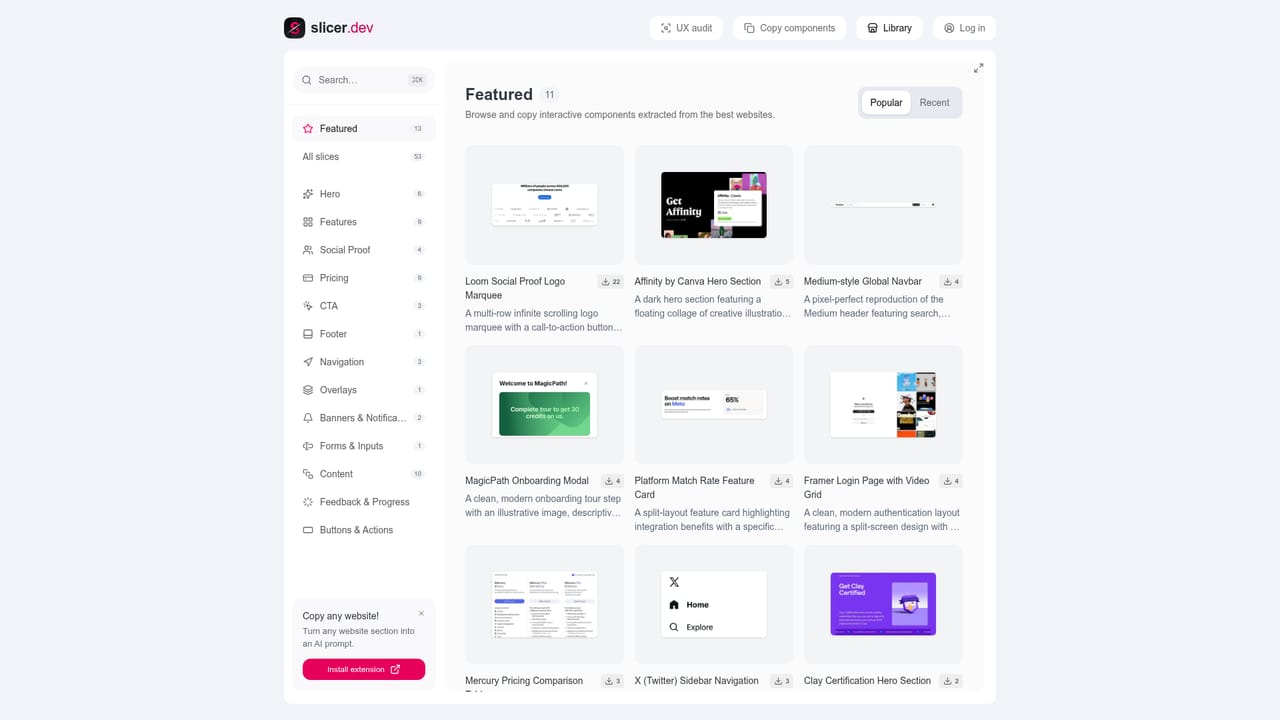
The homepage invites visitors to try Slicer for free and mentions a 14-day money-back guarantee on paid plans, but no trial length or plan tiers are published on the page.
Learn moreExports target Claude Code, Cursor, Lovable, Bolt, and v0, either as a pasted prompt or as React code. The capture side is the Chrome browser extension.
One click capture of any component from a live site with hover states, CSS animations, and interactions preserved. Exports as an AI-ready prompt or React component for Claude Code, Cursor, Lovable, Bolt, and v0. Canvas adds slice merging, brand restyling, debranding, variant generation, and export history. Slicer also produces UX audits alongside component copies.
 AI Angels400+ customizable AI girlfriends for NSFW chat, voice calls, and roleplay
 Candy AIExperience the future of companionship with AI friends who chat, role-play, and connect with you on a human level.
 ourdream.aiA vast AI roleplay platform with millions of characters for chat, images, video and voiceAI Angels400+ customizable AI girlfriends for NSFW chat, voice calls, and roleplayCandy AIExperience the future of companionship with AI friends who chat, role-play, and connect with you on a human level.ourdream.aiA vast AI roleplay platform with millions of characters for chat, images, video and voice