Free trial
Paid plans include a 30-day free trial, and the Optimizer beta runs its own 30-day trial. The free tier has no card requirement and no expiration.
Learn moreYear-round tax planning for freelancers and 1099 workers
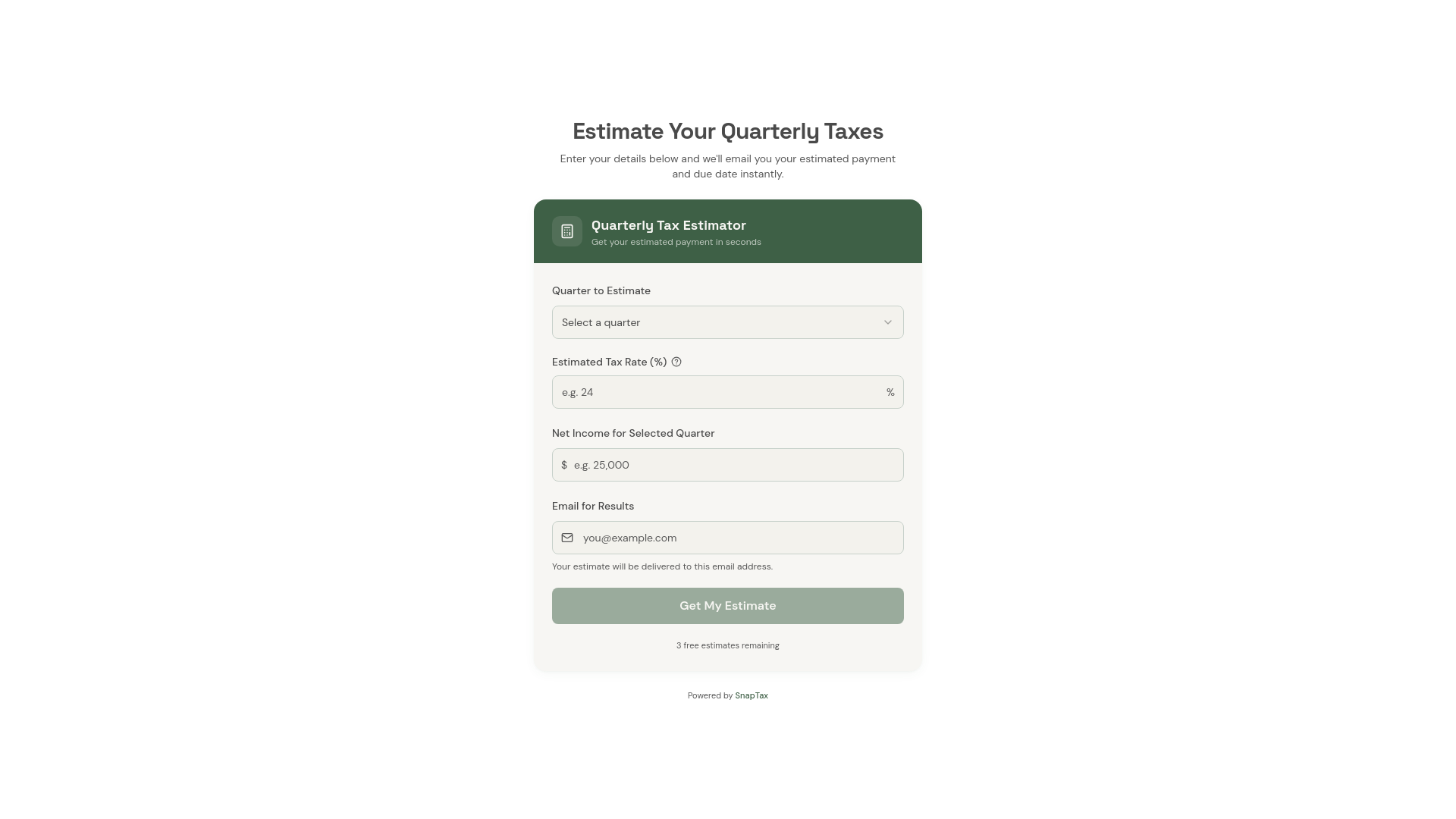
SnapTax is year-round tax planning software for US freelancers and 1099 workers. It estimates federal and state income tax plus self-employment tax as income arrives, sets quarterly payment targets, and on paid plans categorizes expenses, tracks mileage and receipts, and applies depreciation rules.
SnapTax is tax planning software for United States freelancers, gig workers and independent contractors who receive 1099 income. Rather than focusing on April filing, it works through the year: it estimates federal and state income tax plus the 15.3% self-employment tax as income arrives, then translates the result into quarterly payment amounts and a monthly savings target. Setup is short. A user enters filing status, state and expected income, and the tool applies current IRS brackets and state rules. A free plan covers basic quarterly estimates and all four IRS deadlines. Paid tiers add the expense side. On the Builder plan, users can upload bank statements or photograph receipts and let categorization sort business costs, apply rules such as the 50% meals limit, log deductible mileage at the IRS standard rate, and handle asset depreciation under Section 179 and bonus depreciation. A business use percentage filter lets someone with mixed personal and business accounts claim only the business share. Every recorded deduction lowers the estimated tax in real time, and profit and loss reports can be handed to a CPA at filing time. The audience is solo contractors with straightforward income from platforms like Stripe, PayPal and Zelle. The product says plainly that it is not a filing service and not a replacement for a bookkeeper, payroll system or balance sheet reporting. It sits between DIY spreadsheets and full accounting suites: lighter than QuickBooks, more structured than a spreadsheet, and focused on the specific question of how much to set aside. A newer Optimizer tier, in beta with planned general availability in December 2026, hunts for personal deductions and credits including home office, QBI, itemized deductions, capital gains, retirement contributions and family credits. SnapTax was founded by Crystal Harrison, a professional bookkeeper with more than two decades of freelancer and 1099 tax experience, and the calculations are reviewed each tax year against IRS publications.
Paid plans include a 30-day free trial, and the Optimizer beta runs its own 30-day trial. The free tier has no card requirement and no expiration.
Learn moreFree plan at $0 with quarterly estimates and all four IRS deadlines. Starter is $4.99 per month with a 30-day trial. Builder is $19.99 per month with a 30-day trial. Optimizer is $39.99 per month in beta with its own 30-day trial.
Learn moreSupport centers on a 30-minute personal setup session with founder Crystal Harrison for $49, which covers a quarterly estimate and account configuration. No help centre is listed.
Core features include real-time quarterly tax estimates, AI expense categorization from uploaded bank statements, a business use percentage filter for mixed accounts, profit and loss reports, asset and depreciation tracking, mobile mileage capture and receipt storage. Beta tools add a deduction optimizer, retirement planner and capital gains tracker.
Learn more AI Angels400+ customizable AI girlfriends for NSFW chat, voice calls, and roleplay
 Candy AIExperience the future of companionship with AI friends who chat, role-play, and connect with you on a human level.
 ourdream.aiA vast AI roleplay platform with millions of characters for chat, images, video and voiceAI Angels400+ customizable AI girlfriends for NSFW chat, voice calls, and roleplayCandy AIExperience the future of companionship with AI friends who chat, role-play, and connect with you on a human level.ourdream.aiA vast AI roleplay platform with millions of characters for chat, images, video and voice