Free trial
There is no time-limited trial; instead SocialRobot offers an always-free plan with no credit card and no time limit, capped at 2 accounts and 15 posts per month.
Learn moreAI-assisted scheduler that turns one idea into a week of posts across every channel.

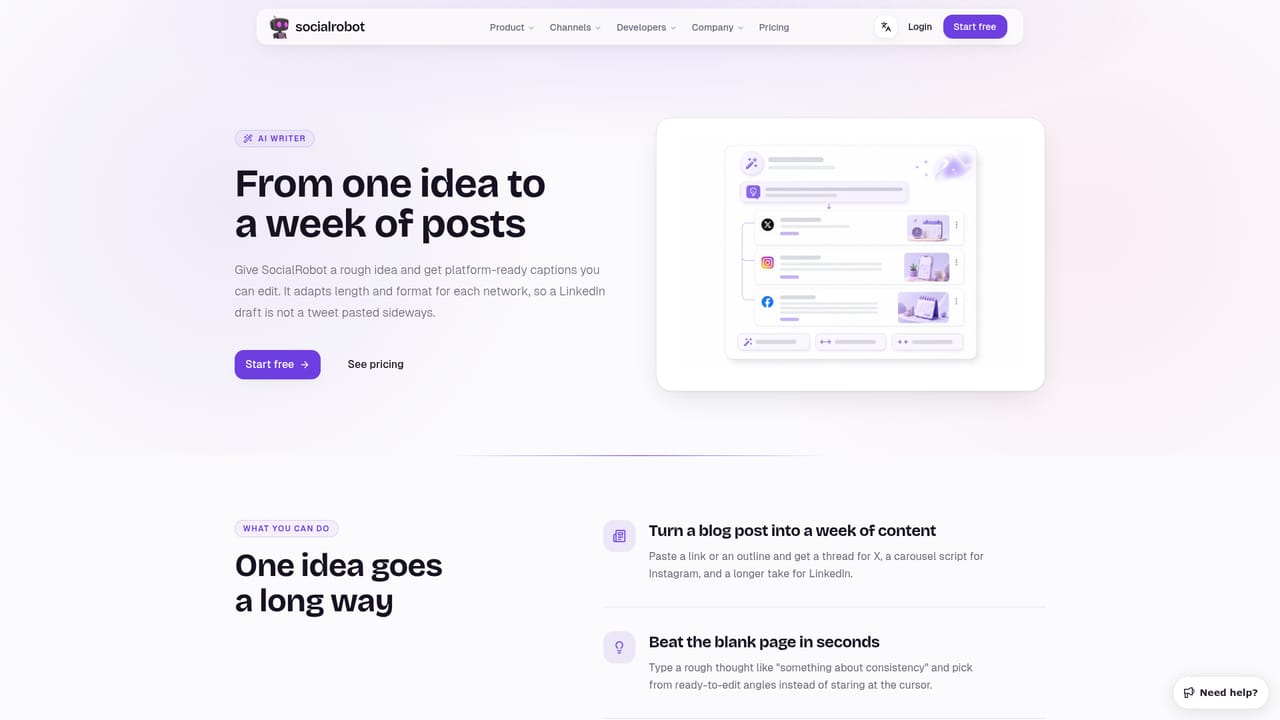
SocialRobot is an AI-assisted social media scheduler for small businesses: draft once, adapt captions per channel, generate images, and publish everywhere from a single calendar with built-in analytics.
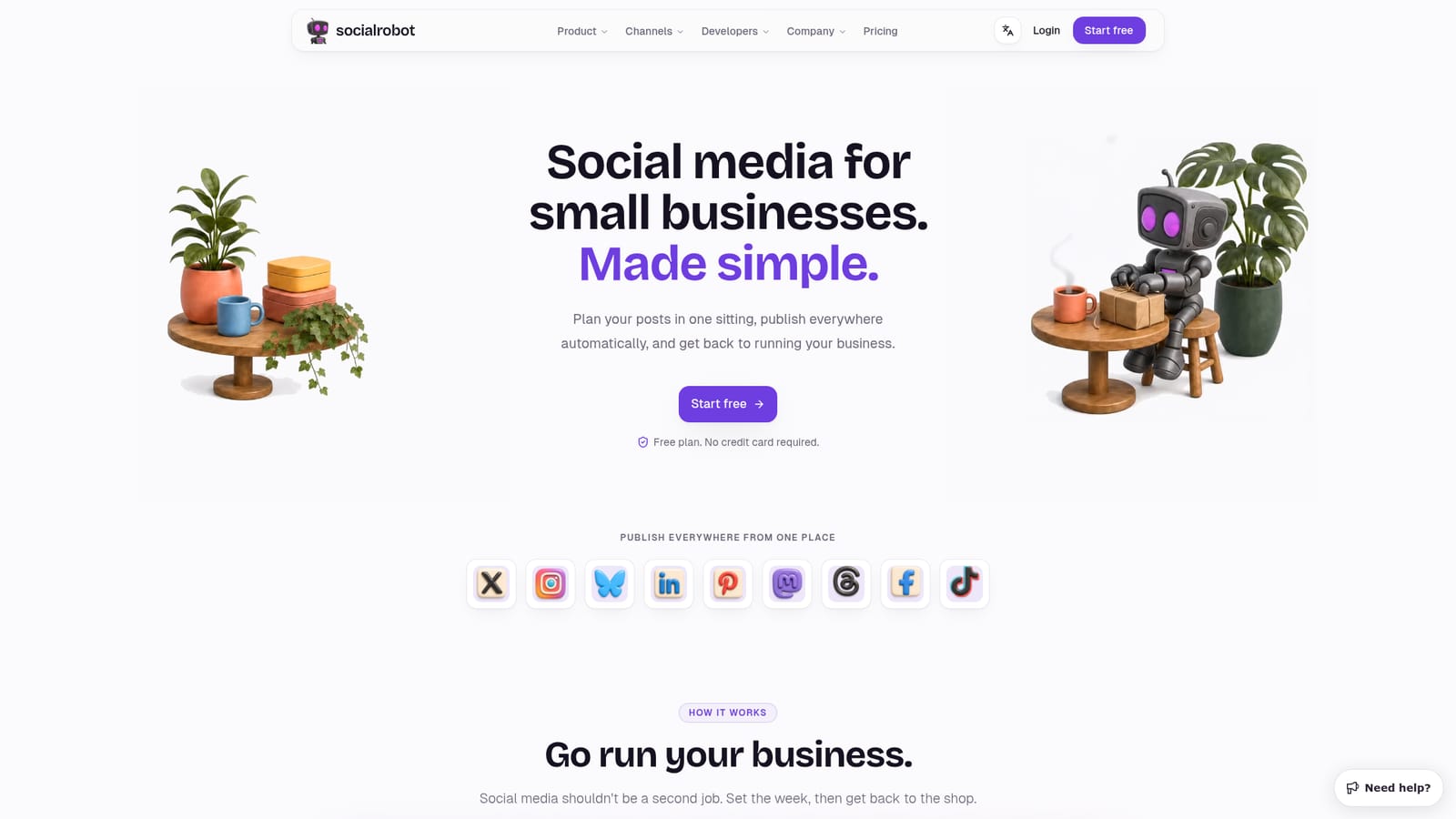
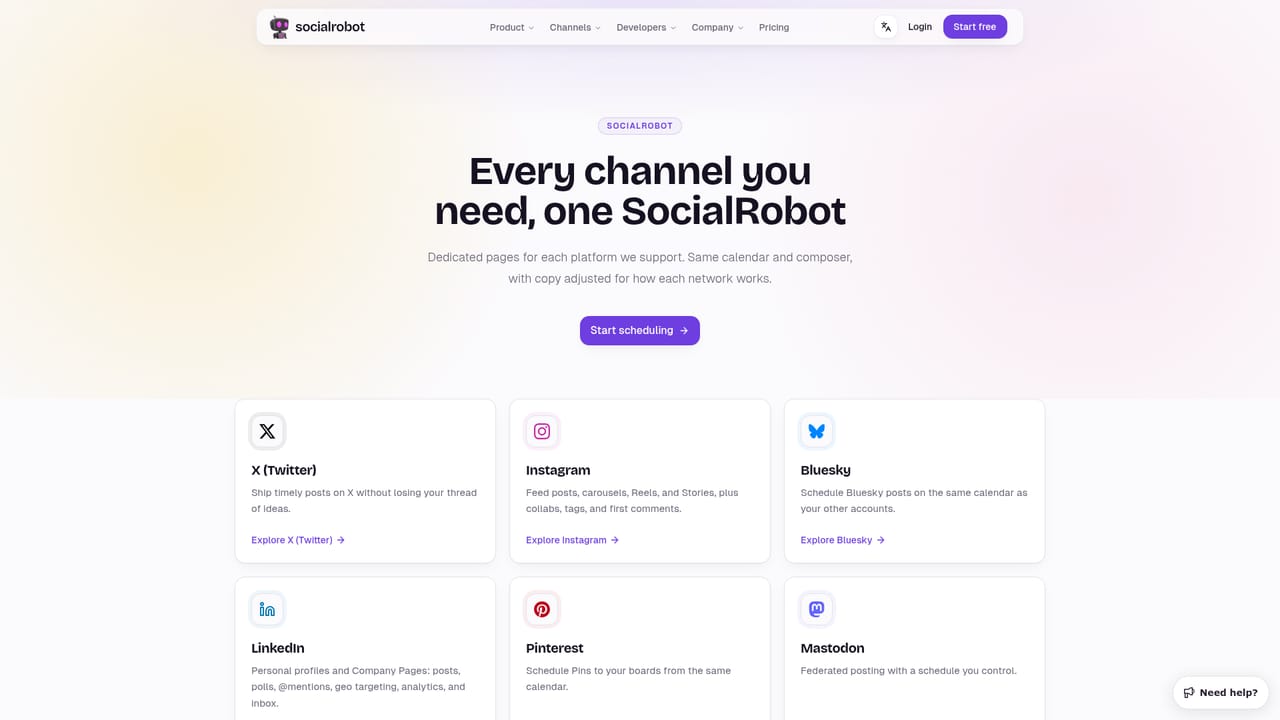
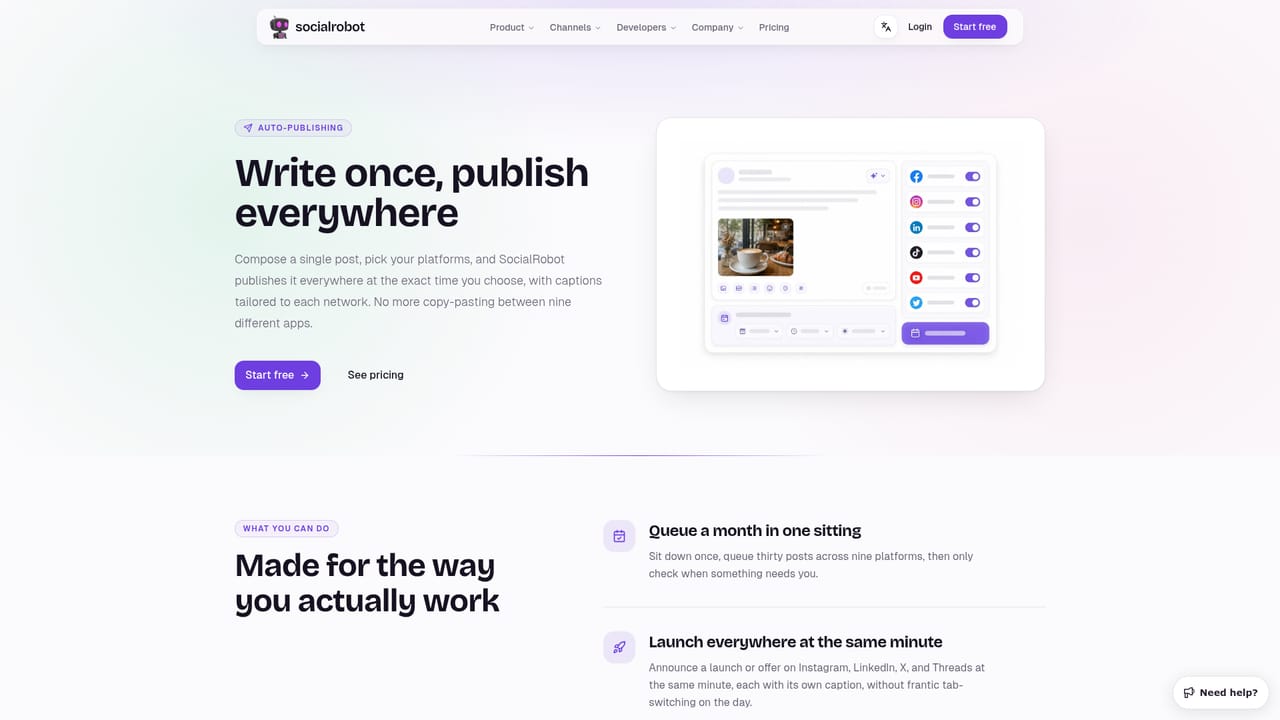
SocialRobot is a social media scheduling tool built for small businesses, solo founders and makers who need to keep a consistent posting rhythm without treating it as a full-time job. The core workflow starts with a single idea: a user writes one post in the composer, and the tool adapts the caption for each connected network rather than requiring separate drafts. Users can preview how a post will look on each platform, adjust text or media per channel, and then schedule everything to go out automatically. Beyond scheduling, SocialRobot includes an AI writer for drafting captions, an AI image generator for creating visuals without leaving the draft (available on paid plans), and a calendar view that shows the whole week's posts at a glance so gaps or clashes are easy to spot. Analytics are built into every plan, giving a way to see which posts perform and inform what to plan next. The tool is aimed at people who already run a business or project and treat social posting as a recurring chore rather than a specialty. It supports a wide set of channels, including X, Instagram, Bluesky, LinkedIn, Pinterest, Mastodon, Threads, Facebook and TikTok, so a single plan-and-post session can cover most of a small business's public presence. For teams with existing tooling, SocialRobot exposes a REST API, a hosted MCP server, and an n8n node, plus a Canva connection, so it can slot into an automated workflow rather than replace one. It sits in the same space as other social schedulers built for solo operators and small teams, distinguishing itself with a founder-led, workflow-first approach: plan once, publish everywhere, then get back to running the business.
There is no time-limited trial; instead SocialRobot offers an always-free plan with no credit card and no time limit, capped at 2 accounts and 15 posts per month.
Learn moreThree tiers: Free ($0, 2 accounts, 15 posts/month, no X, no AI images), Starter ($19/month, 5 accounts, unlimited posts, 200 AI images, no X) and Pro ($29/month, 20 accounts, unlimited posts, 500 AI images, X included, priority support). Annual billing saves 17%; paid plans include a 14-day money-back guarantee.
Learn moreStandard support is included on Free and Starter plans, with priority support on the Pro plan; a contact page is available for direct questions.
Learn moreOffers a REST API, a hosted MCP server, and an n8n node for workflow automation, plus a direct connection to Canva for media creation.
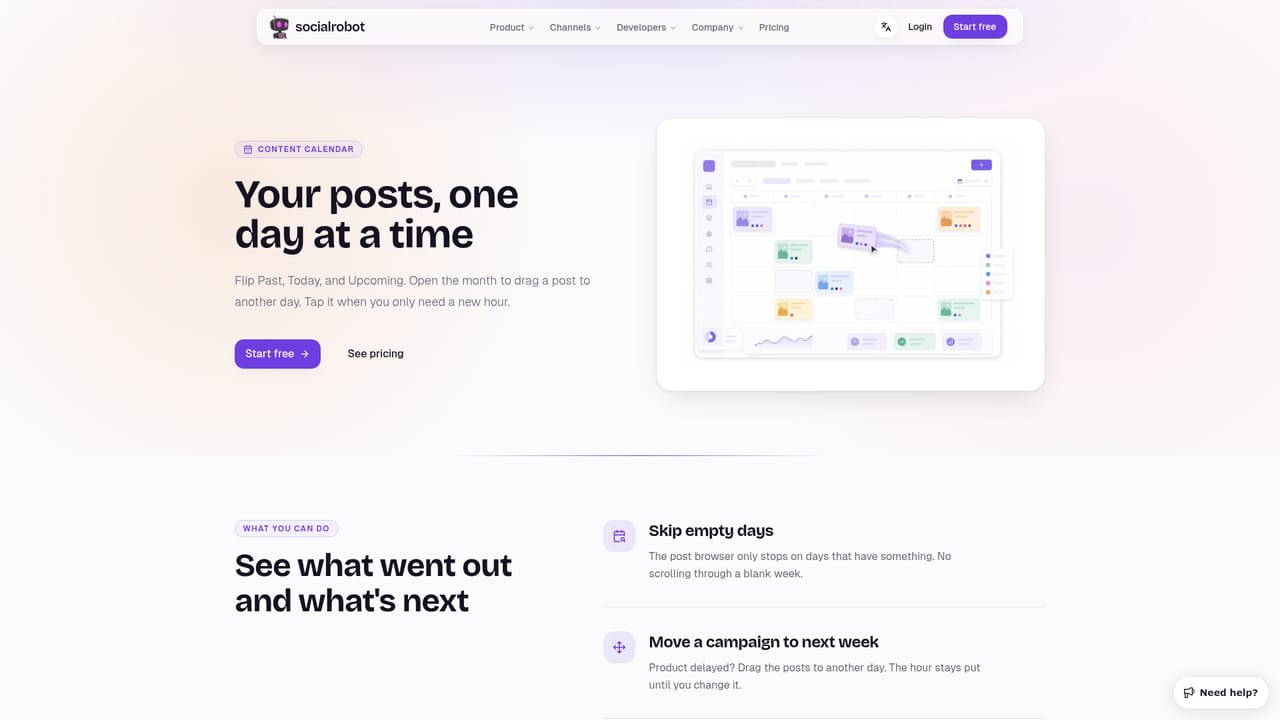
Learn moreAI-assisted post composer that adapts one draft into per-channel captions, per-network previews, a visual weekly calendar, AI image generation for drafts, built-in analytics, and automated scheduling across major social platforms.
 AI Angels400+ customizable AI girlfriends for NSFW chat, voice calls, and roleplay
 Candy AIExperience the future of companionship with AI friends who chat, role-play, and connect with you on a human level.
 ourdream.aiA vast AI roleplay platform with millions of characters for chat, images, video and voiceAI Angels400+ customizable AI girlfriends for NSFW chat, voice calls, and roleplayCandy AIExperience the future of companionship with AI friends who chat, role-play, and connect with you on a human level.ourdream.aiA vast AI roleplay platform with millions of characters for chat, images, video and voice


