Support
An on-page FAQ addresses navigation, editing, object creation, and common questions about purchases and shared editing.
Describe an object in chat, then walk around it and refine it in a shared 3D world.

Sociome is a browser based AI 3D world builder that turns text descriptions into objects you can walk around and refine with chat or direct position, rotation, scale, and color controls in a shared space.
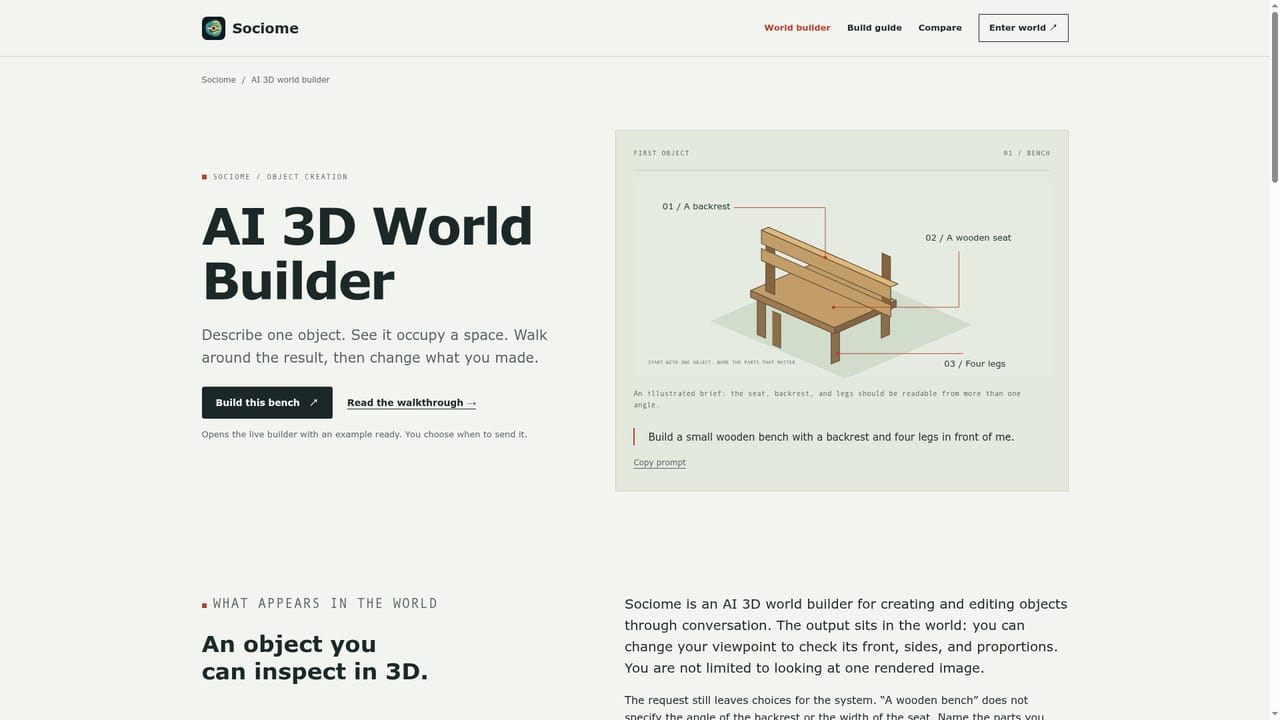
Sociome is a browser based AI tool for building simple 3D objects through conversation. A user types a description such as a wooden bench with a backrest and four legs, the model generates a 3D object, and the person can then walk or orbit around it in a shared world to judge whether the shape matches what they pictured. Refinement happens either by describing a change in chat or by opening a direct editor that exposes position, rotation, scale, and color controls, so a creator can nudge a result toward the intended form without redescribing the whole object. The tool is built around inspection and iteration rather than one shot generation. Sociome explicitly frames the first result as a starting point: check the object from more than one angle, identify a single difference, and make a focused revision before moving on. This makes it suited to people exploring spatial ideas quickly, such as educators building a visual example, hobbyists sketching a scene, or anyone doing early stage object studies where exact dimensions do not matter yet. Because the world is shared, other people's creations can appear alongside a user's own, and anyone can edit any object in that space. Conflict protection means that if someone else is already modifying an object, a new edit attempt is asked to wait. A person shaped model is treated the same as any other object: it does not gain memory, autonomous behavior, or relationships, which distinguishes Sociome from character simulation projects that share the AI Town name. Sociome positions itself against two kinds of neighbors: dimensionally precise CAD or print ready tools on one side, and autonomous character simulations like Enjoy AI Town on the other. It sits in between, as a lightweight, conversational way to produce and adjust rough 3D objects for teaching, play, or early concept work, not as a replacement for professional modeling or simulation software.
An on-page FAQ addresses navigation, editing, object creation, and common questions about purchases and shared editing.
Conversational object creation, a shared 3D world for walking around results, chat based and direct editing for position, rotation, scale, and color, and conflict protection when multiple people edit the same object.
Learn more AI Angels400+ customizable AI girlfriends for NSFW chat, voice calls, and roleplay
 Candy AIExperience the future of companionship with AI friends who chat, role-play, and connect with you on a human level.
 ourdream.aiA vast AI roleplay platform with millions of characters for chat, images, video and voiceAI Angels400+ customizable AI girlfriends for NSFW chat, voice calls, and roleplayCandy AIExperience the future of companionship with AI friends who chat, role-play, and connect with you on a human level.ourdream.aiA vast AI roleplay platform with millions of characters for chat, images, video and voice



