Free trial
A free entry point is offered through the Get Started for Free and Start Teaching links on the homepage. No time limit or feature restrictions for the free tier are stated.
Learn moreAI co-thinker for mastery based teaching and learning.

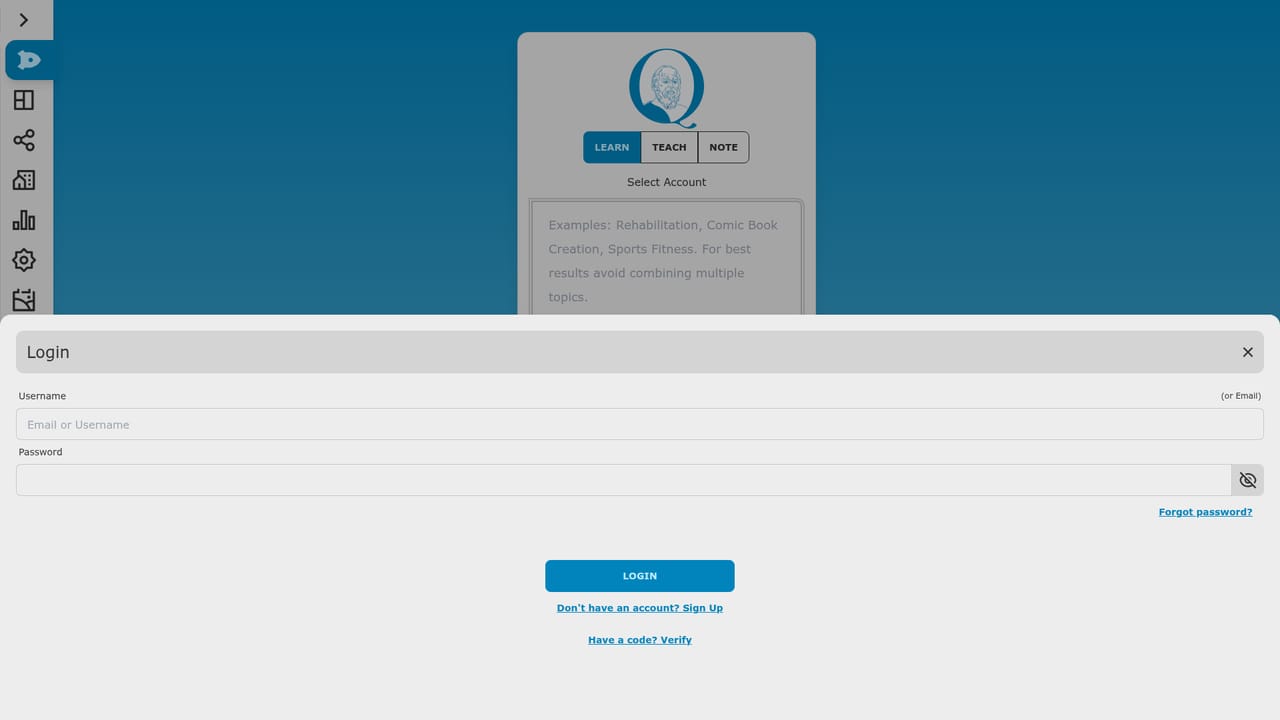
Socratiq is a courses tool. SocratiQ combines an interactive digital notebook with persona based AI facilitators for teachers, students, schools and homeschool groups. It emphasizes mastery learning, layered feedback, assignable explorations and progress insight reporting.
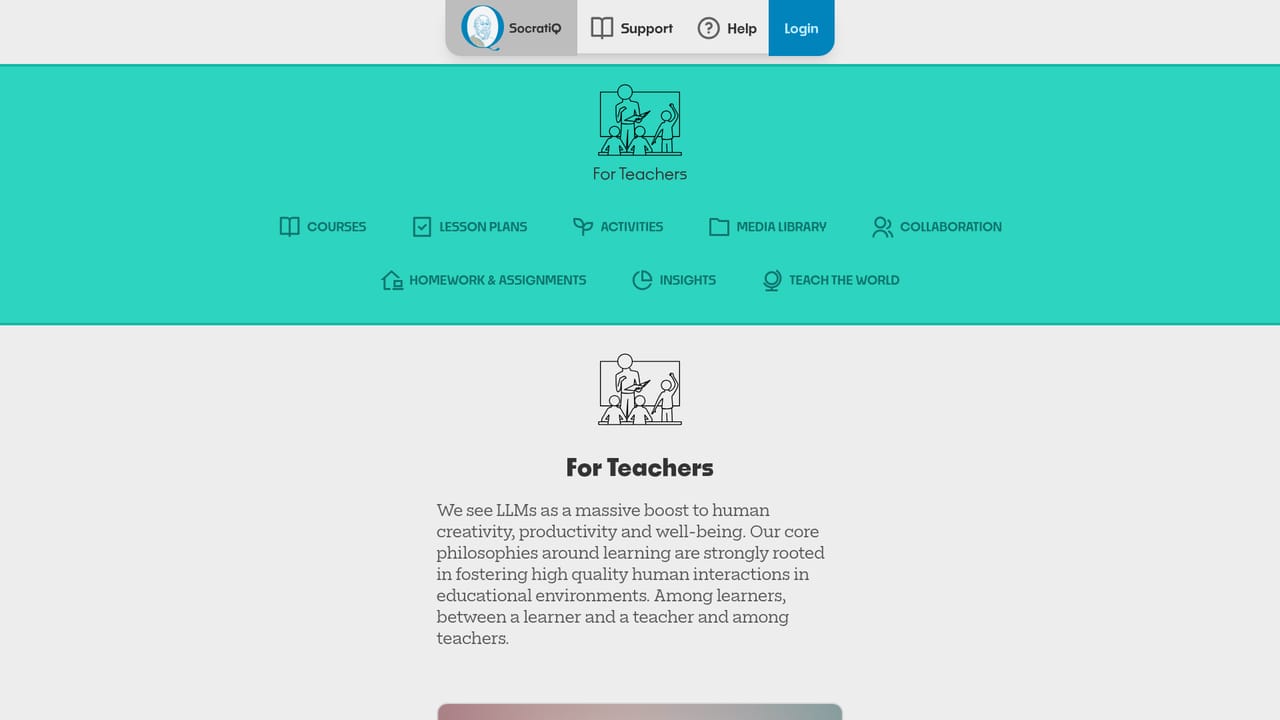
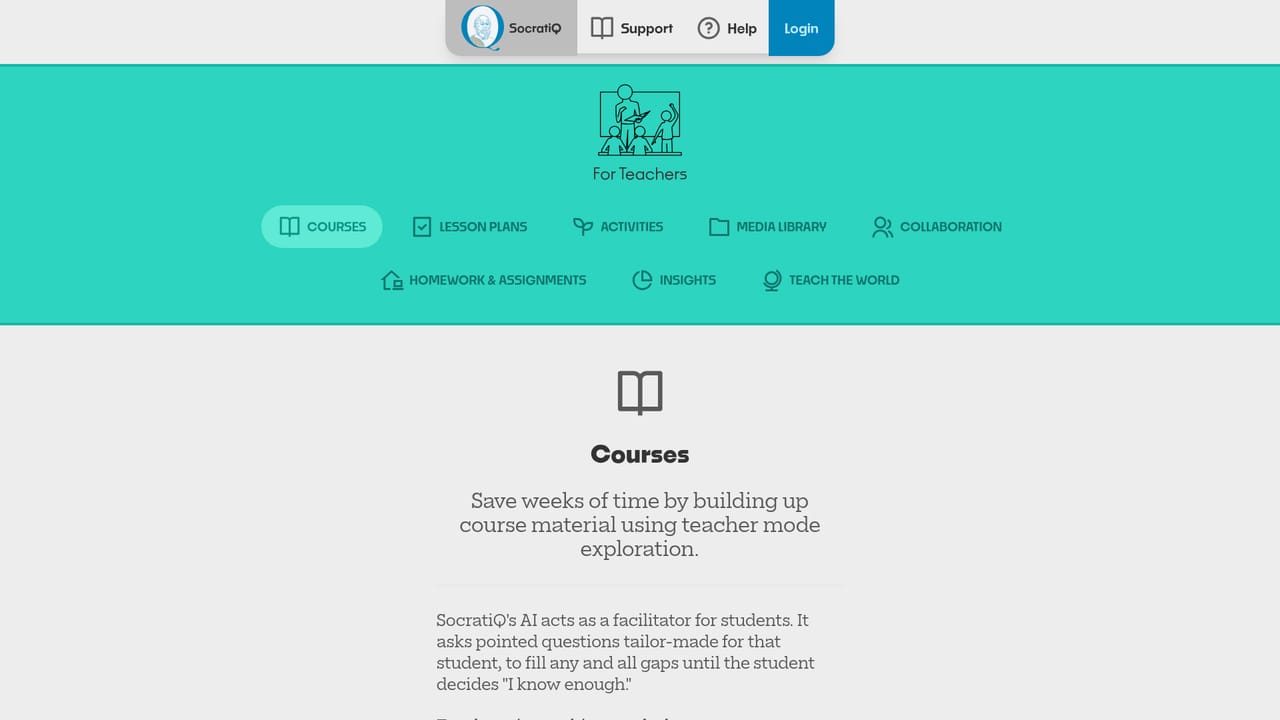
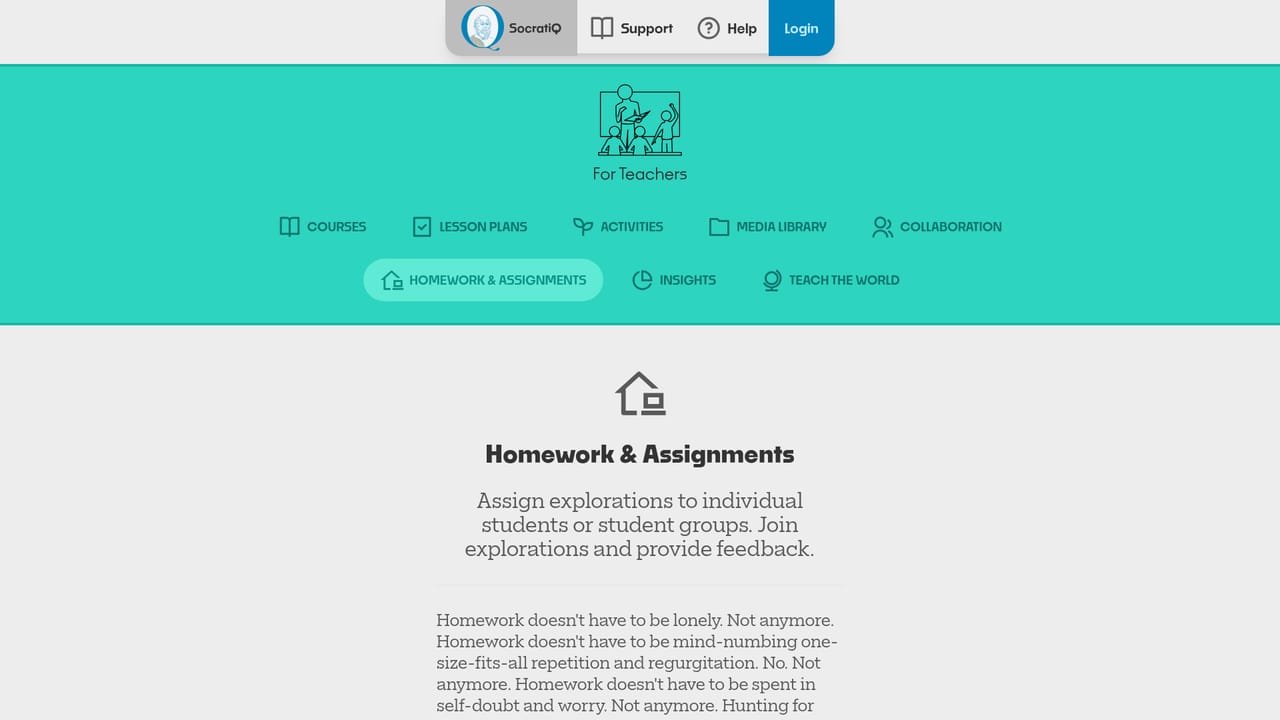
SocratiQ is a teaching and learning platform built around a simple premise: students learn best when they are guided to think for themselves rather than handed answers. The product pairs an interactive digital notebook with multiple AI facilitators that adopt distinct personas suited to a subject or a particular learner. Teachers design explorations, students answer questions and receive layered feedback, and the resulting notes form a color coded knowledge graph that grows differently for every learner. The stated goal is mastery, not completion, and the system supports direct instruction, inquiry based work, flipped classroom models and other pedagogical approaches out of the box. For teachers, the platform targets the repetitive overhead of course building. Course material, lesson plans, activities and assignments can be assembled in teacher mode, shared with colleagues, and assigned to individuals or groups. A media library holds uploaded documents and images, and insight reports show where each student sits on the path to mastery. Students get their own surface: bite sized lessons when they are stuck, topical guides that map the concepts inside a broad subject, instant qualitative feedback on answers, and a portfolio that can stand in for a resume. Both sides can publish explorations and browse a public gallery of work from other teachers and learners. Institutions are addressed through prompt free AI, bulk student import with generated credentials, roster and team management, and integrated professional development in the form of help content and video walkthroughs. Homeschool groups get lesson plans, activities, group management with parents and tutors, and the same insight reporting. Volume pricing is advertised with no lock in and no hidden fees, and an affordable, privacy focused platform is a recurring claim. The closest alternatives are general purpose chatbots used for tutoring and traditional learning management systems. SocratiQ distinguishes itself by fusing the two: the notebook, the assignments and the reporting live in one place, with AI woven through rather than bolted on. The homepage does not publish detailed pricing tiers or third party integration lists, so those specifics need to come from a sales conversation.
A free entry point is offered through the Get Started for Free and Start Teaching links on the homepage. No time limit or feature restrictions for the free tier are stated.
Learn moreThe homepage advertises a free start and describes volume pricing with no lock in and no hidden fees, promising a plan for every budget. It does not publish specific tiers, per seat rates or usage limits, so exact figures require a conversation with the company.
Learn moreHelp content and video walkthroughs are integrated into the application, and a scheduled demo is available for prospective institutional buyers. No public help centre URL or support tiers are listed.
No third party integrations are named on the homepage. Partner logos include Microsoft for Startups, Puthir Learning, Instituto JFR and Global Co Lab, which are affiliations rather than product integrations.
Features span an interactive Markdown notebook with color coded and hierarchical notes, facilitated homework with layered feedback, collaborative classroom explorations, groups and organizations, insight reports on mastery, a media library, a public exploration gallery and a learner portfolio.
Learn more AI Angels400+ customizable AI girlfriends for NSFW chat, voice calls, and roleplay
 Candy AIExperience the future of companionship with AI friends who chat, role-play, and connect with you on a human level.
 ourdream.aiA vast AI roleplay platform with millions of characters for chat, images, video and voiceAI Angels400+ customizable AI girlfriends for NSFW chat, voice calls, and roleplayCandy AIExperience the future of companionship with AI friends who chat, role-play, and connect with you on a human level.ourdream.aiA vast AI roleplay platform with millions of characters for chat, images, video and voice


