Somi

A browsable directory for comparing AI tools by category and topic

Beginner
Screenshot of Somi, A browsable directory for comparing AI tools by category and topic

What is Somi?

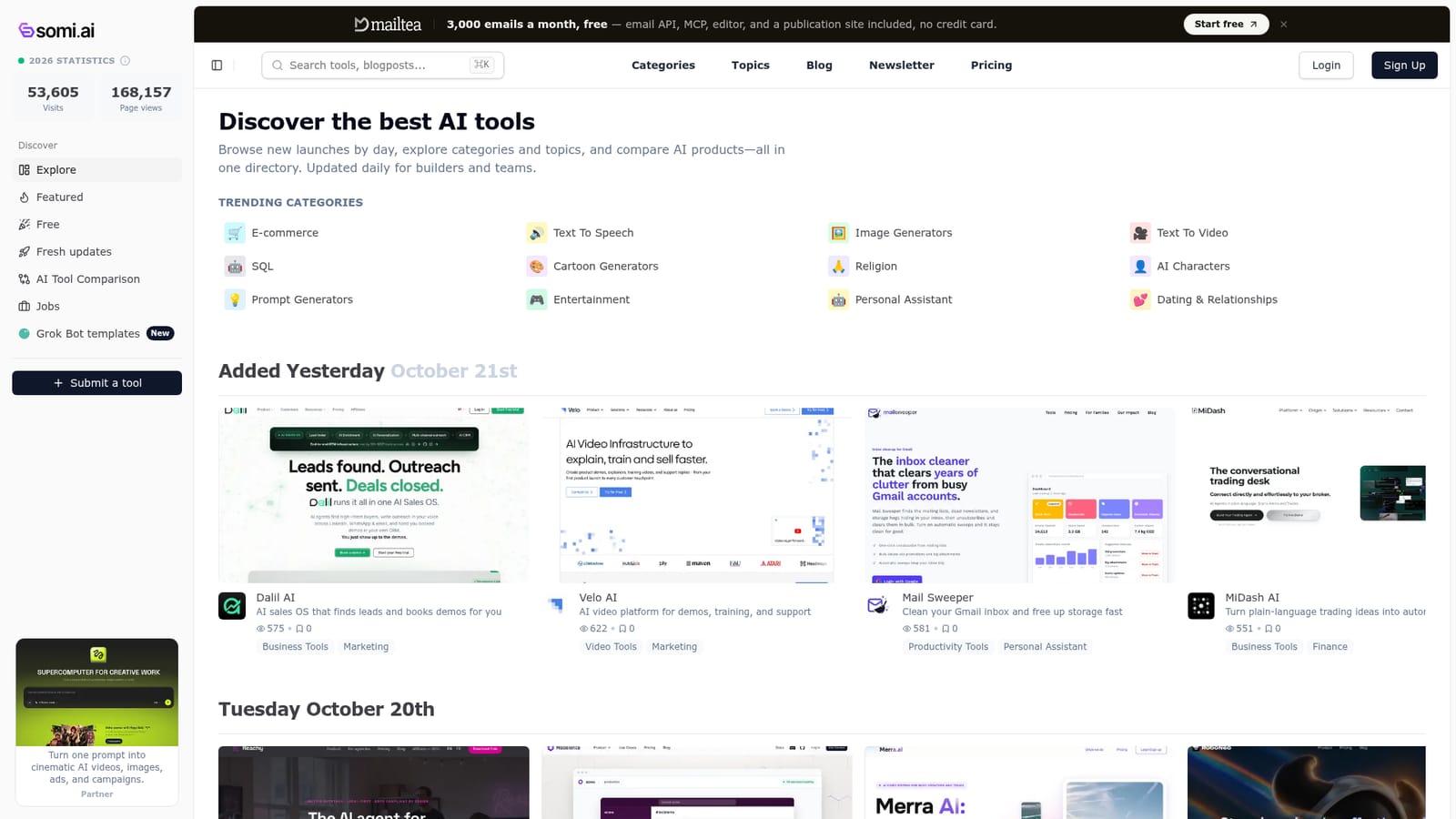
Somi is an AI aggregators tool. Somi AI is an AI tools directory that groups products by category and topic, shows what was added each day, and lets visitors compare tools side by side before choosing one.

Somi AI is a web based directory for discovering, comparing and reviewing AI software. The site organizes tools into topic categories such as text to speech, image generators, text to video, SQL, e-commerce, writing, marketing and productivity, then adds editorial context around each entry so a visitor can judge fit before signing up for anything. It functions as a research layer rather than an AI product itself: nothing is generated on the site, but the catalog is where a buyer starts when they need to choose between several similar tools. The catalog is updated on a daily cadence. New listings appear under dated headings, so a visitor can see what was added on a given day and scan short descriptions that state what the product does in a single line. A featured section highlights sponsored and partner placements, while a free section collects tools that cost nothing to start with. A dedicated comparison view lets you put products side by side, which is the practical use case the site is built around: narrowing a shortlist of three or four tools in the same niche down to one. Categories are the main navigation model. Each one gathers tools that share a job to be done, and some categories have their own audience. Sales and marketing teams tend to work through business tools and marketing, developers gravitate to development and developer tools, and creators spend time in video tools, audio, and image generators. Individual product pages carry the description, category tags and a summary of what the tool is for. A fresh updates feed and a jobs board round out the offering for people who follow the space closely. Somi AI suits researchers, product teams and solo buyers who want a categorized map of the market instead of scattered listicles. It is weaker as a deep review source, since entries are short and verdicts are thin. Compared with review platforms that collect extensive user feedback, Somi AI leans on structured discovery and comparison, which makes it faster to browse but less useful when you need detailed hands-on assessments.

How do you use Somi?

  1. 1Start from the homepage catalog
    Open the site and scroll the trending categories and the dated new additions to get a feel for the breadth of the catalog.
    Somi — Start from the homepage catalog
  2. 2Pick the category closest to your task
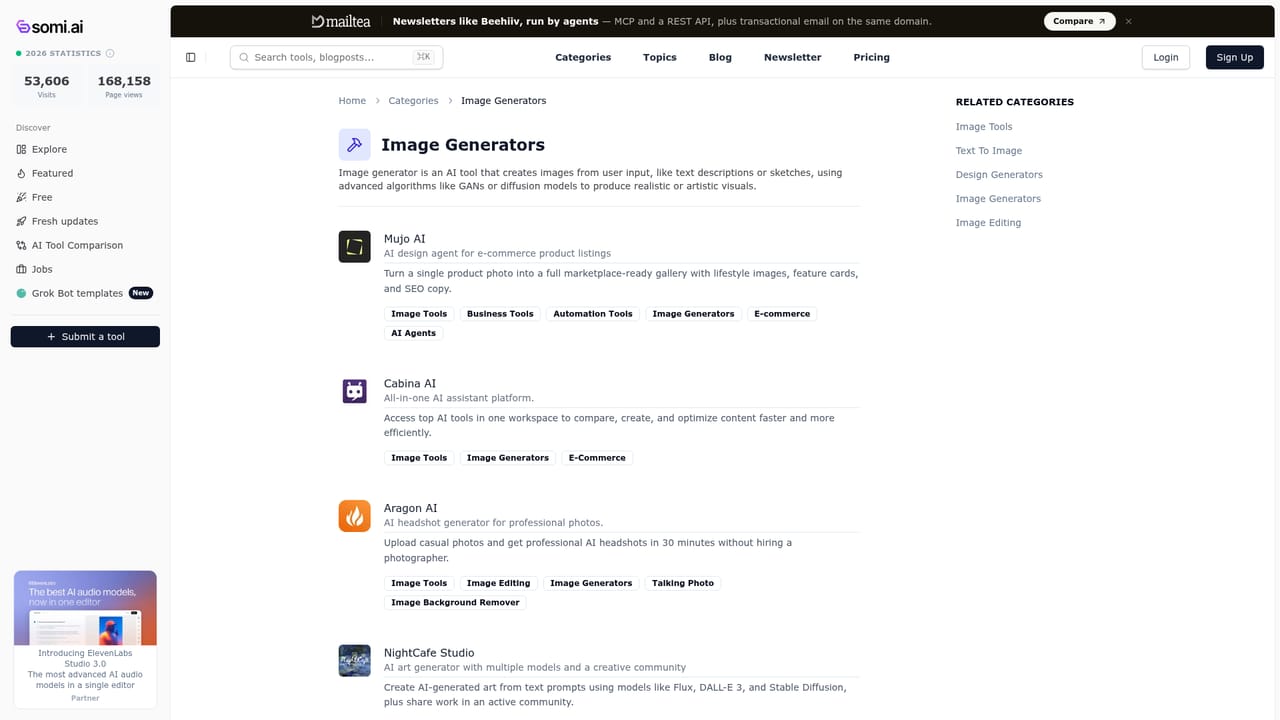
    Choose a topic category such as text to speech, image generators or SQL to narrow the list to tools built for that job.
    Somi — Pick the category closest to your task
  3. 3Check the free section first
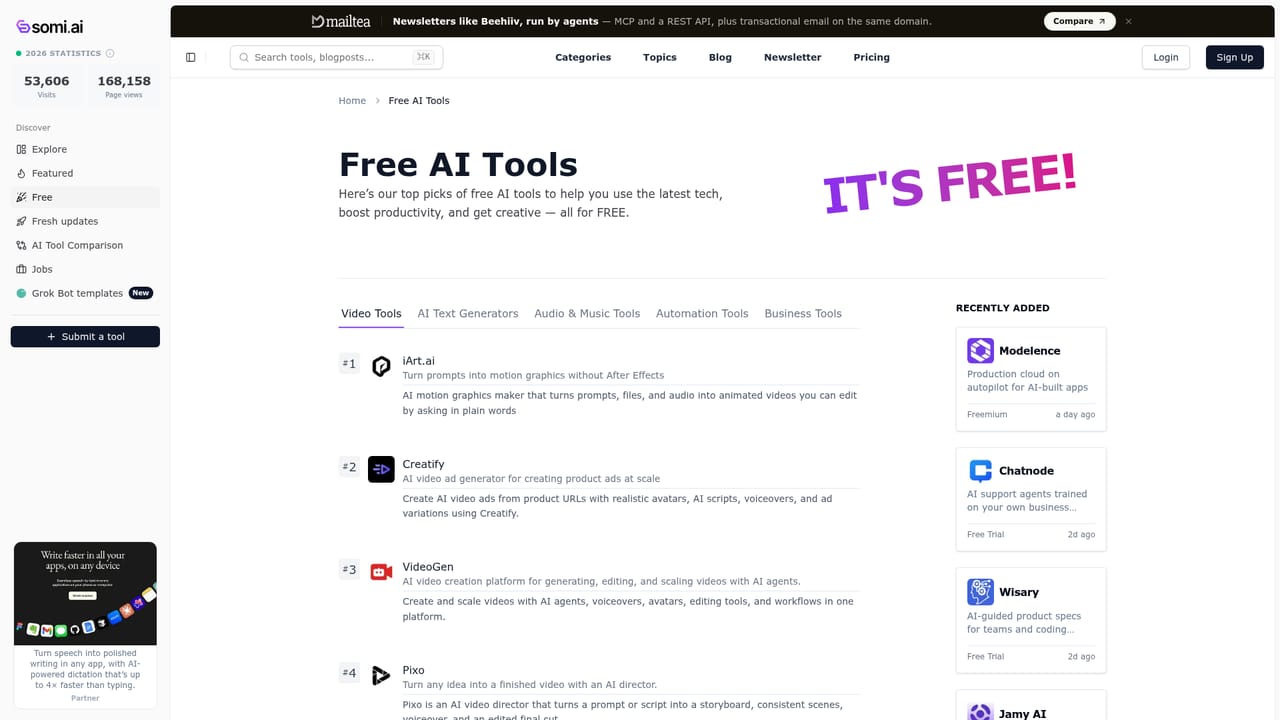
    If budget matters, browse the free tools list before committing time to paid products.
    Somi — Check the free section first
  4. 4Compare your shortlist side by side
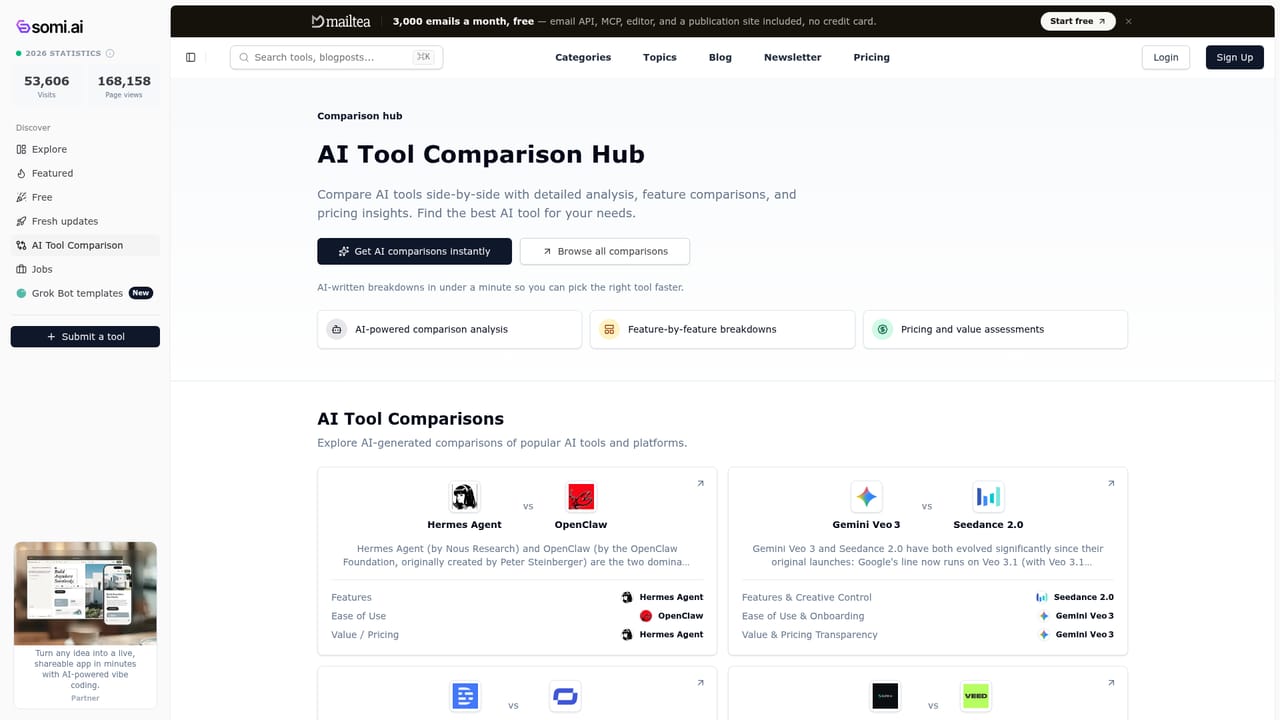
    Use the comparison page to place two or more candidate tools next to each other and settle on one.
    Somi — Compare your shortlist side by side
  5. 5Review recent additions
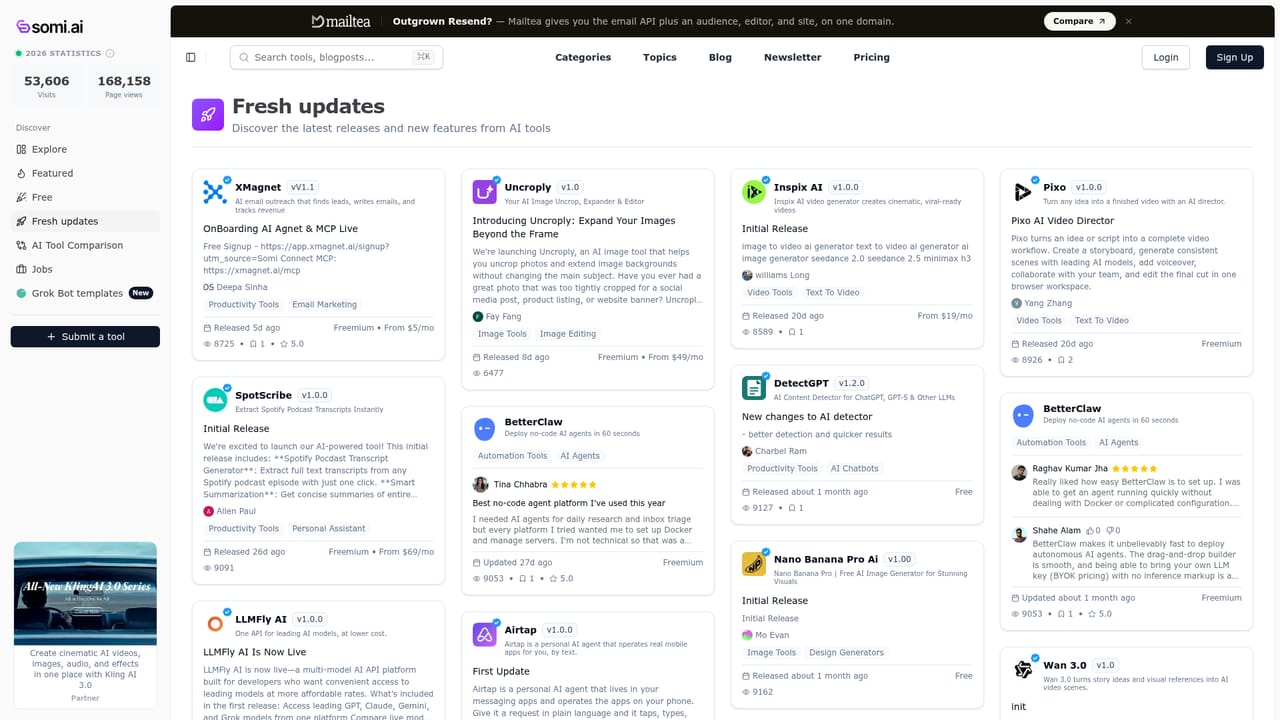
    The fresh updates feed shows what recently entered the directory, useful when you want newer options.
    Somi — Review recent additions
  6. 6Open the product page and verify details
    Read the individual listing, then confirm pricing and limits on the vendor site before signing up.

Pros and cons

Pros

  • Broad category structure covers text to speech, image generation, video, SQL, marketing and moreAI
  • Daily additions are listed under dated headings so new tools are easy to spotAI
  • Side by side comparison view supports shortlisting similar productsAI
  • Free tools section filters the catalog down to no cost optionsAI
  • Short one line descriptions make scanning a large catalog quickAI

Cons

  • Listings are brief and do not include hands on testing or benchmarksAI
  • No visible pricing details, so cost comparison has to happen on each vendor siteAI
  • Featured and partner placements sit alongside editorial entries, which blurs what is promotedAI
  • No user review or rating system is apparent on the homepageAI
  • Search and filtering depth is unclear from the landing page aloneAI

How much does Somi cost?

Features

The directory offers topic categories, a featured section, a free tools list, a fresh updates feed, side by side comparison, individual product pages, a jobs board and Grok bot templates. Entries carry short descriptions and category tags rather than long form reviews.

Learn more

Frequently asked questions about Somi

  • How do you use Somi?
    The walkthrough on this page covers 6 steps: 1. Start from the homepage catalog 2. Pick the category closest to your task 3. Check the free section first 4. Compare your shortlist side by side 5. Review recent additions 6. Open the product page and verify details.
  • What platforms does Somi support?
    Somi is available on Web App.
  • What are the limitations of Somi?
    Listings are brief and do not include hands on testing or benchmarks. No visible pricing details, so cost comparison has to happen on each vendor site. Featured and partner placements sit alongside editorial entries, which blurs what is promoted.

Status

StatusActive
Views0
Outbound clicks0
Added10/21/2026

Platforms

Web App

Pricing

Free