Free trial
The homepage invites visitors to start asking for free, but does not state trial length, limits or what a paid plan includes.
Learn moreAsk once, compare answers from the leading AI models side by side.

Wikis.ai is an AI aggregators tool. A multi-model workspace that sends one prompt to several leading AI models, shows their answers side by side, and adds a real-time deep research mode plus an editorially structured AI Wiki for follow-up questions.
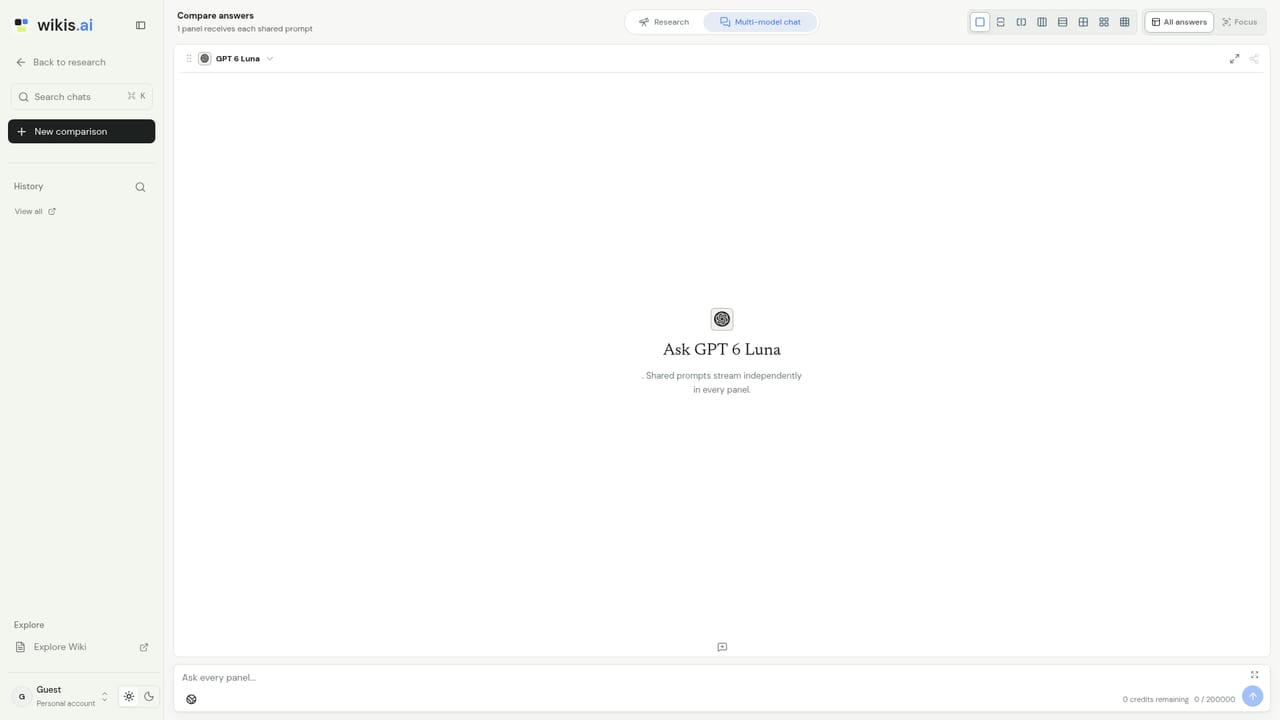
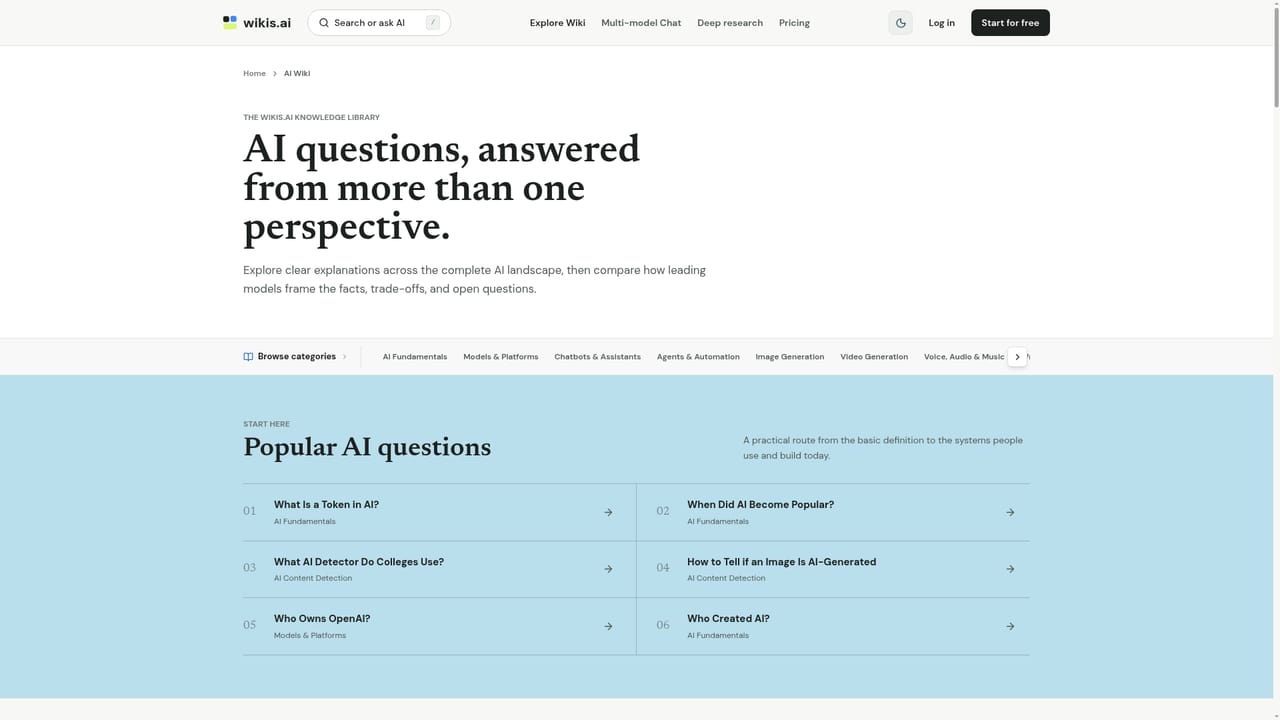
Wikis.ai is a multi-model chat and research workspace built around a single idea: one prompt should reach several leading language models at once, and the answers should stay visibly separate. Instead of picking a model before you know which one handles a question well, you send the prompt to a chosen set (the site demonstrates GPT, Claude, Gemini and DeepSeek working side by side) and read the responses in a stable grid. The point is not a merged answer but the comparison itself: where the models agree, and where they diverge. The verification layer is what separates it from a plain model switcher. Wikis.ai encourages reading consensus as a starting signal rather than a verdict, and treats disagreement between models as a flag that something deserves a closer look. On top of that sits Deep Research, which searches the web in real time, connects evidence across sources and returns a structured report with conclusions and inspectable sources. The homepage example walks through a vendor comparison, normalizing pricing units before drawing conclusions. There is also a public AI Wiki: editorially structured guides to common questions (what a token is, who created AI, which detectors colleges use, how to spot AI-generated images). Each guide shows answers from more than one model and lets you push the same topic into chat as a follow-up, so a reference page becomes the start of a working conversation rather than a dead end. The tool suits researchers, analysts, writers and students who already use several chatbots and are tired of tab switching, and anyone who wants a second and third opinion baked into the workflow. It competes less with any single model and more with the habit of keeping four browser tabs open. Teams evaluating claims or vendor options get the most from it; casual users who only ever need one quick answer may find the grid heavier than necessary.
The homepage invites visitors to start asking for free, but does not state trial length, limits or what a paid plan includes.
Learn moreCore features are multi-model chat with side-by-side answers in a stable grid, consensus and divergence views across models, a Deep Research mode that searches the web and produces a sourced report, and an editorially structured AI Wiki whose guides can be continued as chat follow-ups.
 AI Angels400+ customizable AI girlfriends for NSFW chat, voice calls, and roleplay
 Candy AIExperience the future of companionship with AI friends who chat, role-play, and connect with you on a human level.
 ourdream.aiA vast AI roleplay platform with millions of characters for chat, images, video and voiceAI Angels400+ customizable AI girlfriends for NSFW chat, voice calls, and roleplayCandy AIExperience the future of companionship with AI friends who chat, role-play, and connect with you on a human level.ourdream.aiA vast AI roleplay platform with millions of characters for chat, images, video and voice


