Free trial
No separate trial is described. The free tier itself provides access to the V1.0 model without payment, and paid plans are presented as upgrades from that free base.
Learn moreTurn a text prompt into a finished song with AI vocals and lyrics

SongGen.net is an explicit song generator tool that turns a text prompt into a finished song with AI vocals and lyrics. SongGen.net generates full songs, instrumentals and lyrics from text prompts, with genre, mood, voice and tempo controls, MP3 and WAV downloads, vocal separation, lyrics export and optional commercial licensing.
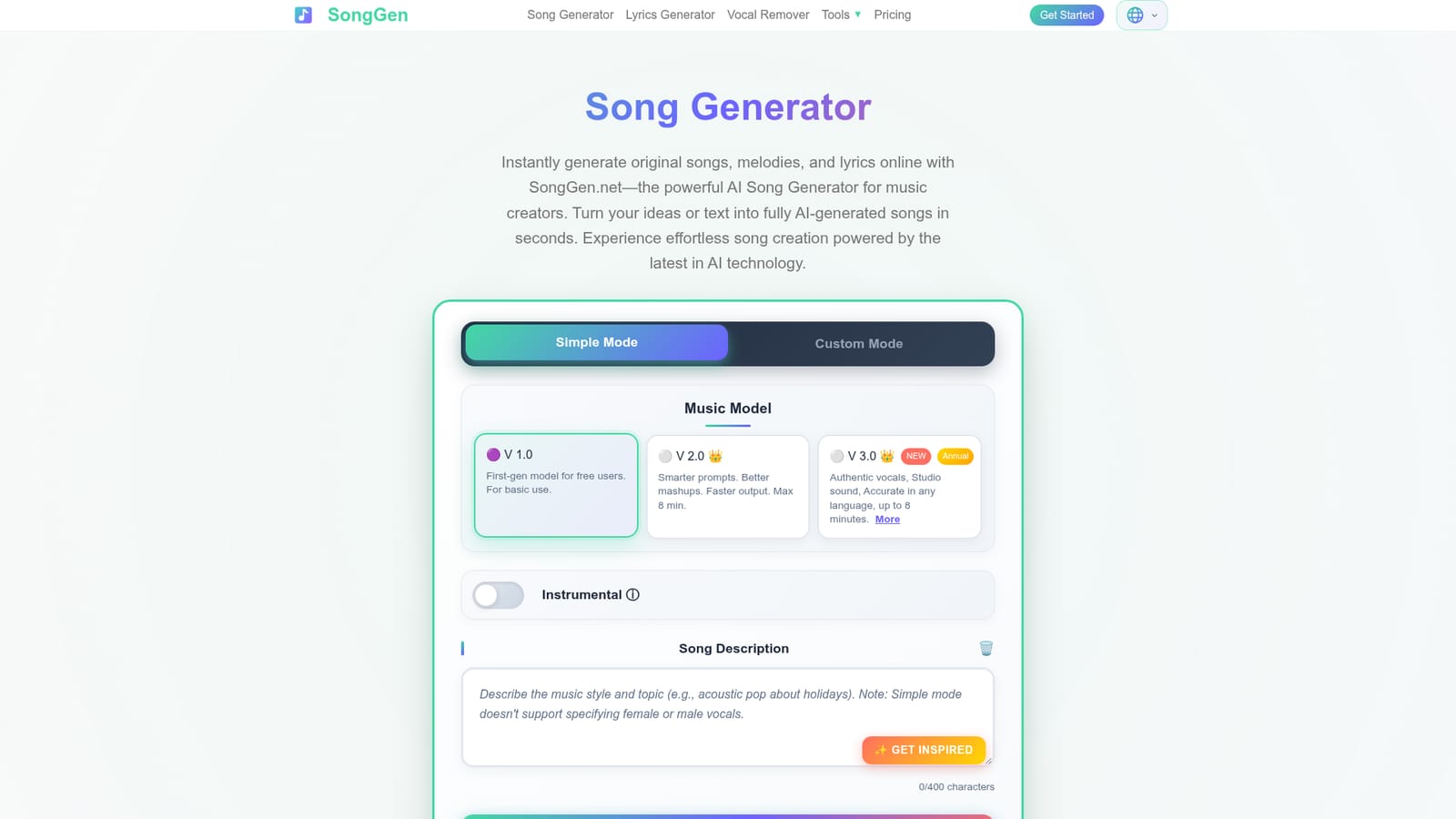
SongGen.net is a browser-based song generator that turns a written description or a set of lyrics into a complete track with vocals, backing instruments and a title. The generator sits behind a sign-in wall, and once inside, users choose between a Simple mode that takes a short prompt and a Custom mode that exposes separate fields for lyrics, musical style, genre, mood, voice type, instruments and tempo. Those selectors are unusually granular for a consumer tool: the genre list alone covers more than 30 styles, from bossa nova and drum and bass to K-pop and opera, and the voice menu includes options such as falsetto, chanting, growling and spoken word. Model choice matters here. The V1.0 model is the free tier and is described as suited to basic use. V2.0 and V3.0 are labelled as premium, with V3.0 reserved for annual subscribers and pitched on authentic vocals, studio sound quality, accuracy across languages and a maximum length of around eight minutes. An instrumental toggle removes the vocal layer entirely, which makes the tool usable for background beds and score work as well as for pop songs. The site says a typical generation completes in roughly three minutes, and finished tracks can be downloaded as MP3 or WAV. Beyond generation, the platform bundles a set of post-production features that are usually sold separately: vocal and instrumental separation with a higher-quality mode for premium members, song extension, lyrics export as time-synced LRC and SRT files, audio-to-MIDI conversion for subscribers, custom cover uploads, and a music video maker that pairs audio with a single image and synced lyric subtitles for clips up to 60 seconds. Commercial licensing is available, with annual plans including a downloadable certificate. The tool is aimed at songwriters testing ideas quickly, content creators who need original music for videos, and hobbyists who want to experiment without a DAW. It competes with other text-to-song services, and its differentiator is the breadth of output options and export formats rather than a unique generation engine. Anyone needing stem-level mixing beyond basic vocal separation, or serious multi-track editing, will still finish the job in a dedicated DAW.
No separate trial is described. The free tier itself provides access to the V1.0 model without payment, and paid plans are presented as upgrades from that free base.
Learn moreFree tier runs the V1.0 model at no cost. Premium unlocks V2.0 (up to 8 minutes) and V3.0, more monthly songs (300 to 1000), unlimited MP3/WAV downloads, vocal separation HQ, audio-to-MIDI and commercial licensing. Annual billing advertises over 50 percent savings versus monthly, and subscription members can buy non-expiring lifetime credit packs.
Learn moreText and lyrics to song generation in Simple or Custom mode, three model versions, instrumental mode, 30+ genres plus mood, voice, instrument and tempo selectors, multi-language vocals, tracks up to 8 minutes, MP3 and WAV downloads, vocal and instrumental separation, song extension, AI lyrics generator, custom cover upload, music video maker up to 60 seconds, LRC and SRT lyric export, and audio-to-MIDI conversion.
 AI Angels400+ customizable AI girlfriends for NSFW chat, voice calls, and roleplay
 Candy AIExperience the future of companionship with AI friends who chat, role-play, and connect with you on a human level.
 ourdream.aiA vast AI roleplay platform with millions of characters for chat, images, video and voiceAI Angels400+ customizable AI girlfriends for NSFW chat, voice calls, and roleplayCandy AIExperience the future of companionship with AI friends who chat, role-play, and connect with you on a human level.ourdream.aiA vast AI roleplay platform with millions of characters for chat, images, video and voice


