Free trial
The site offers a free start option through the signup page, but the length and limits of the free plan are not stated on the homepage.
Learn moreTurn long broadcasts into short, captioned clips for TikTok, Reels and Shorts
Own Spikes Studio? Verify ownership to get a dofollow link

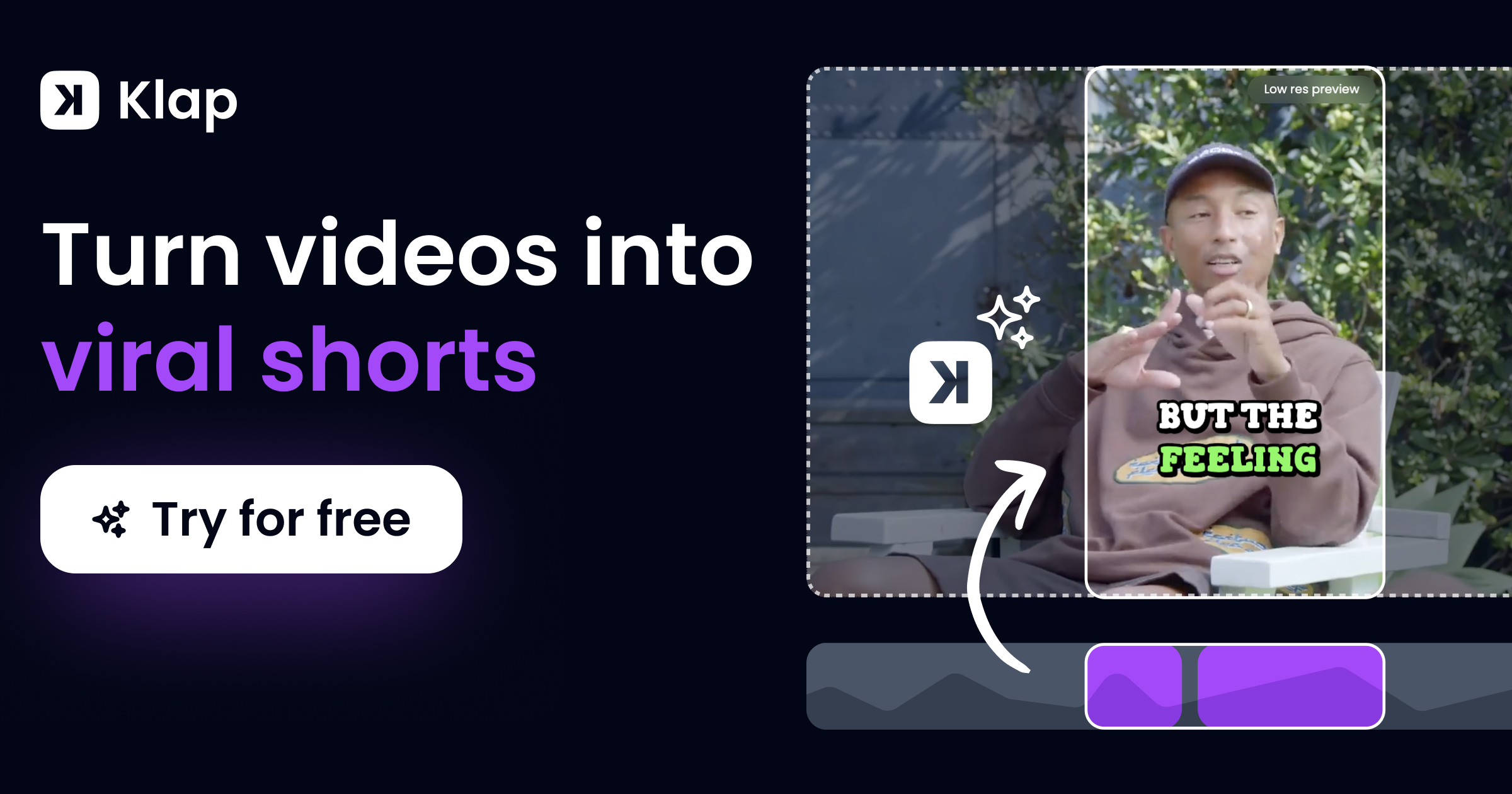
Spikes Studio is a clip finder tool that turns long broadcasts into short, captioned clips for TikTok, Reels and Shorts. AI clip generator that finds highlight moments in long video, adds styled captions and transitions, resizes for TikTok, Reels and Shorts, then schedules and tracks posts from one dashboard.
Spikes Studio is a social video studio built around one central job: taking long footage and turning it into short vertical clips ready for TikTok, Instagram Reels and YouTube Shorts. The in-house AI was trained on hundreds of thousands of broadcasts and scans a recording to find the moments most likely to hold attention, then cuts them into standalone clips. It also handles transitions, automatic zooming, on-brand caption styling and multi-format exporting, so a single edit can be produced in several aspect ratios at once. The product goes well beyond the initial cut. A social customization layer resizes clips per network, applies pre-designed brand templates and generates titles, hashtags and audience-tailored emojis. A publishing layer adds cross-platform scheduling, one-click posting, smart posting recommendations and a visual content calendar. An analytics dashboard tracks views, engagement, per-post growth and historical trends, with an emphasis on spotting patterns that can be repeated in future content. Project management features (drag-and-drop organization, search, custom folders, shared workspaces) support people juggling several clients or brands. Three audiences are named on the site. Aspiring creators use it to find their best moments and keep a consistent posting rhythm without editing experience. Video professionals and freelancers use it to shorten turnaround time and keep client projects organized. Small businesses and teams use it to produce polished video and schedule posts without a full production crew. The promise is scale: the architecture is pitched at enterprise volume and can process multiple videos concurrently. The tool sits in the same territory as dedicated clip generators and all-in-one social schedulers, but stakes its claim on combining both in one place, with published content analytics feeding back into the next batch. It reports 99+ language support for global audiences and marketing copy citing a 90 percent reduction in editing time, which should be treated as a vendor claim rather than a benchmark.

The site offers a free start option through the signup page, but the length and limits of the free plan are not stated on the homepage.
Learn moreAI moment detection trained on large broadcast archives, automatic transitions and zooming, branded caption styling, multi-format export, templates, AI titles and hashtags, cross-platform scheduling with a visual calendar, a performance dashboard with trend analysis, and shared workspaces with client folders.
 AI Angels400+ customizable AI girlfriends for NSFW chat, voice calls, and roleplay
 Candy AIExperience the future of companionship with AI friends who chat, role-play, and connect with you on a human level.
 ourdream.aiA vast AI roleplay platform with millions of characters for chat, images, video and voiceAI Angels400+ customizable AI girlfriends for NSFW chat, voice calls, and roleplayCandy AIExperience the future of companionship with AI friends who chat, role-play, and connect with you on a human level.ourdream.aiA vast AI roleplay platform with millions of characters for chat, images, video and voice