Spotify DJ

Spotify's AI DJ builds a personal radio stream from your listening history

Beginner
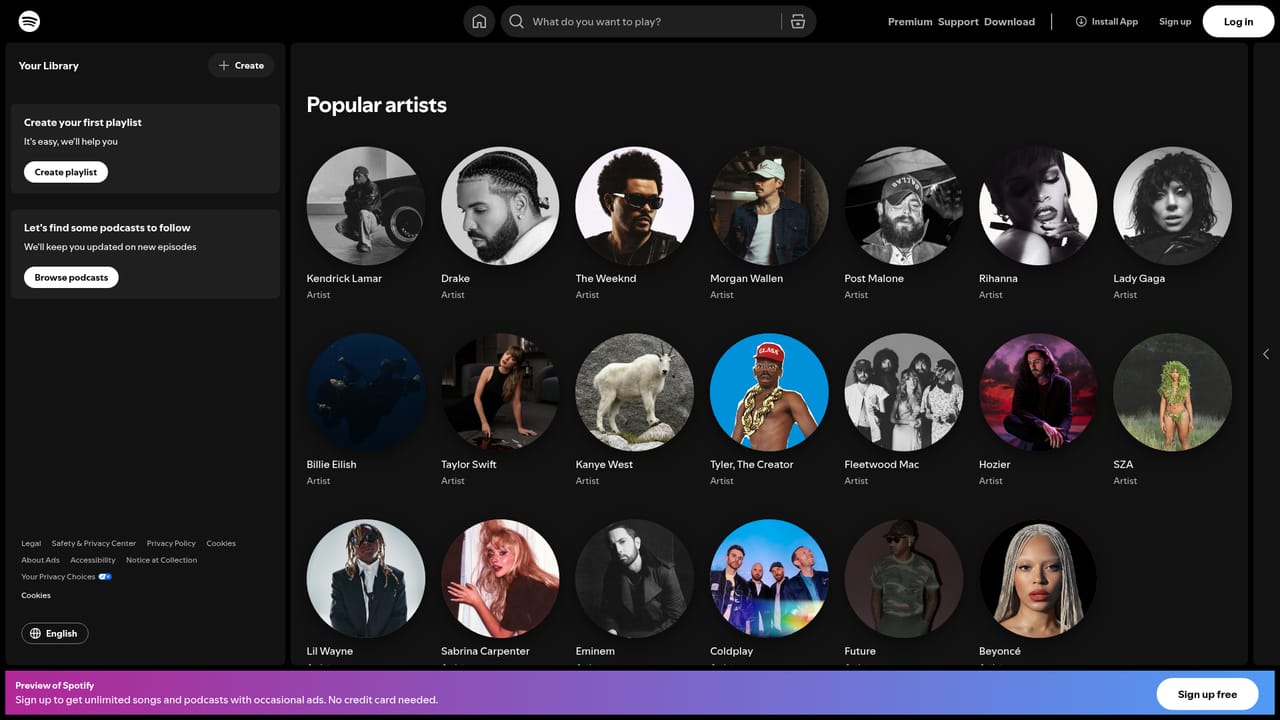
Screenshot of Spotify DJ, Spotify's AI DJ builds a personal radio stream from your listening history

What is Spotify DJ?

Spotify DJ is a playlist generator tool. An in-app Spotify feature that generates an ongoing, personalised music stream instead of a fixed playlist. It draws on your listening habits and the wider catalogue to keep tracks coming, and fits best as background listening rather than deliberate curation.

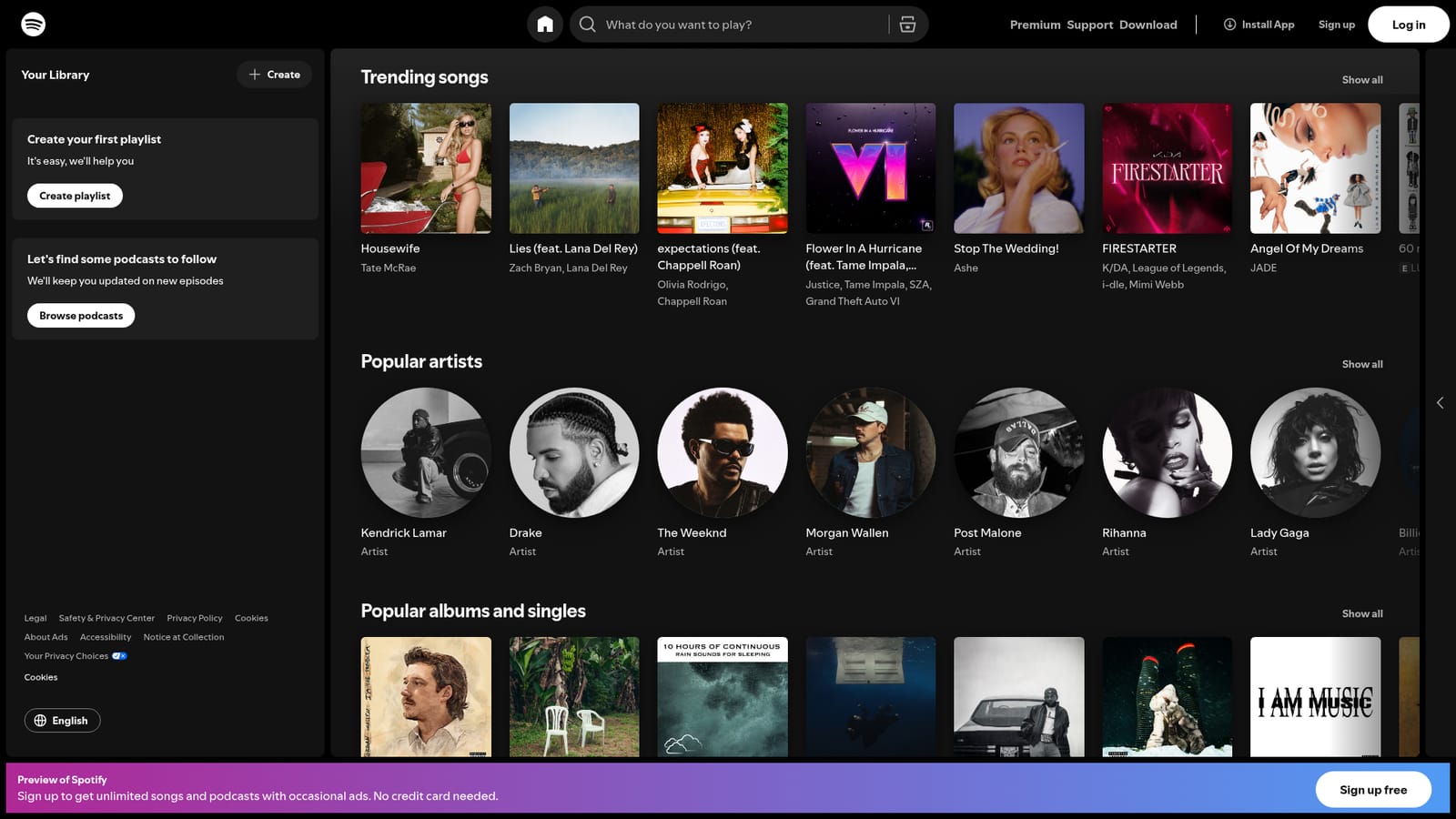
Spotify DJ is a recommendation feature inside the Spotify player that behaves less like a playlist and more like a radio host. Instead of handing you a static queue, it stitches together a continuous stream from tracks you already play, adjacent artists you have not explored yet, and selections pulled from the wider catalogue. The aim is to remove the decision of what to play next without falling back on the same shuffle order every time. In practice the feature lives alongside the standard Home view, where trending songs, popular artists and editorial radio stations are surfaced. Spotify's homepage shows the surrounding context clearly: chart playlists such as Top 50 Global and Top Songs USA, artist radio stations built around names like Morgan Wallen, Drake and Taylor Swift, and curated sections for trending and popular releases. DJ sits on top of that library, so it draws from the same pool of licensed music rather than acting as a separate service. The tool suits listeners who treat Spotify as background infrastructure: commutes, workouts, focused work, long evenings. It is less useful for people who arrive with a precise idea of what they want to hear, since a hand-picked album or a saved playlist remains a faster route and gives full control over sequencing. It also has little to offer anyone outside the Spotify ecosystem, because there is no export or third-party hook described on the homepage. Against alternatives, the differentiation is integration rather than raw recommendation quality. Third-party playlist generators and standalone discovery apps usually require account access and produce a fixed list, whereas DJ keeps the stream running and adjusts as it goes. The trade is transparency: listeners get continuity and variety, but far less visibility into why a particular track appeared.

How do you use Spotify DJ?

  1. 1Open Spotify in the browser or install the app
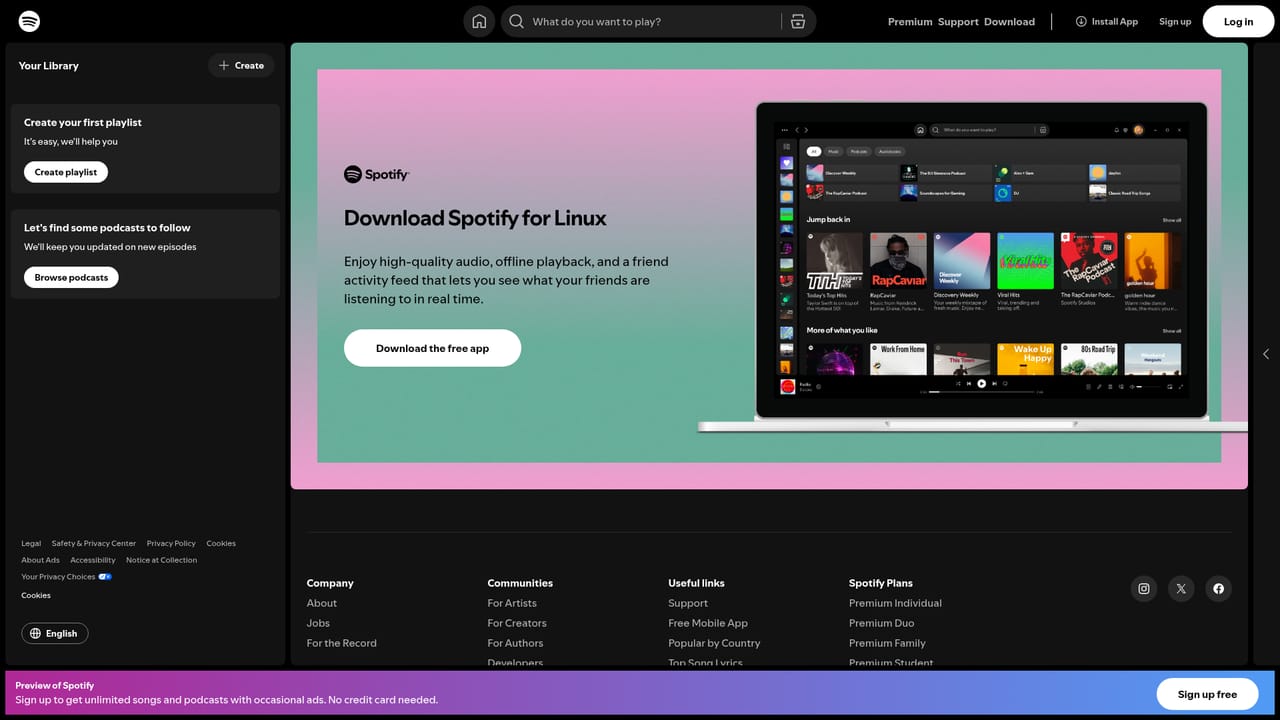
    Load the web player at open.spotify.com, or grab the desktop or mobile client from the download page if you prefer a native experience.
    Spotify DJ — Open Spotify in the browser or install the app
  2. 2Create an account or log in
    A free account is enough to start listening. Logging in also lets Spotify build the listening history that powers recommendations.
  3. 3Install the app on your phone or desktop
    Installing the client makes DJ easier to reach during commutes and keeps playback running when the browser is closed.
    Spotify DJ — Install the app on your phone or desktop
  4. 4Play a few artists and albums you already like
    Seed the recommendation engine by listening to music you genuinely enjoy. Browse popular artists or trending songs from the Home view if you need a starting point.
    Spotify DJ — Play a few artists and albums you already like
  5. 5Start the DJ stream from your player
    DJ is launched from within the Spotify app rather than a public web page. Look for the DJ entry in your Home feed or player controls and start playback.
  6. 6Skip tracks to steer the mix
    Skipping or liking tracks nudges subsequent selections. The stream adapts as you react, so a few skips are usually enough to shift the direction.

Pros and cons

Pros

  • Removes the need to pick a playlist before every listening sessionAI
  • Blends familiar tracks with artists outside your usual rotationAI
  • Runs inside the existing Spotify player and the same music libraryAI
  • Works well for passive listening contexts like commuting or focused workAI
  • Keeps the stream moving instead of ending after a fixed set of songsAI

Cons

  • No visible explanation for why specific tracks are chosenAI
  • Offers little value to listeners who already know exactly what they wantAI
  • Tied entirely to Spotify, with no export or outside player supportAI
  • Homepage does not document availability by country or plan tierAI
  • Recommendations depend on existing history, so new accounts start weakAI

How much does Spotify DJ cost?

Features

A personalised stream that mixes tracks from your own listening history with related artists and catalogue picks, delivered as continuous playback instead of a fixed queue. It sits alongside the standard listening tools shown on the homepage: trending songs, popular artists, artist radio stations and weekly charts for global and US listeners.

Frequently asked questions about Spotify DJ

  • How do you use Spotify DJ?
    The walkthrough on this page covers 6 steps: 1. Open Spotify in the browser or install the app 2. Create an account or log in 3. Install the app on your phone or desktop 4. Play a few artists and albums you already like 5. Start the DJ stream from your player 6. Skip tracks to steer the mix.
  • What platforms does Spotify DJ support?
    Spotify DJ is available on Web App, iOS, Android, MacOS and Windows.
  • What are the limitations of Spotify DJ?
    No visible explanation for why specific tracks are chosen. Offers little value to listeners who already know exactly what they want. Tied entirely to Spotify, with no export or outside player support.

Status

StatusActive
Views0
Outbound clicks0
Added10/21/2026

Platforms

Web AppiOSAndroidMacOSWindows

Pricing

FreemiumSubscription