Pricing
The homepage states that Studio is available to select Spotify Premium users in a research preview and that usage limits apply. It does not list a separate price or subscription for Studio.
Learn moreA Spotify assistant that recommends music and builds personal podcasts
Own Studio by Spotify Labs? Verify ownership to get a dofollow link

Studio by Spotify Labs is a macOS app that recommends music from your listening history, controls Spotify playback, and generates Personal Podcasts from your calendar, inbox, notes and world knowledge. Scheduled routines and background monitoring are supported. Access is a research preview for select Premium users.
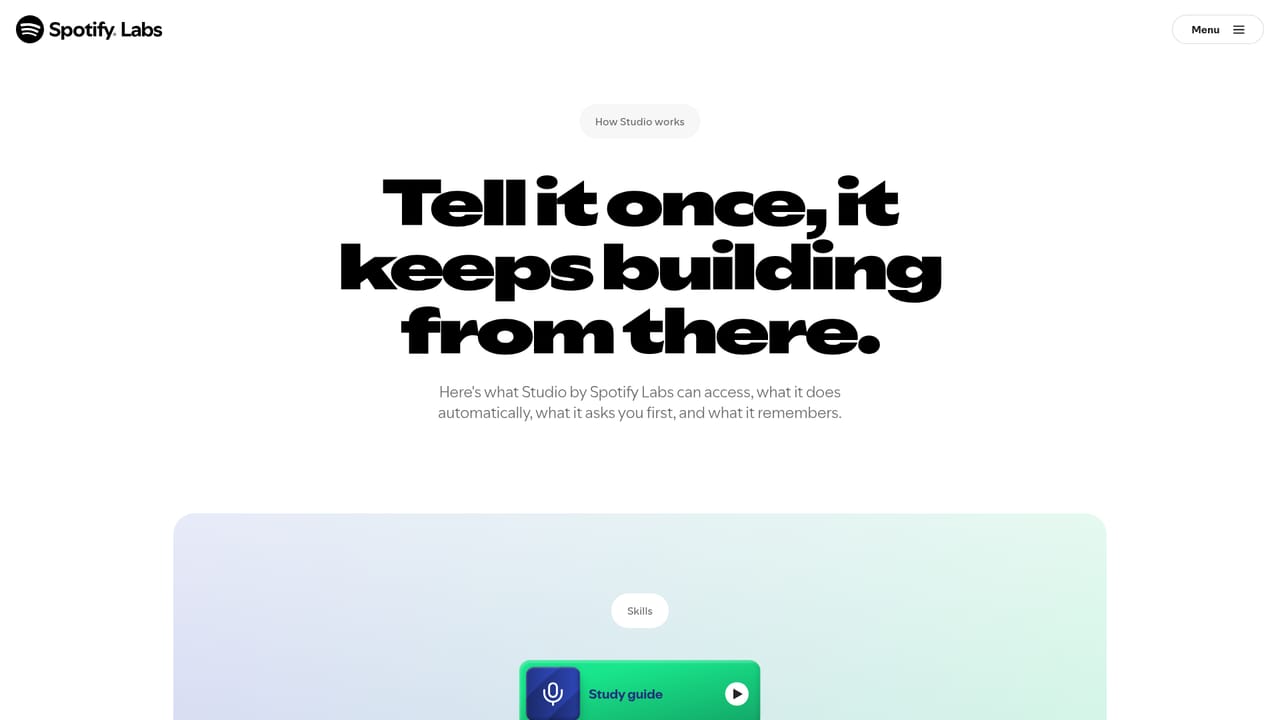
Studio by Spotify Labs is a standalone macOS app that sits alongside Spotify and acts as a listening assistant. It reads your existing Spotify history (artists, habits, the difference between a late night session and a Saturday morning one) and uses that foundation to recommend music, steer playback, assemble playlists, and produce original audio that lands in your Spotify library. The app is distributed through the Spotify desktop client for macOS and opens to select Premium subscribers aged 18 and over in select markets, under usage limits. The most distinctive part is Personal Podcasts. You describe what you want in plain language and Studio assembles it from sources such as your calendar, inbox, notes, saved Maps lists, and general world knowledge. The documented examples include a short daily briefing at a set time, a researched deep dive on a topic, and an audio guide built from travel bookings. Scheduling turns these one-off requests into recurring routines, so a weekly new release playlist or a morning wake-up playlist can run without being asked again. Studio can also monitor things in the background, for instance flagging when a favourite author announces a book. In practice the tool is aimed at heavy Spotify users who already have years of listening data and want an assistant that starts from that context rather than a blank slate. Optional email and calendar connections widen what it can work from, and messaging through the Spotify mobile app lets you reach it from a phone. Two constraints shape daily use: scheduled tasks and audio creation run on the computer, which must be switched on, and the mobile app is a remote control rather than a standalone client. Users who want a general purpose agent with no music layer underneath will find less here, while those who want an agent anchored in their taste profile get a more specific fit.
The homepage states that Studio is available to select Spotify Premium users in a research preview and that usage limits apply. It does not list a separate price or subscription for Studio.
Learn moreStudio connects to your Spotify account and library, with optional connections to email, calendar, notes and saved Maps lists for building Personal Podcasts. Messaging is available through the Spotify mobile app, and messages are processed by an AI provider acting as a Spotify service partner.
Core features include taste based music recommendations drawn from Spotify history, playback control and playlist building, and Personal Podcasts generated from your calendar, inbox, notes and world knowledge. Scheduled and proactive runs handle daily audio, weekly release playlists and monitoring for new releases from authors you follow. Optional email and calendar connections add context, and messaging from the Spotify mobile app reaches the same assistant.
Learn more AI Angels400+ customizable AI girlfriends for NSFW chat, voice calls, and roleplay
 Candy AIExperience the future of companionship with AI friends who chat, role-play, and connect with you on a human level.
 ourdream.aiA vast AI roleplay platform with millions of characters for chat, images, video and voiceAI Angels400+ customizable AI girlfriends for NSFW chat, voice calls, and roleplayCandy AIExperience the future of companionship with AI friends who chat, role-play, and connect with you on a human level.ourdream.aiA vast AI roleplay platform with millions of characters for chat, images, video and voice