Studyable

AI homework help, essay feedback and flashcards in one study app

Beginner
Screenshot of Studyable, AI homework help, essay feedback and flashcards in one study app

What is Studyable?

Studyable is an essay generator tool. A study app combining an AI chat tutor that browses the web, reads images and solves math, an essay grader with criteria based feedback and rewrites, and AI generated flashcard sets. Built for students and teachers, with institution and enterprise options.

Studyable is a study app built around three separate tools that share one account: an AI chat tutor, an essay grader, and a flashcard set generator. The homepage positions it as a free AI study aid for students across every subject, and it claims more than a million student and teacher users, with institution logos from Cambridge, Harvard, Stanford, Monash, Toronto, UNSW and USyd on display. A mobile app sits alongside the web product, and a photo of any question is marketed as the entry point for step by step solutions. Study Chat is the core assistant. It can search the web and browse pages, so recent events are within scope, and pasting a URL lets the student ask questions about that page's contents. It reads uploaded or pasted images, which covers photographed questions and diagrams, and it handles math including word problems, with advanced computation used to sharpen answers. Essay Grader takes a piece of writing and returns feedback on both content and grammar, with suggested rewrites that show how a fix would look in practice. It also reports which parts of a marking criteria were met and which were missed, and explains how to close the gap. Students can ask follow up questions about any suggestion. The flashcard tool builds whole study sets from AI generation rather than manual entry. Studyable fits students who want one place for homework help, writing review and revision material, and schools or companies can take it on through the institutions and enterprise routes. Compared with a general purpose chatbot, the value is in the grading and flashcard workflows wrapped around the chat, though the free positioning and premium tier sit side by side and the homepage does not spell out the limits of each.

How do you use Studyable?

  1. 1Pick the tool you need
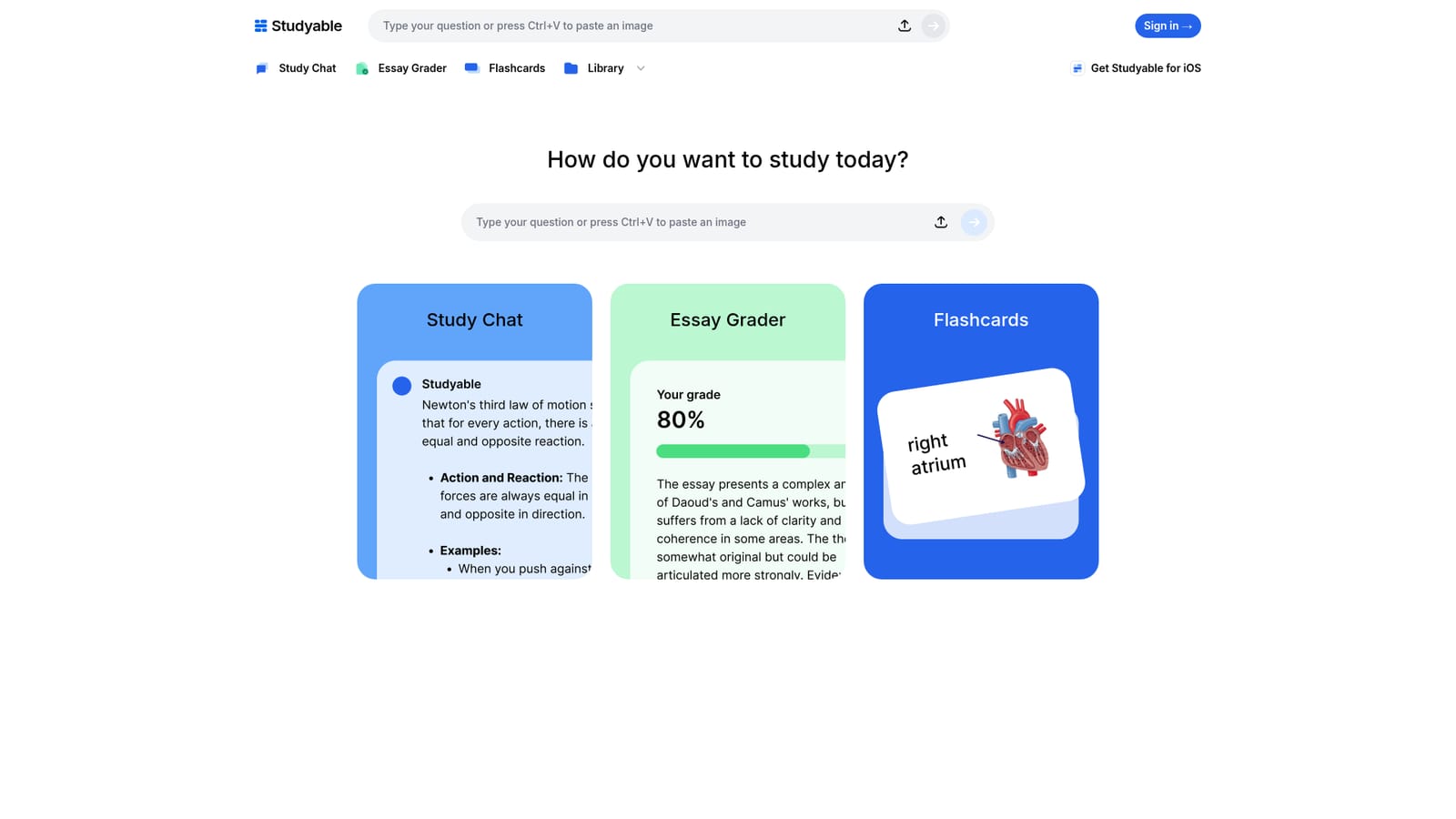
    The homepage offers three starting points: Study Chat for questions, Essay Grader for writing, and Flashcards for study sets. Choose the one that matches the task rather than starting from a blank chat.
    Studyable — Pick the tool you need
  2. 2Ask a question in Study Chat
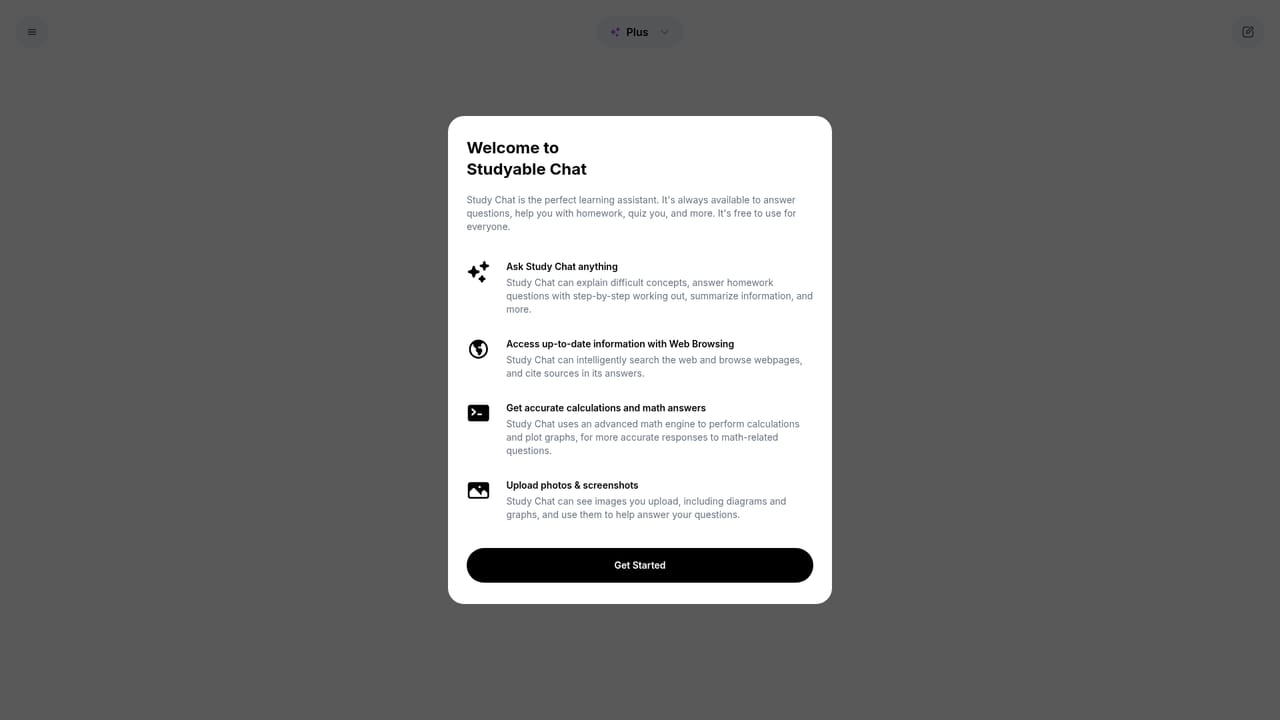
    Open the chat and type your question, or paste a URL to ask about that page. Chat can search the web for recent information when the topic calls for it.
    Studyable — Ask a question in Study Chat
  3. 3Upload a photo of a problem
    For a question on paper or a diagram, upload or paste the image into the chat and ask about it. This is the route the homepage recommends for step by step solutions.
  4. 4Run an essay through Essay Grader
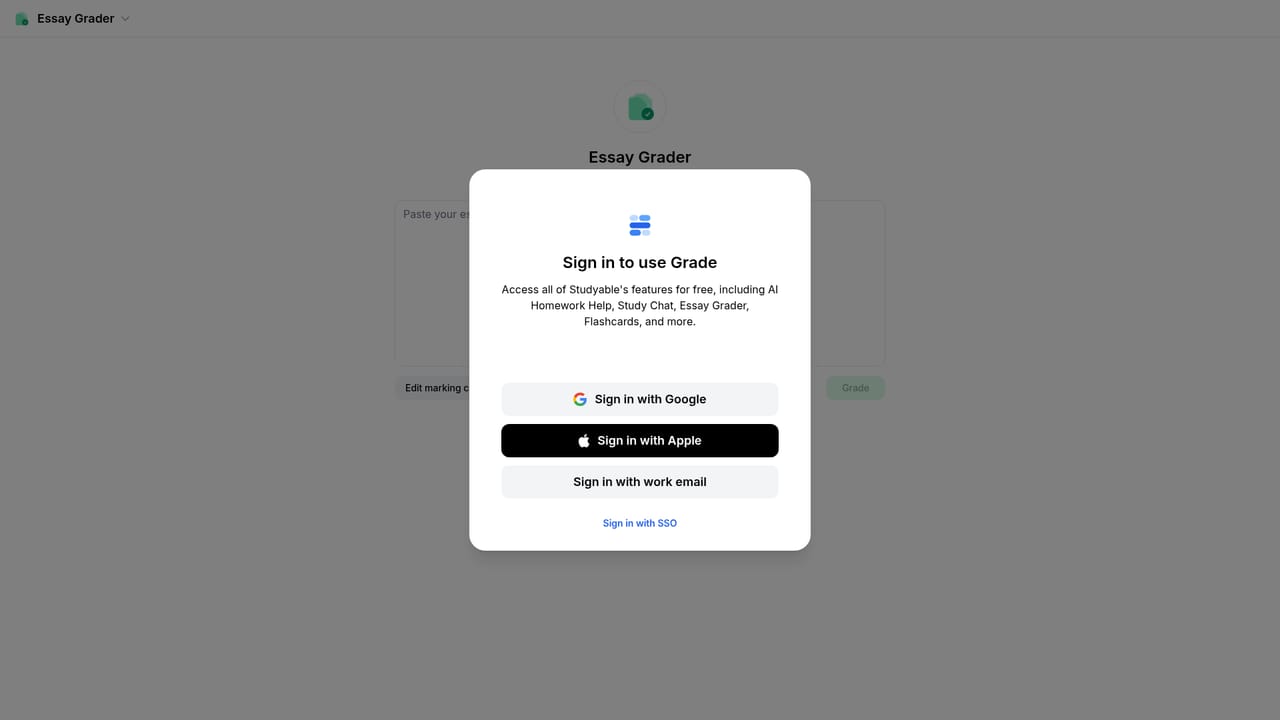
    Submit your writing to get feedback on content and grammar, suggested rewrites, and a breakdown of which marking criteria you met. Follow up in the chat on any point you want explained.
    Studyable — Run an essay through Essay Grader
  5. 5Generate a flashcard set
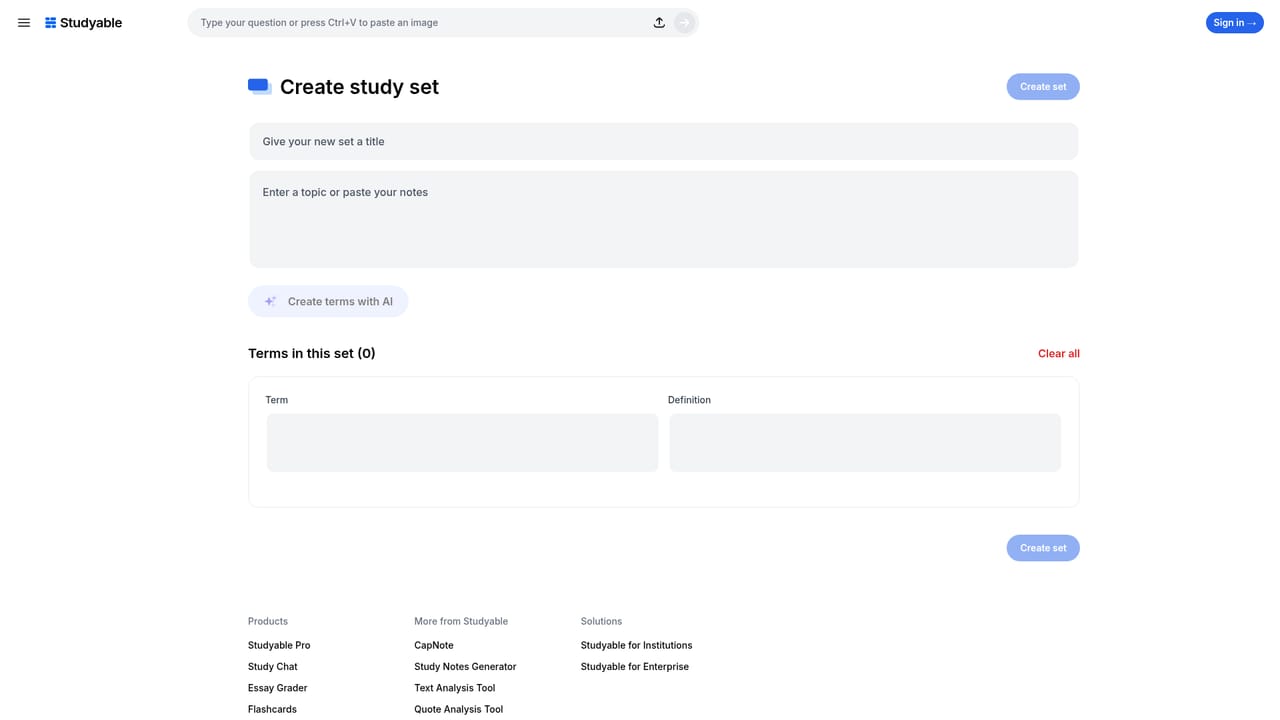
    Use the set creation flow to have AI build a full study set for your topic, then review the cards before relying on them for revision.
    Studyable — Generate a flashcard set

Pros and cons

Pros

  • Three distinct study tools (chat, essay grading, flashcards) under one accountAI
  • Chat accepts uploaded images and pasted URLs, so questions can be grounded in a photo or a specific webpageAI
  • Essay Grader ties feedback to marking criteria and shows suggested rewrites rather than comments aloneAI
  • Flashcard sets are generated by AI instead of written out by handAI
  • Free to use according to the homepage, with a mobile app availableAI

Cons

  • Homepage gives no detail on what the paid Pro tier adds over the free productAI
  • No published information on accuracy limits, subject coverage or how essay feedback is scoredAI
  • Institution and enterprise plans are mentioned but their terms and pricing are not describedAI
  • Web browsing in chat can surface unreliable sources, and nothing on the page explains how that is handledAI

How much does Studyable cost?

Features

Study Chat browses the web, reads uploaded or pasted images, and solves math including word problems with advanced computation. Essay Grader returns content and grammar feedback with suggested rewrites, criteria achievement reporting and a follow up chat. Flashcards are generated by AI as complete sets. Separate pages cover notes, text analysis and quote analysis tools.

Learn more

Frequently asked questions about Studyable

  • How do you use Studyable?
    The walkthrough on this page covers 5 steps: 1. Pick the tool you need 2. Ask a question in Study Chat 3. Upload a photo of a problem 4. Run an essay through Essay Grader 5. Generate a flashcard set.
  • What platforms does Studyable support?
    Studyable is available on Web App and iOS.
  • What are the limitations of Studyable?
    Homepage gives no detail on what the paid Pro tier adds over the free product. No published information on accuracy limits, subject coverage or how essay feedback is scored. Institution and enterprise plans are mentioned but their terms and pricing are not described.

Status

StatusActive
Views0
Outbound clicks0
Added10/21/2026

Platforms

Web AppiOS

Pricing

Freemium