SuperCarousels

From a single sentence to a publish-ready carousel.

Beginner
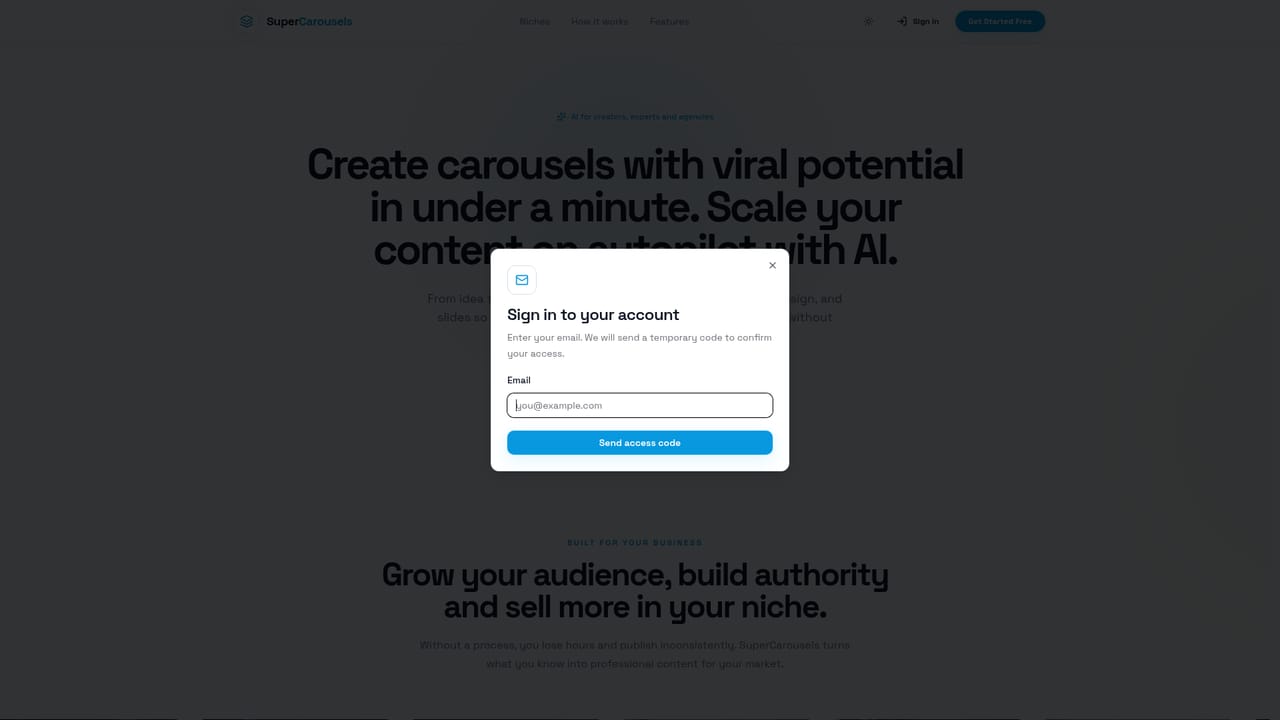
Screenshot of SuperCarousels, From a single sentence to a publish-ready carousel

What is SuperCarousels?

SuperCarousels is a content tool. An AI carousel generator that turns a short topic brief into a script, slide structure and designed deck. It targets creators, niche experts and agencies who publish consistently, with editable text, saved brand palettes, reusable templates and high resolution export across mobile and desktop.

SuperCarousels is an AI carousel builder aimed at creators, subject experts and agencies who publish swipeable slide decks on social platforms. The premise is narrow and deliberate: instead of juggling a script in one tool and layout in another, you describe a topic, a niche and a tone of voice, and the system returns a complete carousel with written copy, an ordered slide sequence and a designed visual treatment. The site frames the output as "publish-ready," with export at high resolution once the deck is approved. The workflow has three stages. You start by supplying the idea, which the site says can be as short as one sentence. The AI then drafts the script, splits it across slides and applies a professional design. The editor takes over from there: you can rewrite individual slides, change the tone, swap images and adjust colors without rebuilding the whole carousel. Brand assets such as palettes, typography and recurring patterns can be saved so every post stays recognizable, and approved layouts can be turned into reusable templates for the next piece. The homepage examples show the range the tool is positioned for: nutrition, training, dentistry, law, real estate, medicine, education, accounting, travel and beauty, plus a personal-brand format built around an authority angle. That spread suggests the target user is a working professional or a small agency producing content in a specific vertical rather than a general design team. Sample decks carry editorial labels like Essential, Modern 2.0 and Urgent, which points to preset stylistic directions rather than fully bespoke design work. Against alternatives, SuperCarousels competes on consolidation. General design tools give more control but ask you to supply both copy and layout, and text generators give you the script but not the deck. This product sits in between, trading some fine-grained control for speed. It runs in the browser on phone, tablet and desktop, so the same flow works whether you draft on mobile or finish on a computer.

How do you use SuperCarousels?

  1. 1Start a carousel from the dashboard
    Open the dashboard and begin a new carousel. This is the entry point for both the free start and any later work on existing decks.
    SuperCarousels — Start a carousel from the dashboard
  2. 2Describe your idea
    Enter the topic, the niche you are speaking to and the tone of voice you want. The site says one sentence is enough to get going.
  3. 3Let the AI build the deck
    The tool writes the script, arranges it across slides and applies a professional design. Review the result before touching anything manually.
  4. 4Apply your brand identity
    Set palettes, typography and visual elements so the carousel matches your existing content. Saved settings carry over to future decks.
  5. 5Edit slides and images
    Rewrite copy, change the tone, or test a different visual direction. Images can be found, uploaded or generated without leaving the editor.
  6. 6Export in high resolution
    When the deck is ready, export it at high resolution for publishing. The export option is available on mobile and desktop.

Pros and cons

Pros

  • Produces script, slide order and design from a single idea sentence, removing the handoff between copywriting and layoutAI
  • Brand palettes, typography and patterns can be saved so every carousel carries consistent visual identityAI
  • Approved layouts become reusable templates, which shortens the cycle for recurring content seriesAI
  • Full editing of text, layout and images after generation, so AI output is a starting point rather than a lock-inAI
  • Works across phone, tablet and desktop, so you can draft on mobile and finish on a computerAI

Cons

  • No published pricing tiers or plan limits on the homepage, so cost at volume has to be confirmed before committingAI
  • No detail on the number of carousels or exports included, which matters for agencies producing daily contentAI
  • Preset editorial styles (Essential, Modern 2.0, Urgent) may push output toward a house look and limit truly custom layoutsAI
  • No integration information, so scheduling and publishing still happen outside the toolAI
  • No API or developer access mentioned, which rules it out for teams wanting to automate carousel creationAI

How much does SuperCarousels cost?

Free trial

The homepage invites visitors to get started free and to create a first carousel, and no card is requested at that point in the copy. What the free tier includes, and whether it is time limited or feature limited, is not stated.

Learn more

Features

AI generation of script, slide structure and design from a topic brief; an editor for rewriting slides, shifting tone and swapping images; saved brand palettes, typography and patterns; reusable templates built from approved layouts; in-workflow image search, upload and generation; high resolution export; browser access on phone, tablet and computer.

Frequently asked questions about SuperCarousels

  • Does SuperCarousels offer a free trial?
    The homepage invites visitors to get started free and to create a first carousel, and no card is requested at that point in the copy. What the free tier includes, and whether it is time limited or feature limited, is not stated.
  • How do you use SuperCarousels?
    The walkthrough on this page covers 6 steps: 1. Start a carousel from the dashboard 2. Describe your idea 3. Let the AI build the deck 4. Apply your brand identity 5. Edit slides and images 6. Export in high resolution.
  • What platforms does SuperCarousels support?
    SuperCarousels is available on Web App.
  • What are the limitations of SuperCarousels?
    No published pricing tiers or plan limits on the homepage, so cost at volume has to be confirmed before committing. No detail on the number of carousels or exports included, which matters for agencies producing daily content. Preset editorial styles (Essential, Modern 2.0, Urgent) may push output toward a house look and limit truly custom layouts.

Status

StatusActive
Views0
Outbound clicks0
Added10/22/2026

Platforms

Web App

Pricing

Freemium