Free trial
New accounts get 3,000 free credits, around 3 to 4 posts, with no card required. That is enough to analyse your site and judge real output before paying.
Learn moreTurns your store URL into approved social posts

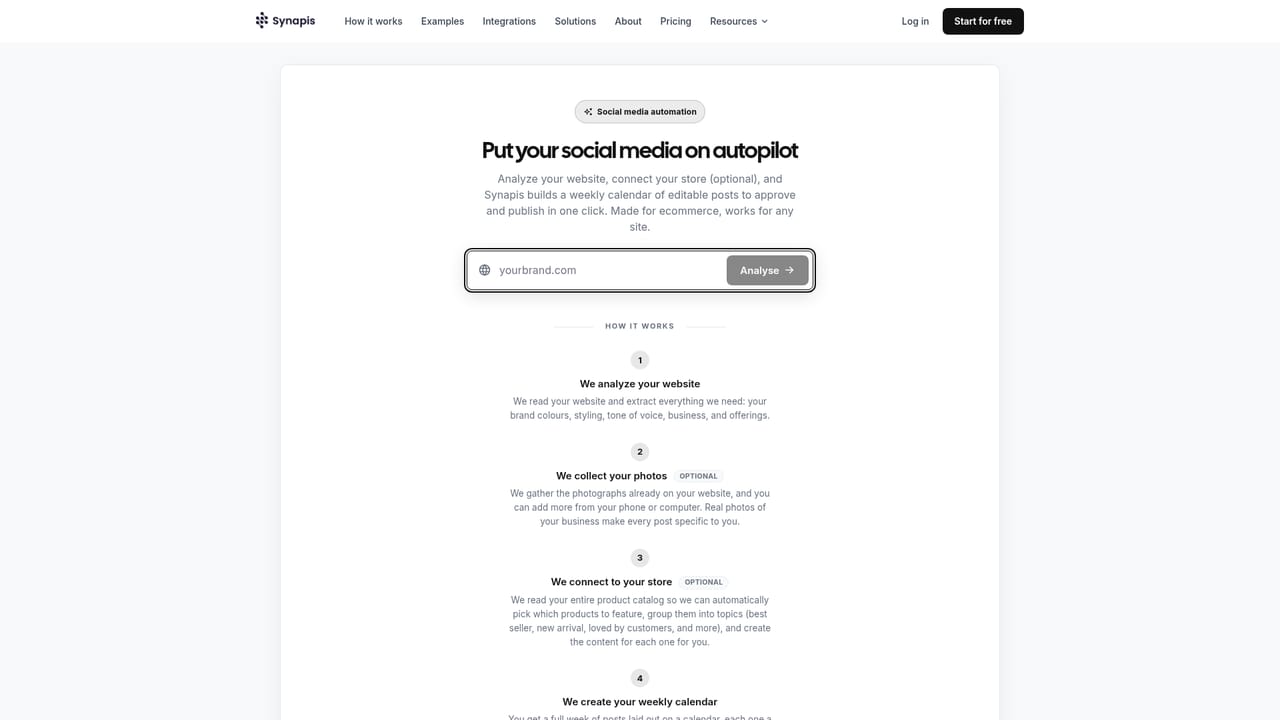
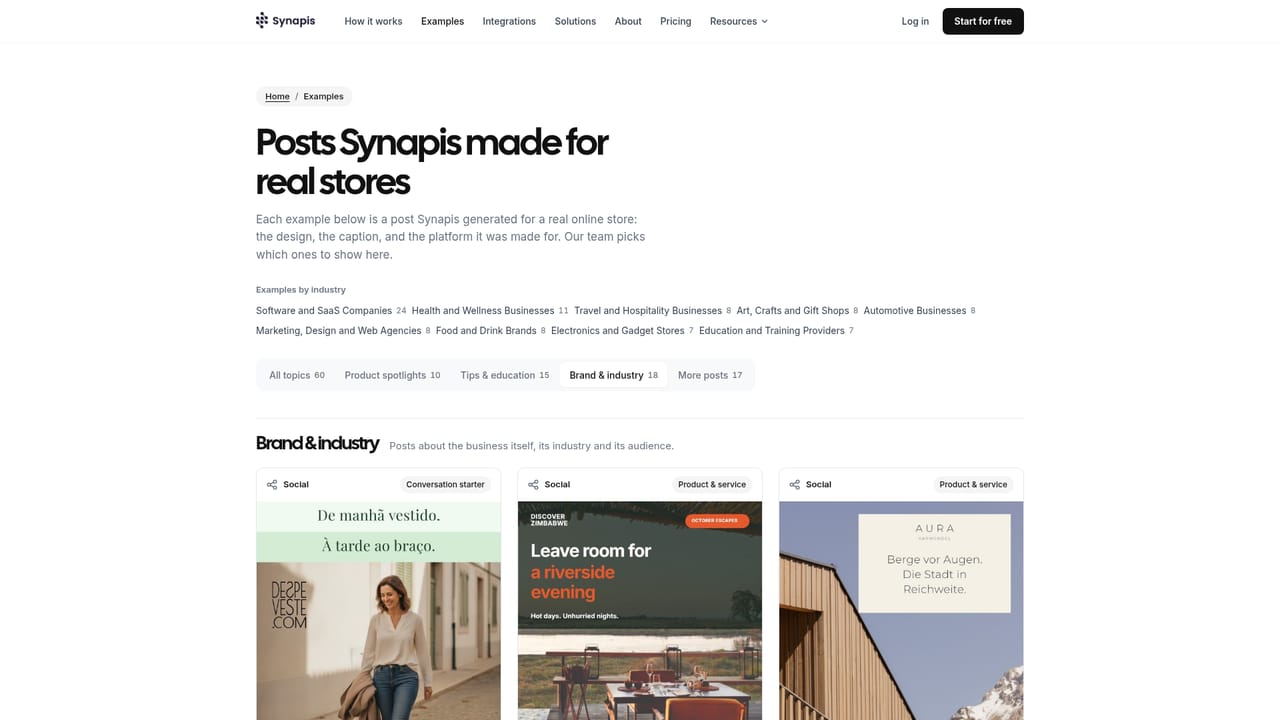
Synapis is a content tool that turns your store URL into approved social posts. Paste a store or website URL and Synapis reads the brand, picks products, writes captions, designs visuals and schedules each post for one-click approval. Instagram, Facebook and LinkedIn are supported, with prepaid credits and 3,000 free credits to start.
Synapis is a social media automation tool built around one input: the URL of a website or online store. Paste the address and the system reads the brand it finds there, including colours, typeface, tone of voice, product language, currency and the general shape of the offering. From that profile it selects products worth featuring, researches them, writes platform-specific captions and hashtags, designs a matching visual, and places the finished post on a content calendar. Nothing is published automatically: each post is emailed at its scheduled time and goes live only after a one-click approval. The workflow runs through six stages the company labels Analyze, Plan, Connect, Craft, Edit and Publish. Analysis produces the brand profile. Planning fills the calendar with an editorial cadence. Crafting generates the design and caption, written for the destination platform rather than copied across all of them. Editing lets you adjust the visual or copy before sign-off, and a single correction to the voice is meant to carry forward into later posts. Publishing follows your approval. Instagram, Facebook and LinkedIn are the supported destinations today. The natural audience is small ecommerce teams and independent store owners who know social posting matters but have no dedicated content person. It also suits site owners without a shop: a website alone is enough to build the profile, and connecting a catalog is optional, used to surface the right products and prices. Compared with scheduling suites such as Buffer or Later, Synapis does not just queue content you already made; it produces the post. Against general AI writers, it adds design, a calendar and publishing. The trade-off is narrow scope: three networks, an approval step with no full autopilot, and prepaid credits rather than a flat monthly plan.
New accounts get 3,000 free credits, around 3 to 4 posts, with no card required. That is enough to analyse your site and judge real output before paying.
Learn morePrepaid credits, no subscription. One post costs about 800 credits. Starter is $9.90 for 10,000 credits (11 to 14 posts), the popular pack is $22.25 for 25,000 credits, Growth is $42.00 for 50,000 and Scale is $79.00 for 100,000, up to 20% off. Custom top-ups start at 1,000 credits at $0.99 per 1,000.
Learn morePublishing to Instagram, Facebook and LinkedIn. An optional store catalog connection lets Synapis feature the right products and prices; a website alone is enough to start.
Brand analysis from a URL, product selection, platform-optimised captions and hashtags, AI-generated visuals, an auto-filling content calendar, automated scheduling, brand voice consistency and mandatory one-click approval, with Instagram, Facebook and LinkedIn publishing.
 AI Angels400+ customizable AI girlfriends for NSFW chat, voice calls, and roleplay
 Candy AIExperience the future of companionship with AI friends who chat, role-play, and connect with you on a human level.
 ourdream.aiA vast AI roleplay platform with millions of characters for chat, images, video and voiceAI Angels400+ customizable AI girlfriends for NSFW chat, voice calls, and roleplayCandy AIExperience the future of companionship with AI friends who chat, role-play, and connect with you on a human level.ourdream.aiA vast AI roleplay platform with millions of characters for chat, images, video and voice


