Support
The site points to a help email address and a Discord community, and offers a sales contact route for enterprise projects and work that needs the team directly.
Studio-grade lip sync and visual dubbing for film, ads, and video

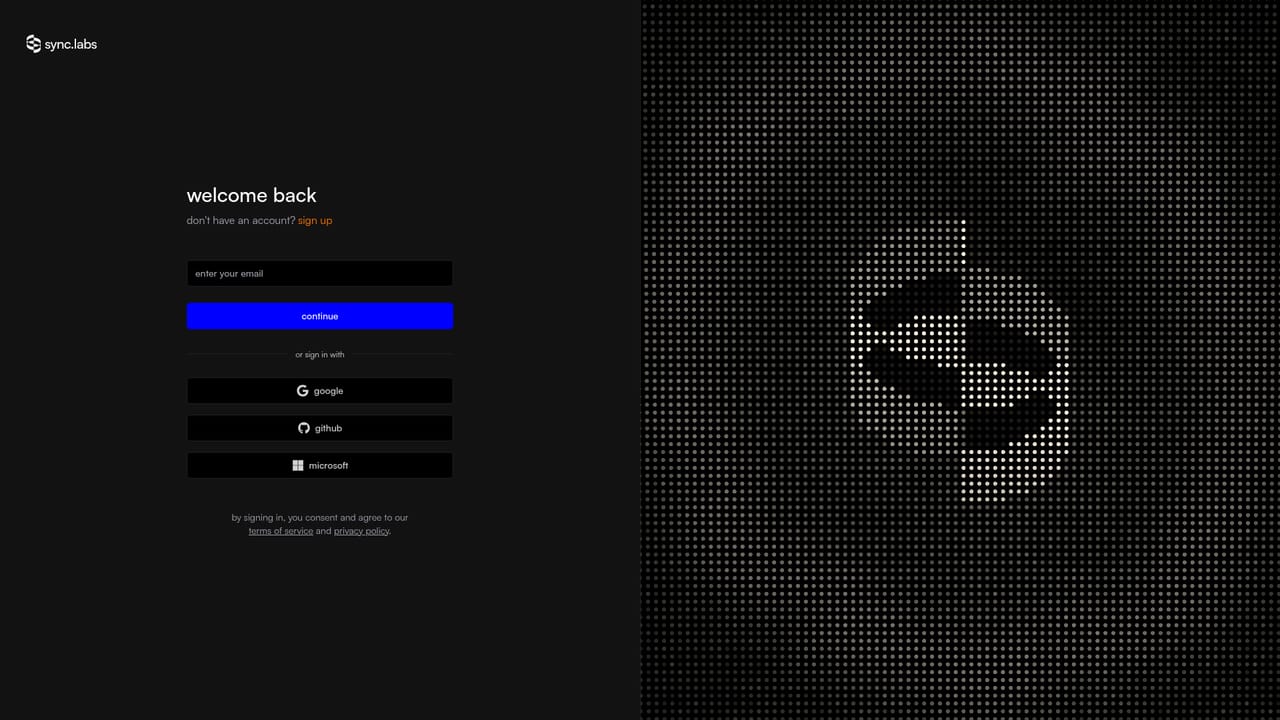
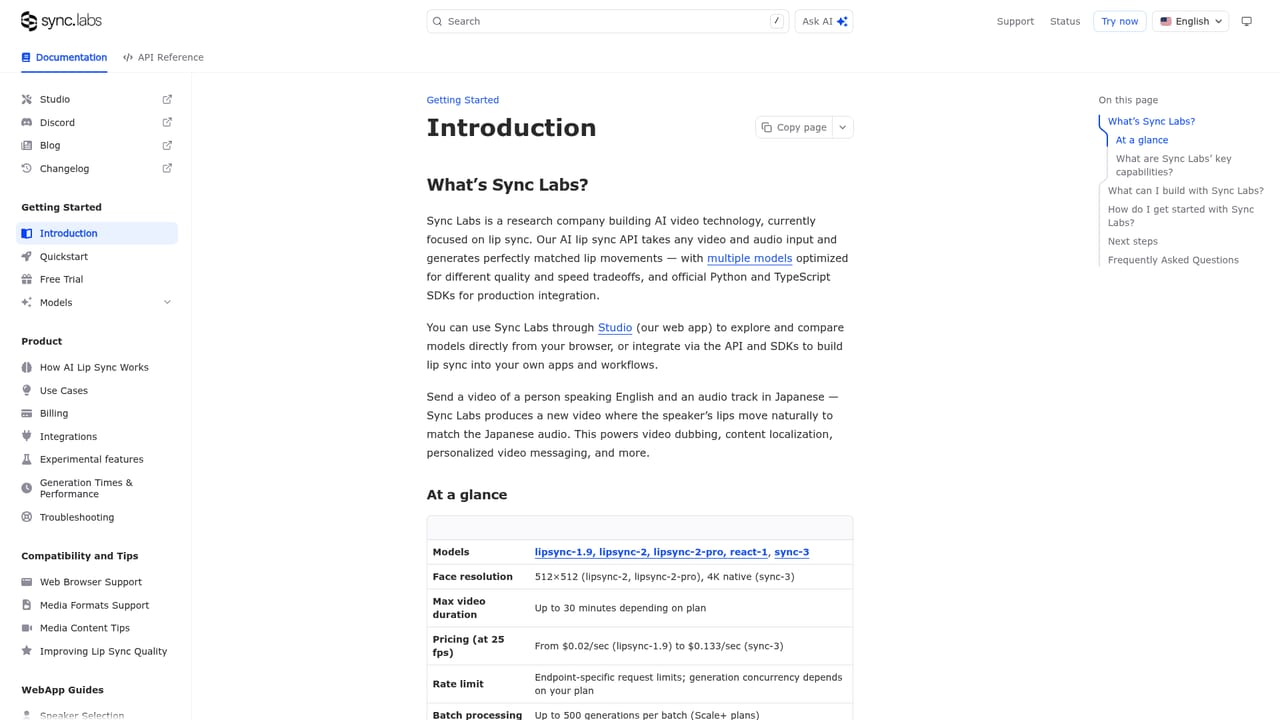
sync. is a dubbing tool. sync. labs is an AI lip sync and visual dubbing platform for film, ads, and content teams. Upload a clip, supply cloned, generated, or original audio, and get synchronized lips through a web studio, a single API, an Adobe Premiere plugin, or a ComfyUI node.
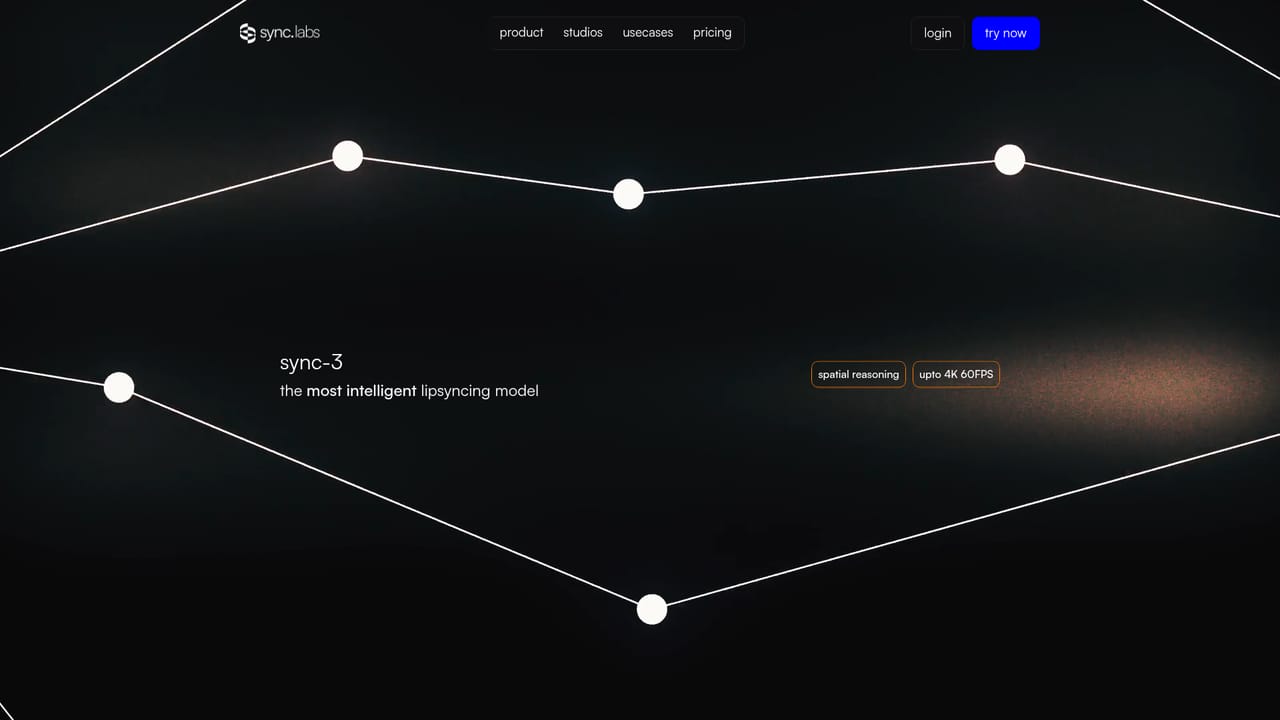
sync. labs is an AI lip sync and visual dubbing platform aimed at productions that need a performer's mouth to match new audio without reshooting. A clip goes in, a voice comes out synchronized to the original footage, and the result keeps the subtle movement of the actor's face rather than pasting a generic animation over it. The company markets the output as studio grade and positions the product around film, advertising, and social content, with a separate enterprise track for projects where the team wants hands on involvement. The tool is built around an upload and result model. The lite mode asks for a video, then a voice source: clone a voice, generate one, or reuse the audio already in the clip. There is no timeline to learn, so a marketer cutting a localized ad and an editor patching a single line of dialogue use the same flow. Higher tiers expose more control. The current model lineup covers sync-3, lipsync-2-pro, and react-1, and the site promotes scenarios that usually break lip sync tools: objects crossing the face, multiple faces in frame, several camera angles, low light, fast camera movement, rapid dialogue, and 4K ProRes footage. The product also handles language swaps. Visual dubbing is presented across English, Spanish, Hindi, French, German, and Korean, with the claim that each actor's performance details survive the switch. Verification is a lesser known feature: sync. watermarks its output and offers a checker where anyone can upload a video to see whether it was modified with the company's technology. Distribution is where sync. differentiates itself from single purpose web apps. Teams can work inside the browser studio, call a single API that accepts video found in the wild including movies, podcasts, games, and animation, or stay inside editing software through an Adobe Premiere plugin and a ComfyUI node. Buyers comparing it with general video generators should note the focus: sync. is a finishing and localization tool for existing footage, not a way to create scenes from scratch.
The site points to a help email address and a Discord community, and offers a sales contact route for enterprise projects and work that needs the team directly.
Access options include a web studio, a single API documented for developers, an Adobe Premiere plugin, and a ComfyUI node, so lip sync can run inside editing and generative pipelines rather than only in the browser.
Learn moreLip sync and visual dubbing for existing footage, with a lite mode that takes a video plus cloned, generated, or original audio and returns a synced result. The model lineup includes sync-3, lipsync-2-pro, and react-1. Claimed coverage spans occluded faces, multiple faces, several camera angles, low light, fast movement, rapid dialogue, and 4K ProRes, plus watermark verification for checking modified videos.
Learn more AI Angels400+ customizable AI girlfriends for NSFW chat, voice calls, and roleplay
 Candy AIExperience the future of companionship with AI friends who chat, role-play, and connect with you on a human level.
 ourdream.aiA vast AI roleplay platform with millions of characters for chat, images, video and voiceAI Angels400+ customizable AI girlfriends for NSFW chat, voice calls, and roleplayCandy AIExperience the future of companionship with AI friends who chat, role-play, and connect with you on a human level.ourdream.aiA vast AI roleplay platform with millions of characters for chat, images, video and voice