Free trial
The site advertises free credits through its official Discord server, but does not state trial length, credit amounts or which features those credits unlock.
Learn moreRewrite, redub and lip-sync video with AI talking avatars
Own Talking Avatar AI? Verify ownership to get a dofollow link
Talking Avatar AI is an AI video talk tool that rewrites redub and lip-sync video with AI talking avatars. A Windows desktop studio for turning video and audio into talking-avatar content: one-sentence voice cloning, script rewriting, multi-speaker lip-sync and a live stream avatar that replaces your webcam in meetings and streams.
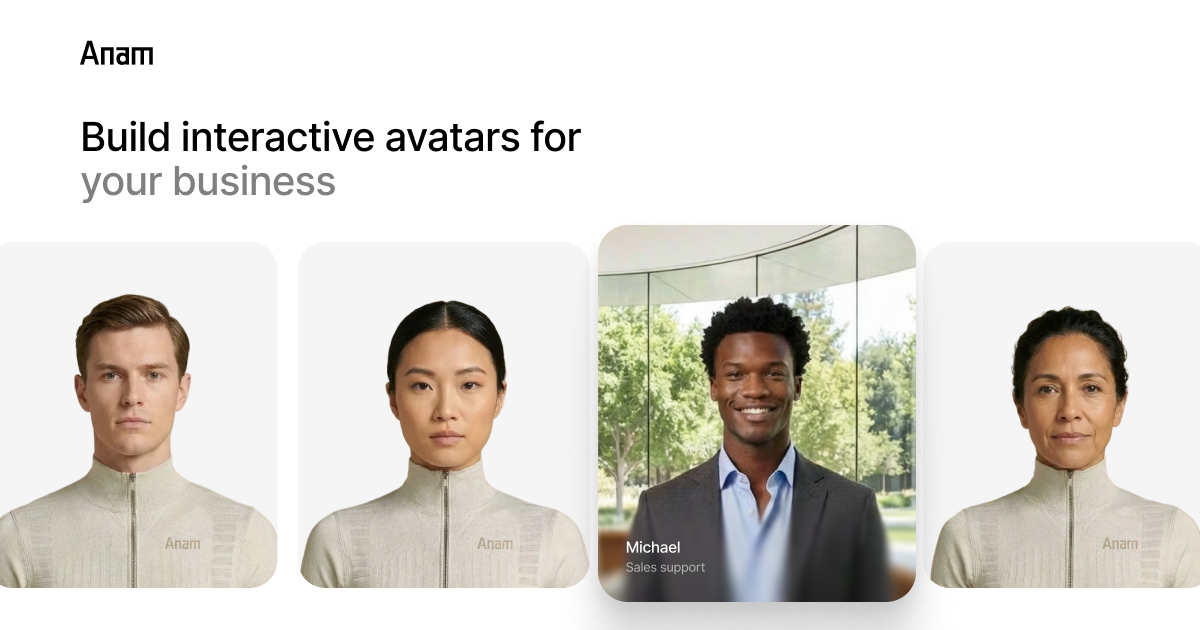
Talking Avatar AI is a video avatar platform built around a single promise: make an existing recording say something new. You bring a video or a piece of audio, the system clones a voice from a short sample, rewrites the script, and re-syncs the mouth movements so the result looks like the person actually spoke the new lines. The same engine powers a face-to-avatar pipeline, so a single photo or a designed character can become the on-camera presenter. The toolset splits into a few practical jobs. Design Avatar and Photo to Avatar build a character from scratch or from an uploaded image, while Product Avatar places that character in a commercial context. Clone Your Voice needs roughly one sentence of reference audio to produce a synthetic voice, and multi-speaker lip-sync handles footage where several people talk, diarizing the audio and matching each segment to the right face. The NotebookLM workflow is the most specific of the lot: import AI-generated podcast audio, press start, and the app separates the speakers and lip-syncs an avatar to each one. It suits creators who want to refresh old videos, localize content into other languages, or produce presenter-led clips without a camera. The Stream Avatar feature is aimed at a different audience: people who would rather send an AI body double to Zoom, Twitch or TikTok sessions than appear on webcam, with the avatar mouthing their live speech or speaking on their behalf. Live streaming and recorded production are handled in the same product. The desktop app runs on Windows 10 Anniversary Update or newer, with a discrete GPU listed in the requirements, so the heavy rendering happens locally rather than in a browser tab. That makes it a closer fit for solo creators with reasonable hardware than for teams working from lightweight laptops or Chromebooks. Compared with browser-only avatar generators, the emphasis here is less on cartoon novelty and more on redubbing real footage, voice replication and multi-speaker synchronization.
The site advertises free credits through its official Discord server, but does not state trial length, credit amounts or which features those credits unlock.
Learn moreTeam support is offered around the clock through the official Discord community, which also distributes free credits. No email or ticketing channel is described on the homepage.
No formal integrations are documented. The product references Zoom, Twitch, TikTok and NotebookLM as workflows it plugs into, and runs 24/7 team support through its Discord server.
Video rewriting and redubbing with cloned voices, one-sentence voice cloning, multi-speaker lip-sync, NotebookLM podcast audio import with automatic speaker diarization, avatar creation from photos or design tools, a product avatar mode, an avatar library, and Stream Avatar for live camera replacement on Zoom, Twitch and TikTok.
 AI Angels400+ customizable AI girlfriends for NSFW chat, voice calls, and roleplay
 Candy AIExperience the future of companionship with AI friends who chat, role-play, and connect with you on a human level.
 ourdream.aiA vast AI roleplay platform with millions of characters for chat, images, video and voiceAI Angels400+ customizable AI girlfriends for NSFW chat, voice calls, and roleplayCandy AIExperience the future of companionship with AI friends who chat, role-play, and connect with you on a human level.ourdream.aiA vast AI roleplay platform with millions of characters for chat, images, video and voice