Free trial
The Trial plan is free and requires no card, with capped messages and advanced requests. Paid plans can also be selected directly from the pricing page.
Learn moreAn AI agent that plans and finishes tasks: apps, decks, dashboards, videos.

Tabloy AI is an AI project builder tool. Tabloy is a browser based AI agent that takes a plain language task and works through it to a finished result: it builds and publishes web apps and 3D games, produces decks, dashboards and short videos, and runs scheduled jobs, with confirmations before anything goes public.
Tabloy is an AI agent built around a simple premise: hand it a task in plain language and it keeps working until the deliverable exists. Unlike a chat assistant that answers and stops, Tabloy plans its own steps, executes them in a cloud workspace, and checks the output before presenting it. The product page shows an agent that spent seven minutes writing a dental booking app with a database of 23 files, testing a booking in its own browser, and publishing the result to a live URL with an admin view for front desk staff. The scope goes well beyond code. Tabloy reads spreadsheets and databases to build dashboards, matches ad spend to orders and flags losing channels, researches the web alongside your uploaded files to assemble slide decks and reports, and can generate a short video with sound from a single photo. It also builds 3D games and plays them on desktop and mobile layouts before handing them over, fixing what it observes. Websites can be published to a Tabloy subdomain or to your own domain after you add the DNS records the tool provides. The practical loop is conversational but guarded. You describe an outcome, Tabloy proposes a plan, and actions like publishing, sharing or deleting wait for an on screen confirmation. Every change is versioned, so an app can roll back to any earlier release, and scheduled jobs can send a recurring file to a channel such as Slack. Team plans let admins decide what members may use, and chats stay private between users. Tabloy sits in the same territory as agentic coding and automation tools, but its selling point is breadth: one agent for apps, documents, analysis, media and web research rather than separate products for each. That breadth is also the thing to test. The free plan is a sensible place to start before committing to a paid seat.
The Trial plan is free and requires no card, with capped messages and advanced requests. Paid plans can also be selected directly from the pricing page.
Learn moreTrial is $0 with 300 standard messages, 30 advanced requests, 5 web research runs and 5 GB storage. Pro is $10 per user per month for unlimited standard requests, 300 advanced requests, 50 research runs, 50 GB and up to 5 people. Pro+ is $20 per user per month with 600 advanced requests, 150 research runs, 150 GB and up to 15 people. Limits renew monthly.
Learn moreSupport details are not described on the homepage beyond the FAQ and confirmation prompts in the product.
Slack is named for scheduled deliveries. Custom domains are supported through DNS records. No other integrations are stated on the homepage.
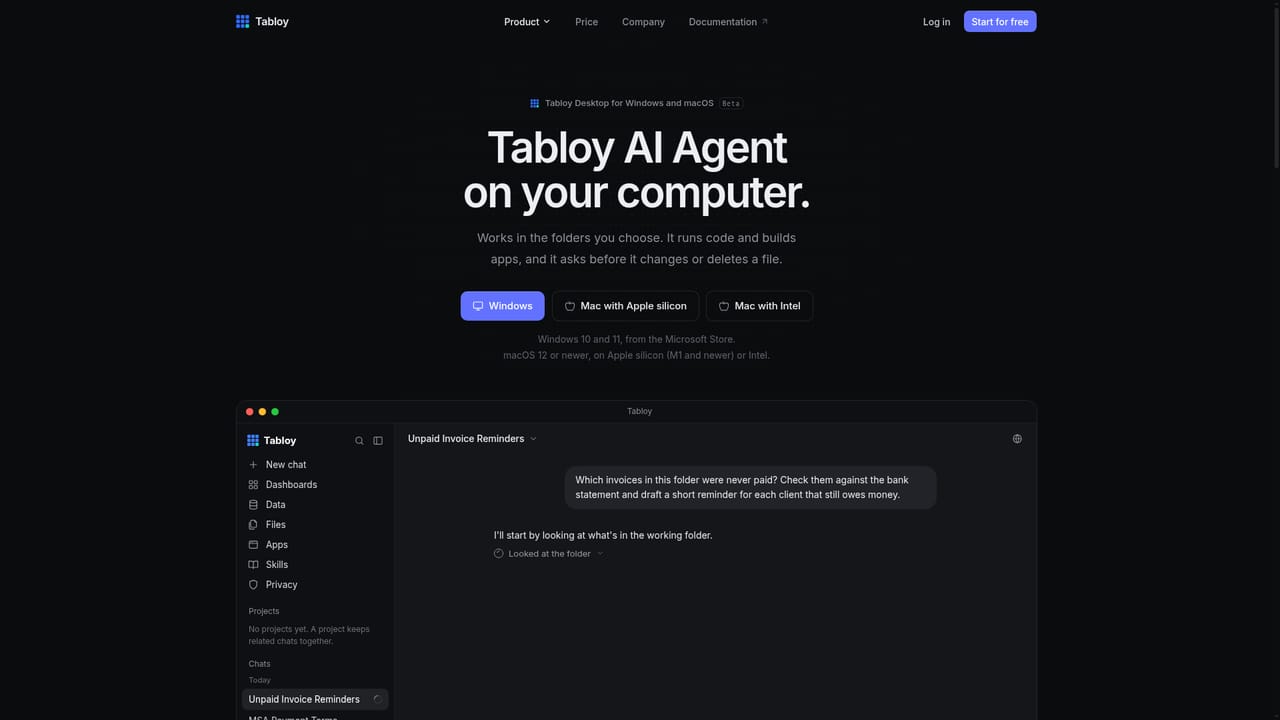
Tabloy plans and executes tasks in a cloud workspace: it builds and tests web apps and 3D games, publishes to a Tabloy subdomain or your own domain, analyses spreadsheets and databases into dashboards, researches the web for decks and reports, generates short videos with sound from a photo, and runs scheduled jobs that can deliver files to Slack. Every release is versioned and rollback is one click. Publishing, sharing and deleting require on screen confirmation.
 AI Angels400+ customizable AI girlfriends for NSFW chat, voice calls, and roleplay
 Candy AIExperience the future of companionship with AI friends who chat, role-play, and connect with you on a human level.
 ourdream.aiA vast AI roleplay platform with millions of characters for chat, images, video and voiceAI Angels400+ customizable AI girlfriends for NSFW chat, voice calls, and roleplayCandy AIExperience the future of companionship with AI friends who chat, role-play, and connect with you on a human level.ourdream.aiA vast AI roleplay platform with millions of characters for chat, images, video and voice


