Free trial
The homepage promotes a free starting point with a "Get started for free" registration link. No trial length or free tier limits are stated.
Learn moreBuild a team of AI agents for every department, no code required

TeamPal is an AI project builder tool that builds a team of AI agents for every department, no code required. TeamPal is a no-code platform for building and managing AI agents across departments like sales, marketing, HR, finance, and operations.
TeamPal is a platform for assembling an AI workforce around the departments a business already runs: sales, marketing, human resources, operations, finance, research and development, design, and information technology. Rather than selling a single chatbot, it offers a library of more than 80 pre-trained agent templates mapped to those functions, so a team can stand up a sales analyst or a production planner without writing code or commissioning a custom build. Setup is organized around a workspace. You share company context once, and the pre-trained agents use it as background instead of starting cold. From there you either pick templates from the library or create custom agents, configuring each one's skills, assigned tasks, brand voice, and knowledge base. Multiple models sit underneath, including GPT-4, GPT-4o, Claude 3 Haiku, Sonnet and Opus, and Gemini 1.5 Pro and Flash, which lets teams match heavier reasoning tasks to stronger models and routine work to cheaper ones. Built-in plugins extend agents beyond conversation with tools such as news search, Google search, an AI image generator, and a document maker. In practice the product is aimed at teams rather than lone users. Colleagues share and manage agents together, then test and publish them into existing workflows for customer support, employee support, or internal research and planning. The library and department pages make it clearest for operations, marketing, and HR groups that want repeatable assistant roles without engineering time. Industry-specific pages cover media and entertainment, technology, retail and ecommerce, and travel and hospitality. It competes with general agent builders and custom chatbot platforms. TeamPal's differentiator is breadth of ready-made role templates and the multi-model layer, not deep workflow automation or code-level control. The homepage presents it as a one-stop assistant development platform, and the no-code positioning puts it within reach of small teams and solopreneurs as well as larger departments.
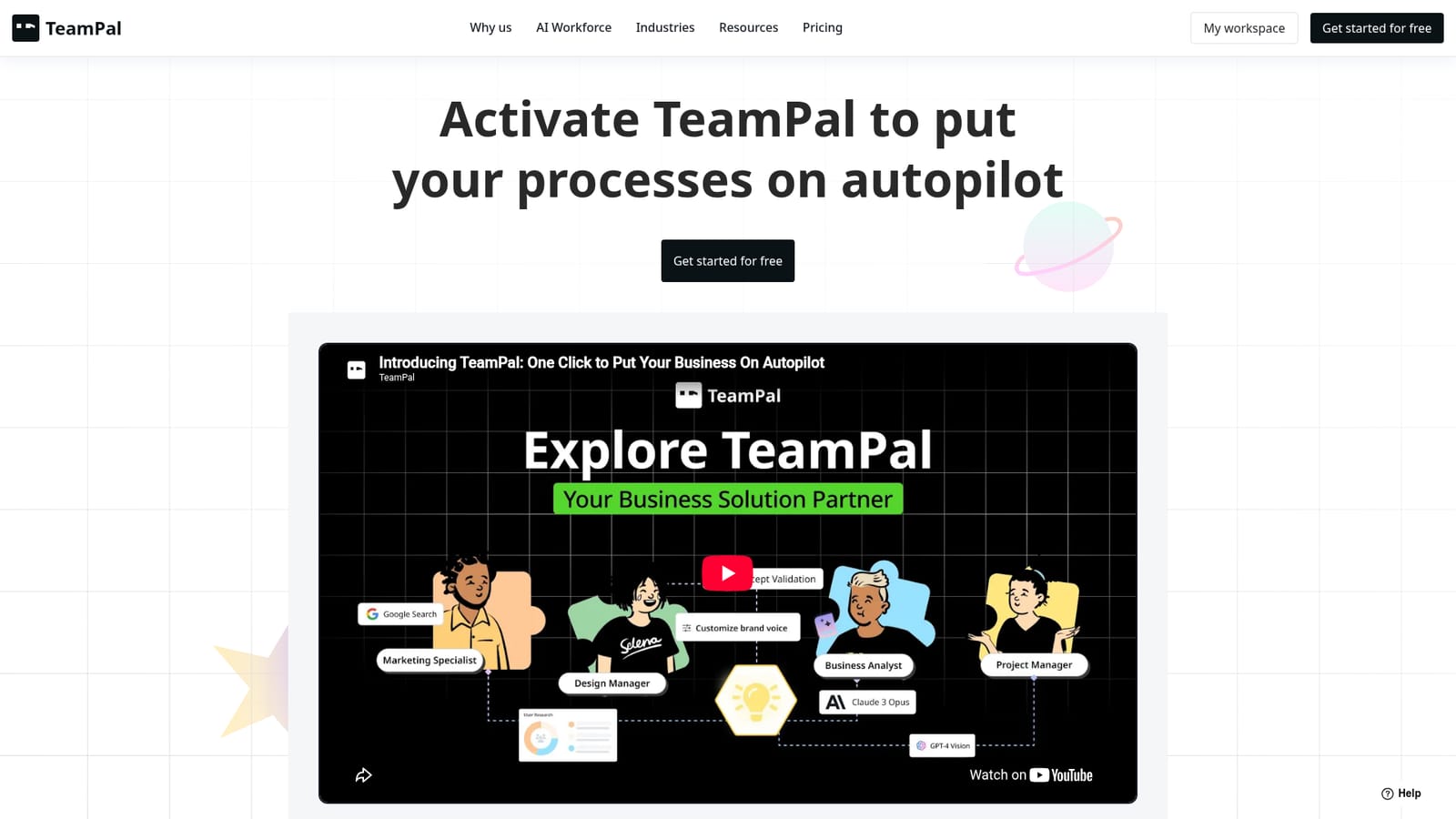
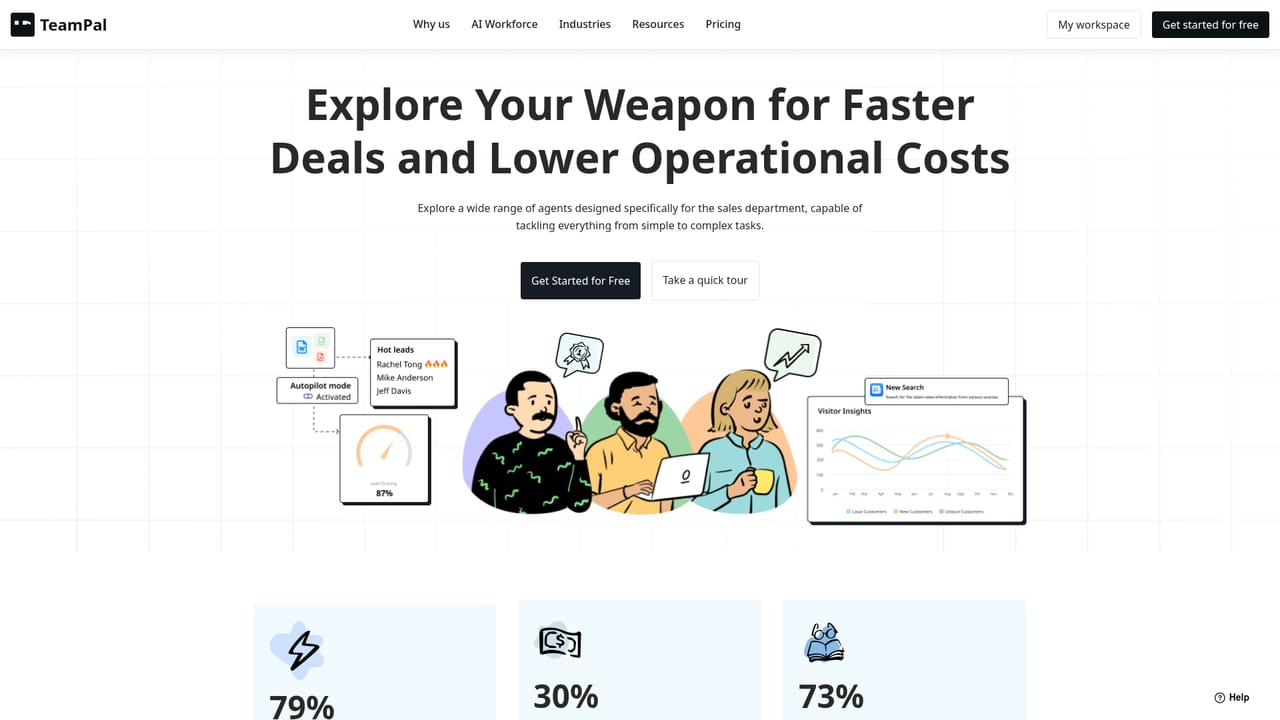
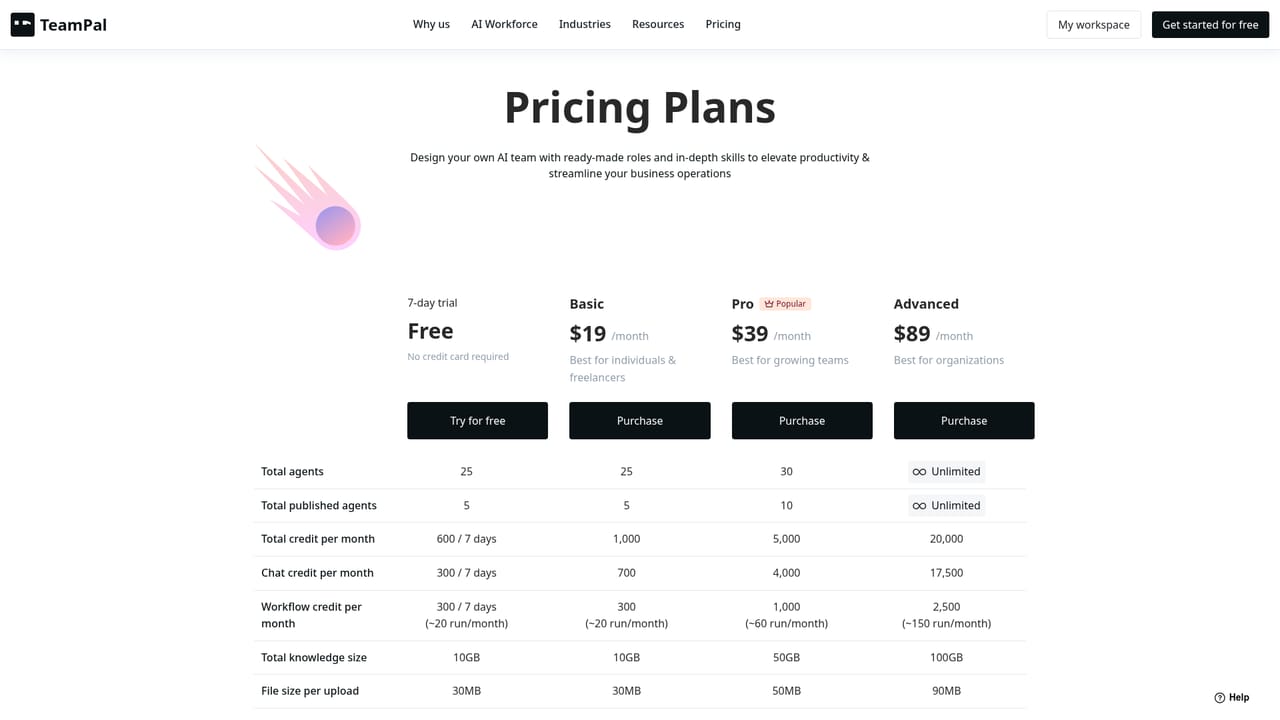
The homepage promotes a free starting point with a "Get started for free" registration link. No trial length or free tier limits are stated.
Learn moreBuilt-in plugins cover web and news search, AI image generation, and document making. No named third-party integrations or an open API are listed on the homepage.
Library of 80+ agent templates organized by department and industry, custom agent creation, configurable knowledge bases, brand voice controls, 30+ built-in plugins (search, news, AI image generation, document making), shared team management, and a choice of models including GPT-4, GPT-4o, Claude 3 Haiku, Sonnet and Opus, and Gemini 1.5 Pro and Flash.
 AI Angels400+ customizable AI girlfriends for NSFW chat, voice calls, and roleplay
 Candy AIExperience the future of companionship with AI friends who chat, role-play, and connect with you on a human level.
 ourdream.aiA vast AI roleplay platform with millions of characters for chat, images, video and voiceAI Angels400+ customizable AI girlfriends for NSFW chat, voice calls, and roleplayCandy AIExperience the future of companionship with AI friends who chat, role-play, and connect with you on a human level.ourdream.aiA vast AI roleplay platform with millions of characters for chat, images, video and voice


