Tesla Wrap Generator

Turn a text prompt or photo into a Tesla Paint Shop wrap, checked in 3D first.

Beginner
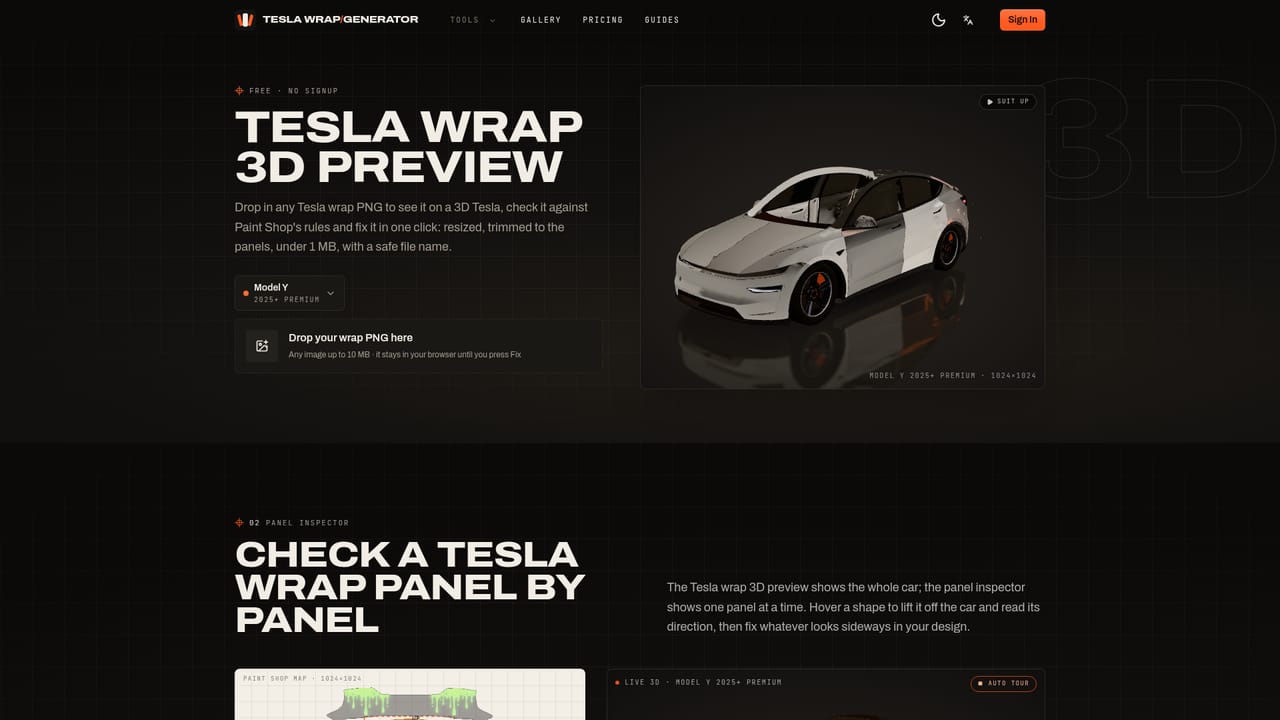
Screenshot of Tesla Wrap Generator, Turn a text prompt or photo into a Tesla Paint Shop wrap, checked in 3D first

What is Tesla Wrap Generator?

Tesla Wrap Generator is a design tool that turns a text prompt or photo into a Tesla Paint Shop wrap, checked in 3D first. An independent AI tool that turns a prompt or photo into a Paint Shop ready wrap for Tesla's touchscreen, with 3D previews and templates for every current model.

Tesla Wrap Generator is a web tool that creates digital wrap artwork for Tesla's in-car Paint Shop feature, the touchscreen styling system that changes how a Tesla looks on its own display and in the companion app. It does not produce physical vinyl. Owners type a description or upload a photo, and the tool paints that design onto the exact UV panel map Tesla uses for the selected model and year, then exports a PNG sized and formatted to load without errors. The core problem it solves is alignment. Paint Shop only accepts flat UV textures, and lining up artwork across a dozen oddly shaped body panels by hand in image editing software is slow and error prone. By building on Tesla's own published templates for Model 3, Model 3 Highland, Model Y, Model Y Juniper, Model Y L, Model S, Model X and Cybertruck, the generator keeps stripes running the right direction and graphics upright across doors and panels, then trims anything outside the printable area. In practice an owner picks a car and trim, chooses a style preset or writes a prompt, spends credits to generate the wrap, spins it on a 3D model to check seams and panel breaks, and downloads a PNG under 1 MB ready for the Tesla app or a USB drive. Templates, the 3D preview and a PNG size fixer are usable without creating an account, which makes the free tier useful even for owners who already have artwork. The tool fits a narrow but specific niche: Tesla owners who want to refresh their car's on-screen appearance without touching a wrap shop or a design program. It sits alongside generic AI image generators and manual Photoshop templates, but differentiates itself by handling Tesla's panel geometry and file rules automatically rather than leaving that work to the owner. It is an independent project with no affiliation to Tesla, Inc.
How do you use Tesla Wrap Generator?

  1. 1Pick your Tesla model and year
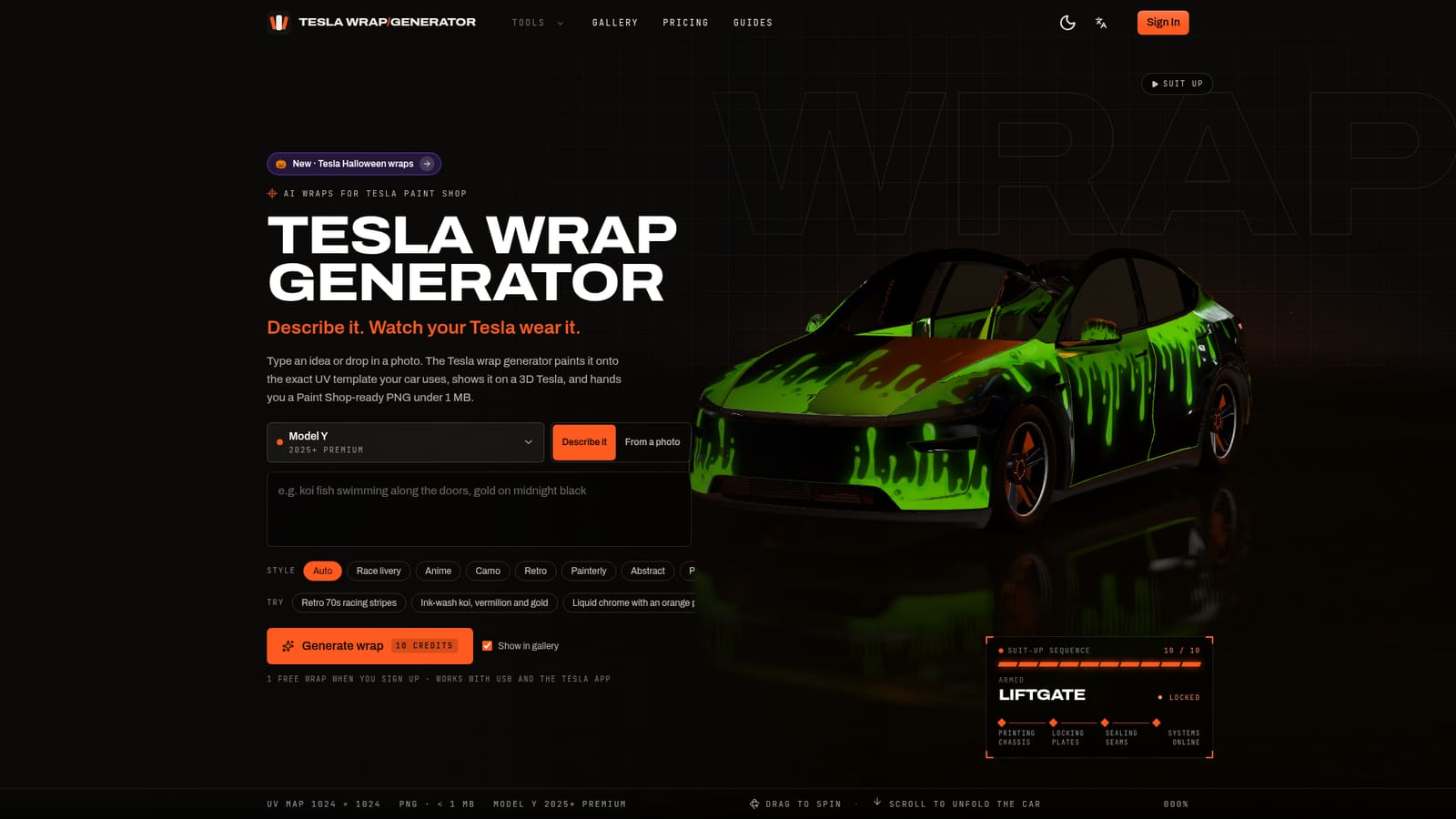
    Select the exact model and trim, such as Model Y 2025+ or Model 3 Highland, so the generator loads the matching official Paint Shop UV template.
    Tesla Wrap Generator — Pick your Tesla model and year
  2. 2Describe the wrap or upload a photo
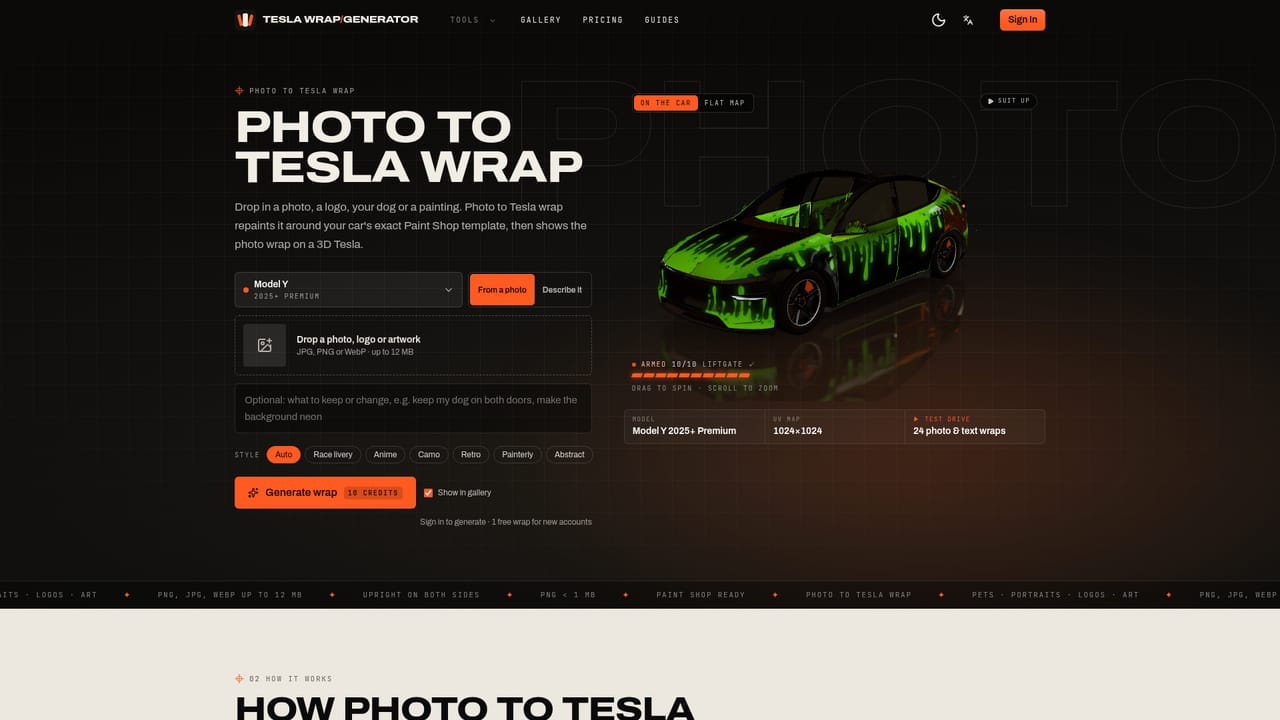
    Type a short description of the design, or switch to photo mode and upload an image, logo or artwork to be mapped onto the car's panels.
    Tesla Wrap Generator — Describe the wrap or upload a photo
  3. 3Generate the wrap
    Run the generation, which uses credits per wrap; new accounts start with 10 credits covering one full generation.
  4. 4Check it in 3D
    Spin the rendered car, zoom into seams, bumpers and door gaps, and compare versions before committing to a download.
    Tesla Wrap Generator — Check it in 3D
  5. 5Download the Paint Shop ready PNG
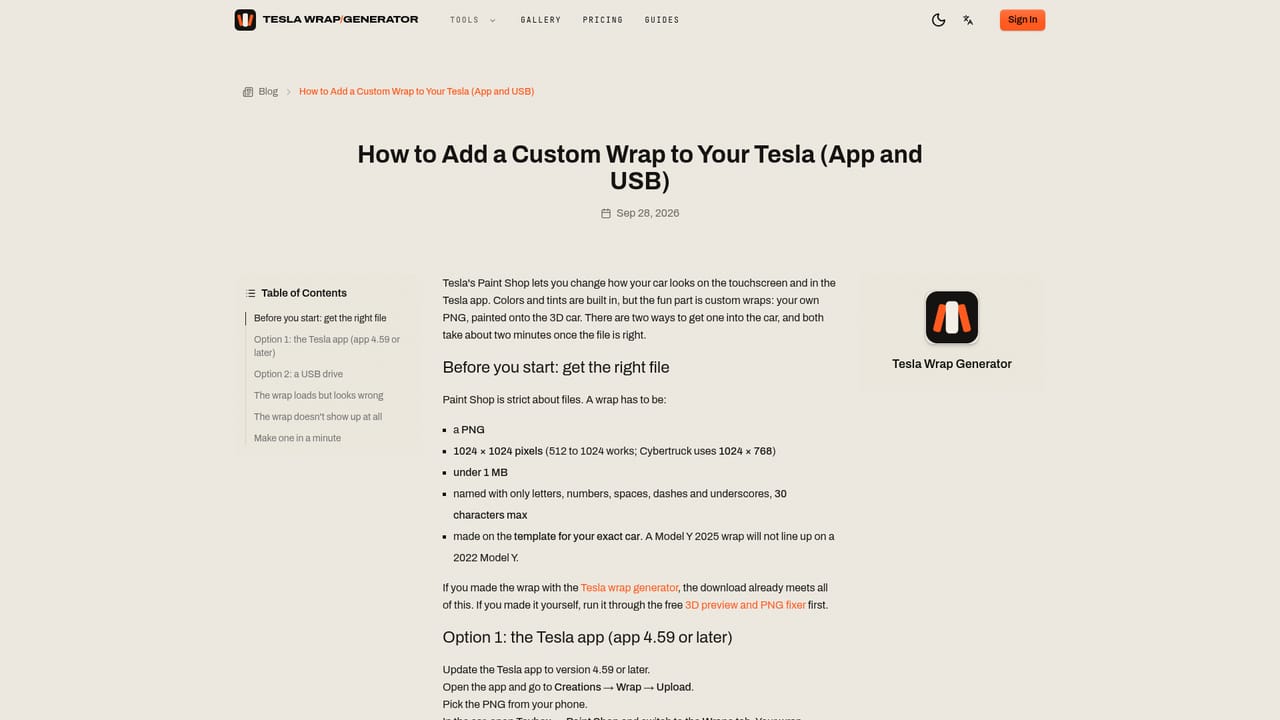
    Export the file as a PNG under 1 MB at the correct pixel size; use the PNG fixer tool if a design needs resizing or renaming.
  6. 6Load the wrap onto the car
    On Tesla app 4.59 or later, go to Creations, Wrap, Upload, or copy the PNG into a folder named Wraps on a USB drive and open Toybox, Paint Shop, Wraps.
    Tesla Wrap Generator — Load the wrap onto the car

Pros and cons

Pros

  • Handles Tesla's panel geometry automatically so artwork stays aligned across doors and bumpersAI
  • Templates, 3D preview and the PNG fixer are usable without creating an accountAI
  • Covers all current Paint Shop model families including Model Y, Model 3, Model S, Model X and CybertruckAI
  • One free AI-generated wrap included on signup before any purchaseAI
  • Exports are pre-checked against Tesla's file size and naming rules, reducing failed uploadsAI

Cons

  • Only changes the digital appearance on the touchscreen and app, not the car's physical paintAI
  • AI wrap generations require credits after the single free signup wrap is usedAI
  • Full 3D preview is described as supporting Model 3, Model Y and Cybertruck rather than every modelAI
  • Credit based pricing means repeated experimentation adds up in cost over timeAI
  • No mention of support for vehicles outside the Tesla lineup, so the tool is useless for other car brandsAI

How much does Tesla Wrap Generator cost?

Free trial

New accounts receive 10 credits on signup, enough for one complete AI-generated wrap, before any payment is needed.

Learn more

Pricing

Templates, 3D preview and the PNG fixer are free without an account. Signup includes one free AI wrap, and additional non-expiring credits start at $4.99 for 10 wraps.

Learn more

Features

Text to wrap and photo to wrap generation on Tesla's official UV templates, style presets like livery, camo, anime and chrome, a spinning 3D preview, a full template library, and a PNG fixer that resizes and renames files to meet Paint Shop's upload rules.

Frequently asked questions about Tesla Wrap Generator

  • How much does Tesla Wrap Generator cost?
    Templates, 3D preview and the PNG fixer are free without an account. Signup includes one free AI wrap, and additional non-expiring credits start at $4.99 for 10 wraps.
  • Does Tesla Wrap Generator offer a free trial?
    New accounts receive 10 credits on signup, enough for one complete AI-generated wrap, before any payment is needed.
  • How do you use Tesla Wrap Generator?
    The walkthrough on this page covers 6 steps: 1. Pick your Tesla model and year 2. Describe the wrap or upload a photo 3. Generate the wrap 4. Check it in 3D 5. Download the Paint Shop ready PNG 6. Load the wrap onto the car.
  • What platforms does Tesla Wrap Generator support?
    Tesla Wrap Generator is available on Web App.
  • What are the limitations of Tesla Wrap Generator?
    Only changes the digital appearance on the touchscreen and app, not the car's physical paint. AI wrap generations require credits after the single free signup wrap is used. Full 3D preview is described as supporting Model 3, Model Y and Cybertruck rather than every model.

Status

StatusActive
Views0
Outbound clicks0
Added10/11/2026

Platforms

Web App

Pricing

FreemiumPaid