Free trial
A 14-day free trial is offered with no credit card required, alongside a Free plan option.
Learn morePrompt-built internal apps you can keep editing visually

ToolJet is an AI project builder tool. ToolJet's AI app builder generates multi-page internal apps from prompts, connects them to databases and APIs, and keeps them editable in a visual builder with JavaScript and Python. It runs on ToolJet Cloud or self-hosted.
ToolJet's AI app builder turns a plain-language request into an internal application connected to a company's own databases and APIs. Rather than producing a standalone frontend codebase, it generates native ToolJet pages, components, queries and events, so the output stays editable inside the platform's visual builder. The target audience is enterprise and operations teams that need admin panels, approval apps, dashboards and similar internal tooling without staffing a traditional development project for each one. In practice the workflow follows a development lifecycle. A user describes who will use the app, the tasks involved and the data it should touch, then reviews a plan before anything is built. Builder agents help design pages with forms, tables and charts, generate queries, attach event actions and assist with debugging. Generated reads and writes can be inspected before live data is used, credentials are meant to be limited in scope, and permissions can be tested role by role before release. Manual refinement happens through drag and drop layout, a query builder, an event manager and page navigation, with JavaScript, Python and custom React components available when code is needed. Modules, themes and a shared design system help keep many apps consistent. Deployment is a notable part of the pitch. Apps can run on ToolJet Cloud, on a self-hosted installation, or on infrastructure ToolJet manages inside the customer's AWS, Azure or GCP account. A separate MIT-licensed MCP server lets coding agents such as Claude Code or Codex compose the same native apps, which can then be opened in the visual editor. More than 100 data sources are supported, including PostgreSQL, MongoDB, BigQuery, Salesforce, REST APIs and Google Sheets. Among alternatives, ToolJet sits between low-code internal tool platforms and prompt-to-app generators. The vendor publishes same-prompt comparisons against Retool, Superblocks, Lovable and Emergent. The site is candid that AI speeds up the build while the team still owns validation, permissions review and release.
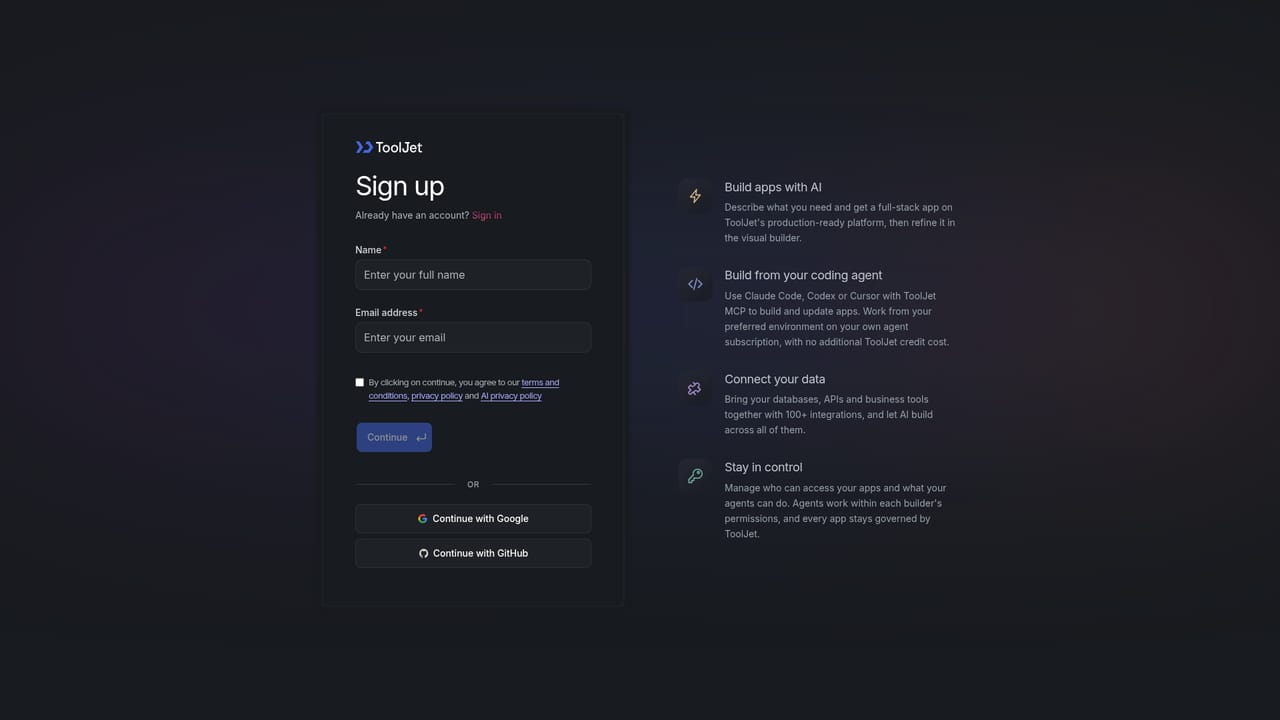
A 14-day free trial is offered with no credit card required, alongside a Free plan option.
Learn moreA Free plan exists and includes the GPT-6 Luna model for app generation. Claude Haiku 5.5 needs a paid plan. Team adds SSO, audit logs and GitSync, and Enterprise adds SCIM. Exact prices are not listed on the page.
Learn moreDemo booking is available for sales and deployment questions, setup documentation covers deployment, and a Trust Center holds compliance evidence. Support tiers are not detailed on the page.
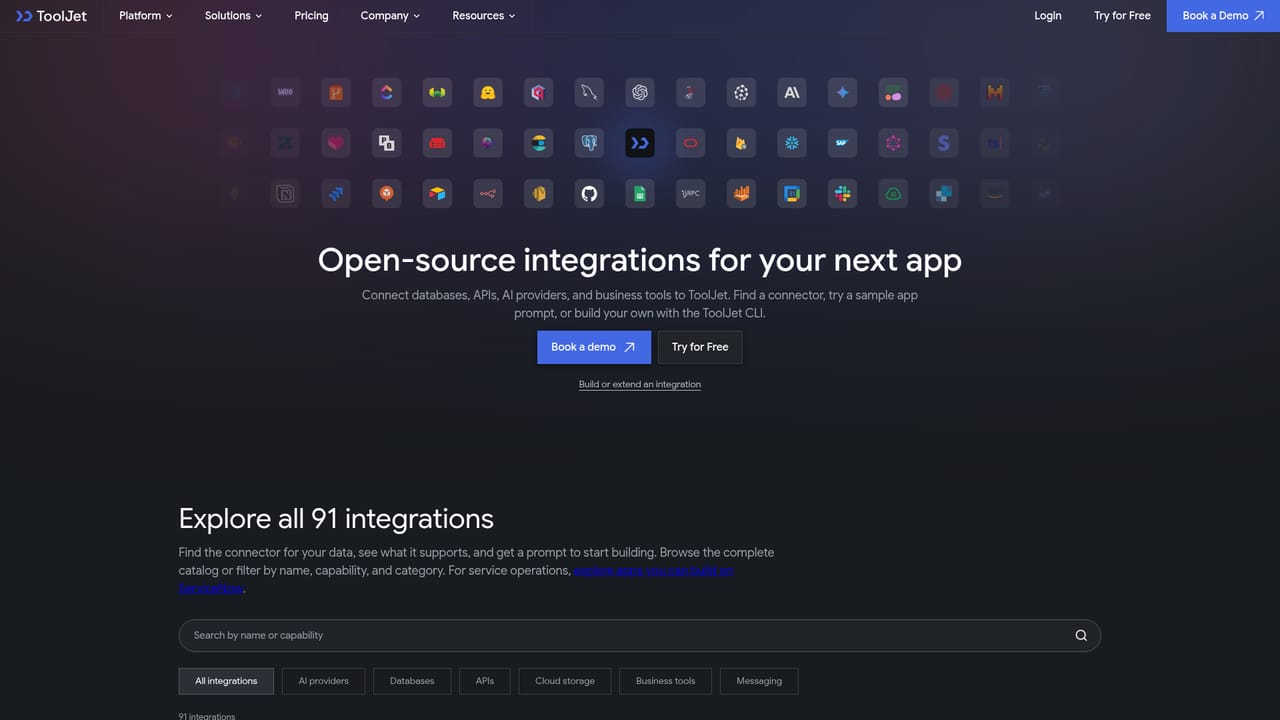
Learn moreConnects to 100+ data sources, including PostgreSQL, MongoDB, BigQuery, Salesforce, REST APIs and Google Sheets. Custom connectors are available on self-hosted deployments. The MCP server works with Claude Code and Codex.
Learn moreAI generation of native pages, queries and events, plan and design agents, visual drag and drop builder, query builder, event manager, JavaScript and Python queries, custom React components, modules, themes, debugger, role-based access and an MCP server.
 AI Angels400+ customizable AI girlfriends for NSFW chat, voice calls, and roleplay
 Candy AIExperience the future of companionship with AI friends who chat, role-play, and connect with you on a human level.
 ourdream.aiA vast AI roleplay platform with millions of characters for chat, images, video and voiceAI Angels400+ customizable AI girlfriends for NSFW chat, voice calls, and roleplayCandy AIExperience the future of companionship with AI friends who chat, role-play, and connect with you on a human level.ourdream.aiA vast AI roleplay platform with millions of characters for chat, images, video and voice


