Free trial
Signing up needs no credit card and includes 15 days of the premium plan at no cost.
Learn moreTurn printable worksheets into self-grading digital exercises
Own TopWorksheets? Verify ownership to get a dofollow link

TopWorksheets is an AP history grader tool that turns printable worksheets into self-grading digital exercises. TopWorksheets converts printable worksheets into auto-graded interactive exercises, or generates new ones from a topic with AI. Teachers assign digital tasks, receive scored submissions and track class progress in a browser-based account.
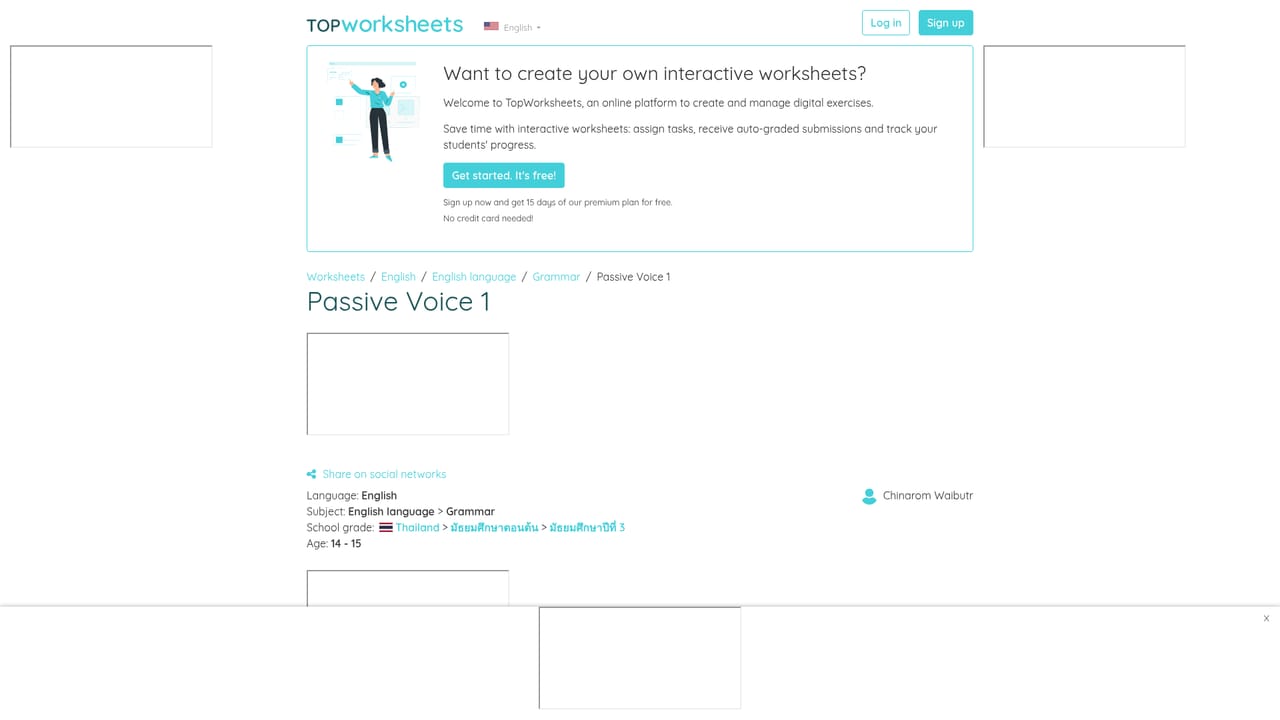
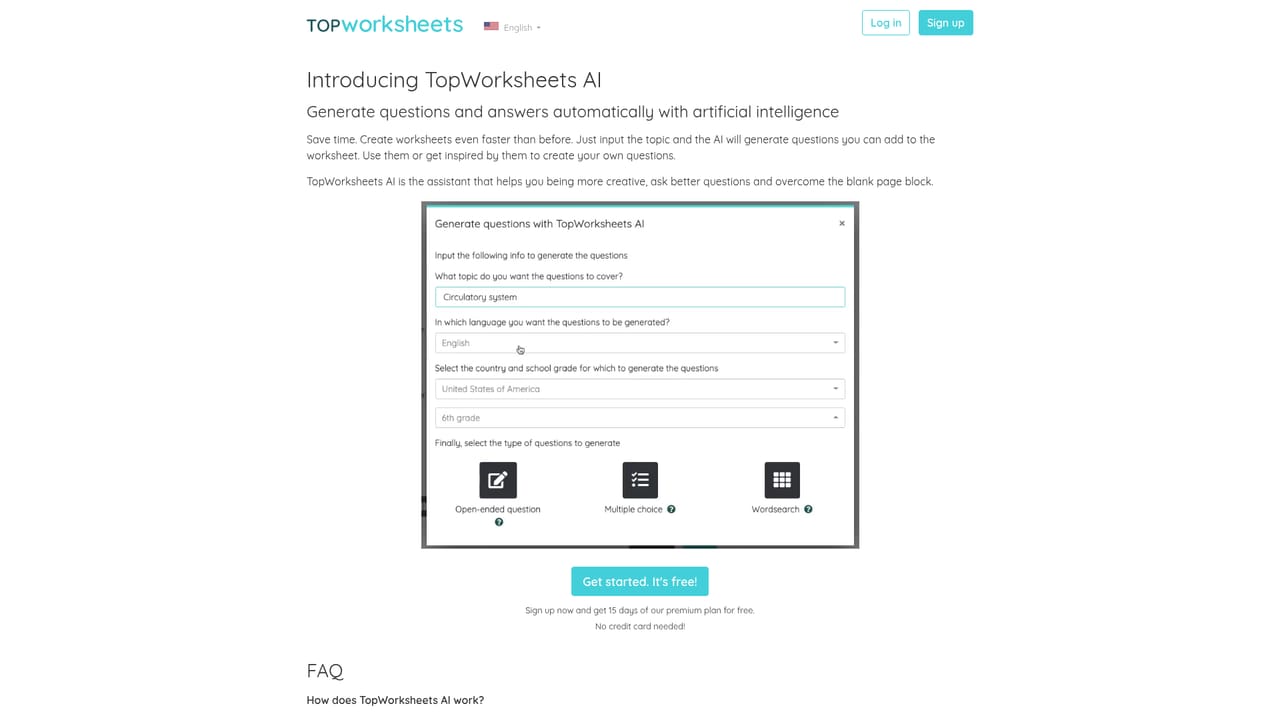
TopWorksheets is a browser-based platform for teachers who want to move classroom exercises off paper and into an auto-graded digital format. The core promise is conversion: an existing printable worksheet can be turned into an interactive one, or a new exercise built from scratch with a visual builder. The creators describe the builder as usable without any previous technical knowledge, and testimonials from maths, computing, primary and vocational teachers focus on the same point, that a customized activity takes a few clicks rather than an afternoon. Grading happens on the platform side. Students submit answers digitally, scores arrive in the teacher's account, and the grade-sheet work of tallying results is handled automatically. A progress view tracks how a class is evolving over time, so a teacher can see which students are falling behind before an exam rather than after. This is the practical difference from static worksheet repositories: the exercise and the assessment stay connected. Content is a large part of the value. Thousands of worksheets published by other teachers can be browsed and used freely, with public previews spanning English grammar, vocabulary, spelling and subject areas across primary and secondary levels. TopWorksheets AI adds a generation path: a teacher enters a topic, the tool proposes questions instantly, and the resulting worksheet can then be edited. The library is heavily weighted toward English language material, which shapes what a new user will find ready-made. Against alternatives, TopWorksheets sits between a document tool like Google Forms, where you build each activity by hand, and a static worksheet marketplace, where nothing is graded for you. The trade-off is that its strength depends on the conversion and library workflow, not on deep learning analytics. It suits individual teachers and departments that want fast digital exercises and automatic scoring without a school-wide platform rollout.
Signing up needs no credit card and includes 15 days of the premium plan at no cost.
Learn moreSupport runs through documentation and tutorials in the Help section, a teacher community for questions, webinars and community tutorials, a blog, and a contact form for unresolved issues.
Learn moreInteractive worksheet builder for converting printable sheets or creating new ones, TopWorksheets AI question generation from a topic, a browsable library of thousands of teacher-created worksheets, automatic grading of student submissions, and progress tracking with automatic grade records and a class evolution view.
Learn more AI Angels400+ customizable AI girlfriends for NSFW chat, voice calls, and roleplay
 Candy AIExperience the future of companionship with AI friends who chat, role-play, and connect with you on a human level.
 ourdream.aiA vast AI roleplay platform with millions of characters for chat, images, video and voiceAI Angels400+ customizable AI girlfriends for NSFW chat, voice calls, and roleplayCandy AIExperience the future of companionship with AI friends who chat, role-play, and connect with you on a human level.ourdream.aiA vast AI roleplay platform with millions of characters for chat, images, video and voice