What these tools do
A table of contents generator builds a navigable structure out of content that was not written as an article. The tools on this page work mostly from audio, video and screen recordings: they produce transcripts, then organize the result into headings, sections or timestamps that act as a contents page. The reader or viewer gets a scannable index instead of a wall of text or a two hour file. This replaces the manual routine of listening back, noting timecodes and retyping headings by hand.
The audience is creators and small teams who publish long form material and need it to be findable: independent podcasters, technical writers producing documentation from recorded walkthroughs, and content teams repurposing recordings into written pages.
How to choose one
Start with the input format. If your source is a podcast, you want a tool that accepts audio and video and returns a transcript you can edit; if it is a screen recording, you need one that captures the screen and keeps screenshots alongside the structured text.
Then decide what the contents page is for. A timestamped index for a player is a different output from a written outline with headings for a documentation page. Check whether the tool exports the structure or only displays it, and whether the transcript is editable, because a contents page is only as good as the section labels behind it.
Finally, weigh pricing against volume. Free tiers suit occasional episodes; subscription tiers matter once you publish on a schedule.
Notable tools
PodcastAI is aimed at podcast production and positions itself on making producers faster. It fits teams that want help beyond a bare transcript, with a free tier and subscription plans on the web.
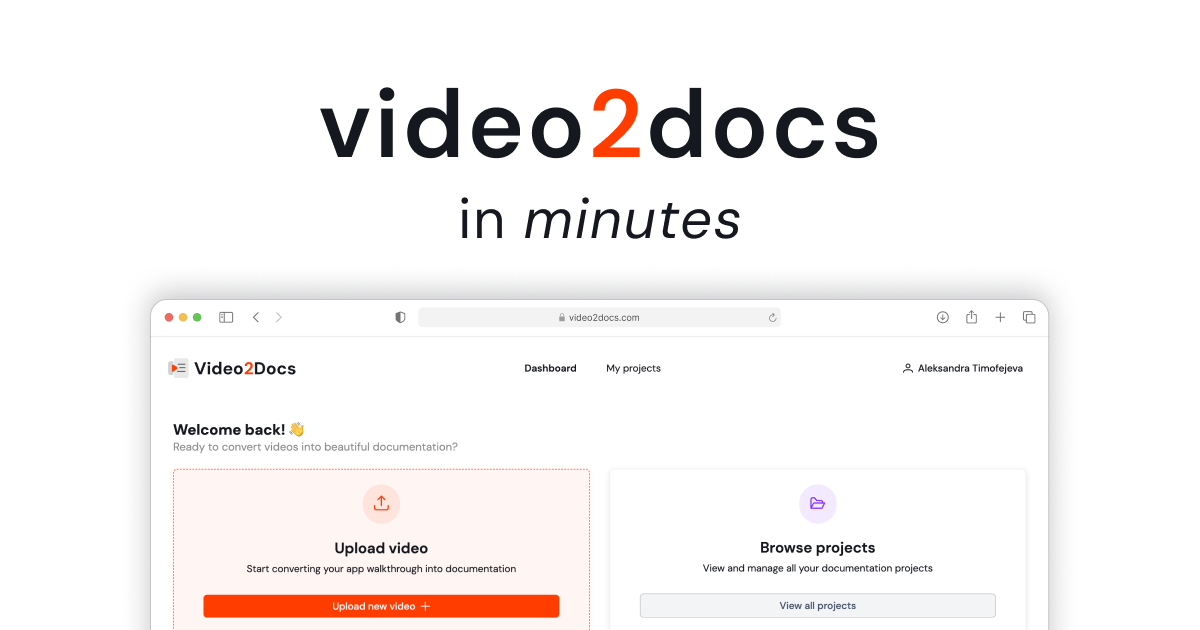
video2docs turns screen recordings into structured, screenshot rich documentation. That makes it the natural pick when your contents page is really a tutorial outline and the visuals carry as much weight as the headings. Freemium, subscription and paid options are available on the web.
Show Notes Generator produces free AI transcripts and show notes from podcast audio or video. It is the lightest entry point for a podcaster who mainly needs a transcript to build an episode index from, and it is free on the web.
Common questions
What does a table of contents generator actually output?
Usually a transcript plus a structure: headings, sections or timestamps. Some tools stop at show notes, others export documentation ready pages. Read the output samples before committing, since the format decides how much editing remains.
Can I use a contents page creator for video, not just text?
Yes. The tools here mostly start from audio or screen recordings, so a recorded walkthrough or an episode becomes a structured page. Screen recording tools keep screenshots in place, which matters for how to guides.
Is a free tool enough?
For a single show or occasional recordings, the free option covers transcripts and show notes. Paid tiers become relevant when you need exports, volume or documentation formatting.
When to look elsewhere
If your source is already written and you need long form articles produced at scale, the Autoblogger category fits better. For turning manuscripts into a finished book, see Ebook Creator.
.jpg)