Pricing
The homepage does not list prices or plan tiers. It only states that subscribers get access to the most capable model for richer answers, while everyone else uses the latest fast model.
Learn moreChat with OpenAI in your own language, translated both ways

Translaite is a ChatGPT tool that chats with OpenAI in your own language, translated both ways. A multilingual chat front end that translates your prompt into English before sending it to OpenAI, then translates the streamed reply back into your language.
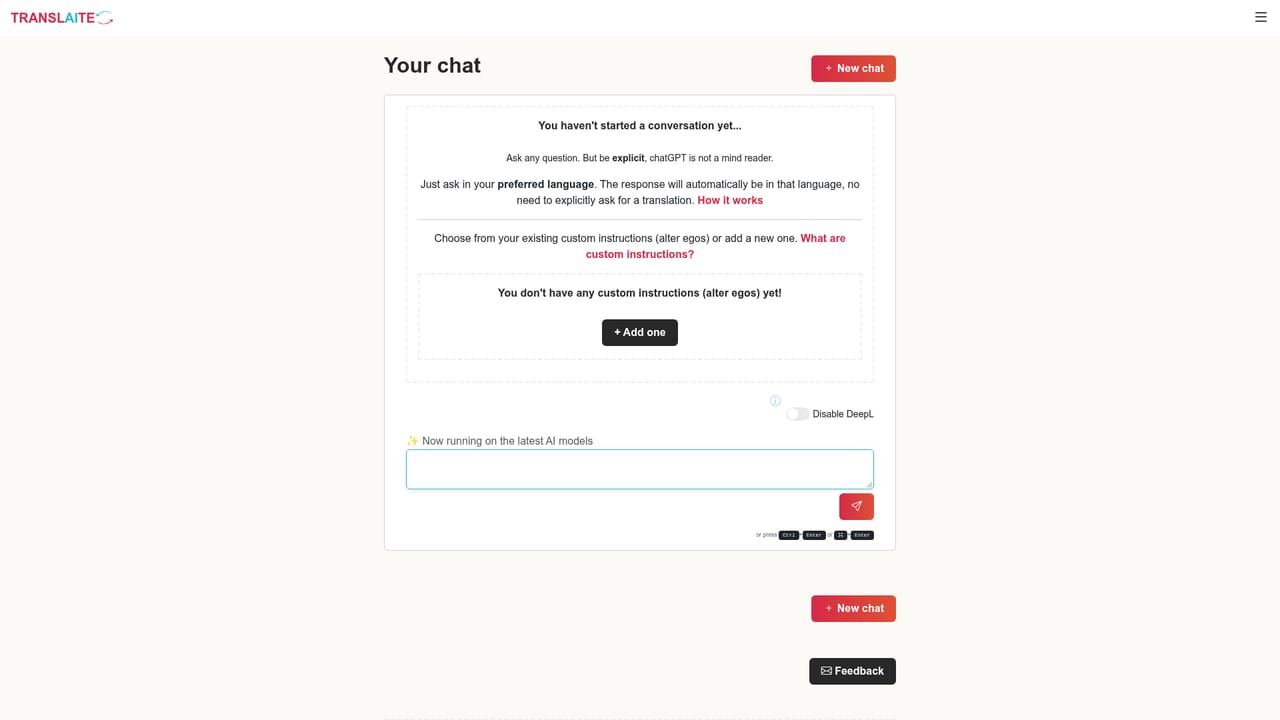
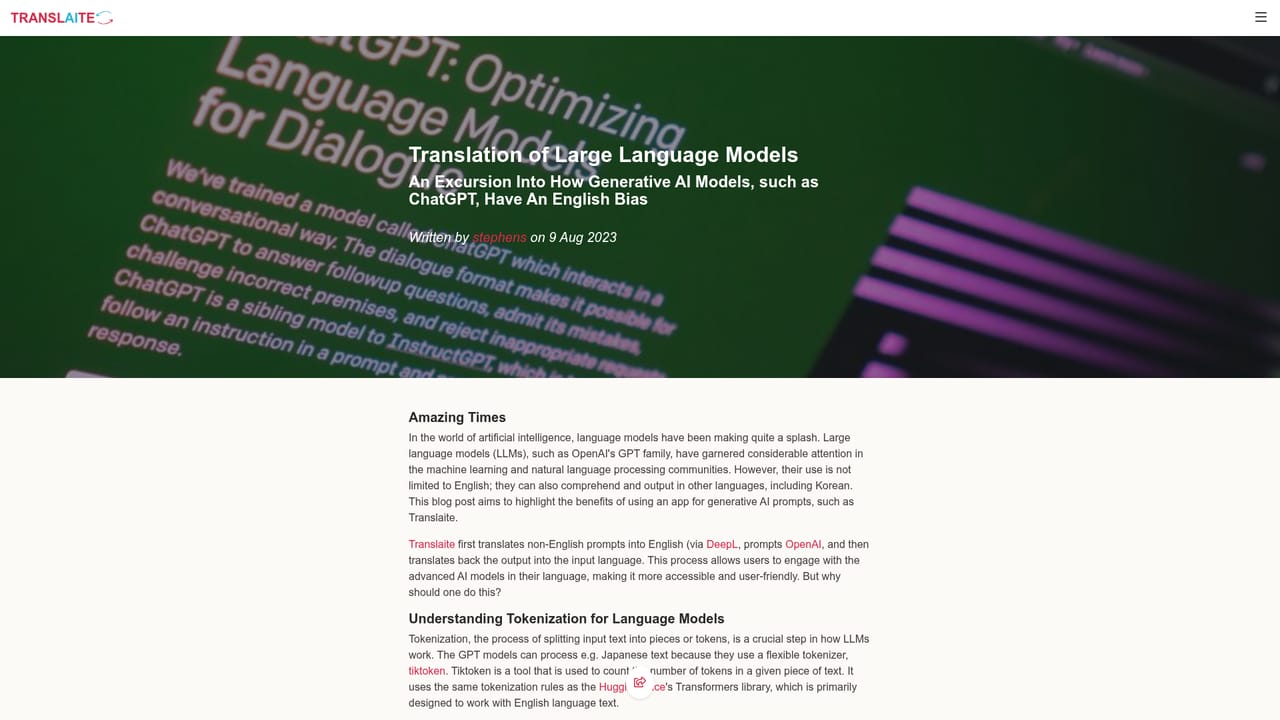
Translaite is a web chat interface built around a simple premise: large language models such as those from OpenAI produce their strongest answers when prompted in English. Rather than asking users to switch languages, the app intercepts each message, converts it to English before it reaches the model, then renders the reply back in the language the user typed in. The site describes this as a bridge over the English bias of generative AI, and its blog posts dig into why that bias exists and how the two stage translation approach mitigates it. The workflow is transparent by design. A message arrives in any language, gets translated, is submitted to OpenAI, and the answer streams back live while being translated into the original language. Users can also request a chat be rendered into a third language, which makes the tool useful for anyone who wants to read a model's output in a different tongue than the one they prompted in. A signed in account adds conversation storage, keyword search across past prompts and answers, copy and paste of full threads or snippets, and sharing of prompt and answer excerpts with colleagues. It suits non-English speakers who rely on ChatGPT style models for work or study, multilingual teams that want consistent answer quality, and translators or language learners comparing phrasing across languages. The closest alternatives are general chat front ends, but those leave translation to the model itself; Translaite puts a dedicated translation layer in front of the model instead. Subscribers get access to a more capable model for complex questions, while other users stay on the latest fast model. No pricing figures are published on the homepage.
The homepage does not list prices or plan tiers. It only states that subscribers get access to the most capable model for richer answers, while everyone else uses the latest fast model.
Learn moreNo help centre or contact channel is described on the homepage; the blog posts are the only published guidance.
The homepage names OpenAI for chat generation and DeepL for translation, with no other integrations listed.
Learn moreTwo way translation around every OpenAI request, real time streaming of translated replies, optional output in a third language, an advanced model for subscribers, saved conversation storage, keyword search across prompts and answers, copy and paste of threads or snippets, and shareable prompt and answer excerpts.
 AI Angels400+ customizable AI girlfriends for NSFW chat, voice calls, and roleplay
 Candy AIExperience the future of companionship with AI friends who chat, role-play, and connect with you on a human level.
 ourdream.aiA vast AI roleplay platform with millions of characters for chat, images, video and voiceAI Angels400+ customizable AI girlfriends for NSFW chat, voice calls, and roleplayCandy AIExperience the future of companionship with AI friends who chat, role-play, and connect with you on a human level.ourdream.aiA vast AI roleplay platform with millions of characters for chat, images, video and voice


