TransMonkey

AI translation for documents, images, video and text across 130+ languages.

Beginner
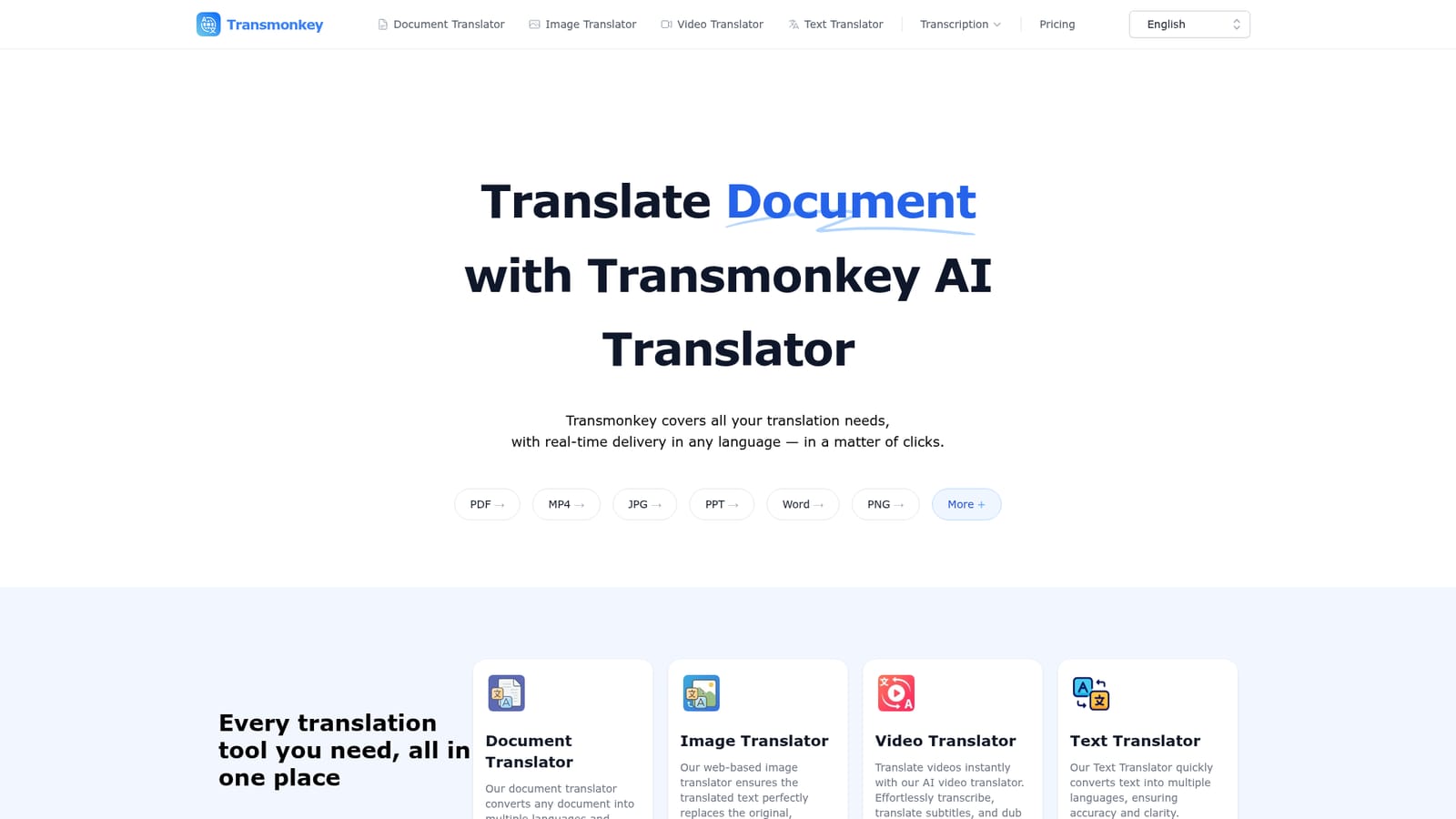
Screenshot of TransMonkey, AI translation for documents, images, video and text across 130+ languages

What is TransMonkey?

Transmonkey is an LLM-powered translation platform covering documents, images, video and text in 130+ languages, with layout-preserving document translation, image text replacement, and video dubbing or subtitling in one place.

Transmonkey is a web-based translation platform built around large language models rather than traditional machine translation engines. It covers four content types from one account: documents (PDF, Word, PowerPoint, Excel, EPUB, Google Workspace files), images (JPG, PNG, manga, comics), video (transcription, subtitle generation, dubbing), and plain text. The shared promise across all four tools is that translations stay contextually accurate because the underlying models are ChatGPT, Gemini, and Claude, combined with OpenAI's Whisper and TTS for audio work. The platform is aimed at people who regularly move content across languages but do not want a different tool for every file type: freelance translators, marketing and localization teams, educators preparing multilingual materials, and content creators publishing video or comics internationally. Reviews referenced on the site mention classroom use, design work, and professional document handling, suggesting the audience leans toward individuals and small teams rather than enterprise localization departments with dedicated workflows. In practice, a user uploads a file through the relevant translator (document, image, video, or text), picks a target language from the 130+ supported, and Transmonkey processes it while attempting to preserve the original document layout or image background. Video jobs can combine transcription, subtitle translation, and audio dubbing in a single pass. Because it relies on LLMs rather than lighter machine translation, processing can take from a few minutes up to roughly an hour depending on file length, which the company itself flags as a trade-off for accuracy. Chrome and Google Workplace extensions, plus a YouTube-focused option, let some of this happen without leaving the source application. Against dedicated single-purpose translators, Transmonkey's pitch is breadth: one subscription covering documents, images, video, and text with a shared language list and file-handling capacity, rather than stitching together separate tools for each format.
How do you use TransMonkey?

  1. 1Pick the right translator
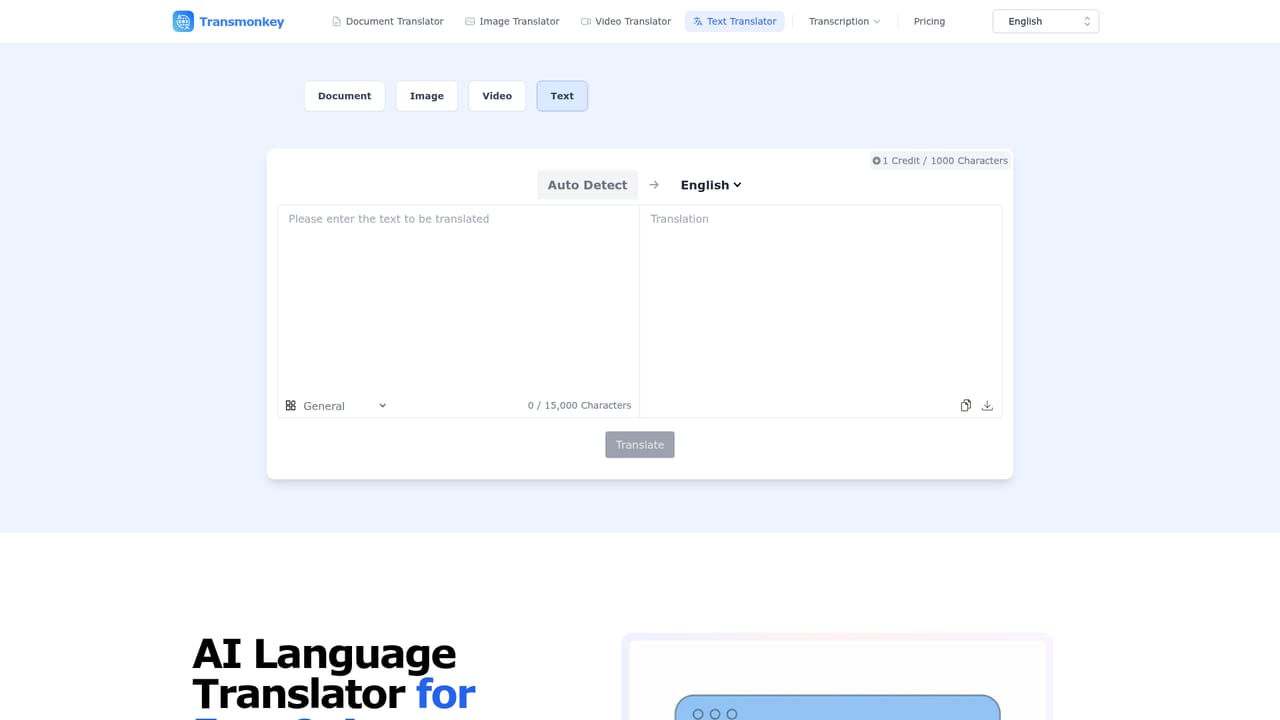
    Choose the Document, Image, Video, or Text translator from the top navigation depending on the content you need translated.
    TransMonkey — Pick the right translator
  2. 2Upload your file
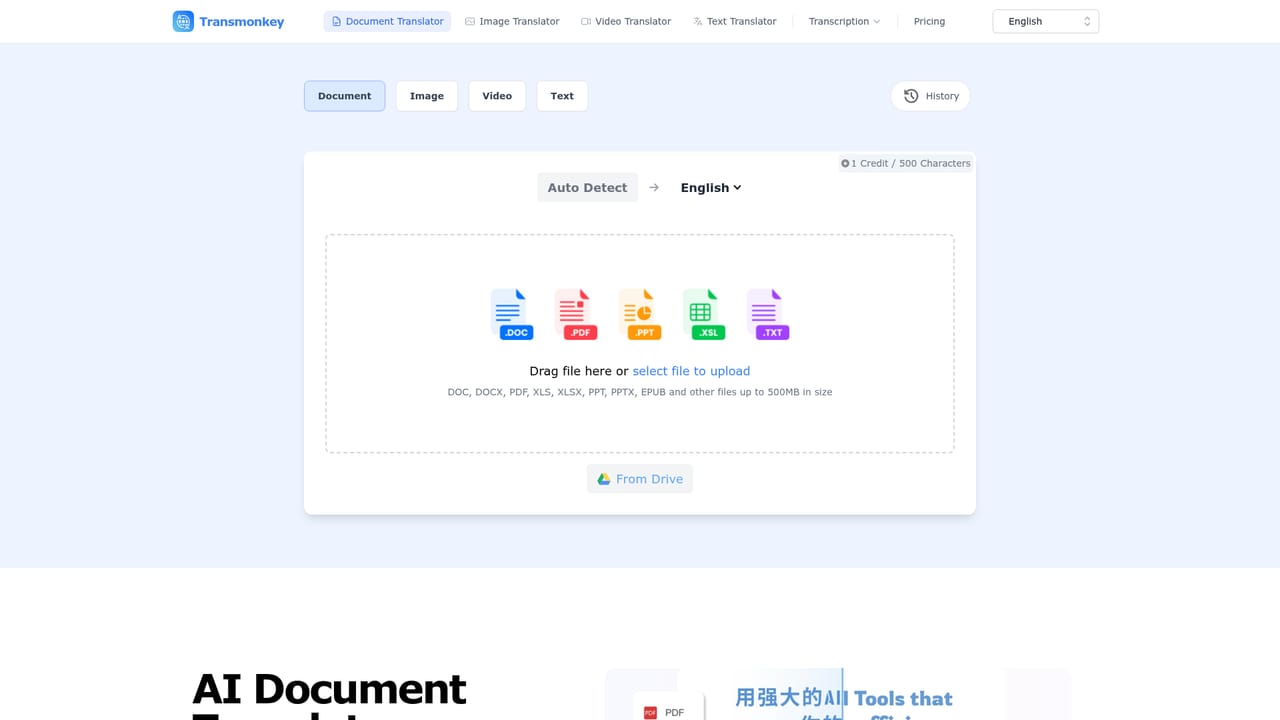
    Upload a PDF, Word, PowerPoint, image, or video file, keeping in mind the platform's format and size limits (up to around 1500K characters for documents or 10MB for images).
    TransMonkey — Upload your file
  3. 3Select a target language
    Choose from more than 130 supported languages for the translation output.
    TransMonkey — Select a target language
  4. 4Run the translation and review results
    Let Transmonkey process the file, then review the translated document, image, or video for layout accuracy and tone before relying on it for final use.
  5. 5Download or install the extension for ongoing use
    Download the translated file instantly, or set up the Chrome and Google Workplace extensions to translate directly inside documents and browser pages going forward.
  6. 6Check plans before scaling usage
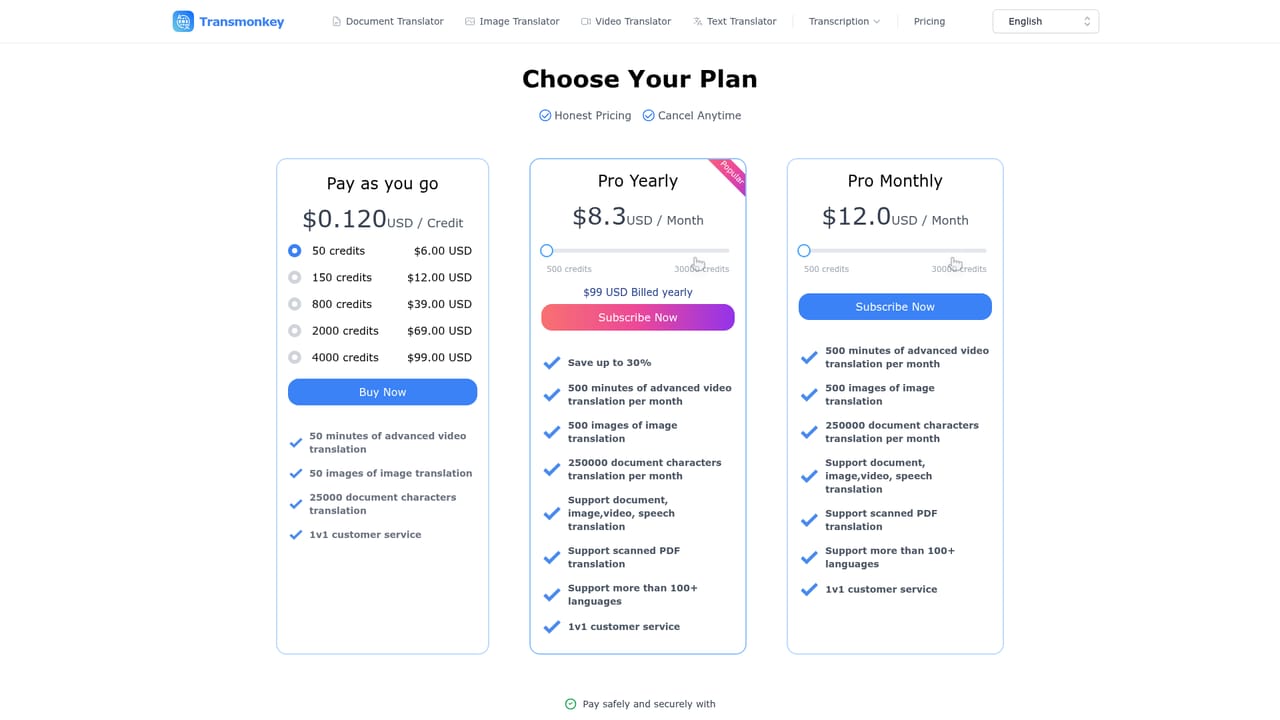
    Review the pricing page to compare pay-as-you-go credits against monthly or annual subscription options once free trial credits run out.
    TransMonkey — Check plans before scaling usage

Pros and cons

Pros

  • Covers documents, images, video, and text translation from a single platform instead of separate toolsAI
  • Preserves original document layout and image backgrounds rather than producing plain reflowed textAI
  • Supports more than 30 file formats and 130+ languages powered by ChatGPT, Gemini, Claude, Whisper, and TTSAI
  • Browser and Google Workplace extensions allow translation inside existing workflows without copy-pastingAI
  • Free trial credits let new users test document, image, and video translation before payingAI

Cons

  • LLM-based processing can take minutes to roughly an hour for larger files, slower than traditional machine translationAI
  • Exact pricing tiers and credit costs are not stated on the homepage and require checking the pricing page separatelyAI
  • Homepage itself recommends human review for mission-critical content, so output cannot be treated as finalAI
  • Only available as a web app and browser extensions, with no listed native mobile or desktop appsAI
  • Translation quality is tied to third-party LLMs (ChatGPT, Gemini, Claude), which are outside the company's direct controlAI

How much does TransMonkey cost?

Free trial

New users receive free trial credits to test document, image, and video translation features before choosing a paid plan.

Learn more

Pricing

Transmonkey gives new users free trial credits, then offers pay-as-you-go credits or monthly and annual subscription plans. Exact prices are not listed on the homepage and are shown on the dedicated pricing page, which the site notes may be updated periodically.

Learn more

Support

Provides a dedicated support page and FAQ section covering file formats, accuracy, data security, and refunds, with email contact for data deletion and refund requests.

Learn more

Integrations

Offers Google Chrome and Google Workplace browser extensions and a YouTube-focused extension for translating documents, pages, and videos without leaving those platforms.

Features

Translates documents, images, video, and text using ChatGPT, Gemini, Claude, Whisper, and TTS, with support for 30+ file formats and 130+ languages. Includes layout-preserving document translation, automatic text removal and replacement in images, and combined transcription, subtitle generation, and audio dubbing for video.

Frequently asked questions about TransMonkey

  • How much does TransMonkey cost?
    Transmonkey gives new users free trial credits, then offers pay-as-you-go credits or monthly and annual subscription plans. Exact prices are not listed on the homepage and are shown on the dedicated pricing page, which the site notes may be updated periodically.
  • Does TransMonkey offer a free trial?
    New users receive free trial credits to test document, image, and video translation features before choosing a paid plan.
  • How do you use TransMonkey?
    The walkthrough on this page covers 6 steps: 1. Pick the right translator 2. Upload your file 3. Select a target language 4. Run the translation and review results 5. Download or install the extension for ongoing use 6. Check plans before scaling usage.
  • What platforms does TransMonkey support?
    TransMonkey is available on Web App and Browser extension.
  • What does TransMonkey integrate with?
    Offers Google Chrome and Google Workplace browser extensions and a YouTube-focused extension for translating documents, pages, and videos without leaving those platforms.
  • What are the limitations of TransMonkey?
    LLM-based processing can take minutes to roughly an hour for larger files, slower than traditional machine translation. Exact pricing tiers and credit costs are not stated on the homepage and require checking the pricing page separately. Homepage itself recommends human review for mission-critical content, so output cannot be treated as final.

Status

StatusActive
Views0
Outbound clicks0
Added10/9/2026

Platforms

Web AppBrowser extension

Pricing

FreemiumFree TrialSubscription