Integrations
Traycer connects to the coding agent subscriptions a developer already holds, letting those agents be assigned and coordinated from one workspace. Specific named integrations are not listed on the homepage.
A shared workspace where coding agents, specs and artifacts meet

Traycer is a shared workspace for spec-first AI coding. It links your existing agent subscriptions, keeps plans, conversations and artifacts next to the code, and lets teams review and continue agent work across desktop and mobile.
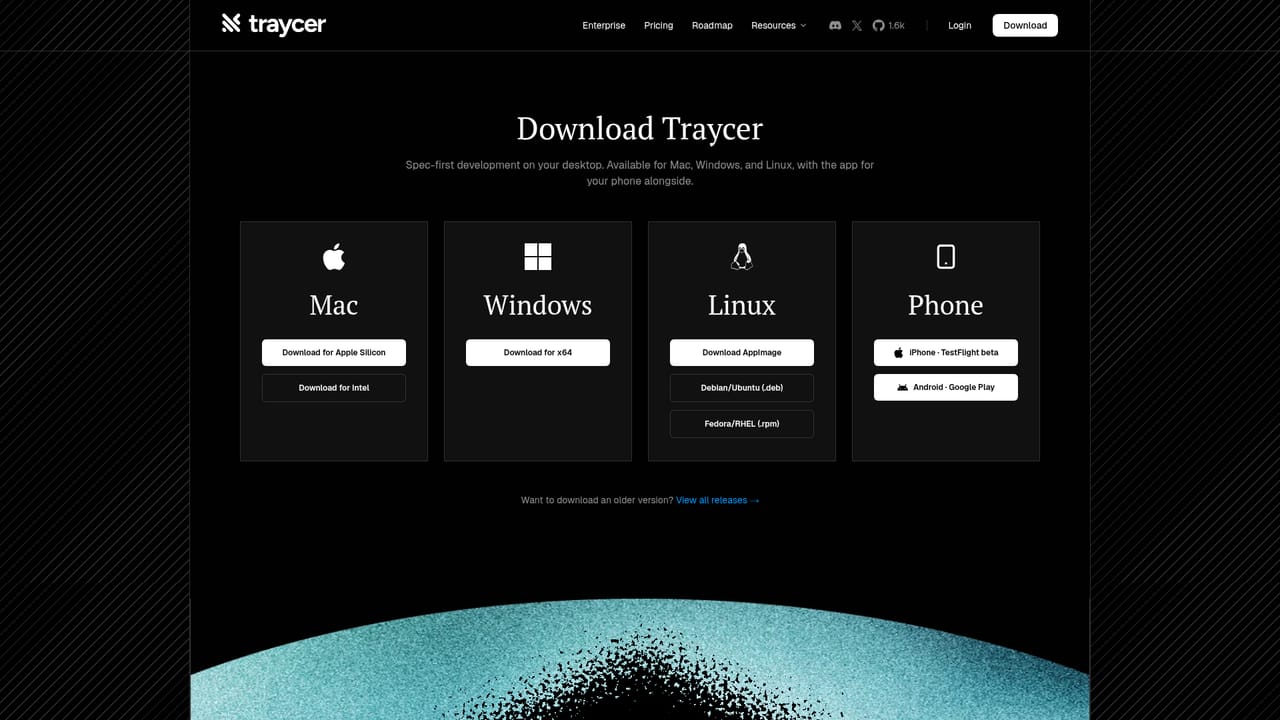
Traycer is a workspace built around spec-first development for AI coding. Instead of firing a single prompt at one assistant and hoping the output holds, it gives developers a shared place where agents, memories, conversations and artifacts live together, so a change can be planned, split into work, executed and reviewed without losing the thread between sessions. The product pitches itself as a nerve center for agentic coding. In practice that means you connect the agent subscriptions you already pay for, then assign them work inside a common workspace rather than juggling separate chat windows. The homepage demo shows the intended rhythm: a request to review a web app and its extension, two independent reviewers spun up against the same repository, briefs sent to each, and the resulting notes captured as artifacts alongside terminals, browsers, git diffs, pull requests and the file tree. Specs and execution notes sit next to the code they describe, which is the part that separates it from a plain chat interface. It suits developers and small teams already running coding agents who have hit the limits of one-off prompts: work that spans multiple files, reviews that need a second opinion, or plans that must survive a context reset. Because artifacts persist, a technical plan written early can be reopened when the implementation drifts, and a teammate can pick up the same workspace from a different machine. That collaboration angle, plus bringing existing subscriptions rather than replacing them, is where Traycer positions itself against single-model coding tools. Desktop builds are offered for macOS, Windows and Linux, with a mobile app for continuing work away from the desk. Automations, described as coming soon, points toward scheduled or triggered workflows. Pricing is not stated on the homepage, so check the documentation before committing a team.
Traycer connects to the coding agent subscriptions a developer already holds, letting those agents be assigned and coordinated from one workspace. Specific named integrations are not listed on the homepage.
A shared workspace for agentic coding that holds agents, memories, conversations and artifacts in one place. It includes terminals, a browser view, git diff and pull request panels and a file tree, supports independent reviewer agents on one repository, and lets teams share work. Desktop builds cover macOS, Windows and Linux, with a mobile app and an automations feature on the waitlist.
 AI Angels400+ customizable AI girlfriends for NSFW chat, voice calls, and roleplay
 Candy AIExperience the future of companionship with AI friends who chat, role-play, and connect with you on a human level.
 ourdream.aiA vast AI roleplay platform with millions of characters for chat, images, video and voiceAI Angels400+ customizable AI girlfriends for NSFW chat, voice calls, and roleplayCandy AIExperience the future of companionship with AI friends who chat, role-play, and connect with you on a human level.ourdream.aiA vast AI roleplay platform with millions of characters for chat, images, video and voice


