Free trial
The homepage invites new users to start for free, with a free credit allowance for first-time users mentioned in testimonials. No trial length is stated.
Learn moreGrammar and academic writing checks built for research papers

Trinka AI is an academic-focused grammar and writing assistant. It combines grammar, style and punctuation checking with paraphrasing, citation tools, plagiarism and AI detection, plus a Word add-in and browser extension. Enterprise plans cover confidential data handling and university integrity workflows.
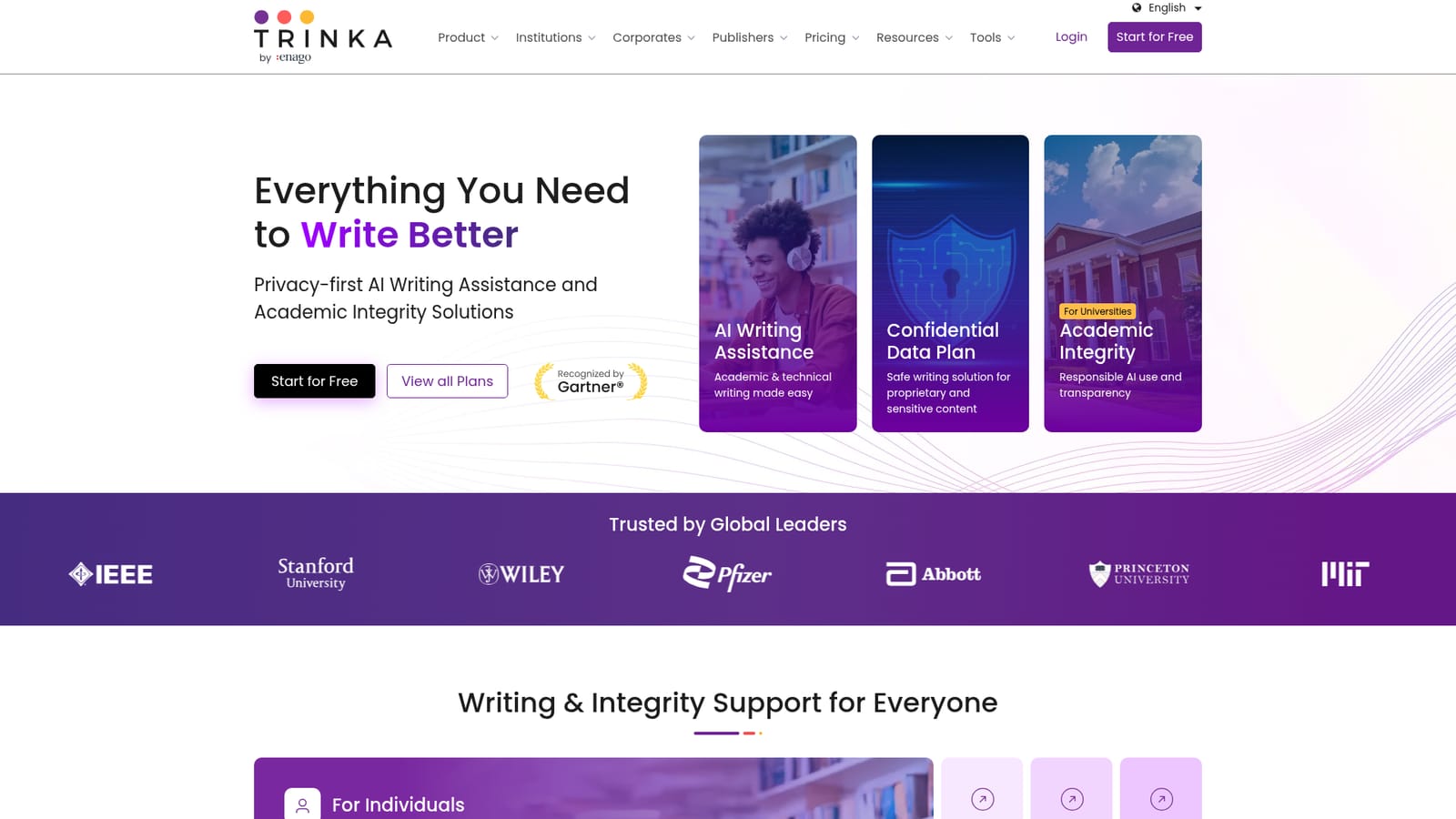
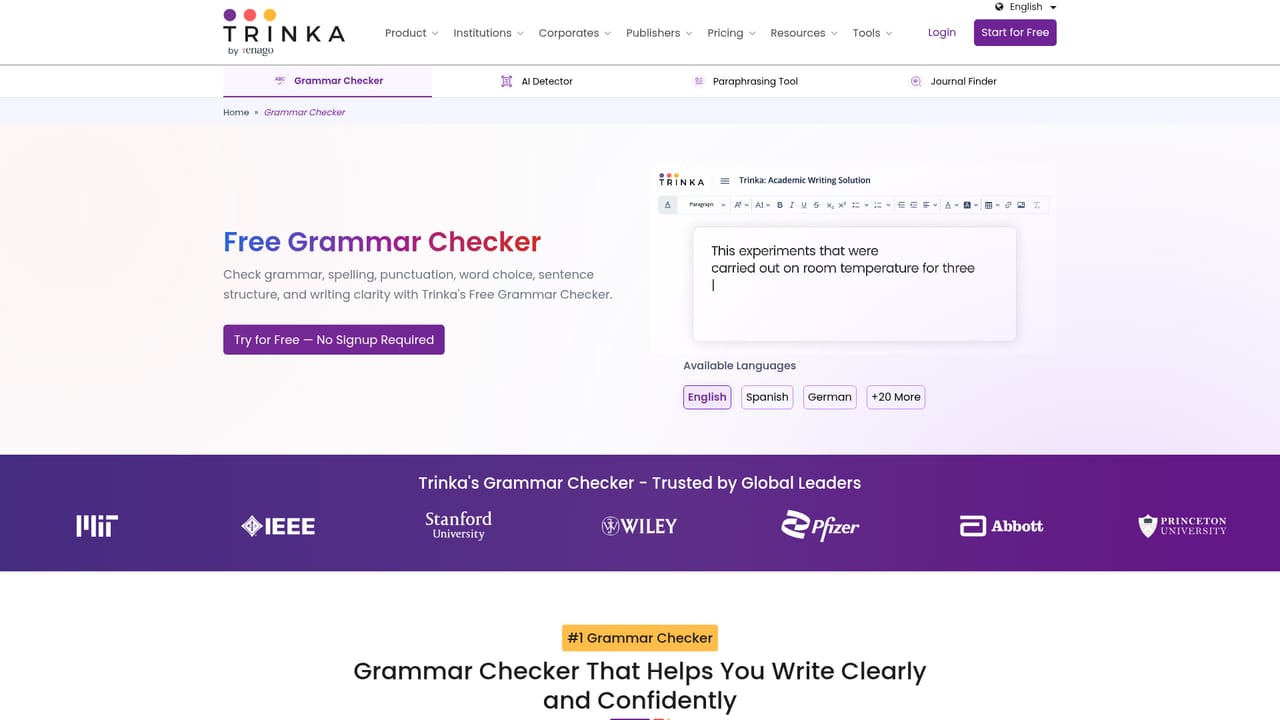
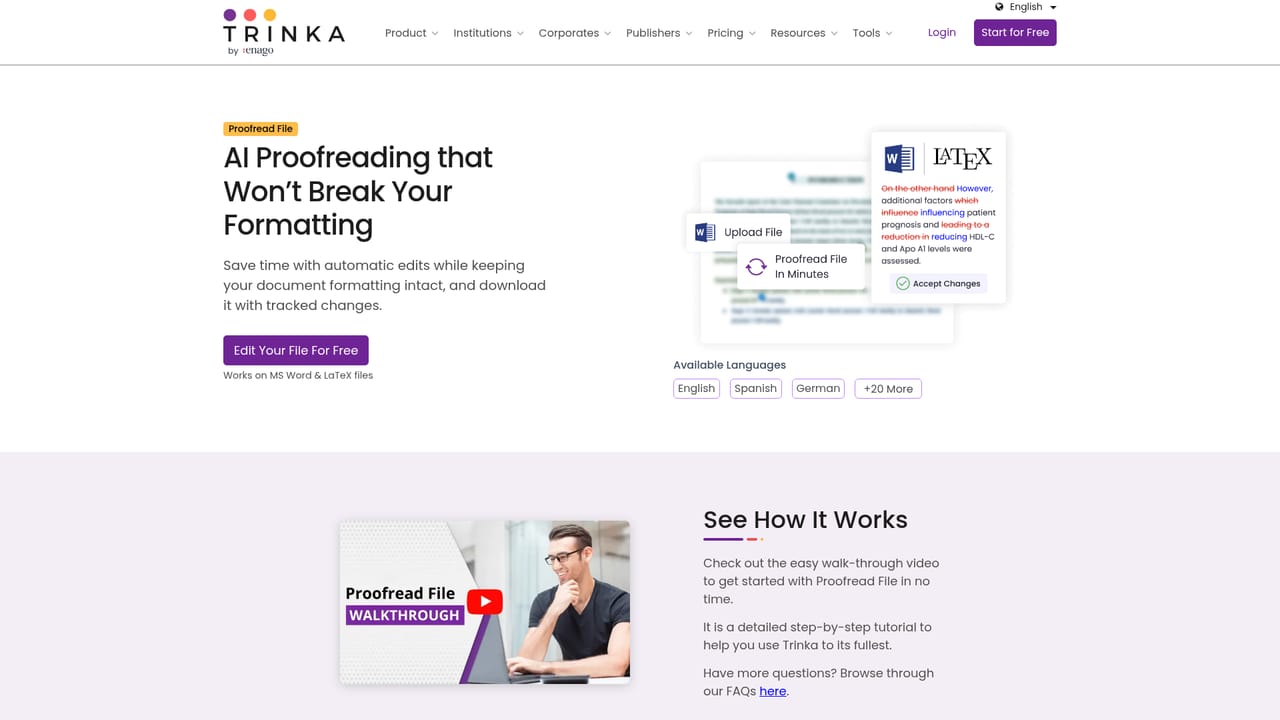
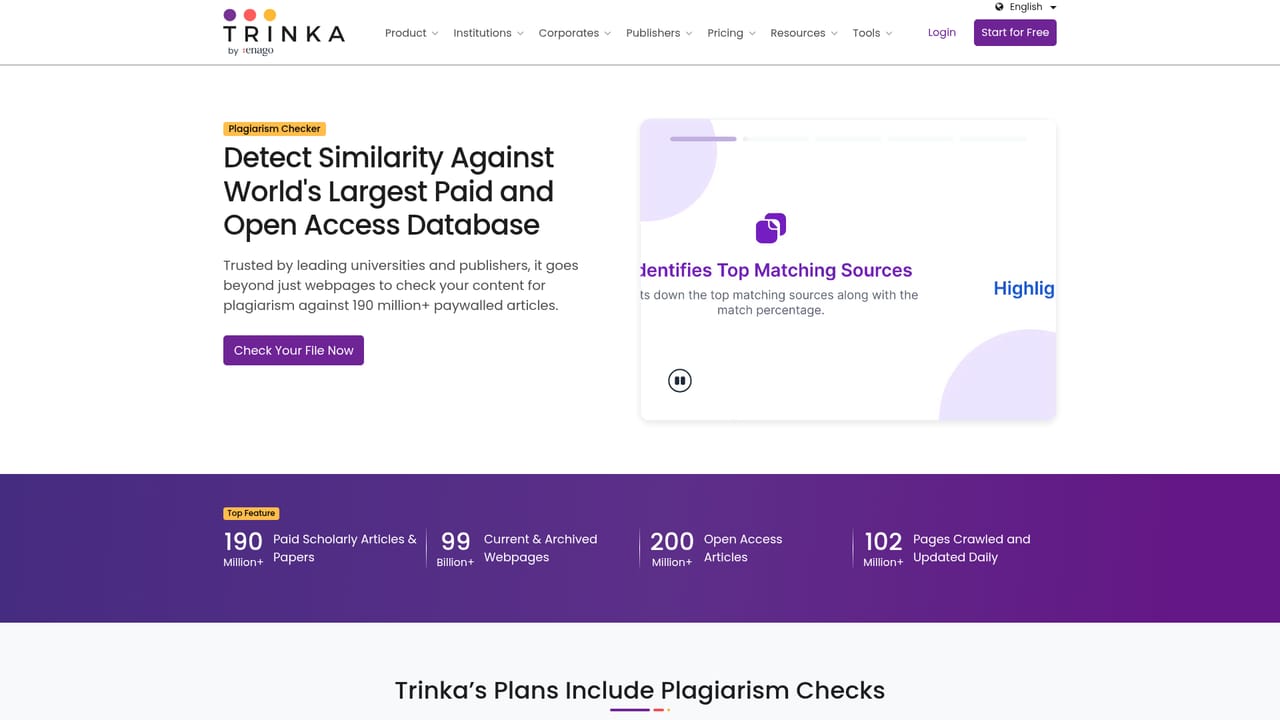
Trinka AI is an AI writing and grammar checker built by a team focused on academic and technical publishing. It goes beyond surface proofreading: the platform targets the language problems that show up most in research writing, such as article usage, preposition choice, subject-verb agreement, punctuation, spelling and stylistic consistency, and it explains each suggestion so the writer learns the rule behind the fix. The core checker sits inside a wider toolkit. Individuals get a grammar checker, a paraphraser, a consistency checker, file proofreading for editable documents, an AI-assisted writing studio, citation formatting and checking, plagiarism checks, an AI content detector, a punctuation checker, a spell checker and a journal finder. A Microsoft Word add-in and a browser extension push the same checking into document workflows, so drafts do not have to be pasted into a separate tab. The product is clearly aimed at non-native English researchers, graduate students, journal editors and publishers who need manuscripts to read cleanly before submission. Institutions get a separate track: DocuMark for academic integrity and responsible AI use, plus writing assistance for university cohorts. Teams handling proprietary content can choose a confidential plan that advertises real-time data deletion, no training on customer text and compliance with frameworks such as SOC 2, HIPAA, ISO and GDPR. Competitively, Trinka sits closer to academic editing services than to general writing assistants. Its differentiators are subject-aware style guides (APA, IEEE, ACS, AGU), citation and plagiarism tooling in the same workspace, and enterprise options that general grammar tools rarely offer. Writers who only need everyday email polish will find it heavier than necessary. Researchers preparing a journal submission are the natural fit. The homepage also notes Gartner recognition as an Emerging Visionary in generative AI, and lists MIT, Stanford, IEEE, Wiley, Pfizer and Princeton among its named users, which signals where the vendor's commercial focus lies.
The homepage invites new users to start for free, with a free credit allowance for first-time users mentioned in testimonials. No trial length is stated.
Learn moreAnnual pricing shown on the homepage: Premium at $48/year (list $80), Premium Plus at $125/year, and Confidential Data at $300/year (list $500). Monthly billing is also offered, and yearly billing is advertised as saving up to 67 percent. Plagiarism and citation tools draw on credits.
Learn moreCustomer support is referenced in user testimonials, including help by video call, but the homepage does not detail channels, hours or service levels.
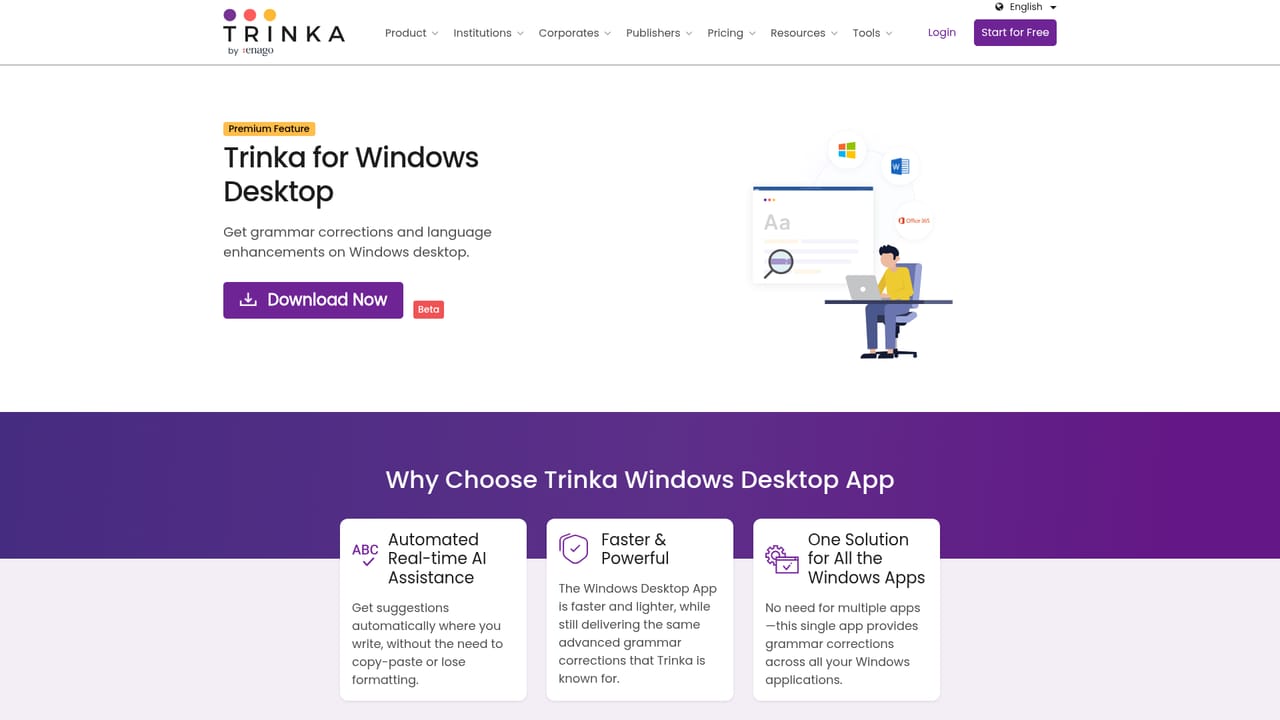
A native Microsoft Word add-in and a browser extension are available. File translation covering 30 or more languages is included in Premium Plus and above.
Learn moreGrammar and style checking with explanations, paraphraser, consistency checker, punctuation and spell checkers, file proofreading, AI-assisted writing studio, citation checker and formatter, plagiarism and AI detection, journal finder, DocuMark for institutions, and a confidential data mode with data deletion and no AI training.
Learn more AI Angels400+ customizable AI girlfriends for NSFW chat, voice calls, and roleplay
 Candy AIExperience the future of companionship with AI friends who chat, role-play, and connect with you on a human level.
 ourdream.aiA vast AI roleplay platform with millions of characters for chat, images, video and voiceAI Angels400+ customizable AI girlfriends for NSFW chat, voice calls, and roleplayCandy AIExperience the future of companionship with AI friends who chat, role-play, and connect with you on a human level.ourdream.aiA vast AI roleplay platform with millions of characters for chat, images, video and voice