
Free trial
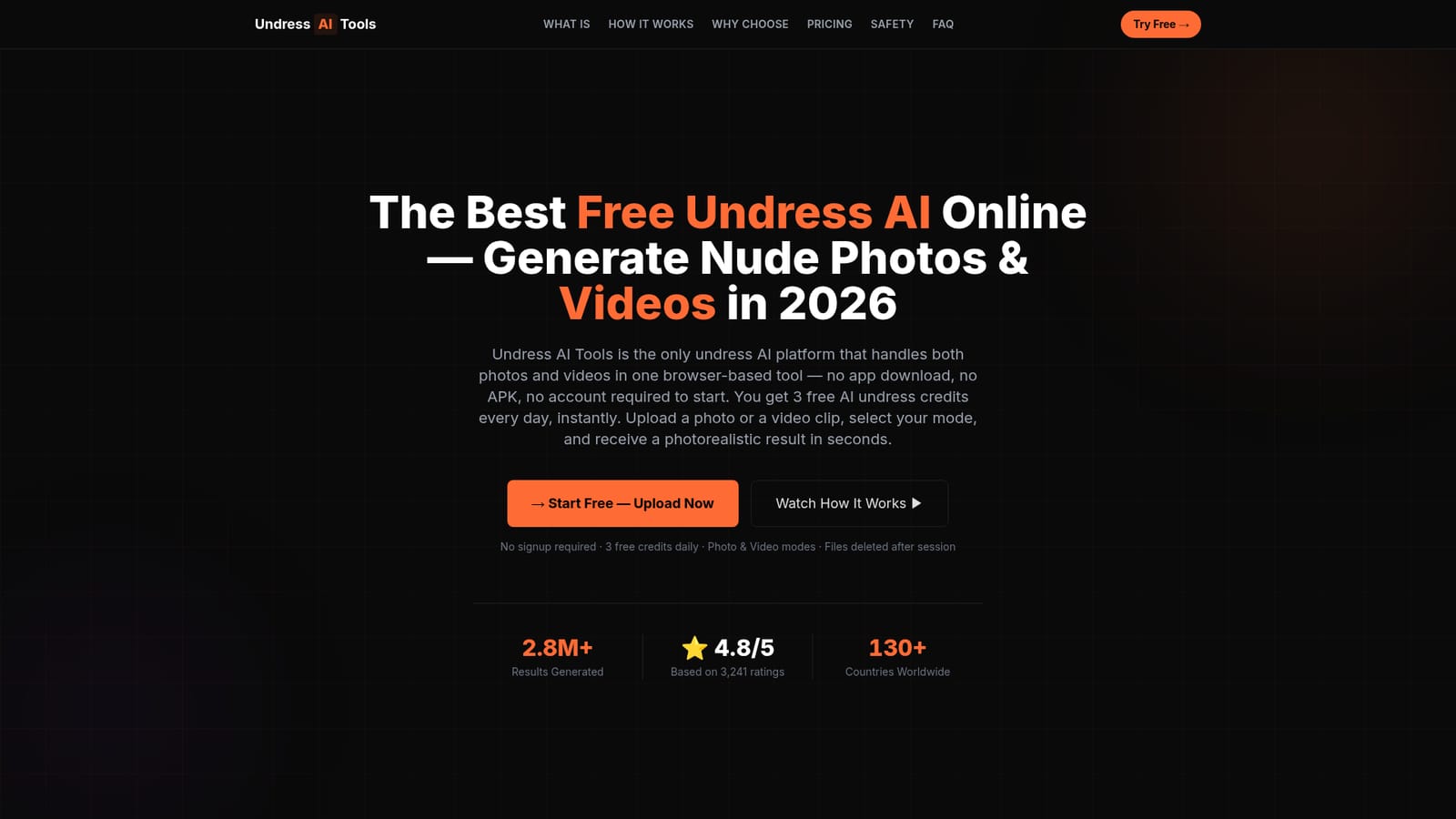
Three free credits reset every 24 hours with no account, payment method, or registration required. Free output is limited to photo mode at basic quality with a light watermark; video mode is not available on the free tier.
Learn moreBrowser-based nudify tool with photo and video modes, 3 free daily credits.
Own Undress AI Tool? Verify ownership to get a dofollow link
Undress AI Tool is an NSFW image editor tool. Undress AI Tools is a browser-based nudify platform handling both photos and short videos. Three free credits per day require no account, paid one-time plans from $59.99 unlock HD output, video mode, and watermark-free results.
Undress AI Tools is a browser-based generative platform that removes clothing from photos and video clips. The site positions it as the only tool in its category that handles both still images and frame-consistent video within one interface and one credit system. Photo Mode accepts JPG, PNG, and WEBP files and returns HD or Ultra-HD output depending on the plan. Video Mode accepts MP4 and MOV clips and is the feature the site leans on hardest as a point of difference against competitors such as Clothoff, which the homepage notes has no video mode at any price. The workflow is a three-stage pipeline that runs server-side. The user uploads an image or short clip, selects the mode, and waits roughly 8 to 25 seconds for the diffusion model to segment clothing, map body landmarks, sample skin tone, and synthesize a nude representation. For video, a temporal consistency layer reconciles anatomy between adjacent frames to reduce flicker. Output appears in a secure preview window, and files are described as deleted automatically once the session closes. The product is aimed at casual first-time users who want to test the technology without registering, independent adult content creators who use generated output as a base layer, and digital artists seeking anatomical reference for figure work. The free tier gives three credits per day with no signup and is limited to photo mode with a light watermark. Paid plans run from a one-time $59.99 Master package up to $399.99 Ultimate, with watermark-free HD or Ultra-HD output and video access starting at the Master tier. Credits on paid plans do not expire and there are no auto-renewing subscriptions. Among undress AI sites, Undress AI Tools competes on transparency of pricing and on video capability rather than on price alone. The homepage addresses legality directly, citing the US TAKE IT DOWN Act, the EU AI Act, and the UK Online Safety Act, and states that consensual adult use for private purposes is permitted in most jurisdictions while non-consensual use is prohibited.
Three free credits reset every 24 hours with no account, payment method, or registration required. Free output is limited to photo mode at basic quality with a light watermark; video mode is not available on the free tier.
Learn moreFree tier: 3 credits daily, no signup, photo mode only, light watermark. Master $59.99 one-time adds video mode, HD output, no watermark, unlimited history. Pro-Grade $129.99 adds Ultra-HD rendering. Ultimate $399.99 adds Ultra-HD MAX and unlimited generation. Paid credits do not expire and no subscriptions or auto-renewals are used.
Learn morePhoto Mode for JPG, PNG, and WEBP inputs with HD or Ultra-HD output, and Video Mode for MP4 and MOV clips with a temporal consistency layer to keep anatomy stable across frames. A three-stage server-side pipeline handles clothing segmentation, landmark mapping, skin tone sampling, and diffusion synthesis. Files are purged when the session closes, and the tool runs entirely in a browser with no download.
 AI Angels400+ customizable AI girlfriends for NSFW chat, voice calls, and roleplay
 Candy AIExperience the future of companionship with AI friends who chat, role-play, and connect with you on a human level.
 ourdream.aiA vast AI roleplay platform with millions of characters for chat, images, video and voiceAI Angels400+ customizable AI girlfriends for NSFW chat, voice calls, and roleplayCandy AIExperience the future of companionship with AI friends who chat, role-play, and connect with you on a human level.ourdream.aiA vast AI roleplay platform with millions of characters for chat, images, video and voice


