Free trial
The homepage says no signup is required to try it, and non-PRO users can generate one exercise a day.
Learn moreAI-generated Cambridge B1 to C2 practice with instant writing feedback
Own Use of English AI? Verify ownership to get a dofollow link
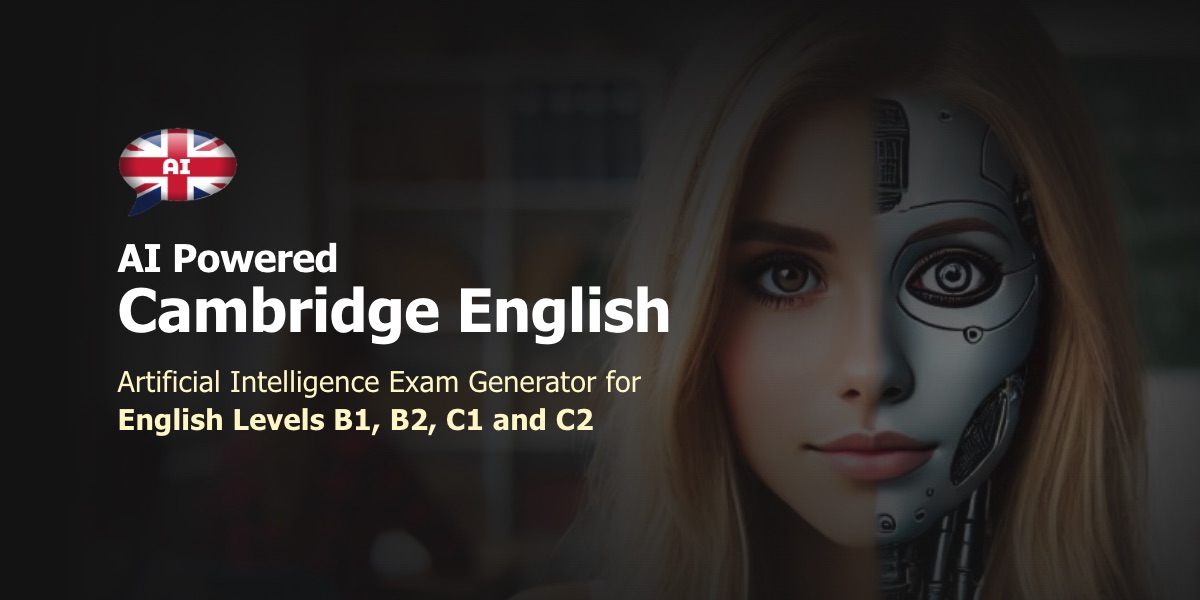
Use of English AI generates Cambridge English practice for B1, B2, C1 and C2 levels, covering Reading, Use of English and Writing. It adapts a database of 15,000+ official exams into fresh variations and gives instant feedback and Cambridge-style writing scores.
Use of English AI is a Cambridge English exam practice tool covering the four CEFR levels tied to the main Cambridge qualifications: B1 Preliminary (PET), B2 First (FCE), C1 Advanced (CAE) and C2 Proficiency (CPE). It focuses on the Reading, Use of English and Writing parts of those exams, and it is built for learners preparing for a test date as well as teachers who want a steady supply of exam-style material. The workflow is simple. A learner picks a level, then an exercise type such as Reading, Writing, Grammar or Use of English, and then a specific activity: Open Cloze, Multiple Choice, Word Formation, Keyword Transformation, Long Text, Missing Paragraphs, Missing Sentences, or writing tasks like essays, articles, formal letters and reports. After solving the exercise, feedback is available on demand and shows where mistakes were made. The homepage says a visitor can try it without signing up. Content comes from a database of more than 15,000 official exams. An algorithm selects an exercise and the AI adjusts it into a new version, so repeated practice does not simply recycle the same paper. Occasionally the AI writes an entirely new exercise, and those are flagged with a special symbol. Users rate each exercise, good ratings keep it in circulation and bad ones remove it. A newer writing feature lets learners submit a task at any of the four levels and receive corrections, a Cambridge-style score and improvement tips. Usage limits apply: three AI exercises every five minutes and one writing submission every thirty minutes, while users who have not upgraded to PRO can generate only one exercise a day. The tool is built by Shining Apps in partnership with Use of English PRO, with data engineers and English teachers involved, and it is available on the web, iOS and Android. Compared with static past-paper collections or general-purpose chatbots, its value is the exam-specific structure, though the free daily cap will push serious candidates toward the paid tier.
The homepage says no signup is required to try it, and non-PRO users can generate one exercise a day.
Learn moreA free tier allows one AI exercise per day. Upgrading to PRO removes that cap, though rate limits still apply. Specific prices are not stated on the homepage.
Learn moreExercises for B1, B2, C1 and C2 covering Reading, Use of English, Grammar and Writing. Task types include Open Cloze, Multiple Choice, Word Formation, Keyword Transformation, Long Text and essays. AI variations come from 15,000+ official exams, with instant feedback and Cambridge-style writing scoring.
Learn more AI Angels400+ customizable AI girlfriends for NSFW chat, voice calls, and roleplay
 Candy AIExperience the future of companionship with AI friends who chat, role-play, and connect with you on a human level.
 ourdream.aiA vast AI roleplay platform with millions of characters for chat, images, video and voiceAI Angels400+ customizable AI girlfriends for NSFW chat, voice calls, and roleplayCandy AIExperience the future of companionship with AI friends who chat, role-play, and connect with you on a human level.ourdream.aiA vast AI roleplay platform with millions of characters for chat, images, video and voice