NoteLyn AI

AI note-taker that turns lectures, meetings and PDFs into study material

Beginner
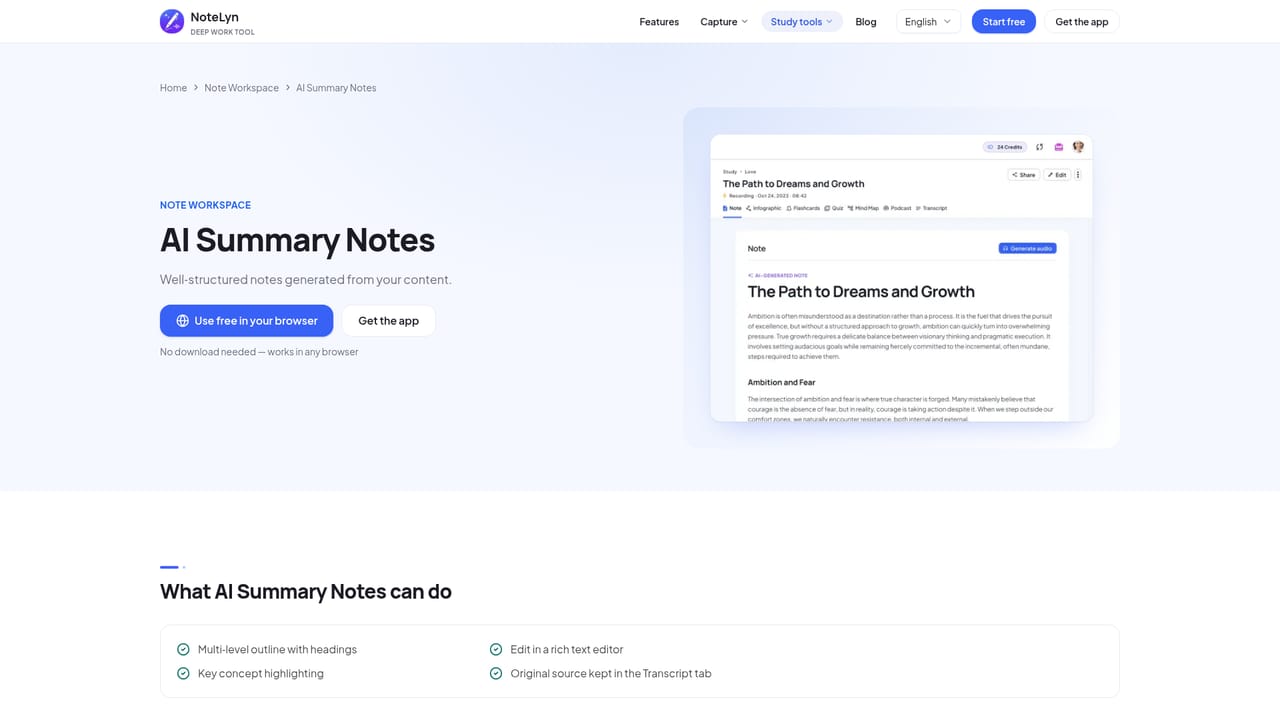
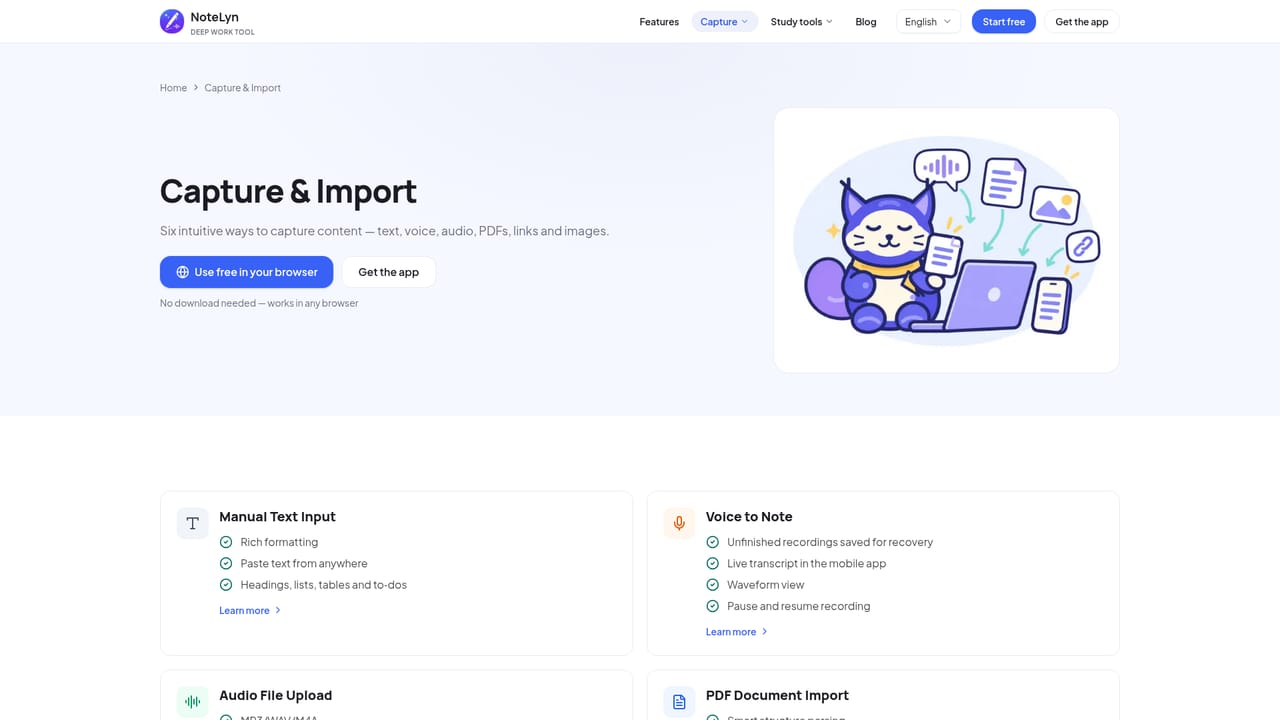
Screenshot of NoteLyn AI, AI note-taker that turns lectures, meetings and PDFs into study material

What is NoteLyn AI?

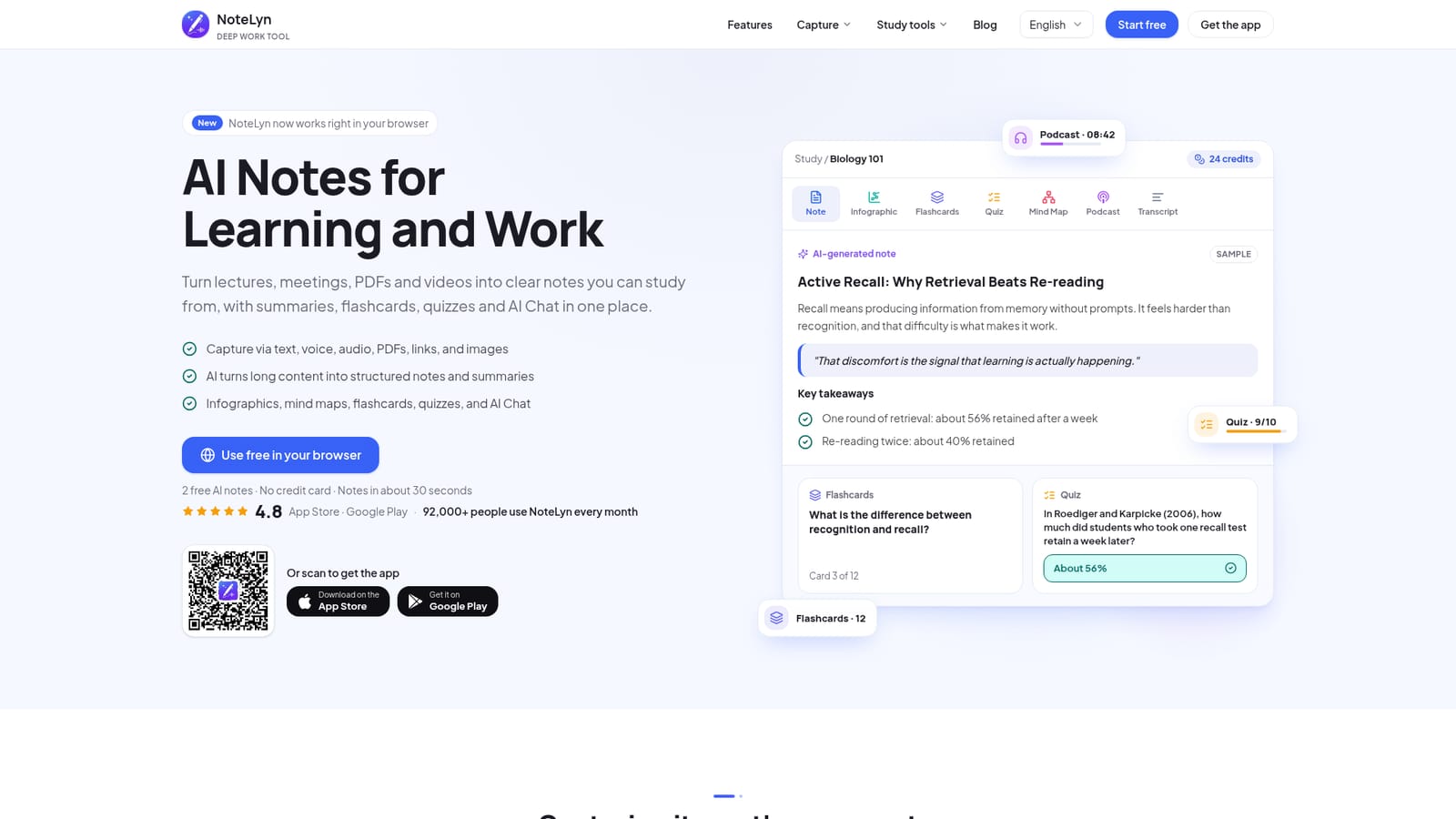
NoteLyn AI turns lectures, meetings, PDFs, links and images into structured notes, then adds flashcards, quizzes, mind maps, podcasts and AI chat. It runs in the browser and on iOS and Android, with 2 free notes to start.

NoteLyn AI is a note-taking app that converts raw material into structured notes. Users can type text, record voice, upload audio files, import PDFs and Word documents, paste web or video links, or scan images with OCR. The app then produces a note with headings, key points, definitions and takeaways, typically within about 30 seconds according to the vendor. The tool serves two audiences: students working through lectures and professionals handling meetings. For lectures, a recording or slide PDF becomes a structured note that can be turned into flashcards, quizzes and a mind map, with an AI Q&A chat for clarifying points. For meetings, the output is minutes with key points and action items, placed beside the full transcript, and next steps can be moved into a to-do list in the editor. Podcast-style audio versions of notes are also offered for listening on the go. In practice, work starts either in the browser or in the iOS and Android apps. The mobile apps show a live transcript while recording, and an interrupted recording is kept on the device so it can still be turned into a note later. Everything syncs under one account, so notebooks, favorites and generated study materials appear on every device. Any note can be shared through a link that opens as a read-only copy without requiring an account, and shared notes carry their flashcards and quizzes. Infographics and mind maps can be downloaded as images, though exporting notes as files is not yet available, and processing requires an internet connection. Among alternatives, NoteLyn sits closer to study-focused tools such as NotebookLM or Mindgrasp than to general-purpose workspace apps, a comparison the vendor's own blog makes. Its distinguishing angle is that each captured source becomes a note with the original kept alongside, then branches into several review formats. New accounts get 2 free AI notes without a card, and Pro removes the note limit with a 7-day trial.
How do you use NoteLyn AI?

  1. 1Open the web app
    Start in the browser with no download, or install the iOS or Android app. New accounts include 2 free AI notes and need no card.
    NoteLyn AI — Open the web app
  2. 2Add your source
    Type text, record voice, upload audio, import a PDF, paste a link or scan an image. Pick whichever matches the material you have.
    NoteLyn AI — Add your source
  3. 3Review the generated note
    Read the structured note with headings, key points and takeaways. Edit or regenerate it if the result misses something.
    NoteLyn AI — Review the generated note
  4. 4Study with flashcards and quizzes
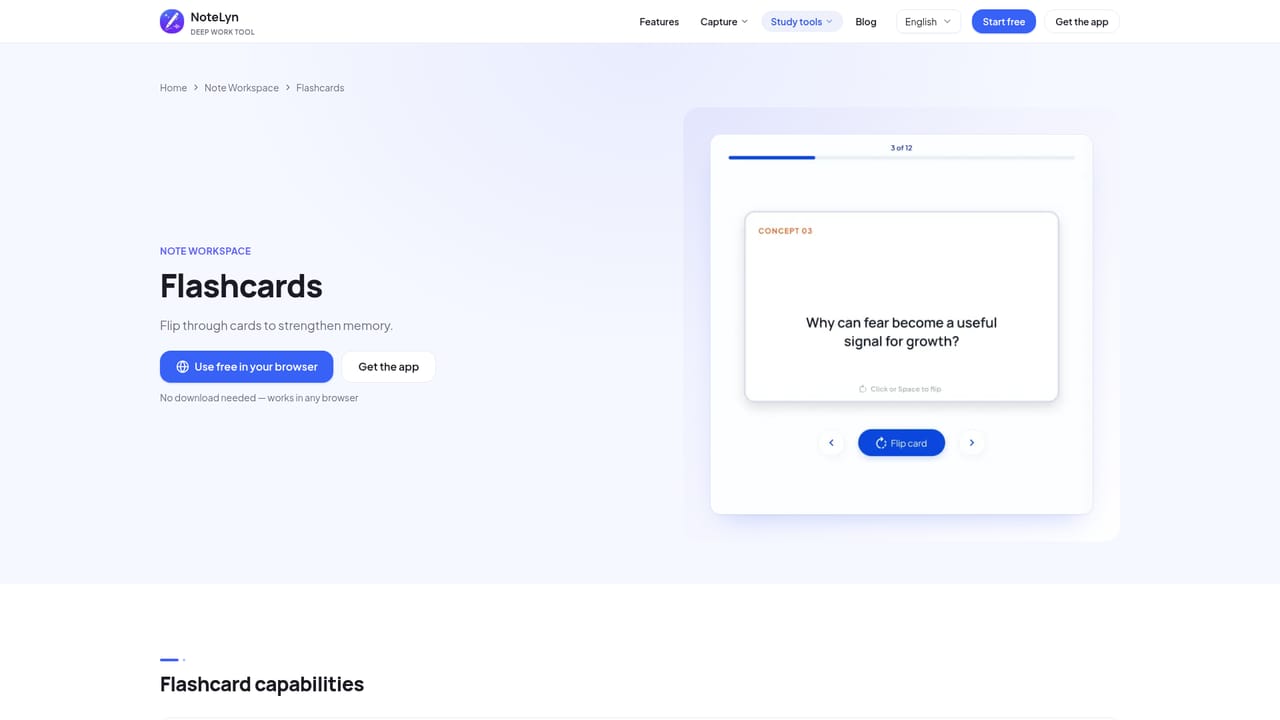
    Generate flashcards and a quick quiz from the note to test recall. A mind map and AI Q&A are available for deeper clarification.
    NoteLyn AI — Study with flashcards and quizzes
  5. 5Turn meetings into minutes
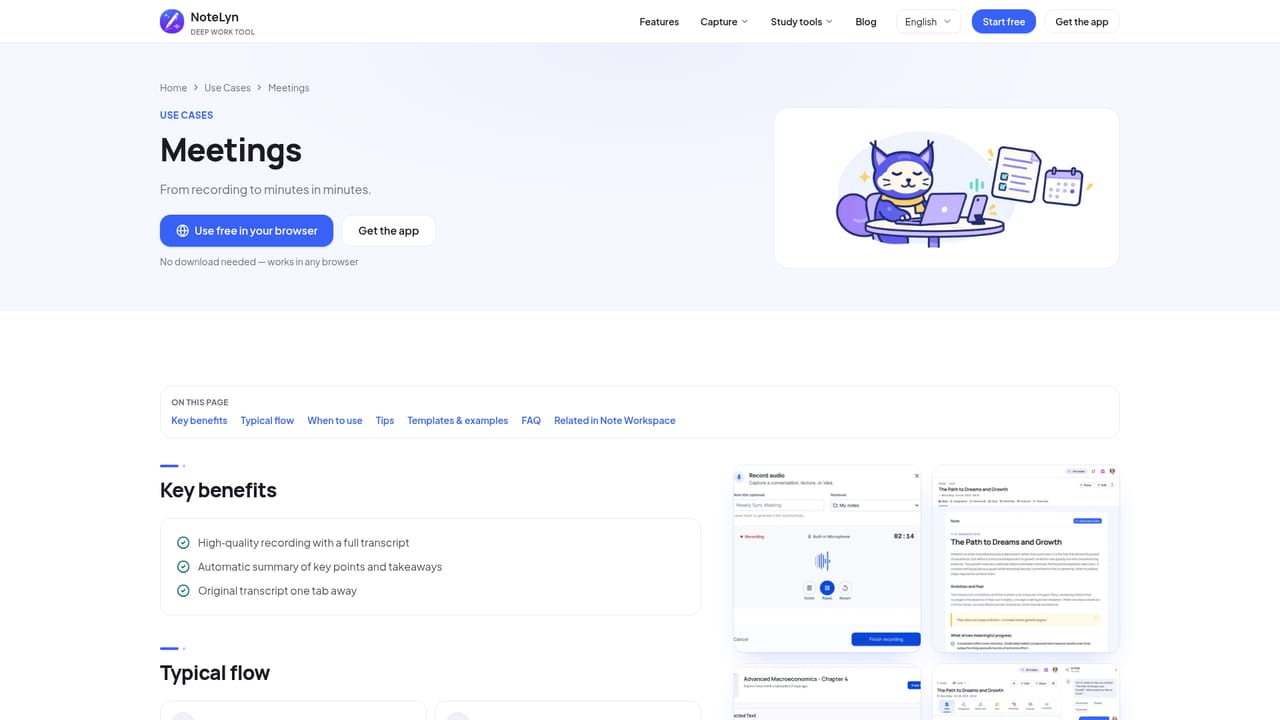
    Record a meeting to get minutes and action items beside the transcript, then share the result with a single link.
    NoteLyn AI — Turn meetings into minutes

Pros and cons

Pros

  • Accepts many input types: text, voice, audio files, PDFs, Word files, links and OCR imagesAI
  • One note branches into flashcards, quizzes, mind map, podcast and AI chat for studyingAI
  • Meeting output includes minutes, action items and the full transcript side by sideAI
  • Free start with 2 AI notes and no credit card, plus a 7-day Pro trialAI
  • Shareable read-only links that need no account and include flashcards and quizzesAI

Cons

  • Notes cannot yet be exported as files; only links and image downloads are availableAI
  • Requires an internet connection for note creation and AI processingAI
  • Free tier is limited to 2 AI notes, so real evaluation is shortAI
  • Podcasts are Pro only and consume credits based on episode lengthAI
  • Accuracy varies with input quality, so transcripts and summaries may need editingAI

How much does NoteLyn AI cost?

Free trial

New accounts get 2 free AI notes without a card. Pro includes a 7-day free trial.

Learn more

Pricing

Free to start with 2 AI notes and no credit card. Pro removes the note limit and offers several plans. Podcasts are a Pro feature that uses credits by episode length, charged only on success. Exact prices are not stated.

Learn more

Support

Support is reachable by contact for specific needs such as language requirements. A blog with guides and sample lecture and meeting notes is available, along with a Privacy Policy and Terms of Service.

Integrations

No third-party integrations are listed. The product syncs one account across the web app, iOS and Android, and imports from links, videos, PDFs, Word files and audio files.

Learn more

Features

Capture by text, voice, audio, PDF, Word, links and OCR images. Generates structured notes, summaries, minutes, action items, flashcards, quizzes, mind maps, infographics, podcasts and AI Q&A, with link sharing.

Learn more

Frequently asked questions about NoteLyn AI

  • How much does NoteLyn AI cost?
    Free to start with 2 AI notes and no credit card. Pro removes the note limit and offers several plans. Podcasts are a Pro feature that uses credits by episode length, charged only on success. Exact prices are not stated.
  • Does NoteLyn AI offer a free trial?
    New accounts get 2 free AI notes without a card. Pro includes a 7-day free trial.
  • How do you use NoteLyn AI?
    The walkthrough on this page covers 5 steps: 1. Open the web app 2. Add your source 3. Review the generated note 4. Study with flashcards and quizzes 5. Turn meetings into minutes.
  • What platforms does NoteLyn AI support?
    NoteLyn AI is available on Web App, iOS and Android.
  • What does NoteLyn AI integrate with?
    No third-party integrations are listed. The product syncs one account across the web app, iOS and Android, and imports from links, videos, PDFs, Word files and audio files.
  • What are the limitations of NoteLyn AI?
    Notes cannot yet be exported as files; only links and image downloads are available. Requires an internet connection for note creation and AI processing. Free tier is limited to 2 AI notes, so real evaluation is short.

Status

StatusActive
Views0
Outbound clicks0
Added10/18/2026

Platforms

Web AppiOSAndroid

Pricing

FreemiumFree TrialSubscription