Free trial
No sign-up is required to start; the Free plan itself acts as the trial, allowing videos up to 10 minutes and three conversions per month with watermark removal excluded.
Learn moreTurn any video into an editable PowerPoint deck in minutes
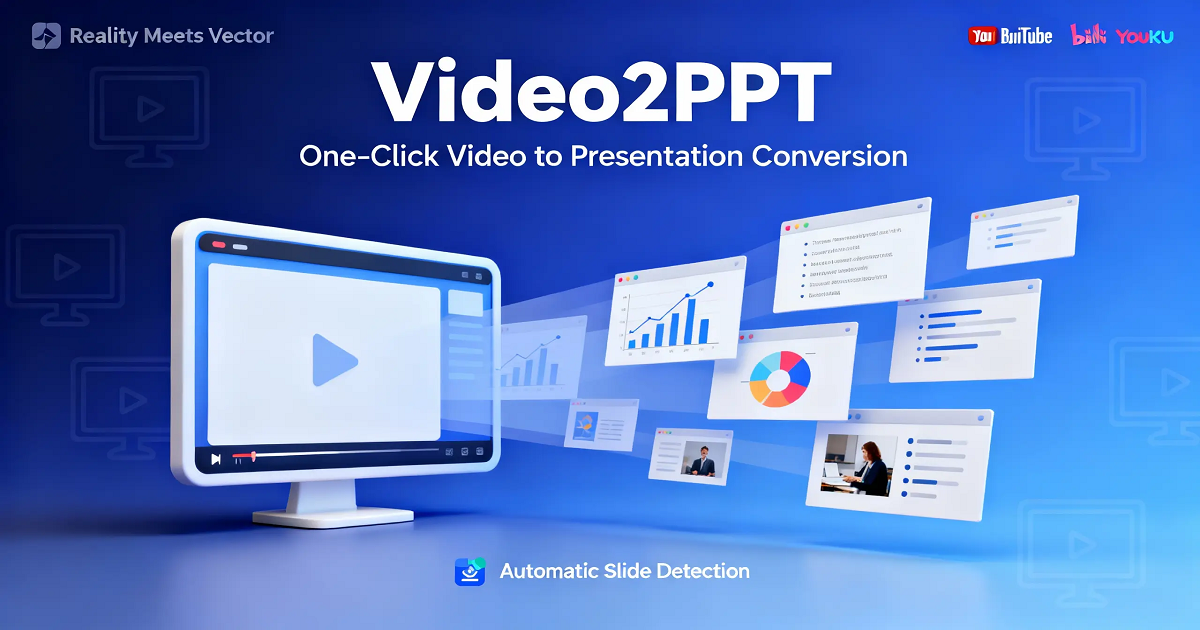
Video2PPT is a presentation maker tool that turns any video into an editable PowerPoint deck in minutes. Video2PPT extracts slides from MP4 files, YouTube links or screen recordings and exports them as editable PowerPoint, Google Slides, PDF or HTML.
Video2PPT is a converter that pulls presentation slides out of recorded video and rebuilds them as editable PowerPoint decks, Google Slides, PDF or HTML files. It accepts local files (MP4, WebM, MOV and other common formats), direct links from platforms such as YouTube, Vimeo and TikTok, or a live screen recording of a Zoom, Teams, Slack or Google Meet session. The AI identifies frames where a slide is on screen, captures them, and reassembles the deck so text and layout remain adjustable rather than flattened into static images. In practice the workflow is short: supply the video, wait for the extraction pass, then review the captured frames and timestamps before exporting. A separate transcription feature aligns speech to timestamps and can be exported as a DOCX that combines frames with the spoken script, which suits lecture notes, meeting minutes or course handouts. Batch processing accepts more than 20 videos per run, which is the main reason the tool appeals to training teams and webinar producers who would otherwise screenshot decks by hand. A desktop edition is sold as a one time purchase and runs locally and offline after installation, with no conversion limit and no dependency on a browser session. The web app keeps processing on the device as well: snapshots are captured with browser canvas technology, so video files are not uploaded to a server. The vendor frames this as the privacy argument for using the tool on internal meetings, clinical material or student recordings. The product sits in the same space as manual screenshotting, generic frame extractors and slide-capture add-ons for meeting software. It competes on output fidelity (editable PPTX rather than images) and on local processing. The free tier is a real entry point but bounded at 10 minute videos and three conversions monthly, so anyone converting on a schedule will end up on Pro or Lifetime.
No sign-up is required to start; the Free plan itself acts as the trial, allowing videos up to 10 minutes and three conversions per month with watermark removal excluded.
Learn moreFree tier covers core features with a 10 minute video cap and three conversions per month. Pro runs $7 per month on the yearly plan (30 percent saving) with 100 conversions, 100 editable PowerPoint pages, 600 transcription minutes and watermark removal. Lifetime is a $198 one time purchase with unlimited conversions and transcription on desktop and sharing rights for two others.
Learn moreA contact form is linked from the site navigation, and an FAQ block answers common questions on formats, privacy, editability and plan limits.
Works with video sources rather than third party app connectors: local files, YouTube, Vimeo and TikTok links, and screen capture from Zoom, Slack, Teams and Google Meet.
AI frame extraction that rebuilds slides as editable PowerPoint, Google Slides, PDF or HTML; support for local uploads, YouTube, Vimeo and TikTok links, and live screen recording of Zoom, Teams, Slack and Google Meet; batch conversion of more than 20 videos; timestamped video transcription exportable to DOCX; local processing with browser canvas capture so files never leave the device; an offline desktop edition with unlimited use.
 AI Angels400+ customizable AI girlfriends for NSFW chat, voice calls, and roleplay
 Candy AIExperience the future of companionship with AI friends who chat, role-play, and connect with you on a human level.
 ourdream.aiA vast AI roleplay platform with millions of characters for chat, images, video and voiceAI Angels400+ customizable AI girlfriends for NSFW chat, voice calls, and roleplayCandy AIExperience the future of companionship with AI friends who chat, role-play, and connect with you on a human level.ourdream.aiA vast AI roleplay platform with millions of characters for chat, images, video and voice