Free trial
Free to start according to the homepage, which invites users to make a first design at no cost. No trial length, credit allowance or paid tier details are published on the site.
Learn moreDescribe a design in plain words, get an editable layout, not a flat image.
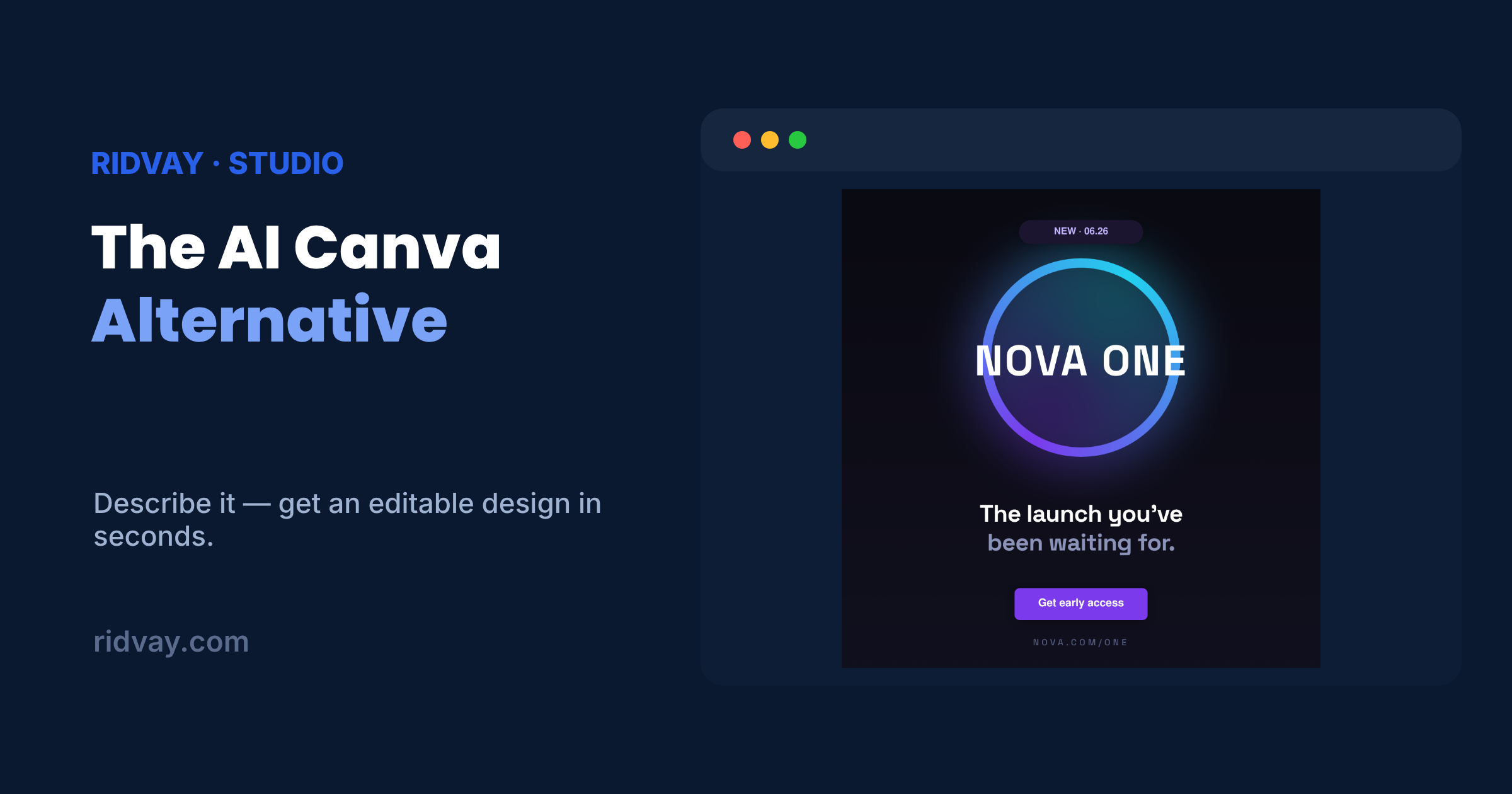
Ridvay is a generative art tool. A text-prompt design generator that produces layered, editable posters, social posts, stories, thumbnails and slide decks with real Google Fonts, then exports to PNG, SVG, PDF or PPTX.
Ridvay is a design generator that starts from a written sentence rather than a template gallery. You type what you need in plain English, including the format, the mood and the exact words that should appear, and the tool returns a layered design with headline, shapes, fonts and brand accents already arranged. The output is a working file, not a rendered picture: every text block, colour and element can be moved, restyled or rewritten afterwards. The format range is broad and covers the everyday output of a marketing or communications team. Posters, Instagram posts and stories, Facebook posts, YouTube thumbnails, flyers, invitations, business cards, T-shirts, certificates, logos, resumes and multi-slide presentations are all supported. Typography is a genuine strength rather than an afterthought, with access to more than 1,000 Google Fonts and text blocks that can hold multiple lines at mixed sizes, which matters for anyone producing editorial or magazine-style layouts. In practice the workflow is describe, generate, refine, export. After the first draft appears, you can adjust elements by hand in the editor or ask the AI to rework the design conversationally, for example by enlarging a headline or shifting to a warmer palette. Presentations export to PowerPoint, while posters, social posts and cards go out as PNG, SVG or PDF at whatever dimensions you need. Ridvay sits between prompt-to-image generators, which produce attractive but uneditable pixels, and conventional template editors, which require you to hunt for a starting point. It suits social media managers, small business owners, event organisers and marketers who need a finished, tweakable layout quickly without opening a full professional design suite. The same company also offers text-to-diagram, map, image and chat tools, so it can serve as a single workspace for adjacent visual tasks.
Free to start according to the homepage, which invites users to make a first design at no cost. No trial length, credit allowance or paid tier details are published on the site.
Learn morePrompt-to-design generation for posters, social posts, stories, thumbnails, flyers, invitations, cards, T-shirts, certificates, logos, resumes and slide decks. Output is layered and editable rather than a flat image, with over 1,000 Google Fonts, mixed text sizes and conversational refinement. Exports cover PNG, SVG, PDF and PPTX.
 AI Angels400+ customizable AI girlfriends for NSFW chat, voice calls, and roleplay
 Candy AIExperience the future of companionship with AI friends who chat, role-play, and connect with you on a human level.
 ourdream.aiA vast AI roleplay platform with millions of characters for chat, images, video and voiceAI Angels400+ customizable AI girlfriends for NSFW chat, voice calls, and roleplayCandy AIExperience the future of companionship with AI friends who chat, role-play, and connect with you on a human level.ourdream.aiA vast AI roleplay platform with millions of characters for chat, images, video and voice