Free trial
A 7 day free trial is available on every plan, with sign-up by Google or email.
Learn moreAI business planning that turns ideas into investor-ready decks.

Vizologi generates business plans, competitor reports, and 16-slide strategy decks from a short project brief. It is aimed at founders, consultants, and students who want to move from an idea to a structured, exportable presentation quickly.
Vizologi is an AI business planning platform that generates complete business plans, competitor analyses, and strategy presentations from a short description of an idea. Instead of starting with a blank document, users answer a few prompts about the project name, target industry, continent, and country. The platform then produces a 16-slide presentation that is structured, market-aware, and ready to present. The system is built around three connected activities: brainstorming ideas, gathering business intelligence, and assembling a business plan. Vizologi's AI is trained on a library of more than 4,000 validated business models, which it uses to propose relevant strategies and to fuel a mash-up innovation method that combines industries, technologies, and business models to surface new opportunities. A separate competitor report feature takes a company name, URL, and logo and returns a structured analysis of strategy, positioning, and market context. SWOT, PEST, and canvas style frameworks are generated automatically alongside the core plan. The platform is aimed at founders, consultants, business strategists, product managers, and students who need to move from a rough concept to a board-ready document without spending weeks on research and formatting. In practice a user creates a project, reviews and edits the generated slides or reports, and then exports the result. The 16-slide presentation is the main deliverable, but the competitor reports and visual graphs serve as ongoing reference material. Projects and lists can be shared so that teams keep their initiatives in one portfolio. Among business planning tools, Vizologi competes less with general writing assistants and more with strategy consulting workflows and manual template libraries. Its differentiator is the combination of a large business model database with generative output that is specific to a named market and geography, rather than generic advice. Anyone who wants a fast first draft of a plan or a structured view of a competitor can use it as a starting point, though the output still benefits from human review before it goes to investors or leadership.
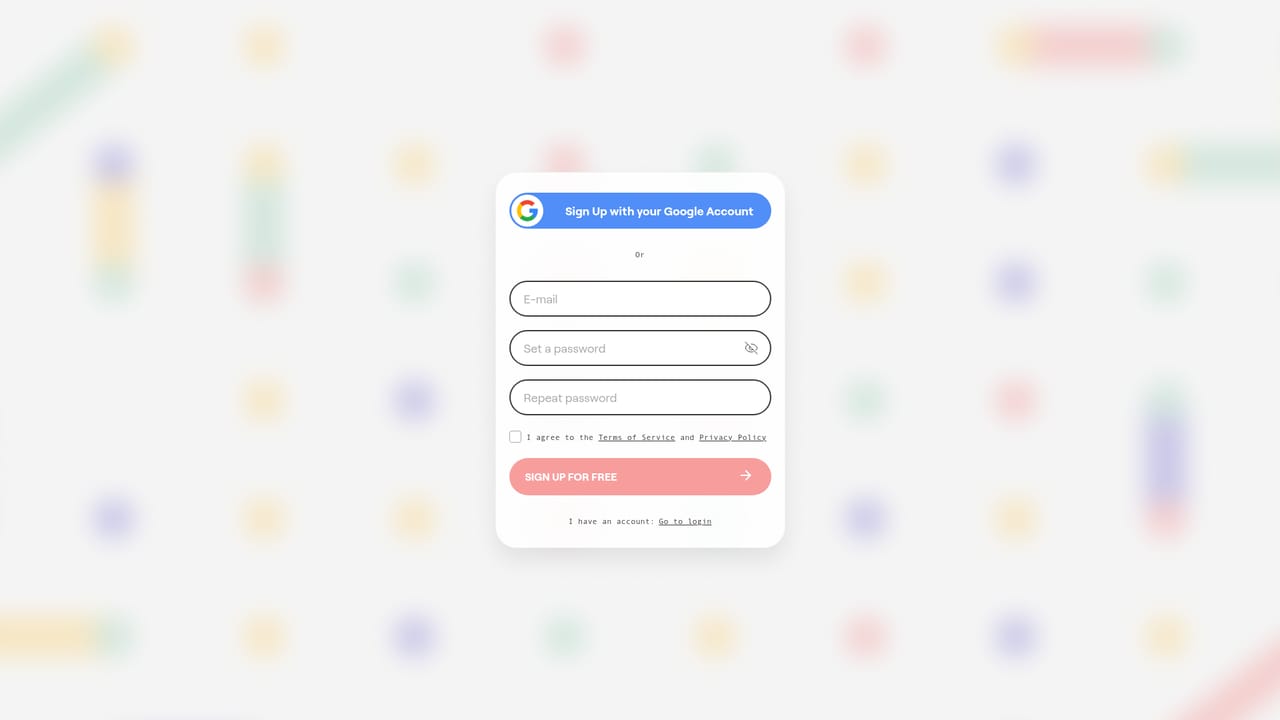
A 7 day free trial is available on every plan, with sign-up by Google or email.
Learn moreMonthly plans start at $19 for 15k credits, one list, and one project; $29 adds 20k credits, five lists, and five projects; $49 gives unlimited credits, lists, and projects. Yearly billing cuts the price by about 30%, to $9, $19, and $39 per month respectively.
Learn moreVizologi generates business plans, competitor reports, SWOT, PEST, and canvas frameworks, and a 16-slide presentation from a brief. It includes a mash-up innovation method for combining industries and business models, visual graphs, and shared project portfolios.
Learn more AI Angels400+ customizable AI girlfriends for NSFW chat, voice calls, and roleplay
 Candy AIExperience the future of companionship with AI friends who chat, role-play, and connect with you on a human level.
 ourdream.aiA vast AI roleplay platform with millions of characters for chat, images, video and voiceAI Angels400+ customizable AI girlfriends for NSFW chat, voice calls, and roleplayCandy AIExperience the future of companionship with AI friends who chat, role-play, and connect with you on a human level.ourdream.aiA vast AI roleplay platform with millions of characters for chat, images, video and voice


