Free trial
Voice cloning can be tried without an account within the available credits, and no card is mentioned for that initial trial. Account holders get persistent voice profiles across browsers.
Learn moreClone your own voice from a short sample and turn text into speech
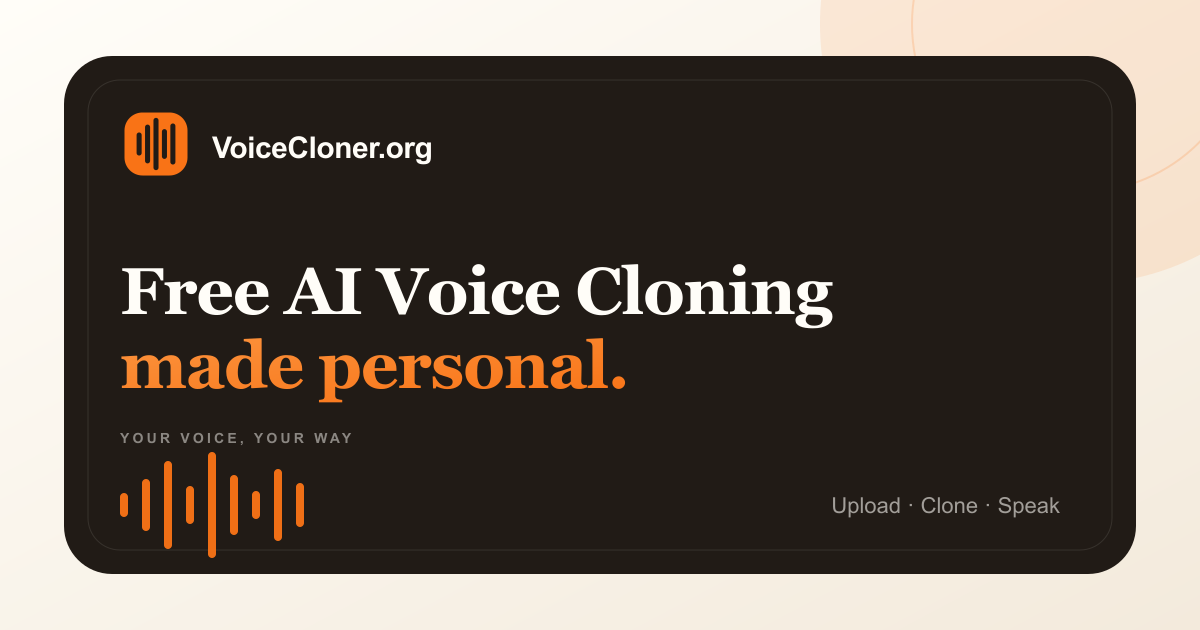
Voice Cloner is a natural text to speech tool that clones your own voice from a short sample and turn text into speech. A focused AI voice cloning tool that builds a private voice profile from a 30 to 120 second sample and generates downloadable speech in five languages.
VoiceCloner is a single purpose AI voice cloning tool. You upload a short recording of one speaker, the service builds a private voice profile from that sample, and you then type any script to hear it spoken back in that voice. The pitch is deliberately narrow: no voice marketplace, no video suite, no library of stock synthetic voices. The profile is meant to capture the tone, rhythm and vocal character of your own recording rather than offering a generic text to speech preset. The workflow is three steps. A sample of roughly 30 to 120 seconds of clean single speaker audio goes in, ideally recorded without music, echo or background noise. The model builds the profile in under a minute, with no training job to configure or monitor. You then write your line, pick a language and generate downloadable audio. The homepage states support for English, Spanish, French, Japanese and Chinese from a single profile, plus controls for emotion, pauses, interjections, speed and pitch. It suits podcasters, course creators, video narrators and anyone who wants their own voice on narration without re-recording takes. The absence of forced sign-up lowers the barrier for testing: an account is only needed to keep and manage profiles across browsers. Output can be downloaded as MP3, and the page also mentions WAV for narration work, without watermarks. Compared with broader audio platforms, VoiceCloner trades breadth for a short path from sample to download. The trade-off is real: no voice library, no editing timeline, no celebrity or public figure voices, and generation length is capped per plan. The site is explicit that you must own the voice or hold clear permission, which makes it a tool for your own vocal identity rather than for impersonation.
Voice cloning can be tried without an account within the available credits, and no card is mentioned for that initial trial. Account holders get persistent voice profiles across browsers.
Learn moreMonthly plans: Starter at $9.9 for 50,000 credits, 3,000 characters per generation and 5 voice profiles; Pro at $24.9 for 150,000 credits, 5,000 characters, 20 profiles, priority queue and a commercial license; Studio at $69 for 450,000 credits, 8,000 characters and 50 profiles. Annual billing is listed at 20% off, and a pay as you go option is shown.
Learn moreDedicated customer support is listed as a Studio plan benefit only. Starter and Pro buyers get no stated support channel beyond the site's FAQ and Privacy Policy.
Custom voice profiles built from a 30 to 120 second sample, usually ready in under a minute. Text to speech in English, Spanish, French, Japanese and Chinese from one profile. Controls for emotion, pauses, interjections, speed and pitch. AI Voice Design for creating a voice rather than cloning one. Watermark free MP3 and WAV downloads. Pro and Studio add a commercial license, priority generation and more profiles.
 AI Angels400+ customizable AI girlfriends for NSFW chat, voice calls, and roleplay
 Candy AIExperience the future of companionship with AI friends who chat, role-play, and connect with you on a human level.
 ourdream.aiA vast AI roleplay platform with millions of characters for chat, images, video and voiceAI Angels400+ customizable AI girlfriends for NSFW chat, voice calls, and roleplayCandy AIExperience the future of companionship with AI friends who chat, role-play, and connect with you on a human level.ourdream.aiA vast AI roleplay platform with millions of characters for chat, images, video and voice