Free trial
A free online tier is advertised directly, letting users transform voices without payment. It is presented as full access to quality modifications rather than a time limited trial.
Learn moreAI voice transformation from recordings or text, free online

VoiceChanger is an audio editing tool. A web based AI voice changer that turns uploaded recordings or typed text into a different voice, with gender conversion, a broad effects library and a free online tier. It is not a live changer, so it fits recorded content, privacy masking and entertainment rather than real time calls.
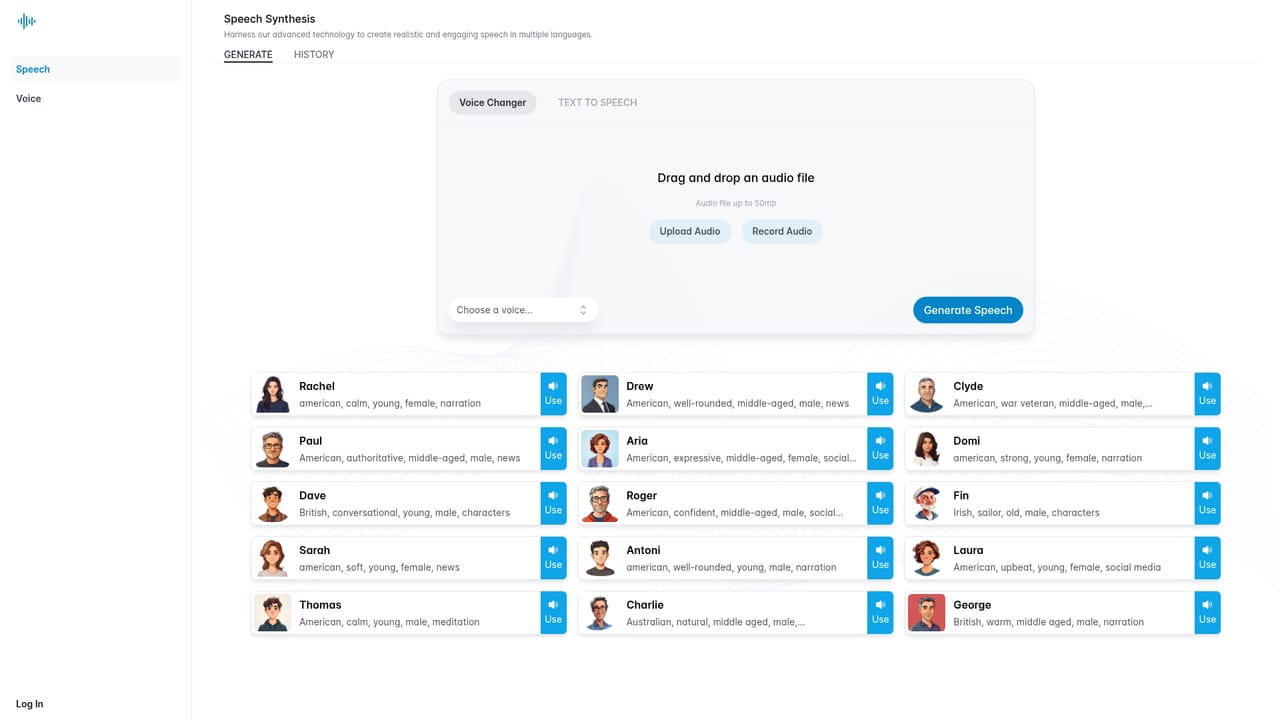
VoiceChanger (voicechanger.im) is a browser based AI voice transformation tool. Instead of applying simple pitch shifts the way a classic voice changer does, it processes either an uploaded voice recording or typed text and rebuilds the output in a different voice. The site frames this as the core difference: traditional tools manipulate the sound of a voice, while this one produces a new voice altogether, including cross gender conversion such as a male recording rendered as a female persona. The workflow is deliberately short. A user uploads a file or pastes text, picks an effect or target voice from the available set, and downloads the finished audio. The text input path means it doubles as a small text to speech utility, which is useful when no source recording exists. The site is explicit that the product is not a live voice changer: processing happens after upload rather than in real time during a call or stream, though the company describes the turnaround as fast enough to feel accurate for most uses. It suits creators and casual users more than studios. YouTubers, podcasters and short form video makers can add character voices to a project without hiring talent, and the site also pitches voice changing as a privacy layer for social media and online meetings, plus pure entertainment for pranks and fun calls. Audio producers working on character driven productions are named as a professional audience as well. Among alternatives, VoiceChanger competes on convenience rather than depth. It is a single purpose web tool with a free online tier, a wide effects library and a gender conversion focus, rather than part of a larger editing suite or a real time gaming setup. Buyers who need live modulation, deep voice cloning controls or integration with a DAW will find the scope narrower here; buyers who want quick, good quality transformations with no install are the target.
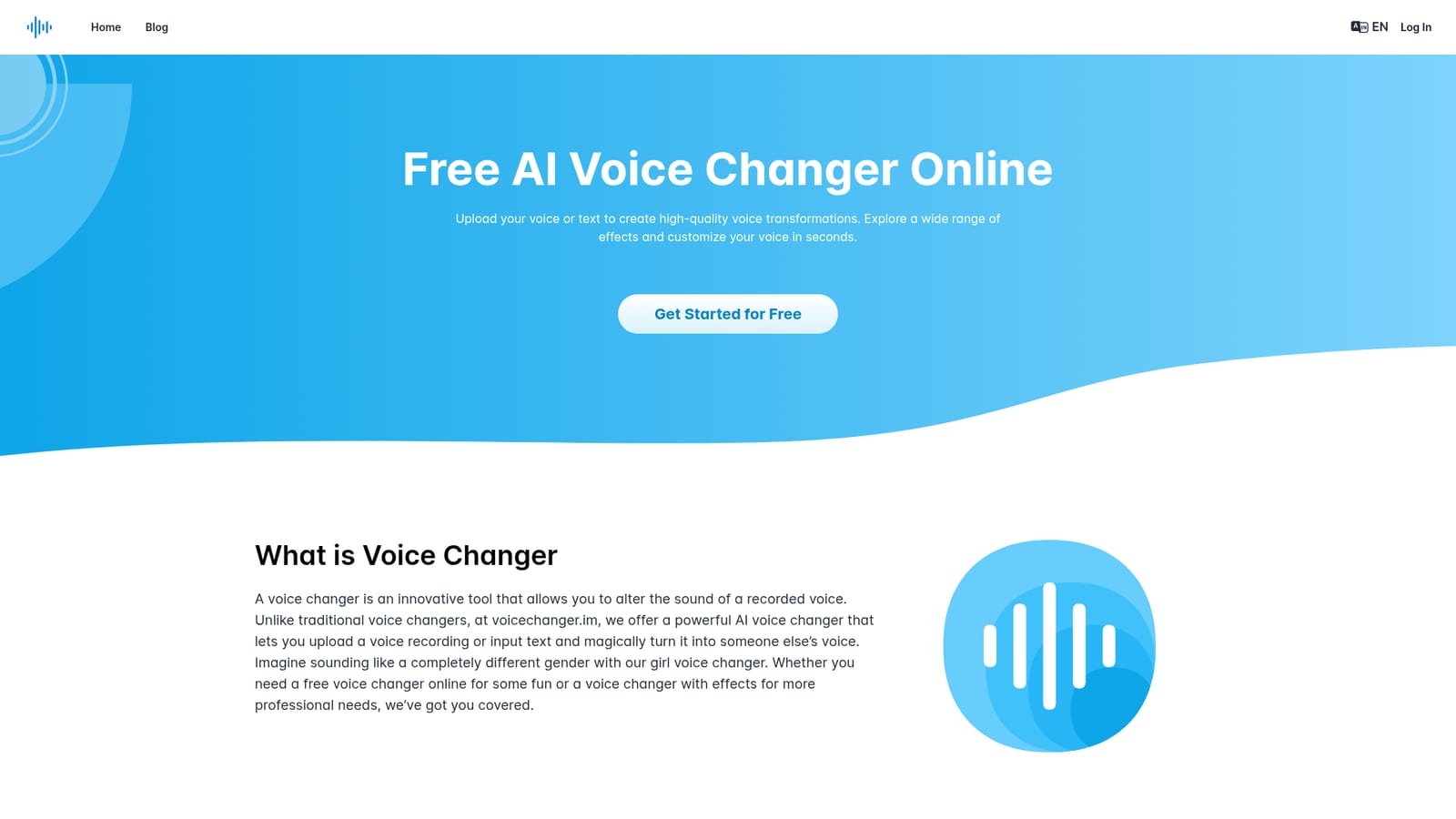
A free online tier is advertised directly, letting users transform voices without payment. It is presented as full access to quality modifications rather than a time limited trial.
Learn moreThe homepage promotes a free voice changer online with access to high quality modifications at no cost, aimed at budget conscious users. No paid tiers, subscription prices or usage limits are listed on the homepage, so the cost of heavier use is not documented there.
Learn moreA frequently asked questions section on the homepage covers topics such as file types, data security, unsatisfying results and real time use. No dedicated help centre or contact channel is listed.
Effects driven voice transformation from an uploaded recording or typed text, with an extensive effects library and dedicated gender conversion (girl voice changer). Processing is fast and accurate on uploaded files, output is high quality, and the tool is packaged for PC browsers. The site also mentions privacy masking, content creation and entertainment as intended uses.
 AI Angels400+ customizable AI girlfriends for NSFW chat, voice calls, and roleplay
 Candy AIExperience the future of companionship with AI friends who chat, role-play, and connect with you on a human level.
 ourdream.aiA vast AI roleplay platform with millions of characters for chat, images, video and voiceAI Angels400+ customizable AI girlfriends for NSFW chat, voice calls, and roleplayCandy AIExperience the future of companionship with AI friends who chat, role-play, and connect with you on a human level.ourdream.aiA vast AI roleplay platform with millions of characters for chat, images, video and voice




