Pricing
The homepage states that VoiceGPT offers unlimited free messages with ChatGPT and works with both free and ChatGPT Plus accounts. No subscription price, tier or in-app purchase detail is published on the site.
Learn moreChatGPT with a voice: hands-free AI chat on Android

VoiceGPT is a ChatGPT tool. An Android client that adds voice input, spoken replies in 67+ languages, OCR photo prompts, hotword activation and a floating bubble to ChatGPT, with optional setup as the phone's default assistant.
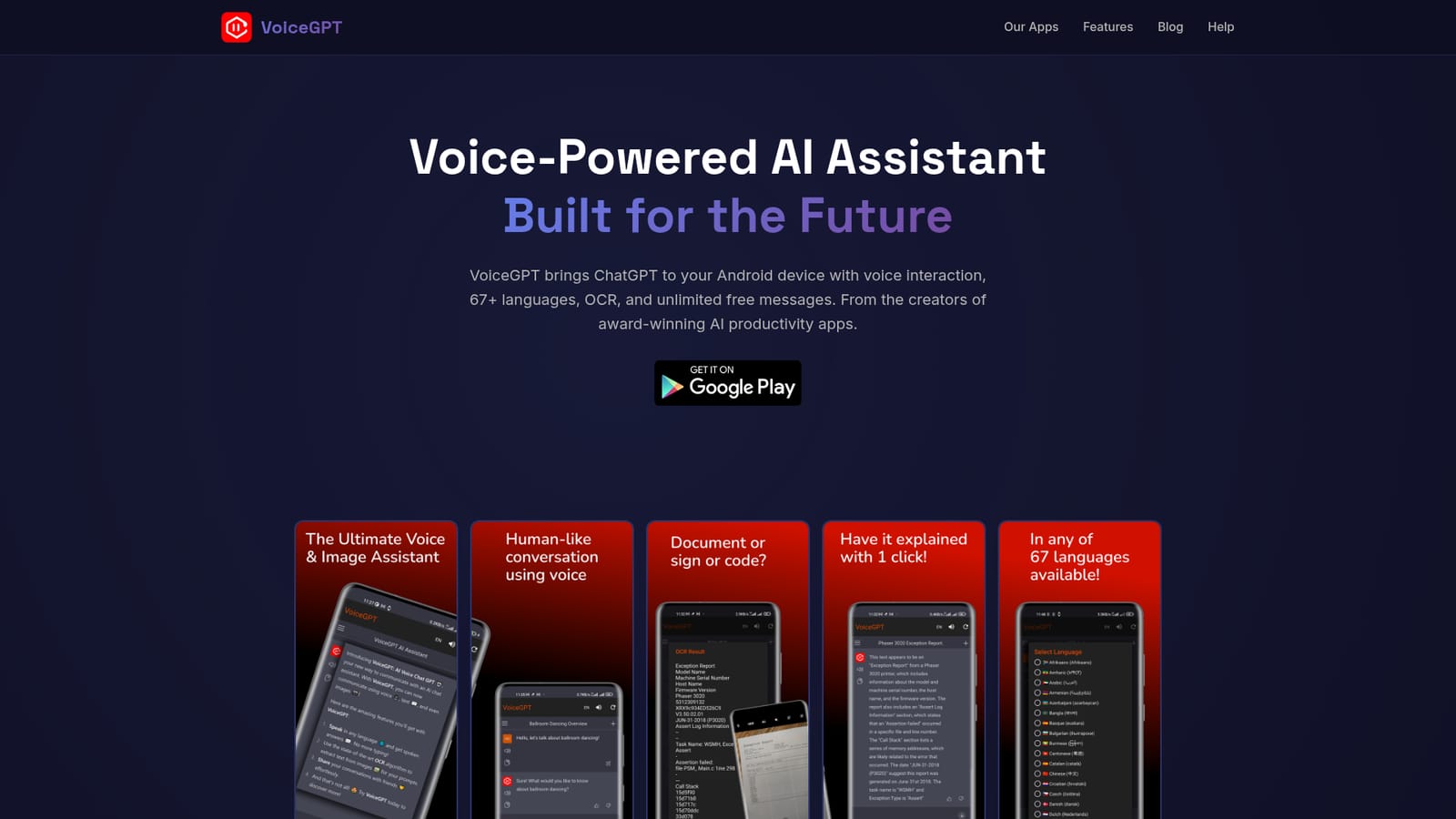
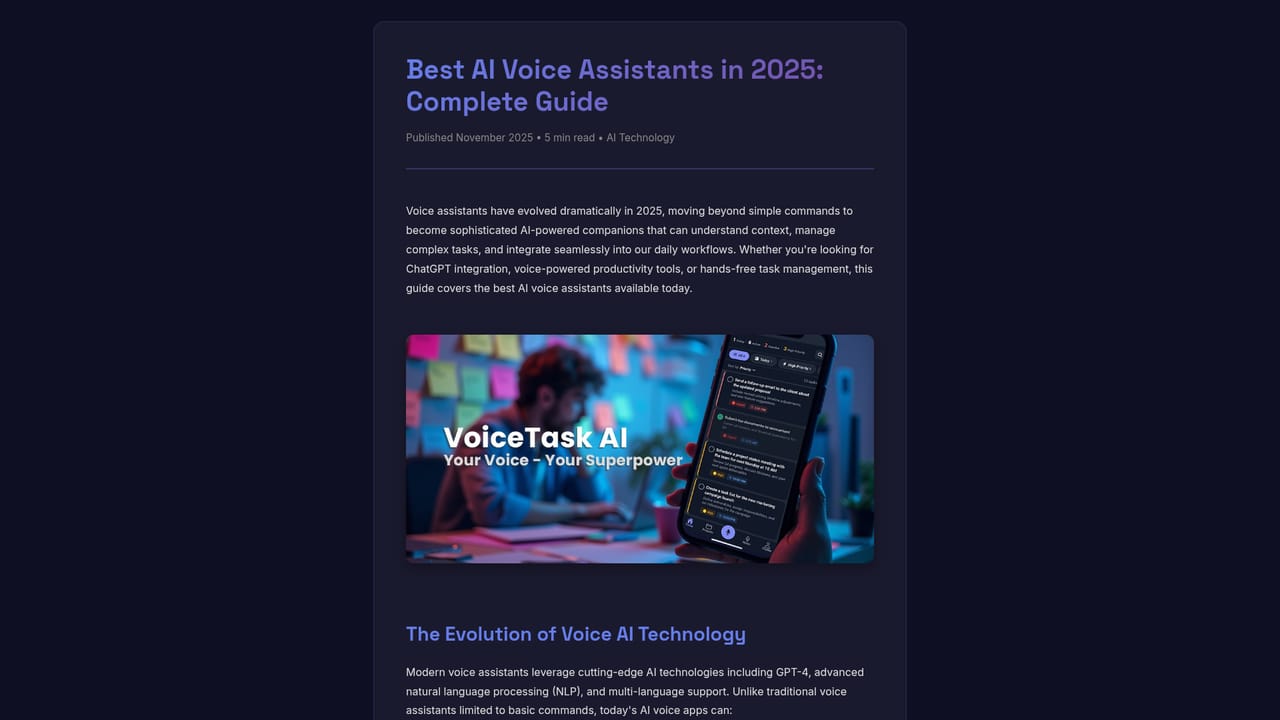
VoiceGPT is an Android app that puts a voice layer over ChatGPT, so conversations with the model can be spoken instead of typed. Speech input and spoken output are supported across 67 or more languages, with a choice of voices and accents. The app can be registered as the default Android assistant, which means the same assistant gesture or button you already use can open an AI chat rather than the stock helper. A hotword, "Hey, Chat", triggers activation without touching the phone. The feature set goes beyond plain dictation. OCR lets you load a photo or take a new one, pull the text out of it, and send that text to the model as a prompt, which is useful for signs, printed documents and screenshots. RunGPT executes code in more than 70 languages with instant output inside the app. DALLE-2 image creation is available from the same interface. A floating InstaBubble keeps the assistant reachable while you move between apps, and chat history matches what you see on the ChatGPT web interface. It is aimed at Android users who want a conversational assistant in their pocket and prefer speaking to typing: commuters, people working with their hands, language learners, and anyone who finds the phone keyboard slow. Setup is short: install from Google Play, grant microphone access, pick a voice and language, then optionally set VoiceGPT as the default assistant and enable the hotword. Accounts work with free ChatGPT and with ChatGPT Plus, so existing subscribers keep their plan. The app is one product in a family of voice-first tools from the same studio, alongside VoiceTask for voice task management, MenuGuide for OCR menu translation, Kaloria for photo nutrition tracking and WishMe for birthday reminders. Read against standalone voice assistants, VoiceGPT's pitch is the combination of full ChatGPT conversation, OCR input and code execution in one lightweight client rather than a special-purpose helper. The homepage advertises unlimited free messages and states that advertising is limited to a small banner.
The homepage states that VoiceGPT offers unlimited free messages with ChatGPT and works with both free and ChatGPT Plus accounts. No subscription price, tier or in-app purchase detail is published on the site.
Learn moreConnects to ChatGPT accounts, including Plus, and shares chat history with the web interface. RunGPT handles code execution and DALLE-2 handles image generation inside the app.
Voice conversation in 67+ languages, configurable voices and accents, default Android assistant slot, "Hey, Chat" hotword, InstaBubble overlay, OCR from camera or gallery, RunGPT code execution in 70+ languages, DALLE-2 image creation, synced chat history, ChatGPT Plus support, dark and light themes, and a small banner ad rather than intrusive ads.
 AI Angels400+ customizable AI girlfriends for NSFW chat, voice calls, and roleplay
 Candy AIExperience the future of companionship with AI friends who chat, role-play, and connect with you on a human level.
 ourdream.aiA vast AI roleplay platform with millions of characters for chat, images, video and voiceAI Angels400+ customizable AI girlfriends for NSFW chat, voice calls, and roleplayCandy AIExperience the future of companionship with AI friends who chat, role-play, and connect with you on a human level.ourdream.aiA vast AI roleplay platform with millions of characters for chat, images, video and voice


