Warp

Run a software factory defined in code, with agents that measure themselves

Advanced API
Screenshot of Warp, Run a software factory defined in code, with agents that measure themselves

What is Warp?

Warp is infrastructure for running a software factory defined in code: agents wired to your repositories, secrets and work sources, with evals, benchmarks and self-improvement loops built in. Open at every layer, from agent choice to model to compute.

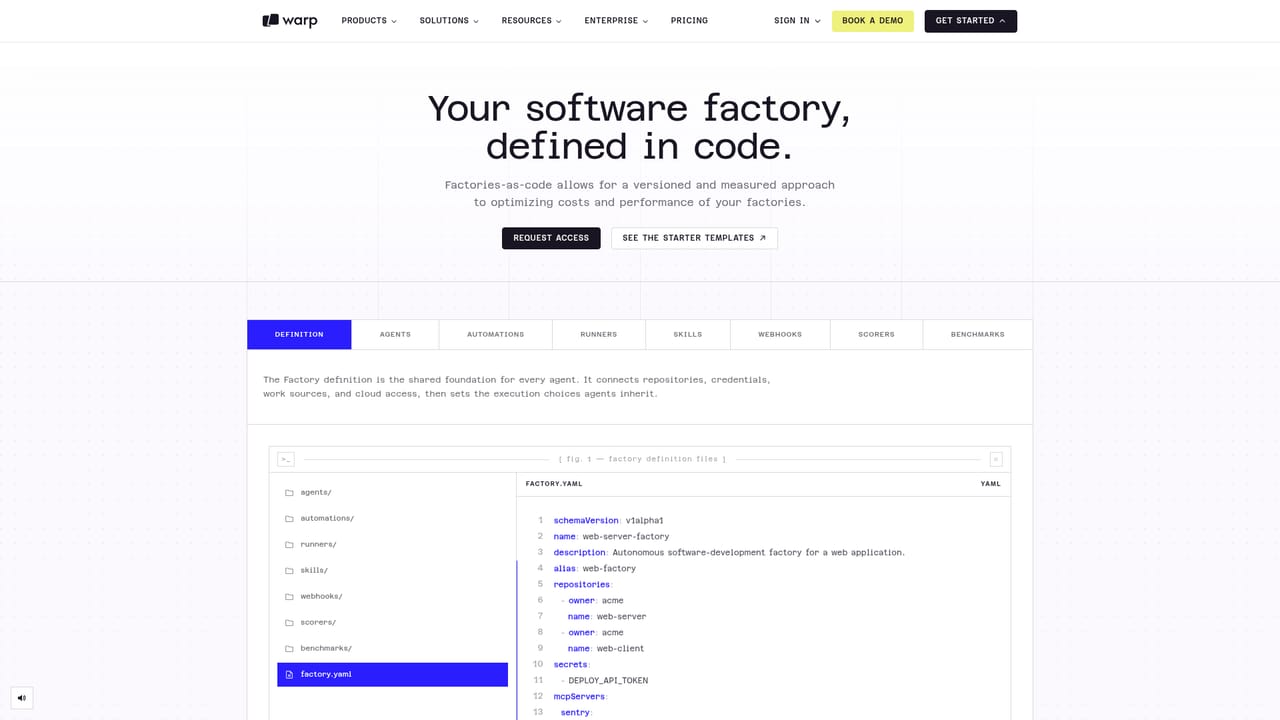
Warp is an open infrastructure layer for building what it calls a software factory: a configured system of coding agents that take work from chat, tickets and source control, execute it against your repositories, and report status back to the places your team already watches. The core idea is that the factory is a written specification rather than a product you click through. A single YAML definition lists repositories, encrypted secrets, MCP server connections, cloud providers, integrations such as Slack and Linear or Jira, and the default model and runner that agents inherit. Specialized agents can override those defaults when a task calls for it. The practical loop starts with a work item in Slack or Linear, routed to the factory by an alias handle. Agents check out the relevant code on an execution host, use injected credentials and connected tools, and carry out the change. Runs can be observed and steered from web, mobile, terminal or IDE, so an engineer can watch progress and step in before anything ships. Every factory agent captures a screenshot or video of its work, giving reviewers evidence to inspect before approving a pull request. Cost per pull request is tracked alongside the work, and the homepage cites one team cutting that figure from $80 to $30. Where Warp differs from a single AI teammate is the measurement layer. Each run is scored by evals on your own tasks, benchmarks compare models against each other on your engineering work, and observer agents open pull requests against the factory configuration itself when a change would improve results. Over time the factory accumulates memory and tuned prompts. The stack is deliberately open at each layer: any MCP-capable coding agent, frontier or open-weight models chosen per pipeline stage, Warp cloud or self-hosting in your own VPC, and pluggable storage for whatever the factory produces. This is aimed at engineering organizations, not individual hobbyists. The tooling assumes familiarity with repositories, CI concepts and YAML. Enterprise controls cover guardrails, centrally configured agent access and centrally managed permissions. Warp reports more than 800,000 developers using it, with published case studies from Docker and Rectangle Health.

How do you use Warp?

  1. 1Request early access
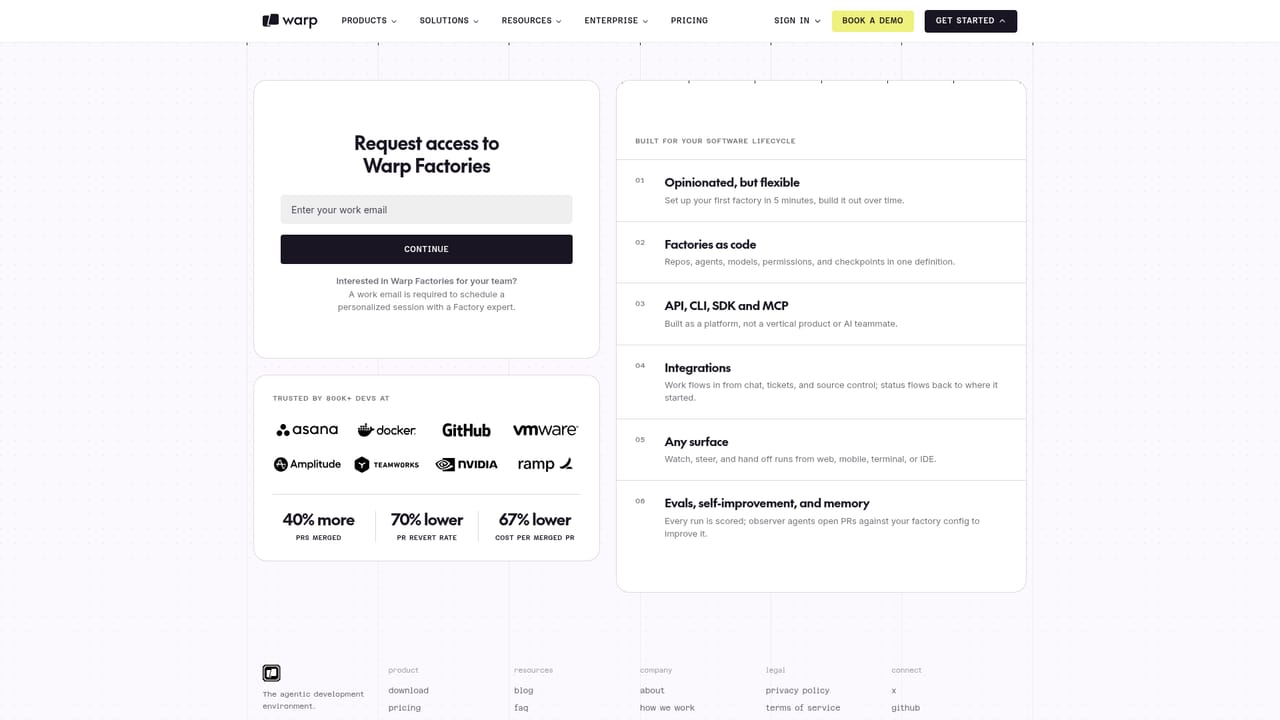
    Start on the get started page, submit your work email and answer the qualifying question. Access is gated, so expect a follow up from the Warp team rather than instant sign in.
    Warp — Request early access
  2. 2Read the factory configuration reference
    Before writing anything, study the configuration page to understand the schema version, the repositories and secrets blocks, and how agent defaults are inherited by roles.
    Warp — Read the factory configuration reference
  3. 3Write your first factory.yaml
    Define a name and alias so teammates can route work by handle, then list the repositories agents may touch, add encrypted secrets, and set the default model and runner. Keep the first version small.
  4. 4Connect work sources and cloud access
    Add Slack and your tracker under integrations, register any MCP servers agents need, and attach cloud providers through federated roles instead of stored keys.
  5. 5Install a client to watch and steer runs
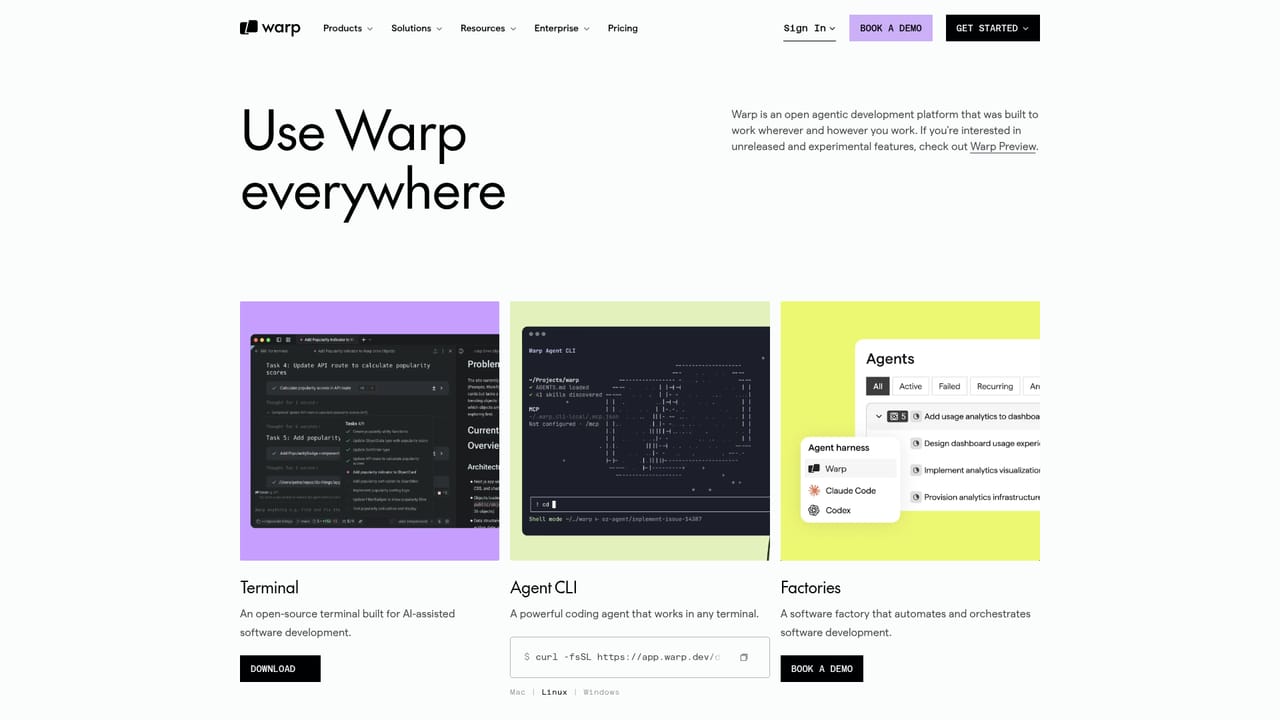
    Download Warp for the desktop, or work from web and mobile, so you can follow a run, intervene mid task and review the captured screenshot or video before a PR ships.
    Warp — Install a client to watch and steer runs
  6. 6Benchmark models against your own tasks
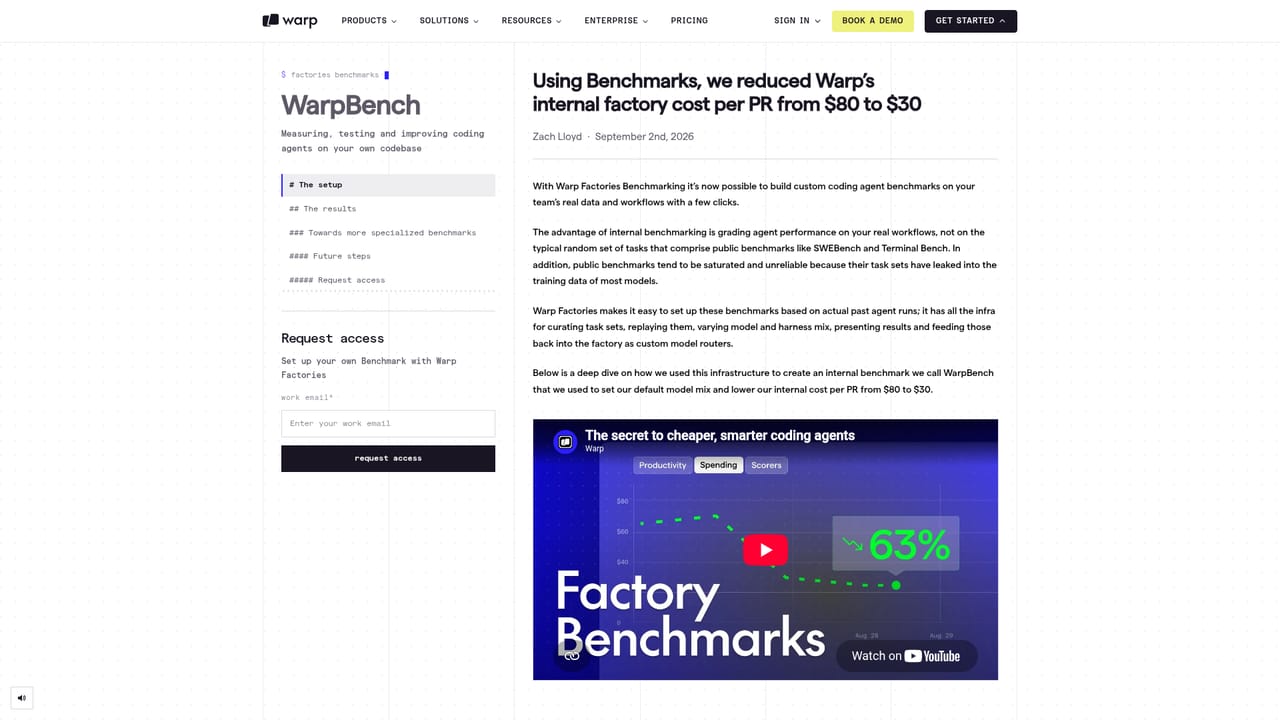
    Use the benchmarks material to test candidate models on your engineering work and read the cost per PR case study, then adjust agent defaults in the definition.
    Warp — Benchmark models against your own tasks

Pros and cons

Pros

  • Factory configuration lives in versioned YAML, so agent behaviour can be reviewed and rolled back like any other code changeAI
  • Every run is scored and benchmarked on your own engineering tasks, which makes cost and quality tradeoffs visible rather than anecdotalAI
  • Observer agents propose pull requests against the factory config itself, giving the setup a concrete improvement pathAI
  • Open at each layer: other MCP-capable coding agents, frontier or open-weight models per stage, and self-hosting in your own VPCAI
  • Agents attach screenshots or video of their work, so a reviewer can verify before mergingAI

Cons

  • You must write and maintain a schema-versioned YAML definition, which is real configuration work before any agent produces valueAI
  • The model comparison shown on the homepage leans on fictional model names, so benchmark results are hard to validate against real optionsAI
  • Pricing is not published on the homepage and access runs through an early access request, leaving budget planning unclearAI
  • Value depends on having engineering tasks clean enough to score with evals; teams without that discipline will get little from the quality loopAI
  • Much of the framing assumes a large organization with Slack, Linear or Jira and cloud roles already in placeAI

How much does Warp cost?

Integrations

Connections include Slack for routing work, Linear or Jira for task tracking, MCP servers such as Sentry or internal services, and federated cloud access to AWS roles or GCP identities. Source control and repositories are declared per factory.

Learn more

Features

Factories defined as versioned YAML covering repositories, encrypted secrets, MCP servers, cloud providers, Slack and ticket integrations, and agent defaults. Work is routed from chat and tickets, runs are watched or steered from web, mobile, terminal or IDE, and every agent captures a screenshot or video for review. Evals score runs, benchmarks compare models on your tasks, and observer agents open PRs to improve the configuration.

Learn more

Frequently asked questions about Warp

  • Does Warp have an API?
    Yes, Warp offers an API.
  • How do you use Warp?
    The walkthrough on this page covers 6 steps: 1. Request early access 2. Read the factory configuration reference 3. Write your first factory.yaml 4. Connect work sources and cloud access 5. Install a client to watch and steer runs 6. Benchmark models against your own tasks.
  • What platforms does Warp support?
    Warp is available on Web App, MacOS, Windows, Linux, iOS and Android.
  • What does Warp integrate with?
    Connections include Slack for routing work, Linear or Jira for task tracking, MCP servers such as Sentry or internal services, and federated cloud access to AWS roles or GCP identities. Source control and repositories are declared per factory.
  • What are the limitations of Warp?
    You must write and maintain a schema-versioned YAML definition, which is real configuration work before any agent produces value. The model comparison shown on the homepage leans on fictional model names, so benchmark results are hard to validate against real options. Pricing is not published on the homepage and access runs through an early access request, leaving budget planning unclear.

Status

StatusActive
Views0
Outbound clicks0
Added10/21/2026

Platforms

Web AppMacOSWindowsLinuxiOSAndroid

Pricing

Paid