Free trial
The check itself is free: three audits a month with no credit card, returning an estimated score and all detected issues across eight categories, though only one issue is explained in full.
Learn moreWebsite audits across 70+ growth signals with a ranked fix plan

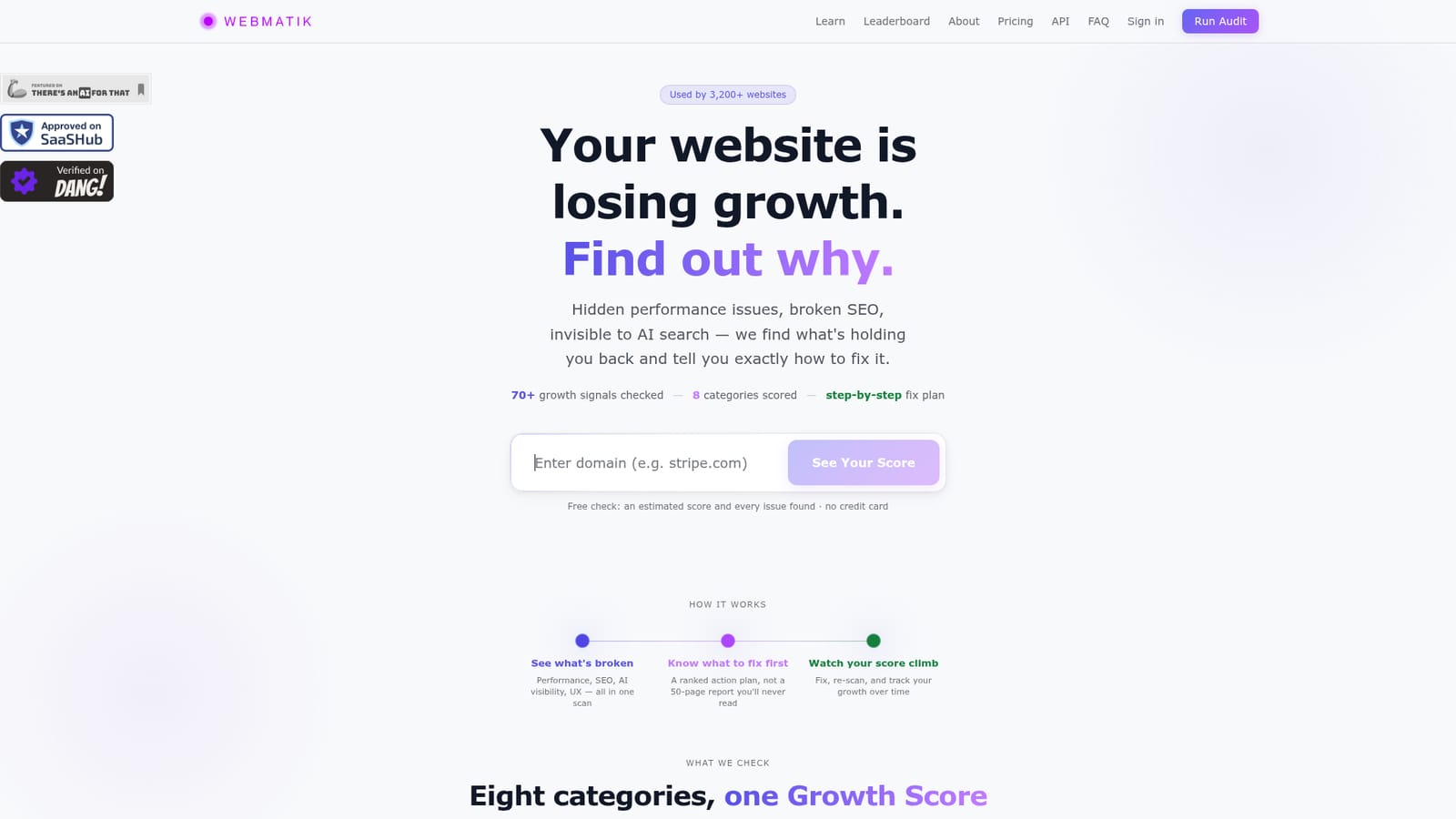
Webmatik AI is a website audit tool. Webmatik audits a domain across performance, SEO, AI search visibility, UX, conversion, retention, accessibility and security, then returns a ranked fix plan. Free checks give an estimated score; full reports and monitoring are paid.
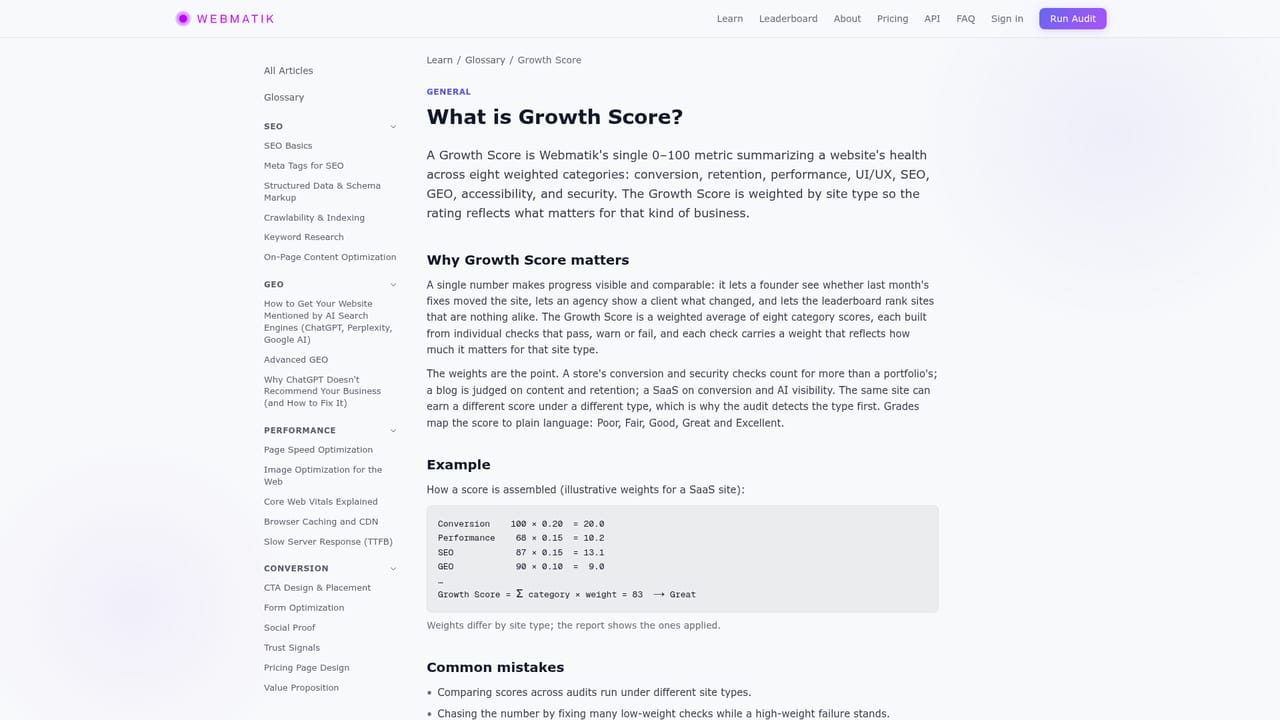
Webmatik is a website growth audit tool that scans a domain across 70+ signals and returns a single Growth Score built from eight scored categories. The scan pulls Core Web Vitals from real Chrome users and PageSpeed data, checks on-page SEO, live keyword rankings and traffic, verifies broken links and structured data, and runs WCAG accessibility and security checks covering HTTPS, HSTS, Content-Security-Policy, cookie flags and clickjacking protection. Two categories set it apart from a standard speed grader: an AI vision pass reads the rendered design to judge hero, calls to action, navigation and mobile layout, and an AI readiness (GEO) check examines llms.txt, FAQ structure, entity signals and agent access to estimate whether ChatGPT and Gemini can read and cite the site. Weights shift with the type of site being audited. An ecommerce store is judged heavily on checkout trust, a blog on content, a SaaS property on conversion. Each audit takes roughly 60 to 100 seconds, queries key inner pages as well as the homepage, and re-checks negative findings before they reach the report. The output is a ranked action plan rather than a long PDF, so the owner sees which fix matters first. The tool suits site owners, freelancers and small marketing teams who want one consolidated view without stitching together PageSpeed Insights, an SEO crawler and an accessibility checker. It is less suited to agencies needing deep crawling at scale or rank tracking across hundreds of keywords. Webmatik reports that 3,200+ websites and 12,400+ audits have passed through the platform, and it positions itself alongside single-page speed tools by broadening the scope and ordering the work. After the first scan, the loop is fix, re-scan and track the score over time. Paid plans add ongoing monitoring, and the AI Visibility and Growth tiers run real prompts against AI assistants to track how answers change. Beyond the web app, audits are available through a WordPress plugin, a Chrome extension, a REST API and an MCP server for teams that want the checks inside their own tooling.
The check itself is free: three audits a month with no credit card, returning an estimated score and all detected issues across eight categories, though only one issue is explained in full.
Learn moreThree free checks per month include an estimated Growth Score and every issue found, with one explained fully. The exact score and grade, stack-specific fixes, AI design review, AI search visibility and leaderboard placement cost one credit from $3 that never expires, or a plan, which adds monitoring.
Learn moreA WordPress plugin, Chrome extension, REST API and MCP server let audits run inside existing tools; scans work from a pasted domain with nothing to install.
Scans 70+ signals across performance, SEO, AI readiness (GEO), UI and UX, conversion, retention, accessibility and security, weighted by site type. Core Web Vitals come from real Chrome users, SEO checks include live rankings and verified broken links, the AI vision pass reads rendered design, and WCAG checks cover contrast, alt text and keyboard navigation. Results land as a ranked fix plan with re-scan tracking.
 AI Angels400+ customizable AI girlfriends for NSFW chat, voice calls, and roleplay
 Candy AIExperience the future of companionship with AI friends who chat, role-play, and connect with you on a human level.
 ourdream.aiA vast AI roleplay platform with millions of characters for chat, images, video and voiceAI Angels400+ customizable AI girlfriends for NSFW chat, voice calls, and roleplayCandy AIExperience the future of companionship with AI friends who chat, role-play, and connect with you on a human level.ourdream.aiA vast AI roleplay platform with millions of characters for chat, images, video and voice


