Pricing
A free plan covers the AI website builder, basic templates, AI chat and the file manager. Paid plans start at $7 per month and add up to 3,000 tokens per month; full tier details sit on the pricing page.
Learn moreDescribe a site in chat, get a working website
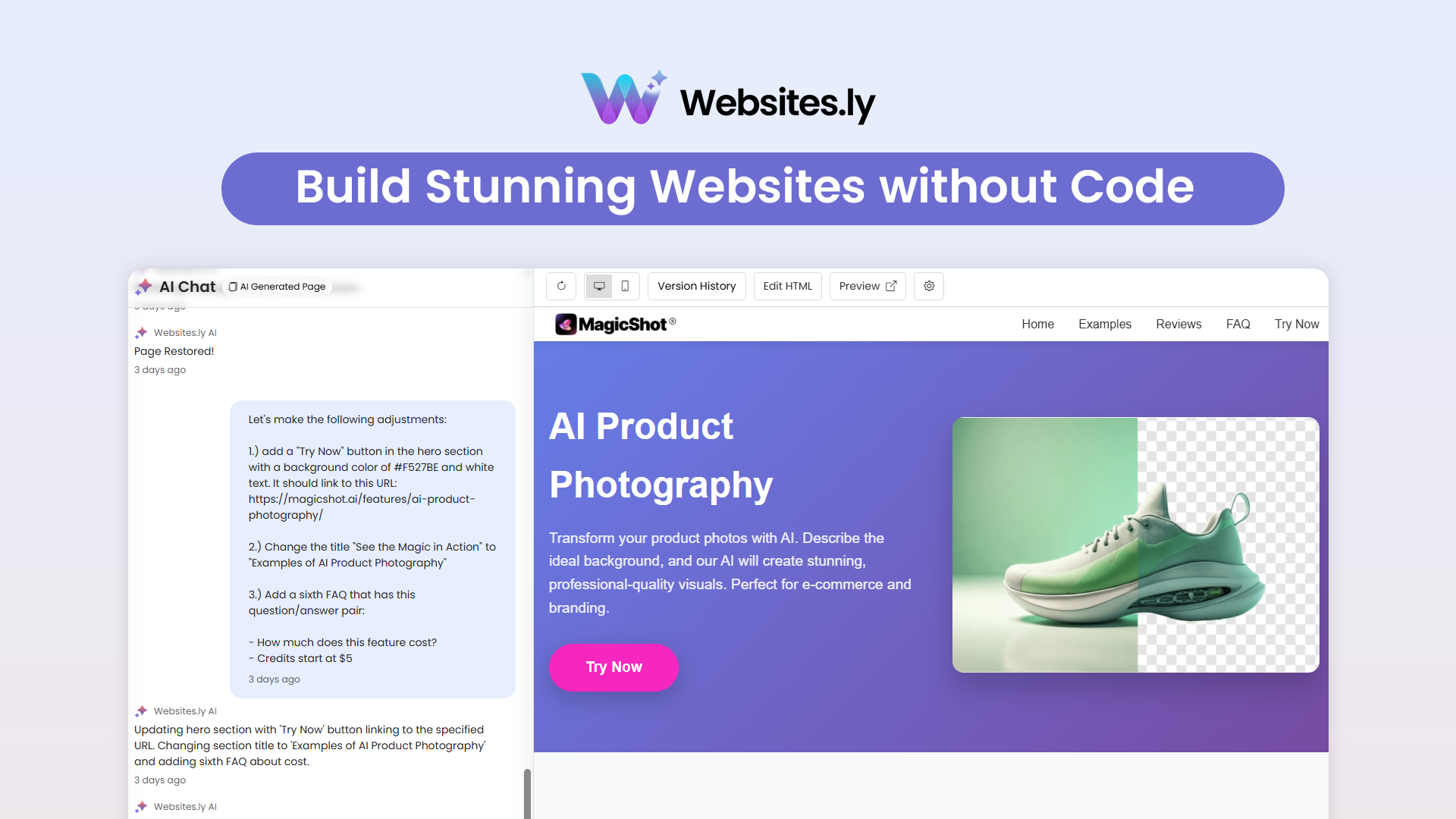
Websites.ly is an app creation tool. An AI website builder with a chat assistant that turns a written brief into a multi-page site, plus templates, a code editor, custom domains and version history.
Websites.ly is an AI website builder built around a conversational chat assistant. Instead of dragging blocks onto a canvas, you describe the site you want (a restaurant page, a SaaS landing page, an agency portfolio) and the assistant asks follow-up questions about goals, preferred design and content before generating a working site structure. The platform also ships a library of prebuilt templates for people who would rather start from a finished layout and edit it than begin from a blank prompt. The product sits in the same territory as other prompt-driven site generators, but it keeps a foot in both camps. Non-technical users get a chat interface, a visual editor for theme colors, pages, sections, images and backgrounds, an SEO panel, and a file manager for media. Developers who want more control can open a code editor with direct access to the generated HTML and CSS. Multi-page support means a project can grow past a single landing page, and version history lets you roll back to an earlier state with one click. Publishing is handled inside the platform. Every site can go live on a free Websites.ly subdomain, or you can attach a custom domain (.com, .ai, .co, .dev, .net and others) with a setup flow the company describes as avoiding DNS headaches. The showcase page collects examples across real estate, fitness, education, fintech, restaurants and creative portfolios, which is the fastest way to judge whether the output style matches what you have in mind. It fits freelancers, small business owners and marketing teams who need a credible site quickly and do not want to maintain a CMS stack. Teams with complex backend requirements or strict design systems will likely outgrow the chat-first approach and move the exported markup into their own workflow.
A free plan covers the AI website builder, basic templates, AI chat and the file manager. Paid plans start at $7 per month and add up to 3,000 tokens per month; full tier details sit on the pricing page.
Learn moreAI chat assistant that builds sites from a description, a code editor for HTML and CSS, multi-page support, a file manager for media, custom domain connection, version history with one-click restore, prebuilt templates, and publishing on a free Websites.ly subdomain.
 AI Angels400+ customizable AI girlfriends for NSFW chat, voice calls, and roleplay
 Candy AIExperience the future of companionship with AI friends who chat, role-play, and connect with you on a human level.
 ourdream.aiA vast AI roleplay platform with millions of characters for chat, images, video and voiceAI Angels400+ customizable AI girlfriends for NSFW chat, voice calls, and roleplayCandy AIExperience the future of companionship with AI friends who chat, role-play, and connect with you on a human level.ourdream.aiA vast AI roleplay platform with millions of characters for chat, images, video and voice


