Free trial
The homepage invites visitors to create a free account to start building, which points to a free entry tier rather than a time-limited trial. No trial length or paid plan detail is given on the homepage.
Learn moreDescribe the app in plain language, then polish it in a visual editor

WeWeb generates full-stack web apps from natural language prompts, then lets you refine interfaces, workflows and data in a visual editor. One-click hosting or code export gives teams AI speed without losing control of the final product.
WeWeb is a web application builder that pairs AI generation with a visual editing environment. You describe the application you want, either to WeWeb's own assistant or to an AI agent of your choosing, and it produces the interface, the database layer, the APIs and the frontend logic. From there, everything can be adjusted by hand in a drag-and-drop editor, so a non-technical operator can move a button, restyle a table or rework a branching workflow without touching markup. The product is aimed at two audiences at once, which explains the positioning around IT approval. Business teams get the autonomy to assemble internal tools, customer portals and SaaS products on their own timeline. Technical leaders get a platform whose output is meant to meet the standards of hand-written code, with a publishing path that does not trap them inside the vendor's hosting. That dual promise is the core differentiator against classic no-code tools and against pure AI app generators that produce a one-shot scaffold you cannot reasonably maintain. In practice a project moves through three phases. Generation gets a working draft in place quickly. Visual editing handles the refinement: pixel adjustments, conditional logic, data binding and workflows with multiple branches. Deployment is a single click to a global CDN, or an export of the production code that can be self-hosted wherever the team prefers. Ownership of what you build stays with you, per the company's own FAQ. The customer roster spans early-stage founders shipping a first MVP and large organisations running internal tools in logistics, healthcare, recruitment, compliance and fintech, plus public sector and retail names. That range is a fair signal of where WeWeb sits: it competes less with landing page builders and more with the choice between a custom development sprint and a locked-down internal tool platform. Teams that need full design freedom and code portability will find the fit strongest.
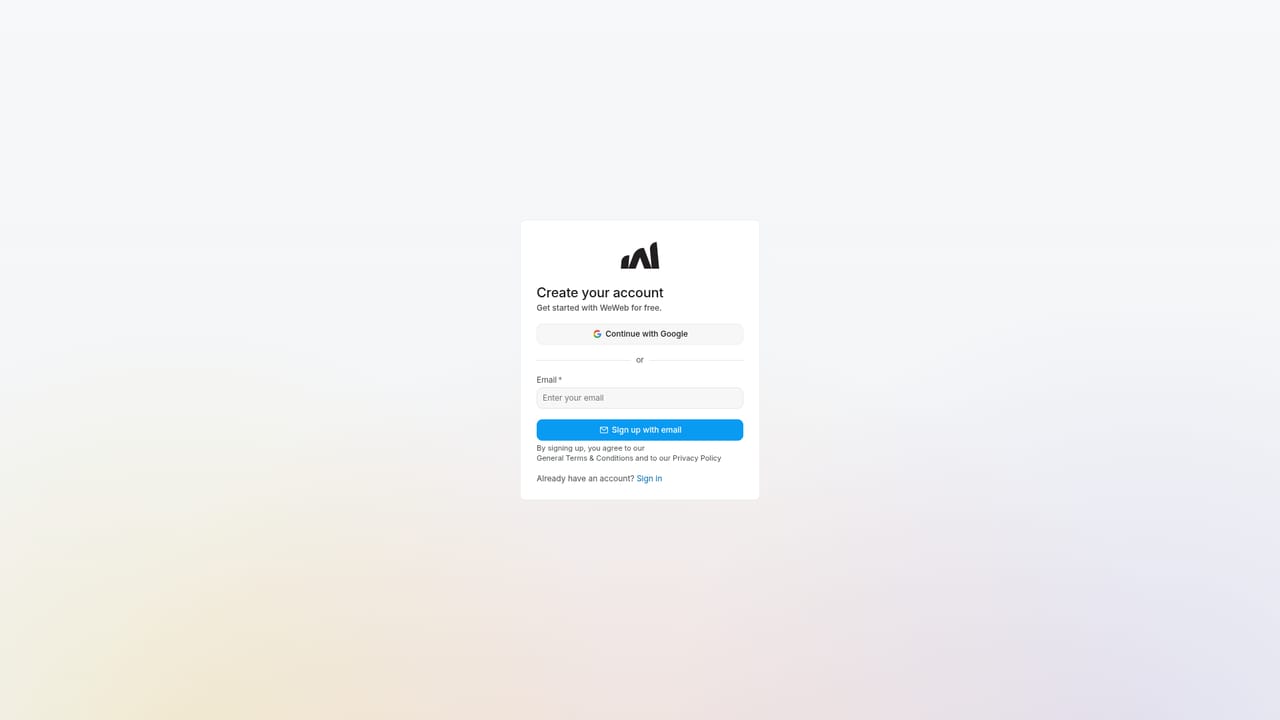
The homepage invites visitors to create a free account to start building, which points to a free entry tier rather than a time-limited trial. No trial length or paid plan detail is given on the homepage.
Learn moreThe homepage FAQ refers to supported integrations but does not name specific services or list them on the page. Confirm the current connector list with WeWeb before committing to a stack.
AI app generation from a prompt, including interfaces, databases, APIs and frontend logic. A drag-and-drop visual editor for pixel changes, styling and workflows with branching. One-click publishing to a global CDN, plus code export and self-hosting. Positioning covers internal tools, SaaS products and client portals, with customer stories across logistics, healthcare, recruitment, compliance and fintech.
 AI Angels400+ customizable AI girlfriends for NSFW chat, voice calls, and roleplay
 Candy AIExperience the future of companionship with AI friends who chat, role-play, and connect with you on a human level.
 ourdream.aiA vast AI roleplay platform with millions of characters for chat, images, video and voiceAI Angels400+ customizable AI girlfriends for NSFW chat, voice calls, and roleplayCandy AIExperience the future of companionship with AI friends who chat, role-play, and connect with you on a human level.ourdream.aiA vast AI roleplay platform with millions of characters for chat, images, video and voice


