Free trial
The writing tools and the roughly fifty utility tools can be used free without creating an account, so the product can be evaluated before any payment.
Learn moreRewrite, humanize and check AI text in one browser workspace

Word Spinner is an AI detector tool that rewrites humanize and check AI text in one browser workspace.
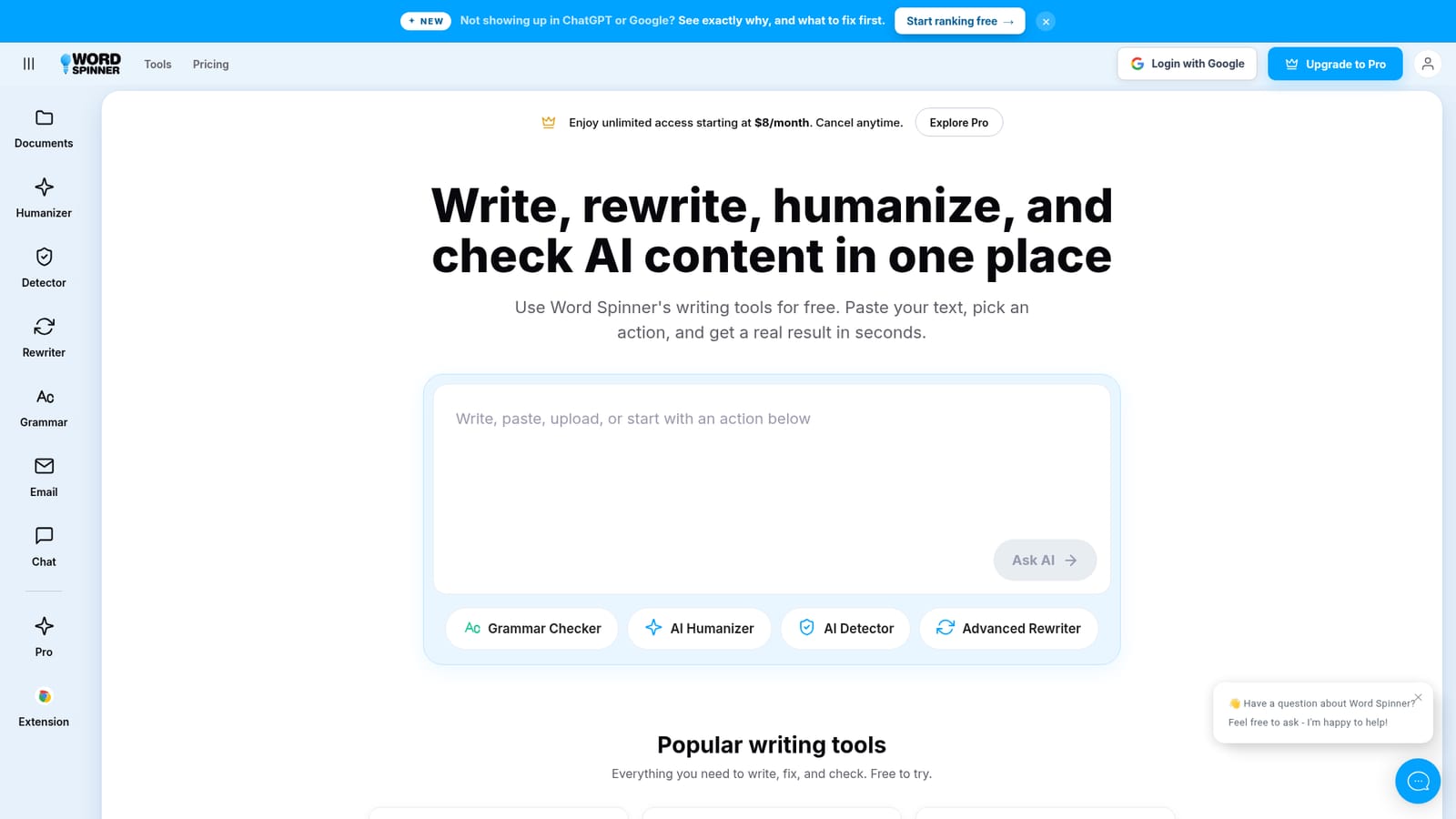
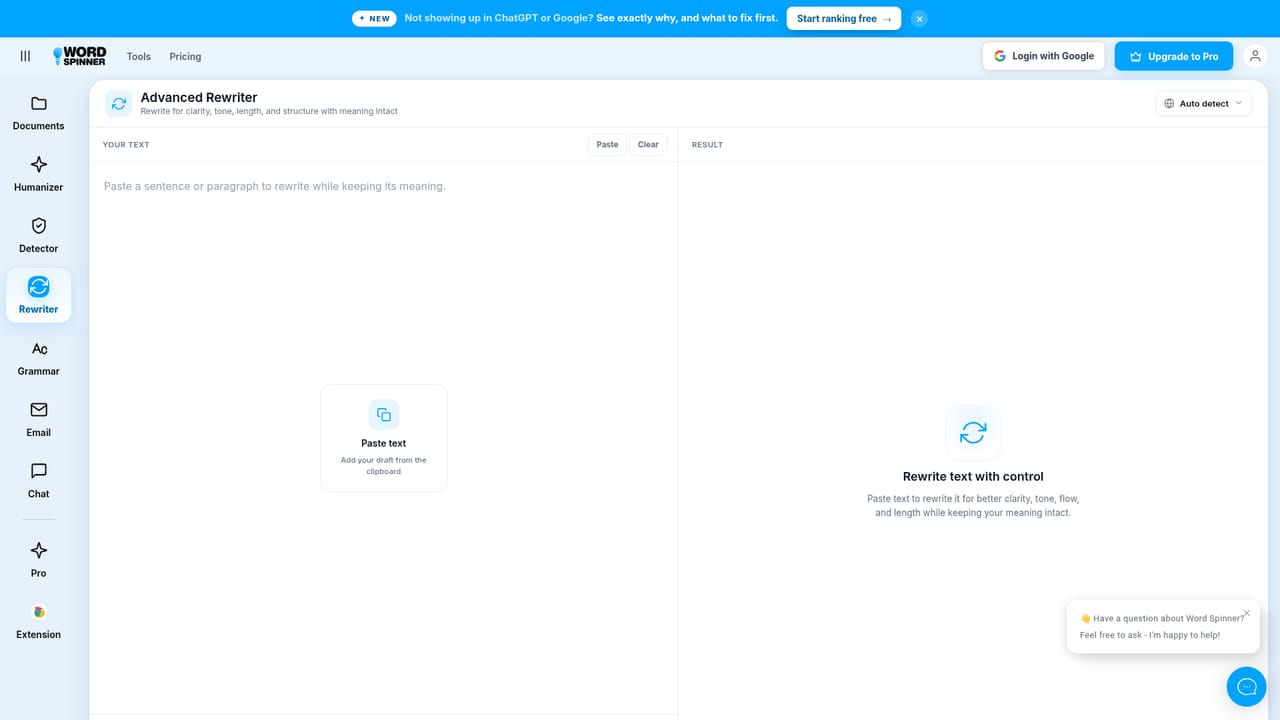
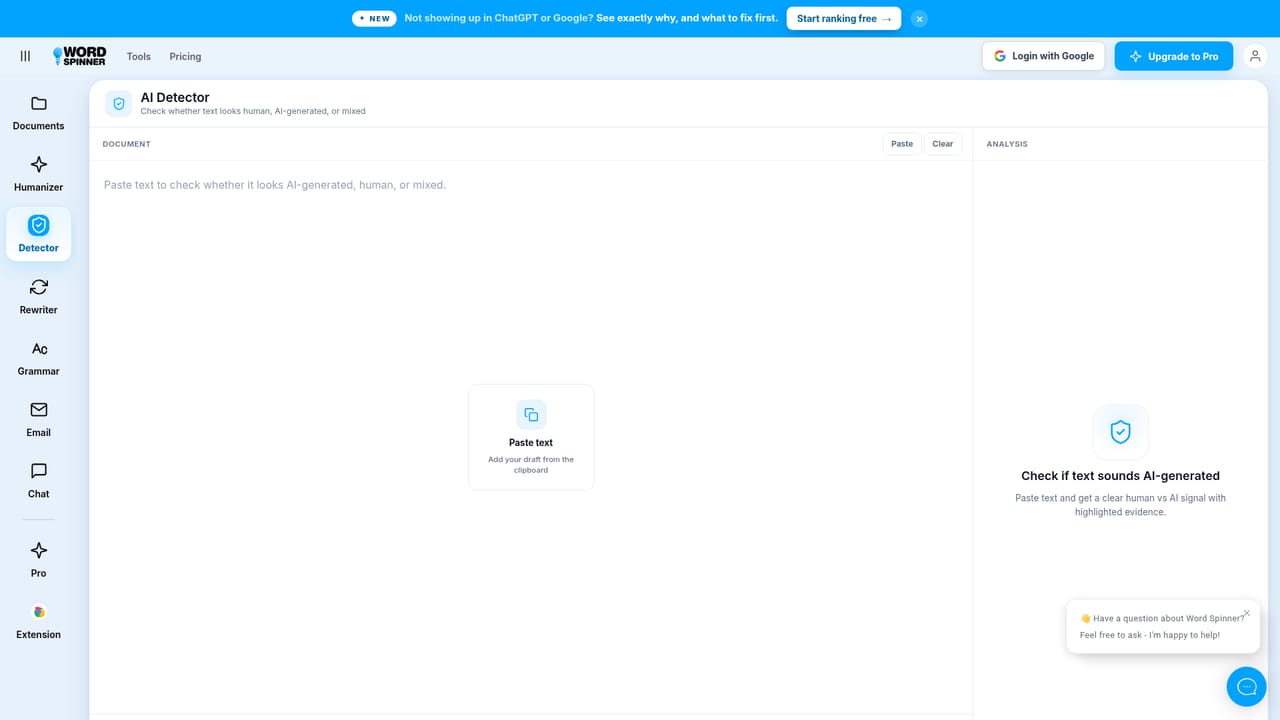
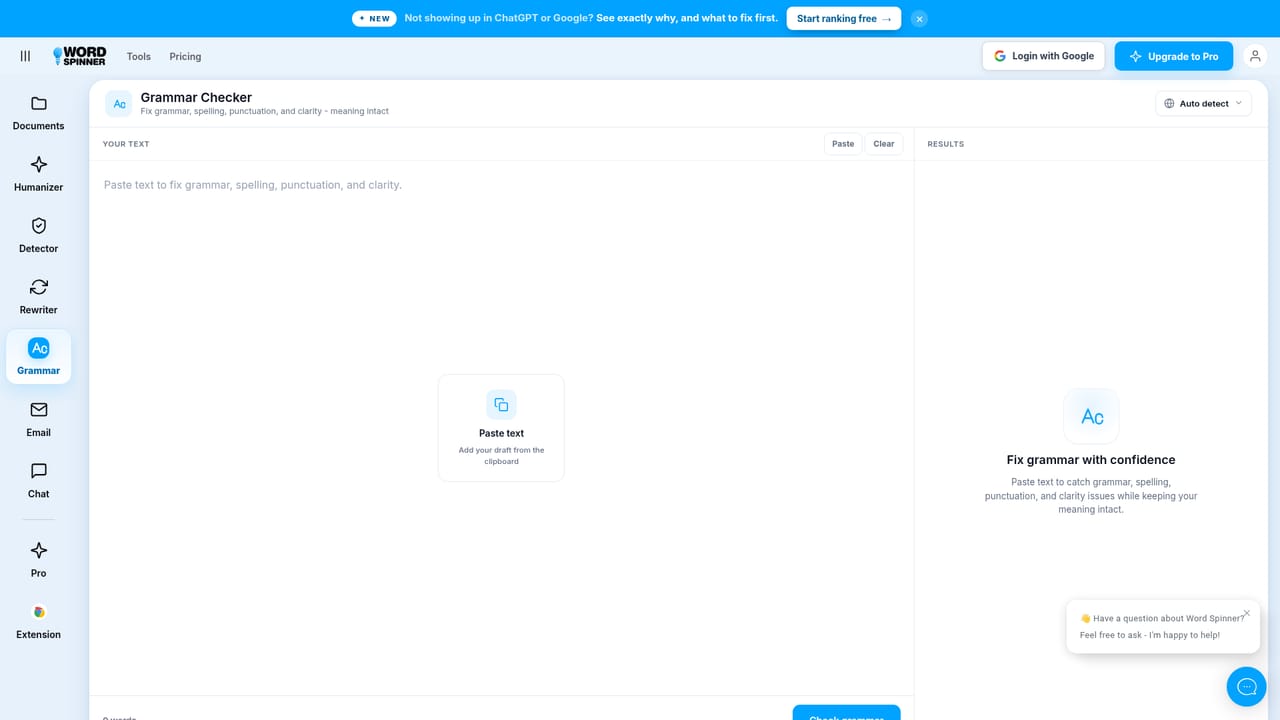
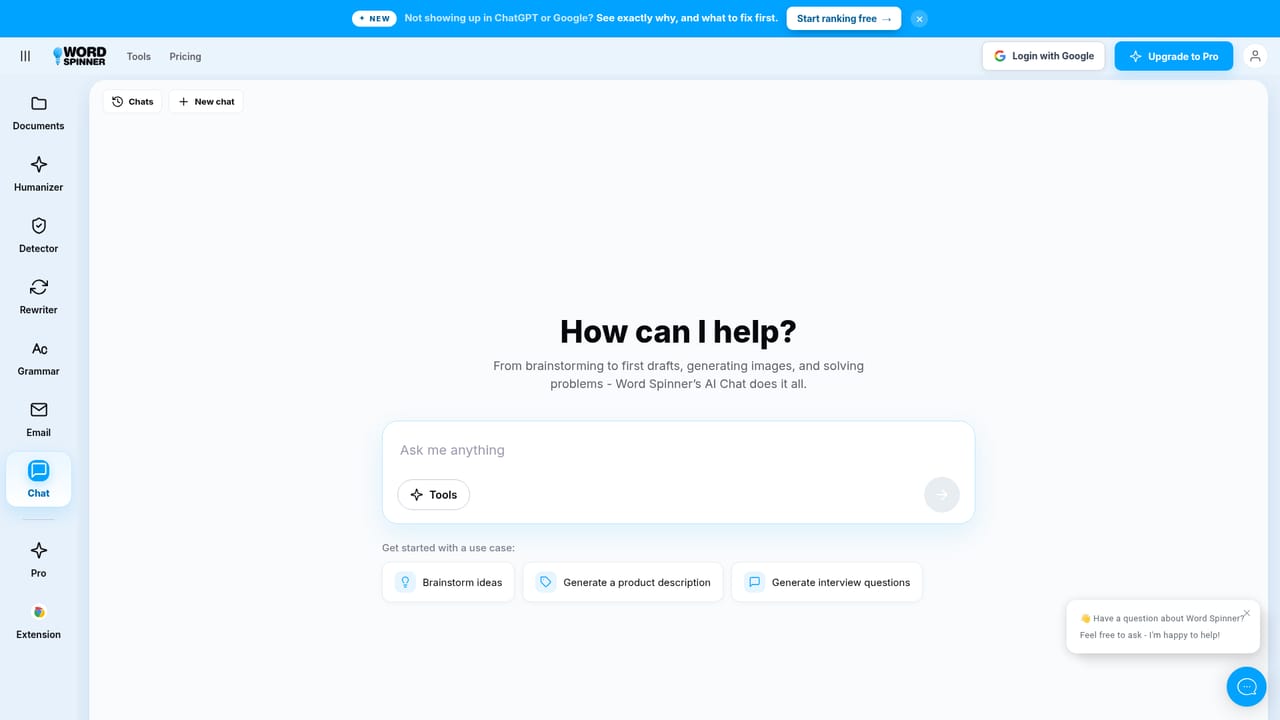
Word Spinner is a browser based writing workspace built around one core promise: paste text, pick an action, get a usable result in seconds. The suite is anchored by four main tools. The AI Humanizer rewrites machine generated copy so it reads more like a person wrote it. The AI Detector takes a block of text and returns a human versus AI signal. The Advanced Rewriter paraphrases in a mode you choose, and the Grammar Checker cleans up spelling, grammar and clarity. Alongside those sit an Email Generator that drafts a message, subject lines and a call to action from a short brief, plus an AI Chat panel for brainstorming and drafting through conversation. Word Spinner positions the chat and the editing tools as one continuous workflow, so notes can move into a conversation and then into a finished document without switching products. The product is aimed at people who write a lot but do not want a full document editor. Business owners use it for proposals, reports and updates. Job seekers use it to tighten resumes and tailor cover letters. Professionals and students use it to turn research notes into clean prose. A separate tools hub adds roughly fifty free utilities, most of them file converters (CSV, DOCX, Google Docs, HTML, JSON, Notion, PDF, RTF, XML, webpage) that output Markdown, plus a set of small generators and other helpers. Those utilities work without an account, which makes the site a reasonable stop for one off formatting jobs even if you never touch the writing assistant. The pricing model is generous at entry and simple at the top. The main tools are free to try with no signup, and a Pro tier is advertised from $8 per month with unlimited access and the option to cancel anytime. That places Word Spinner in the crowded AI humanizer and detector bracket next to dedicated single purpose services. Its differentiator is bundling: detection, humanizing, rewriting and grammar live in the same place as an email drafter and a chat assistant, so the same text can be checked and reworked repeatedly. Buyers should treat the human versus AI signal as a heuristic rather than a verdict, since detector output varies across vendors and no score guarantees how a third party platform will classify a piece of text. The absence of stated integrations and API access also means it suits individual writers more than teams wiring writing steps into an existing pipeline.
The writing tools and the roughly fifty utility tools can be used free without creating an account, so the product can be evaluated before any payment.
Learn moreFree access to the core writing tools with no signup required. A Pro plan is advertised from $8 per month for unlimited access, cancellable at any time. No other tiers or per seat pricing are described on the homepage.
Learn moreA live chat widget on the site offers to answer questions about Word Spinner directly. No documentation, ticket system or knowledge base is described on the homepage.
AI Humanizer for making machine text read naturally, AI Detector for a human versus AI signal, Advanced Rewriter with selectable rewrite modes, Grammar Checker for spelling, grammar and clarity, an Email Generator that produces a message plus subject lines and a call to action, and AI Chat for brainstorming and drafting. A separate tools hub adds about fifty free utilities, mostly converters (CSV, DOCX, Google Docs, HTML, JSON, Notion, PDF, RTF, XML, webpage) that output Markdown.
Learn more AI Angels400+ customizable AI girlfriends for NSFW chat, voice calls, and roleplay
 Candy AIExperience the future of companionship with AI friends who chat, role-play, and connect with you on a human level.
 ourdream.aiA vast AI roleplay platform with millions of characters for chat, images, video and voiceAI Angels400+ customizable AI girlfriends for NSFW chat, voice calls, and roleplayCandy AIExperience the future of companionship with AI friends who chat, role-play, and connect with you on a human level.ourdream.aiA vast AI roleplay platform with millions of characters for chat, images, video and voice


